

e‑shop
rezervace
Události
vyskakovat

Timegrid: Weekly Timetable
od
Weekly class timetable and schedule for any page
Zatím žádné hodnocení
Dostupné zdarma

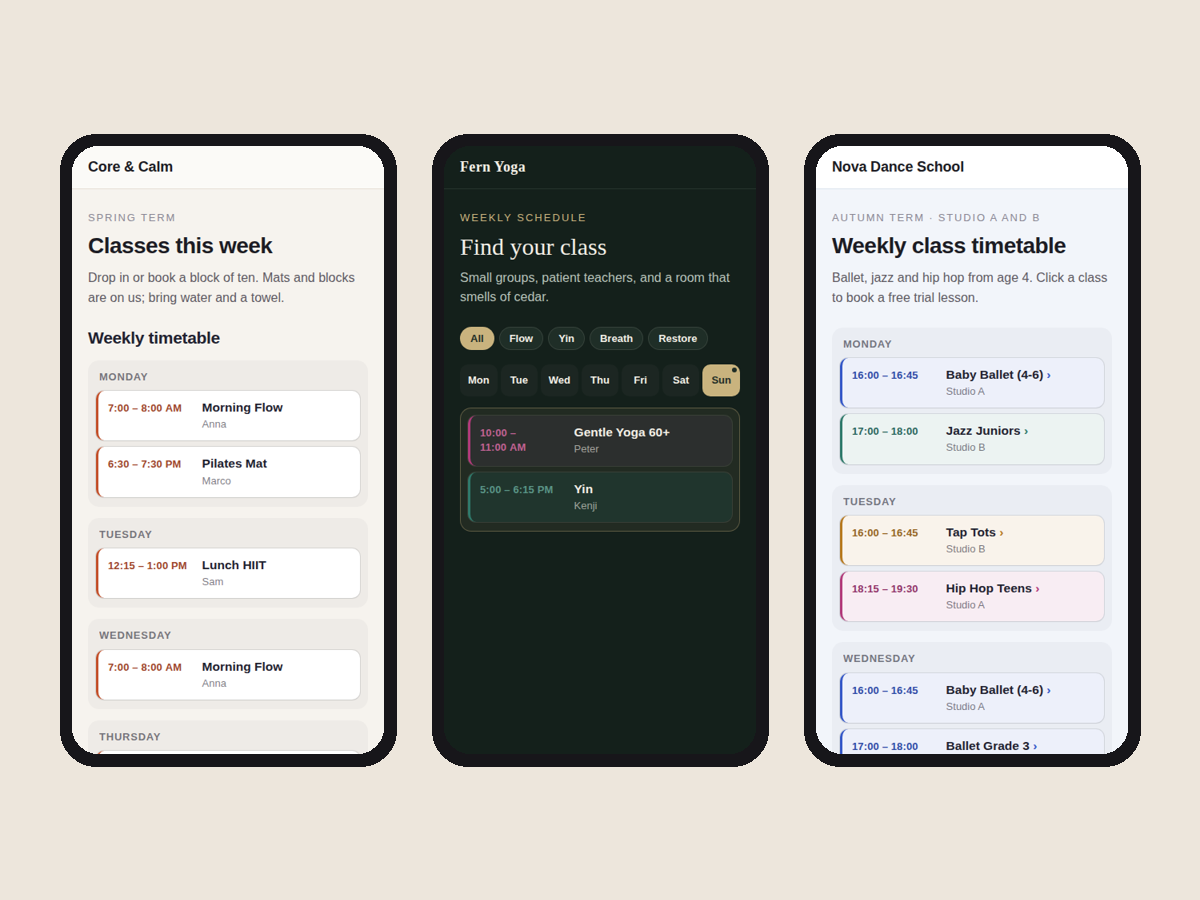
Přehled – Timegrid: Weekly Timetable
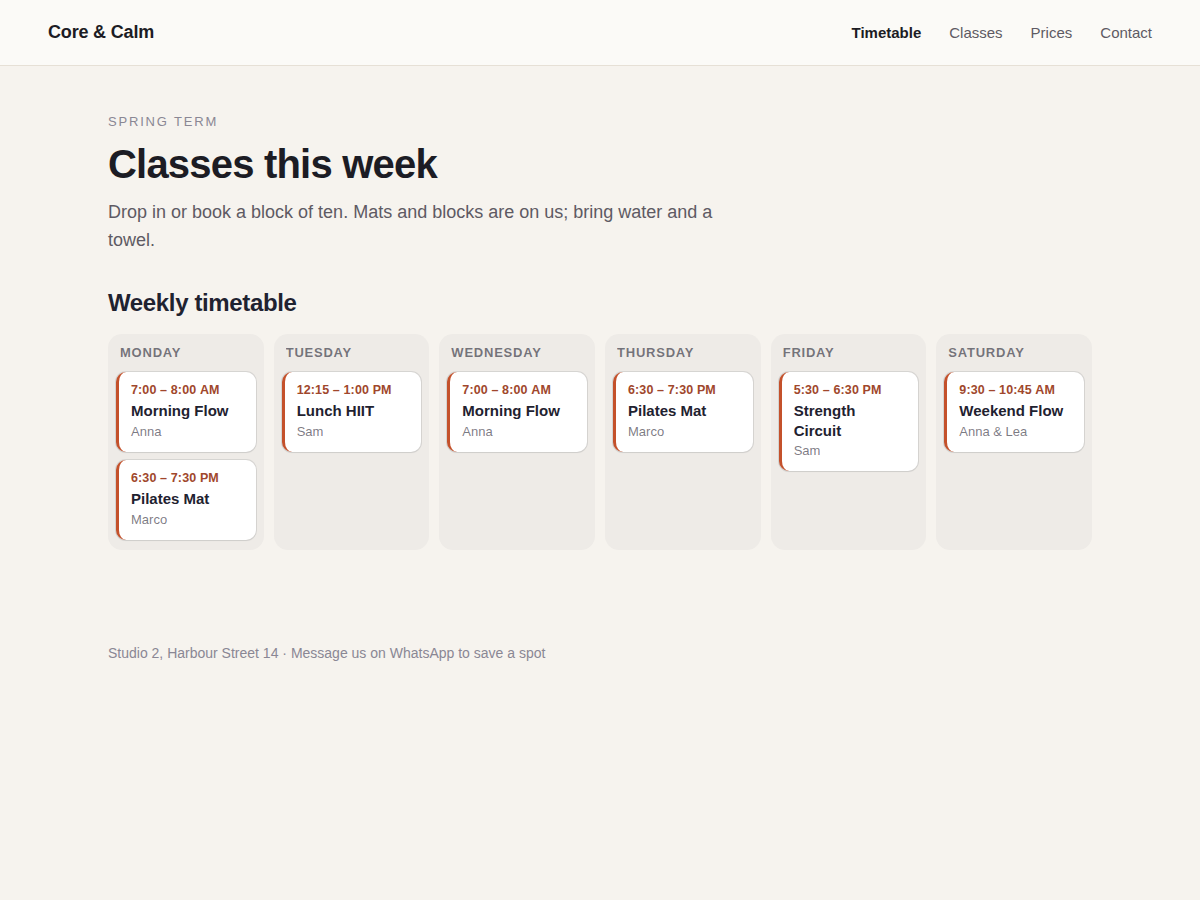
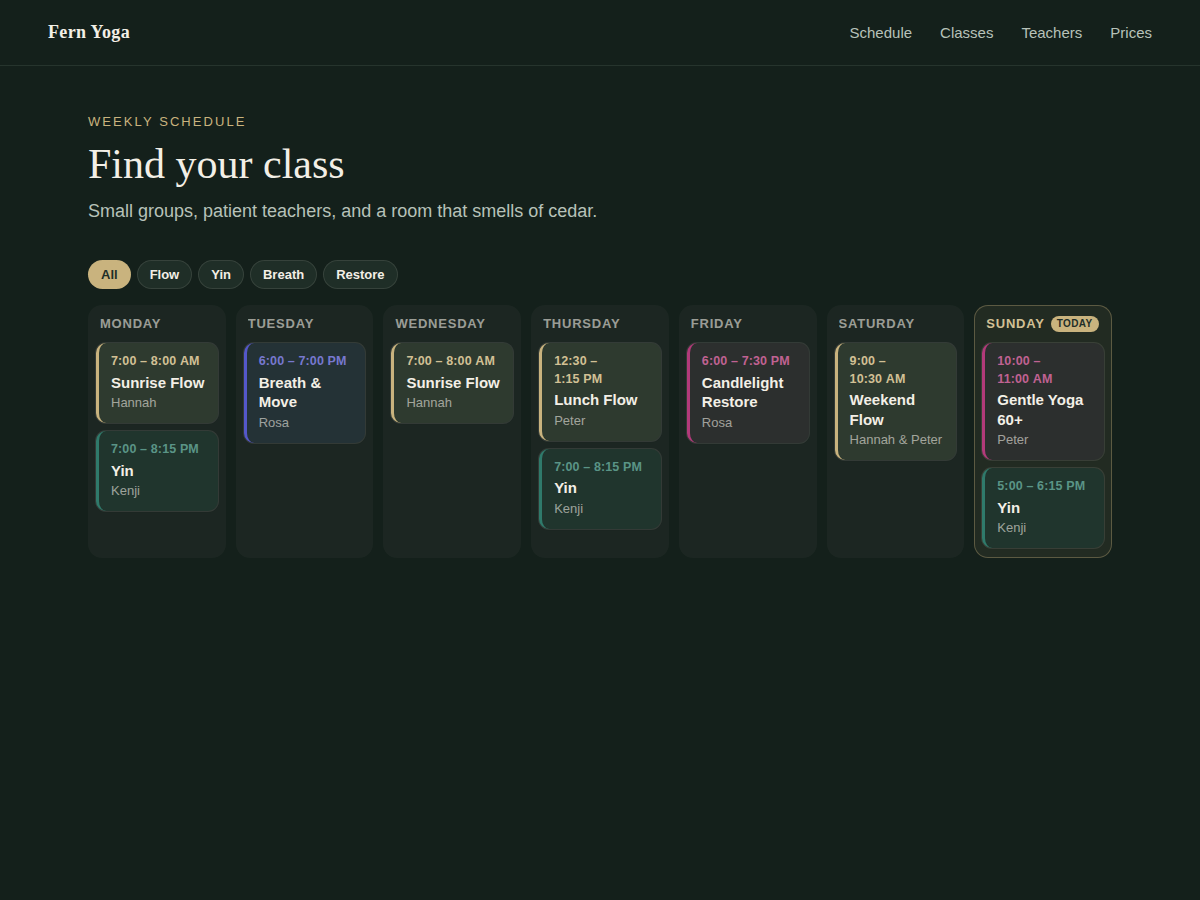
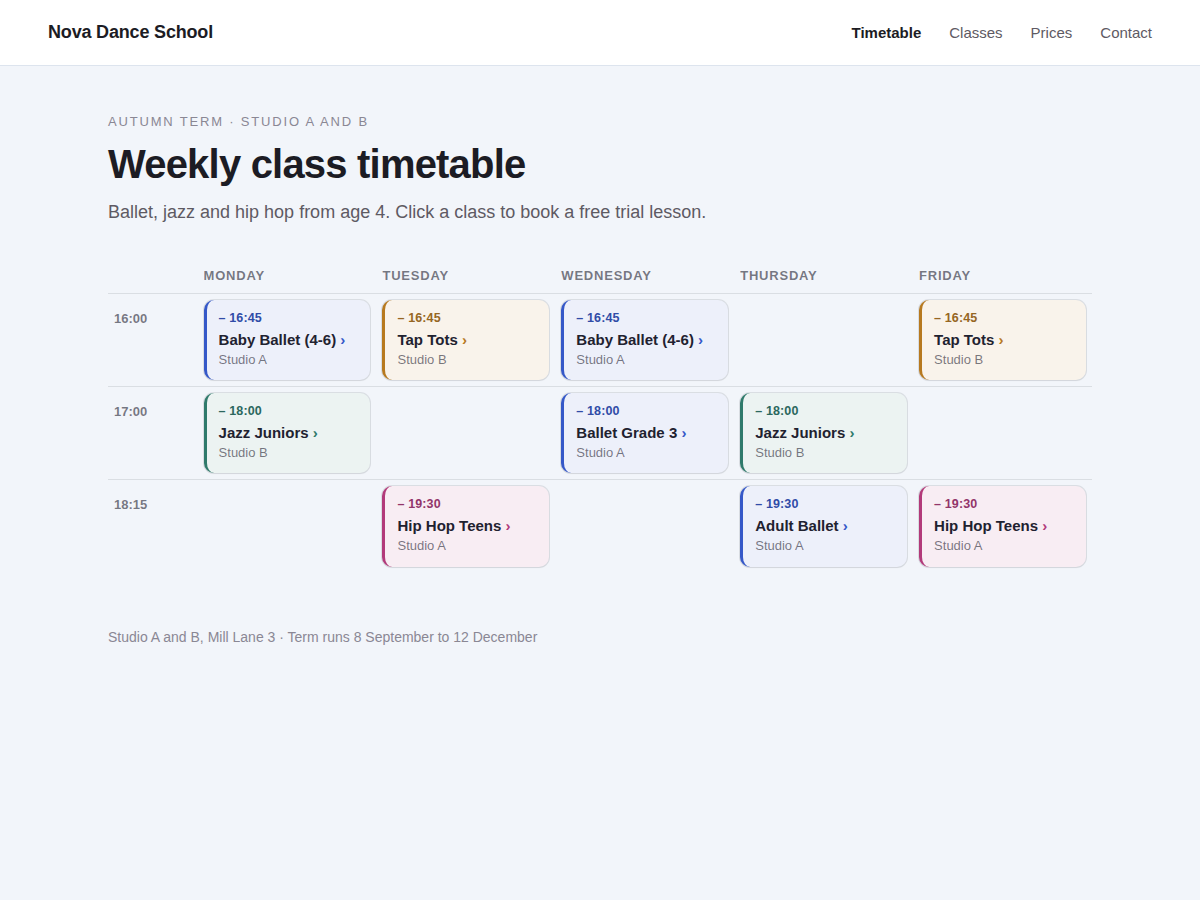
- Week of classes as day columns or a table
- Phones get a clear day-by-day list
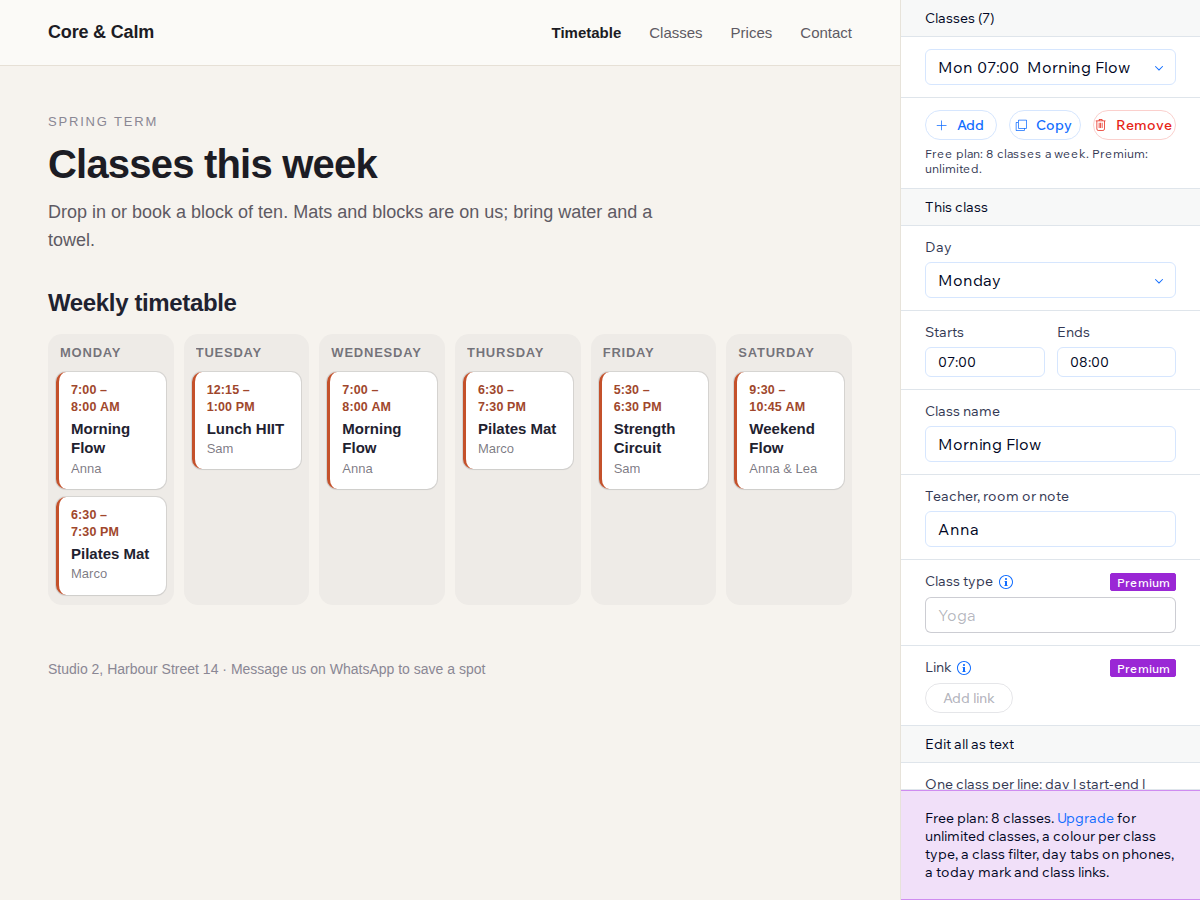
- Paste a whole week as text, one class per line
- Looks finished before you change a thing
Hodnocení & Recenze
Tato aplikace zatím nemá žádná hodnocení, buďte první, kdo ji ohodnotí.Ceny a plány
Plán Basic
Zdarma
Up to 8 classes a week
Day columns or table layout
12 or 24 hour times, your colours
No branding on your site
Plán Premium
$
4
00
/měsíc
Unlimited classes
Colour and filter by class type
Today mark and day tabs on phones
A link on each class
* Cena je v USD.