

e‑shop
rezervace
Události
vyskakovat

Substack Feed - Postlark
od
Substack and beehiiv posts with a sign-up box
Zatím žádné hodnocení
Dostupné zdarma

Přehled – Substack Feed - Postlark
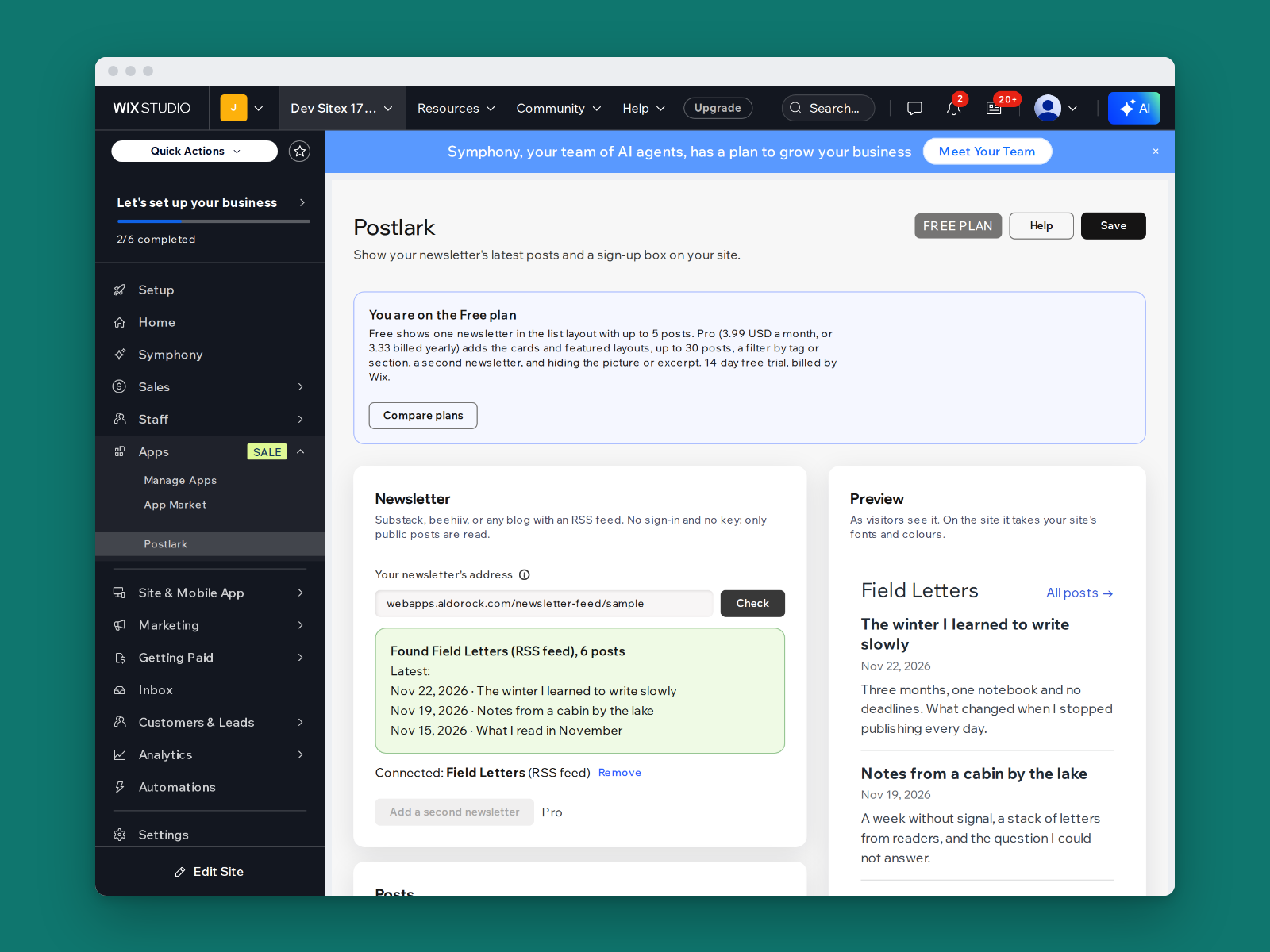
- Type your address and see at once what was found
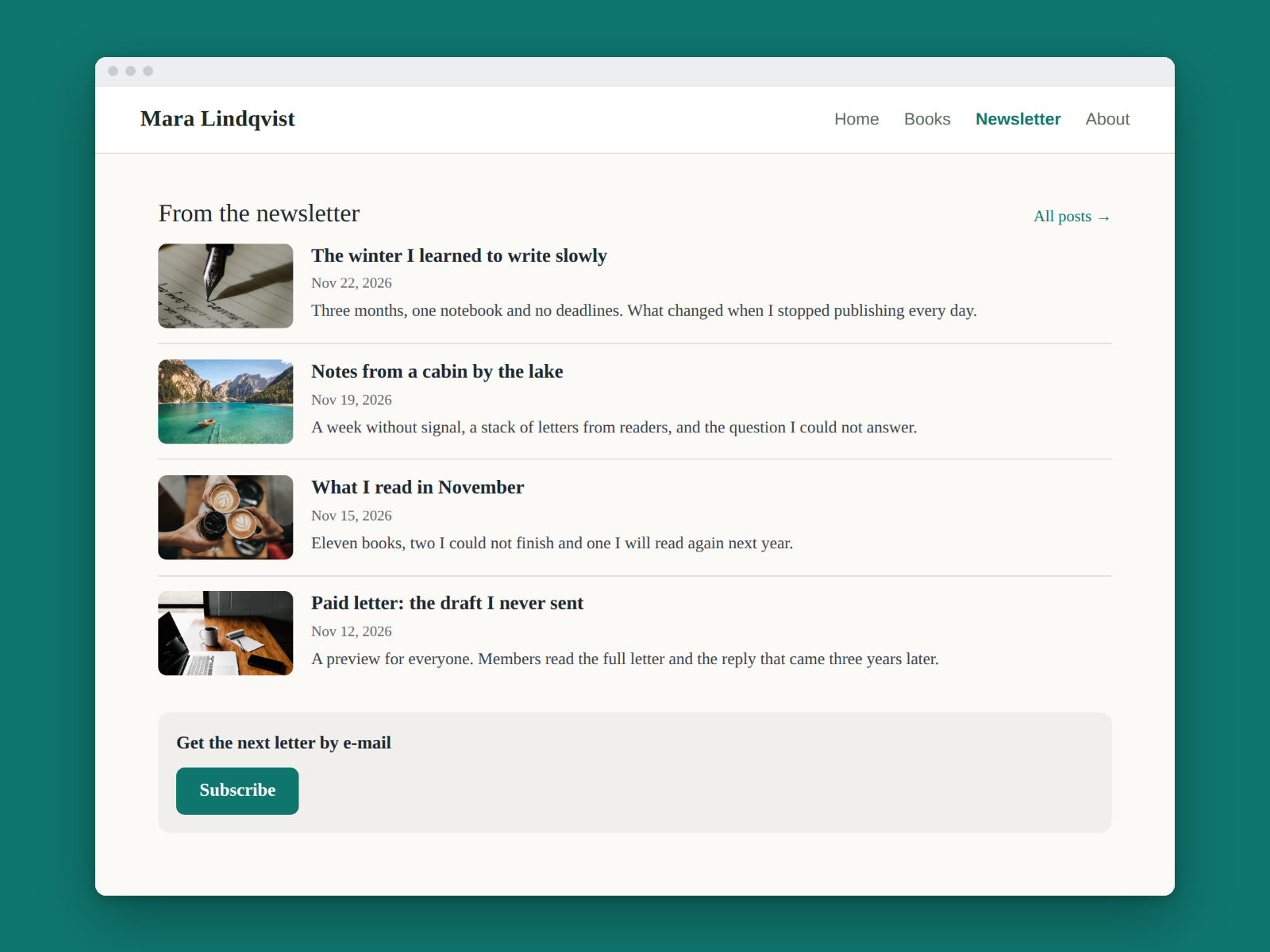
- Latest posts with pictures, in your site's fonts and colours
- Sign-up box using Substack's or beehiiv's own form
- Plain-words help when a feed cannot be read
Hodnocení & Recenze
Tato aplikace zatím nemá žádná hodnocení, buďte první, kdo ji ohodnotí.Ceny a plány
Plán Free
Zdarma
One newsletter, list layout, up to five posts, sign-up box
Plán Pro
$
3
33
/měsíc
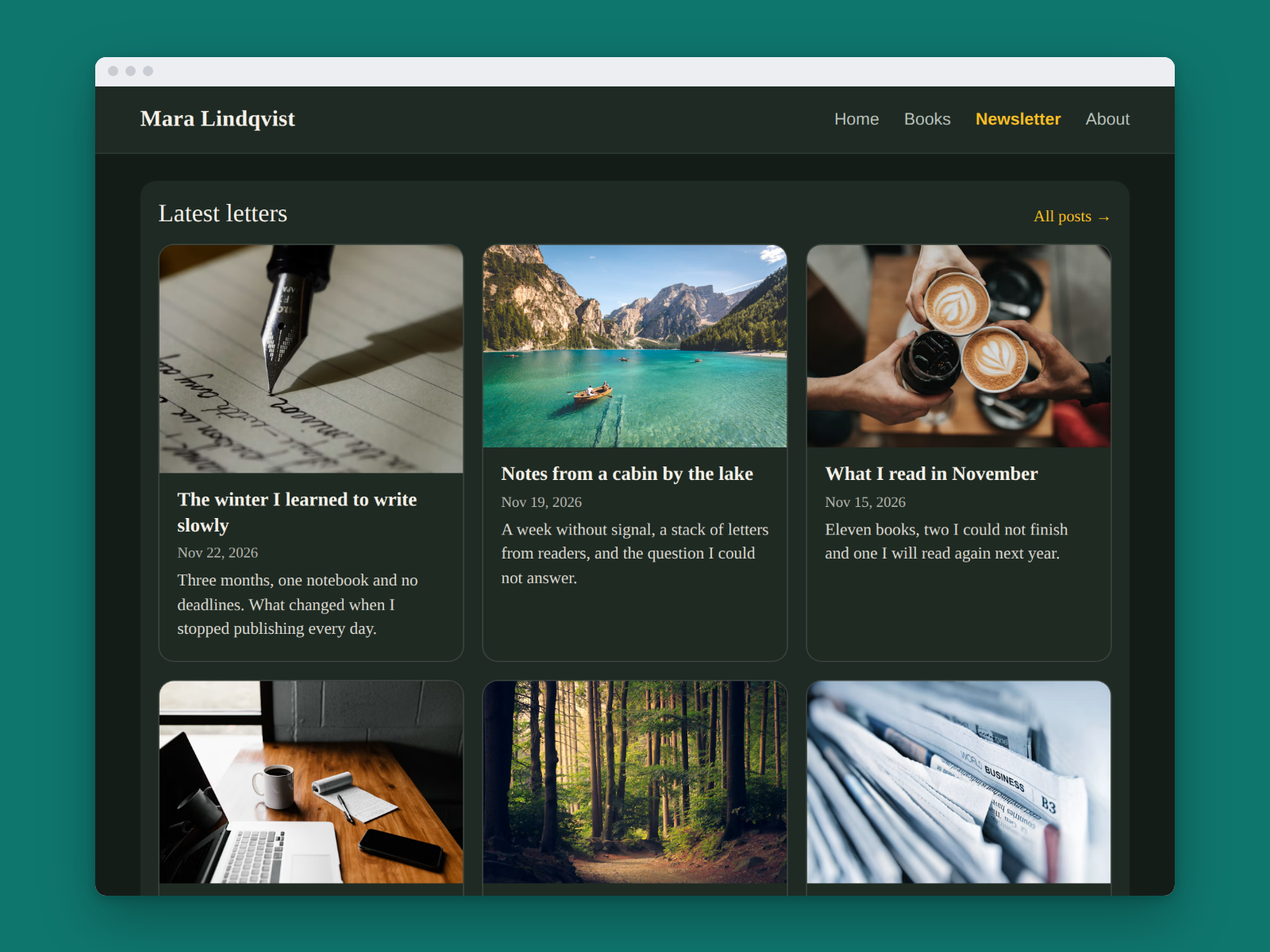
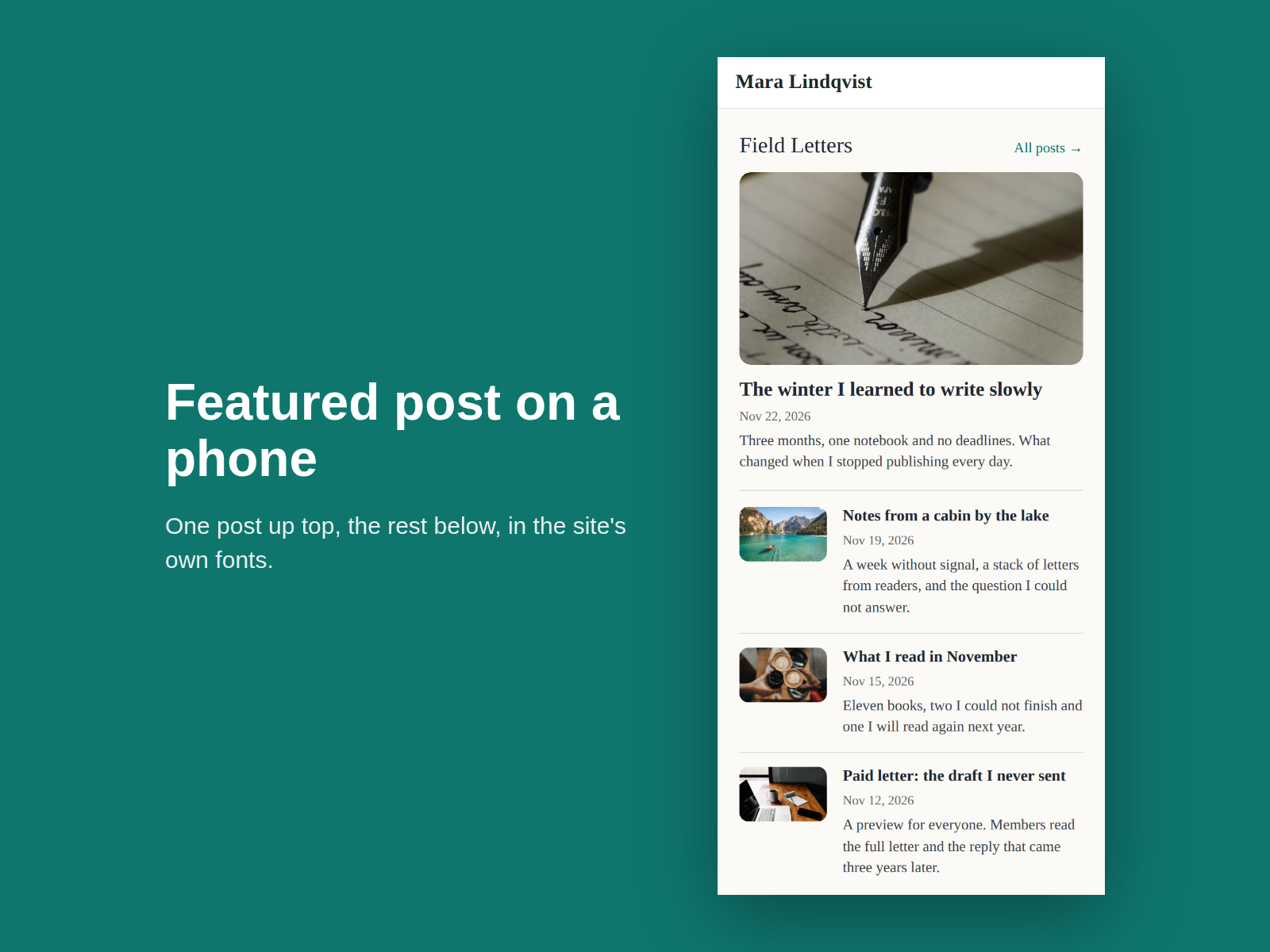
Cards and featured-post layouts
Up to 30 posts and a second newsletter
Show only posts with chosen tags or sections
Hide the cover picture or the excerpt
* Cena je v USD.