

e‑shop
rezervace
Události
vyskakovat

Shop the Look: Lookbook Images
od
Shoppable lookbook photos with live store prices
Zatím žádné hodnocení
Dostupné zdarma

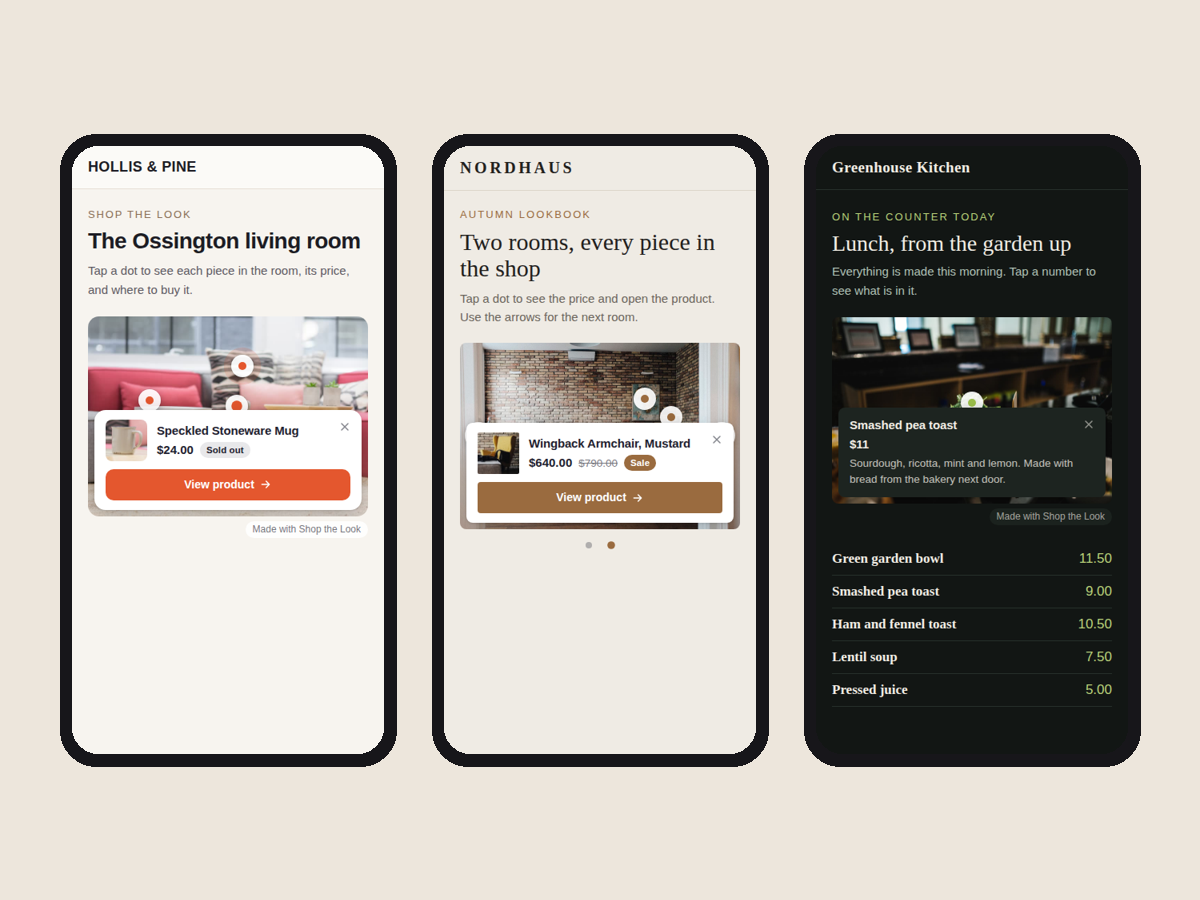
Přehled – Shop the Look: Lookbook Images
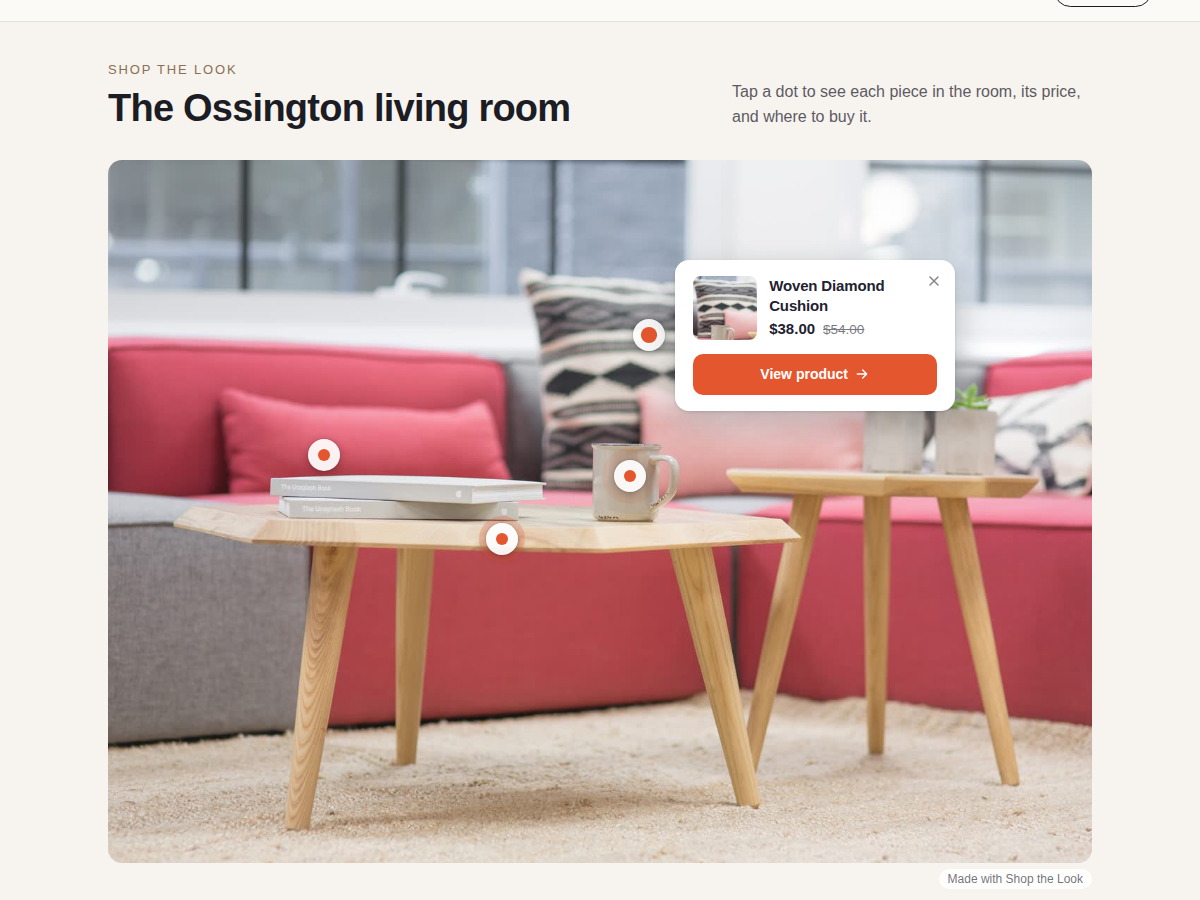
- Pin your store products on any photo
- Cards show live price, sale price and stock
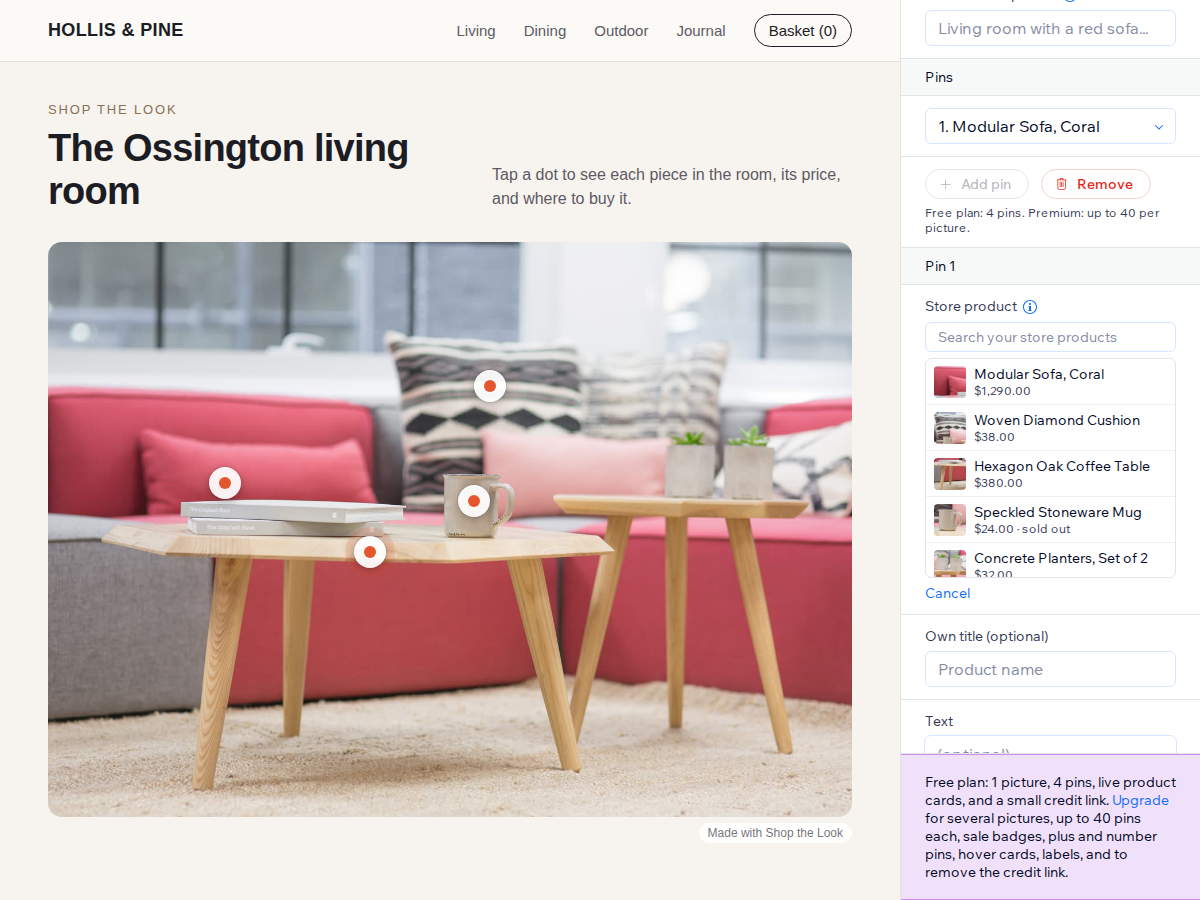
- Pick products from a search box in Settings
- Own titles, prices and links without a store
Hodnocení & Recenze
Tato aplikace zatím nemá žádná hodnocení, buďte první, kdo ji ohodnotí.Ceny a plány
Plán Basic
Zdarma
1 picture, up to 4 pins
Live store product cards
Own titles, prices and links
Small credit link
Plán Premium
$
4
00
/měsíc
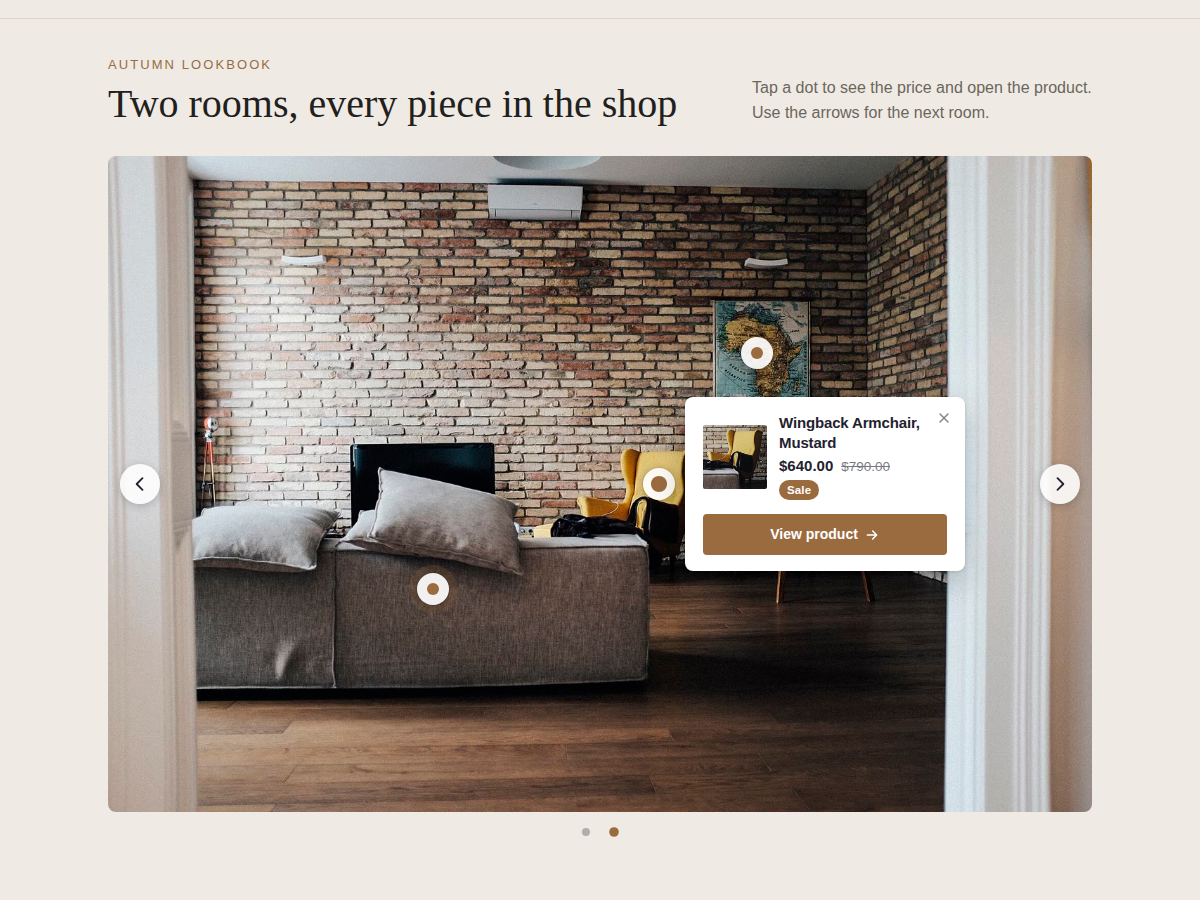
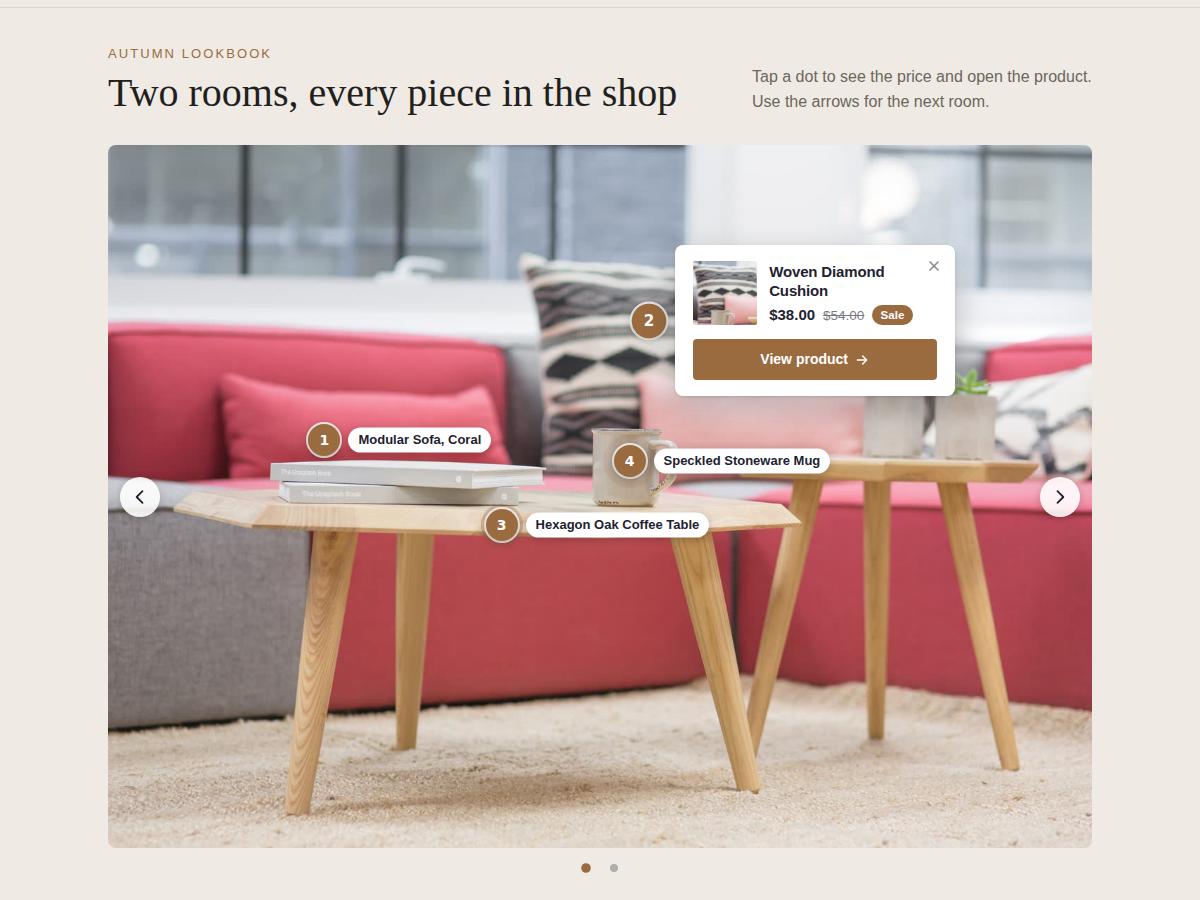
Several pictures with arrows
Up to 40 pins per picture
Sale badge, plus and number pins
Remove the credit link
* Cena je v USD.