

e‑shop
rezervace
Události
vyskakovat
Click & Collect
od
Store pickup with days, windows and limits
Zatím žádné hodnocení
Dostupné zdarma

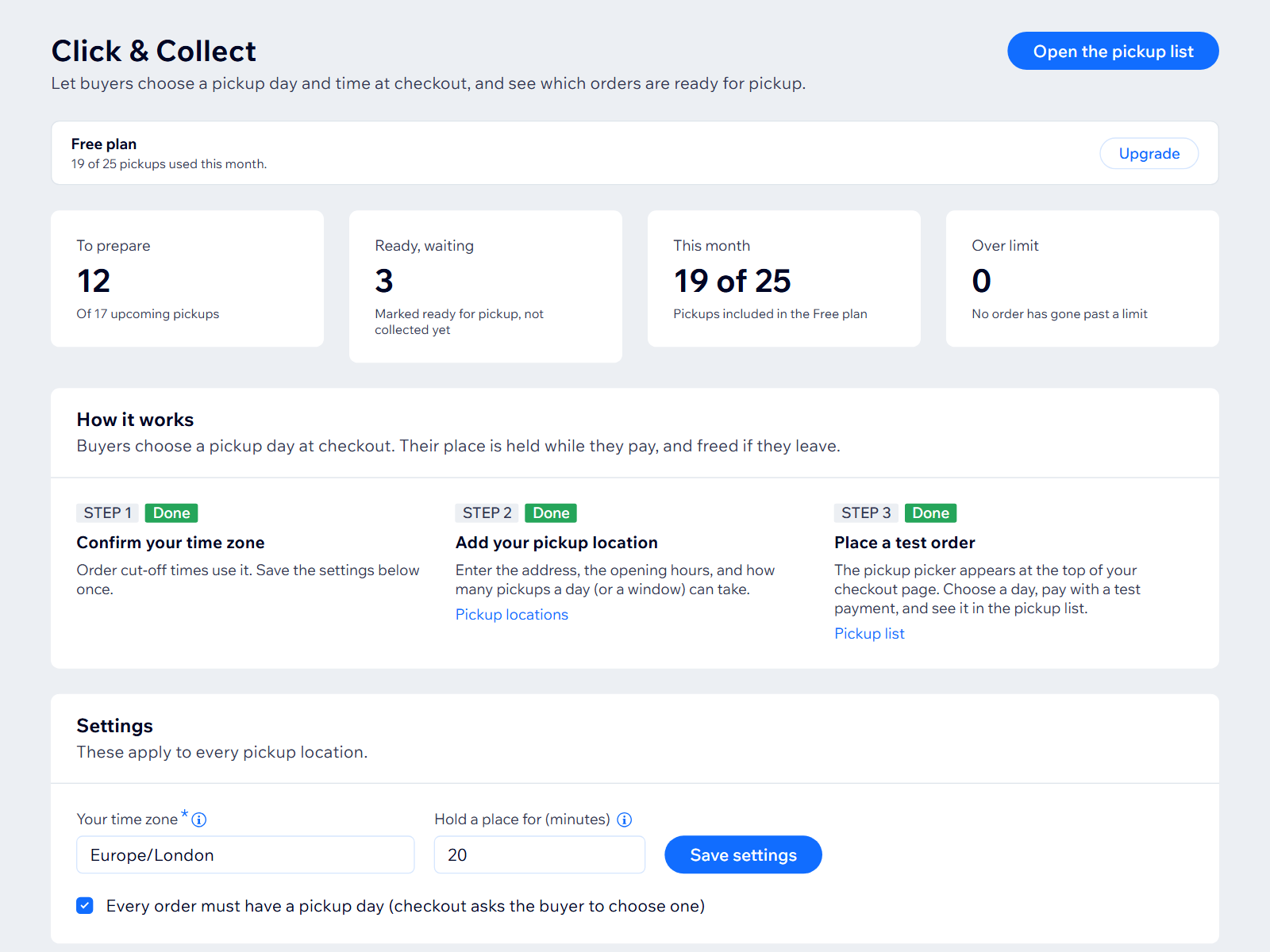
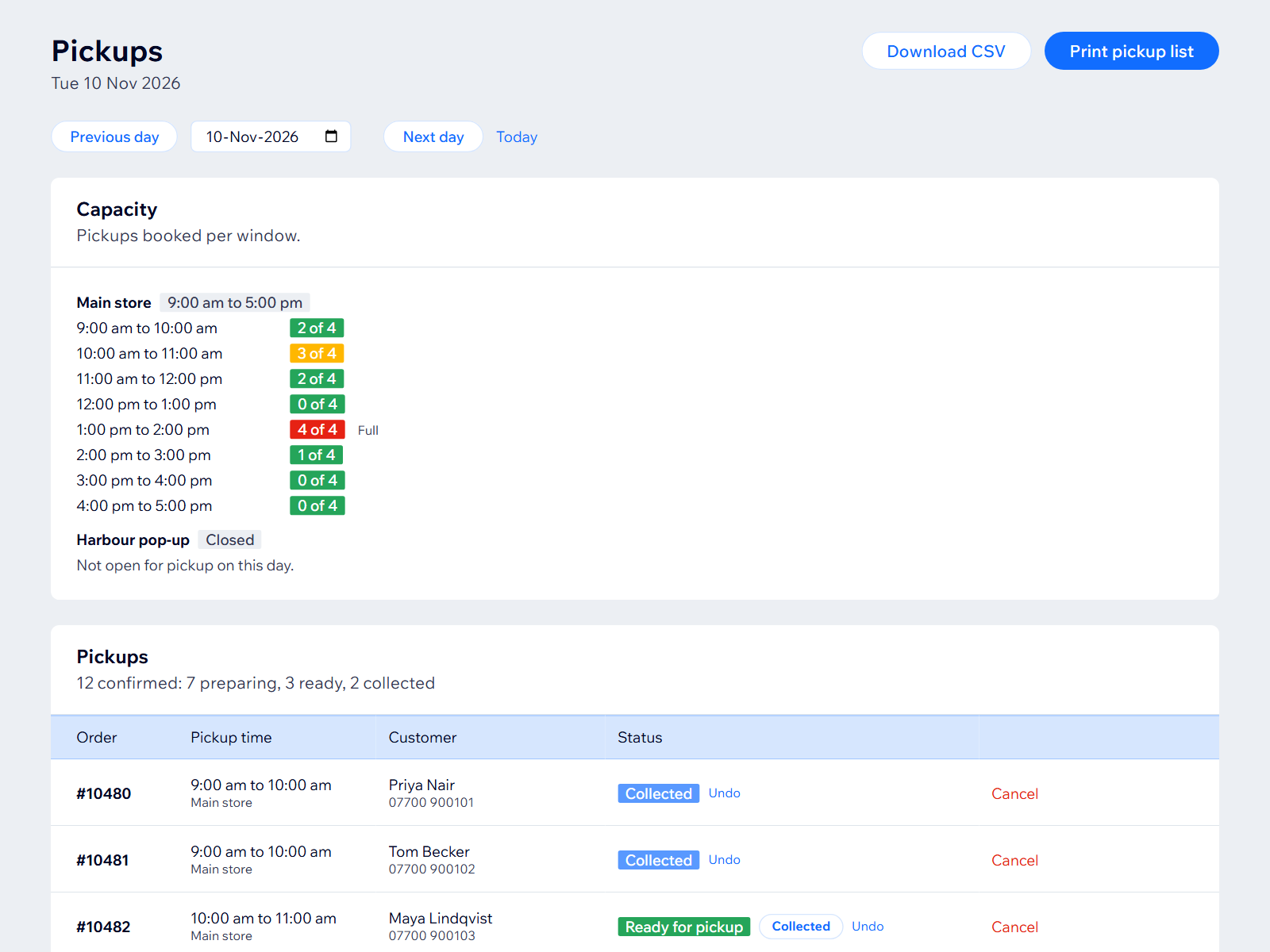
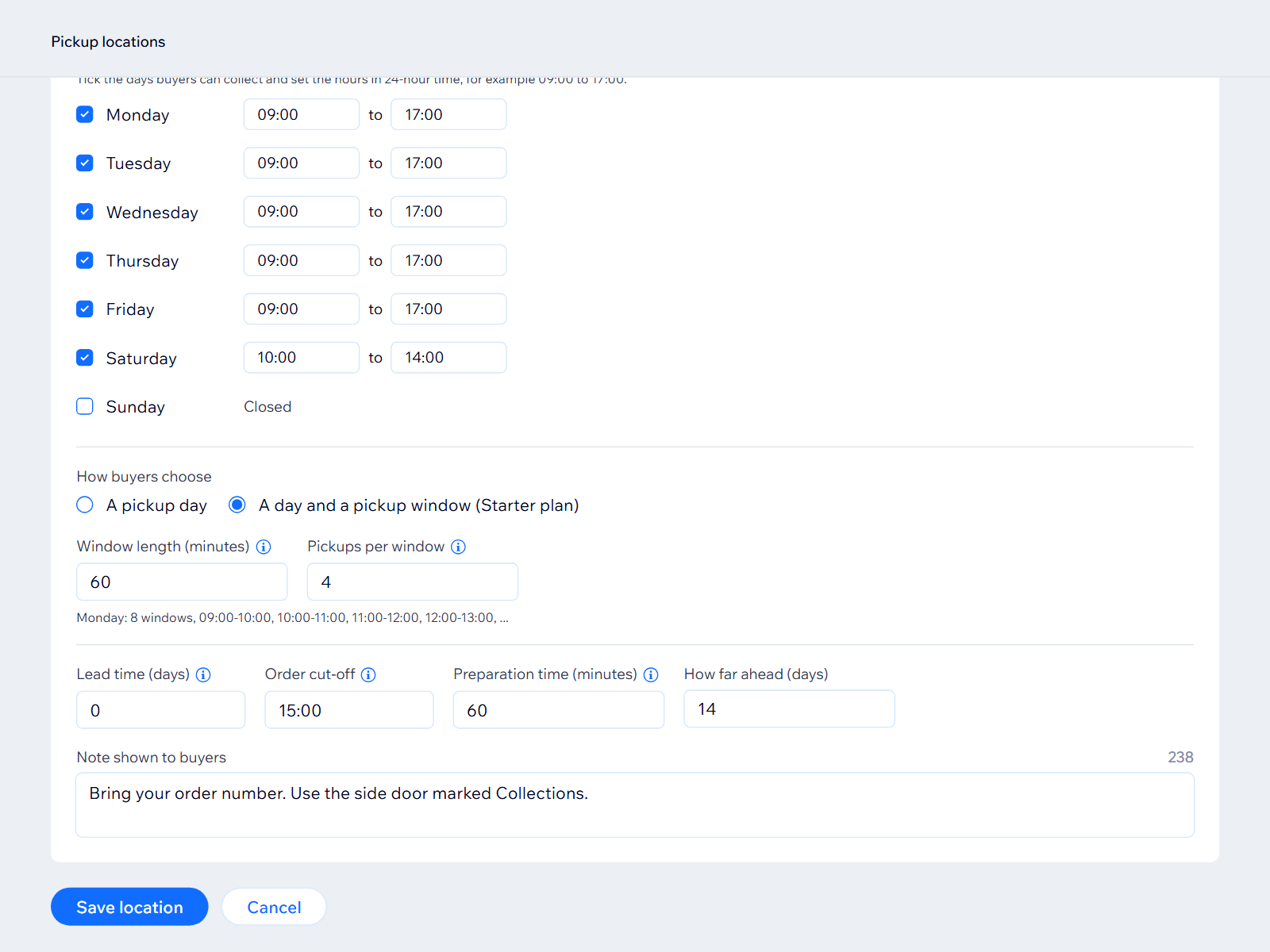
Přehled – Click & Collect
- Buyers pick a location and day at checkout
- Opening hours, cut-off, prep time and days off
- Limit per day or pickup window
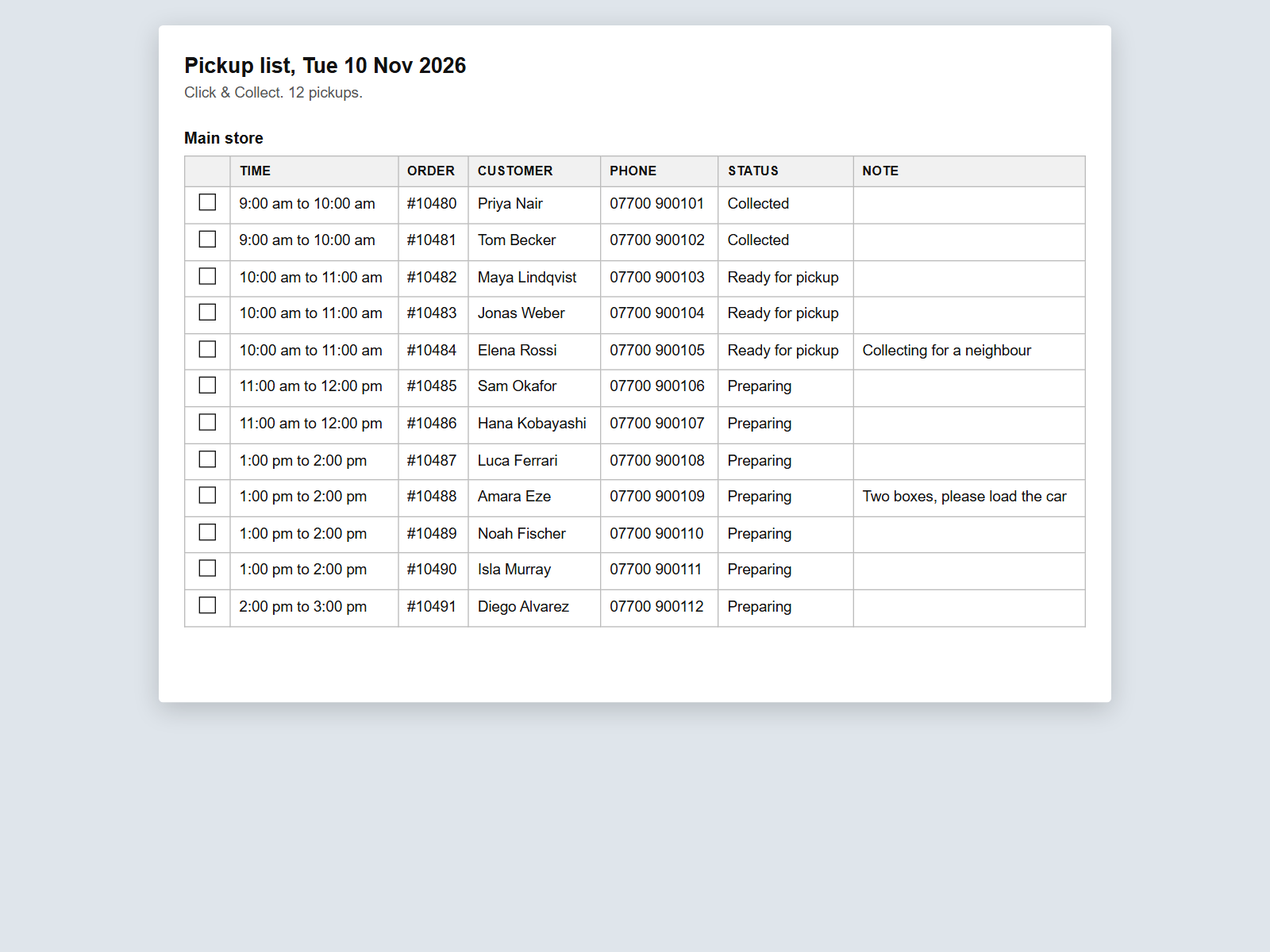
- Ready for pickup and Collected status
Hodnocení & Recenze
Tato aplikace zatím nemá žádná hodnocení, buďte první, kdo ji ohodnotí.Ceny a plány
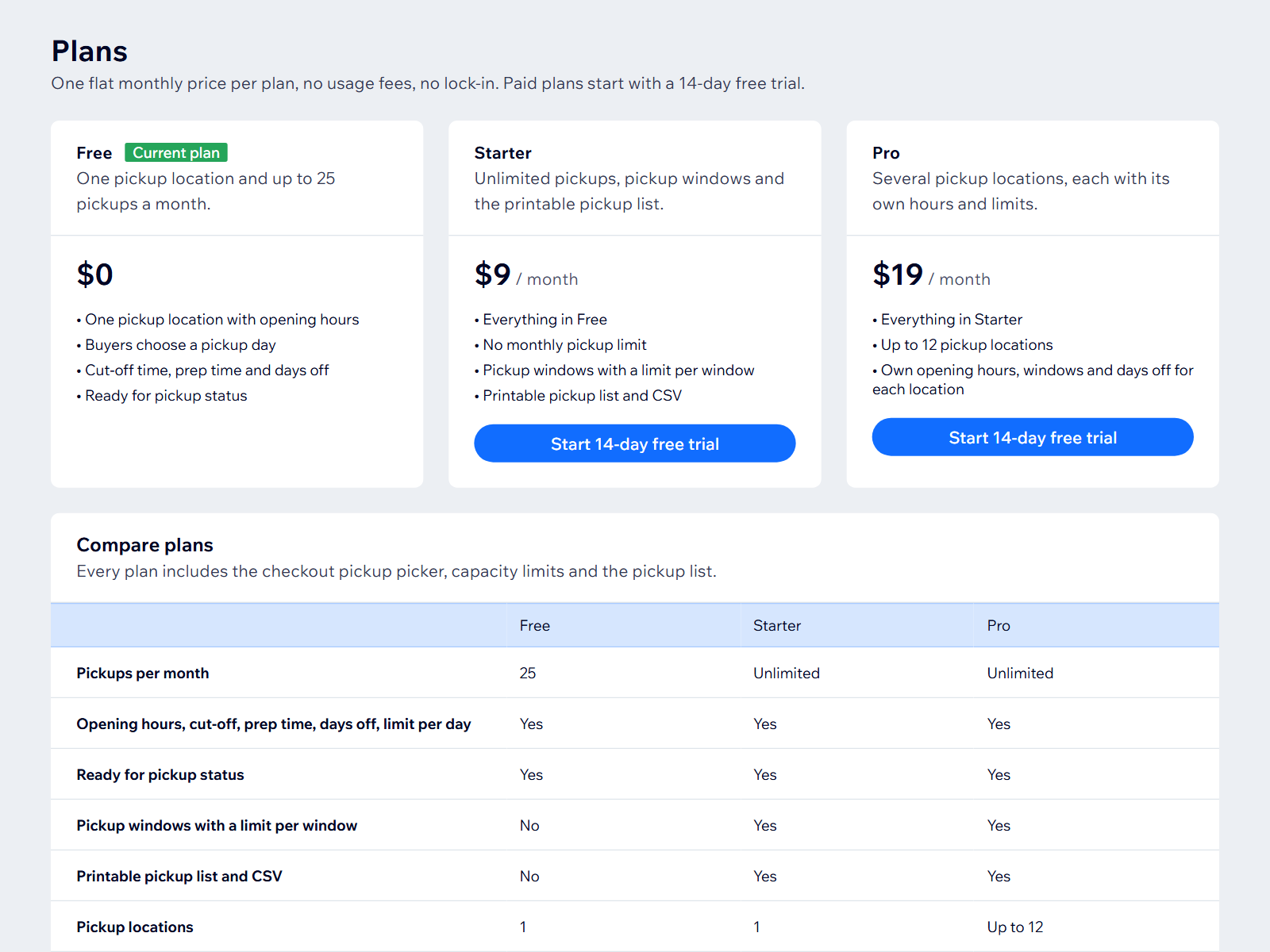
Plán Basic
Zdarma
1 location, 25 pickups a month
Choose a pickup day at checkout
Ready for pickup status
Plán Starter
$
9
00
/měsíc
Unlimited pickups
Pickup windows with limits
Printable pickup list and CSV
Plán Pro
$
19
00
/měsíc
Everything in Starter
Up to 12 pickup locations
Own hours and limits per location
* Cena je v USD.