Process returns and exchanges straight from the order page
Replacement orders created automatically, with payment links for extra charges
Choose what goes back into stock when items arrive
Track every return, refund and payment in one place
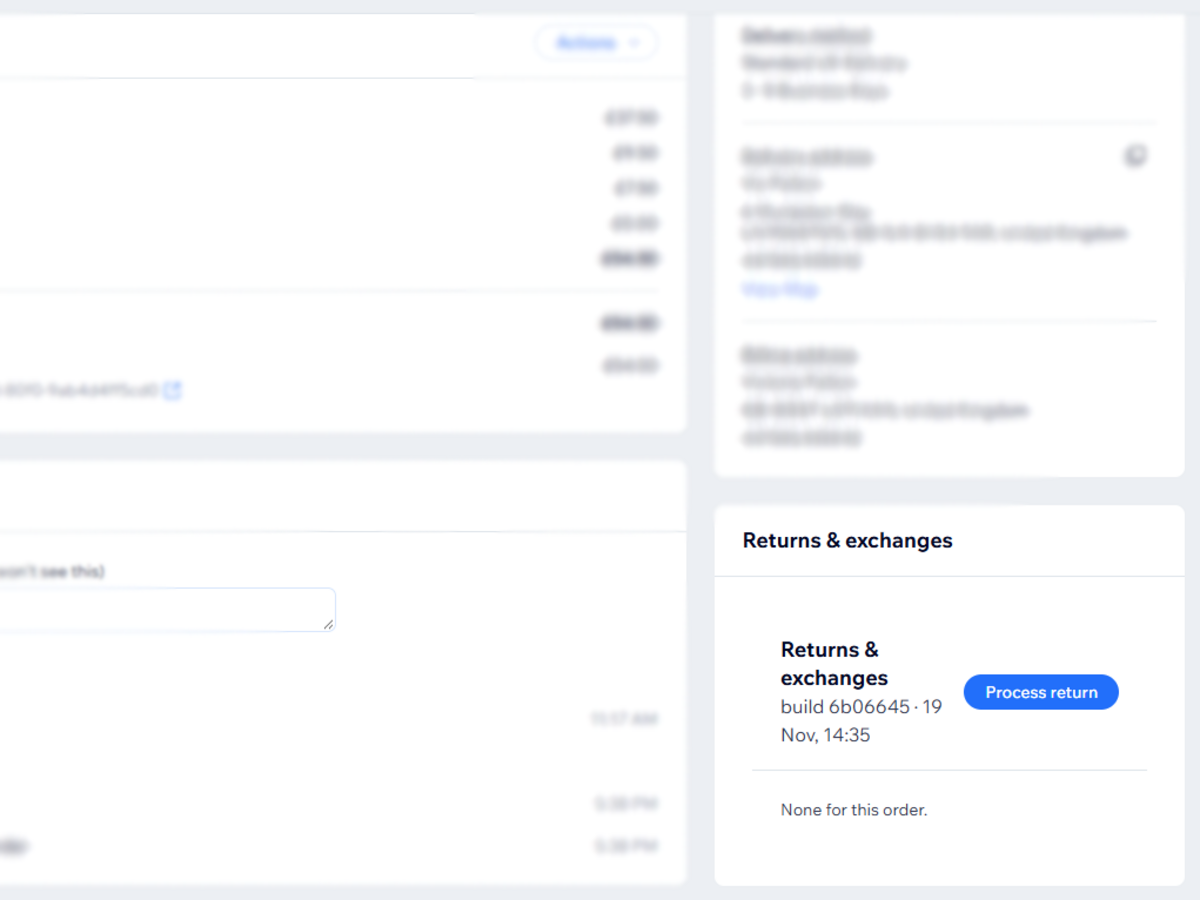
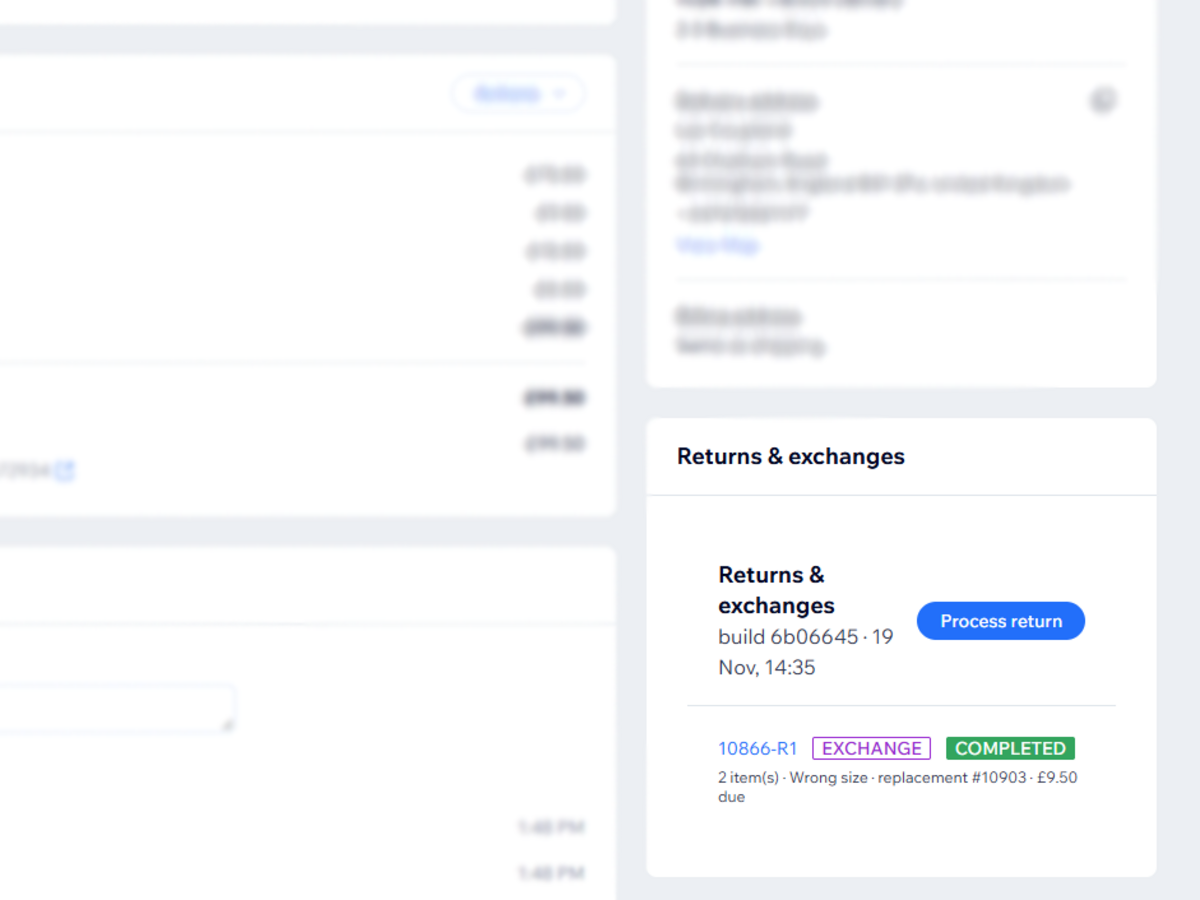
Handle returns and exchanges for any order without leaving your dashboard. Open an order, click Process return, choose the items coming back and the reason, and the app takes care of the rest.
For refunds, it records what’s owed and keeps it on your to-do list until you mark it done. For exchanges, search your catalogue for the replacement size or colour and the app creates a new linked order that goes through your normal fulfilment, so nothing gets missed. Add a price difference or postage charge and a payment link is created for you to send the customer, with payment status tracked automatically.
When the parcel arrives, mark it received and choose what goes back into stock. Damaged items can be left out.
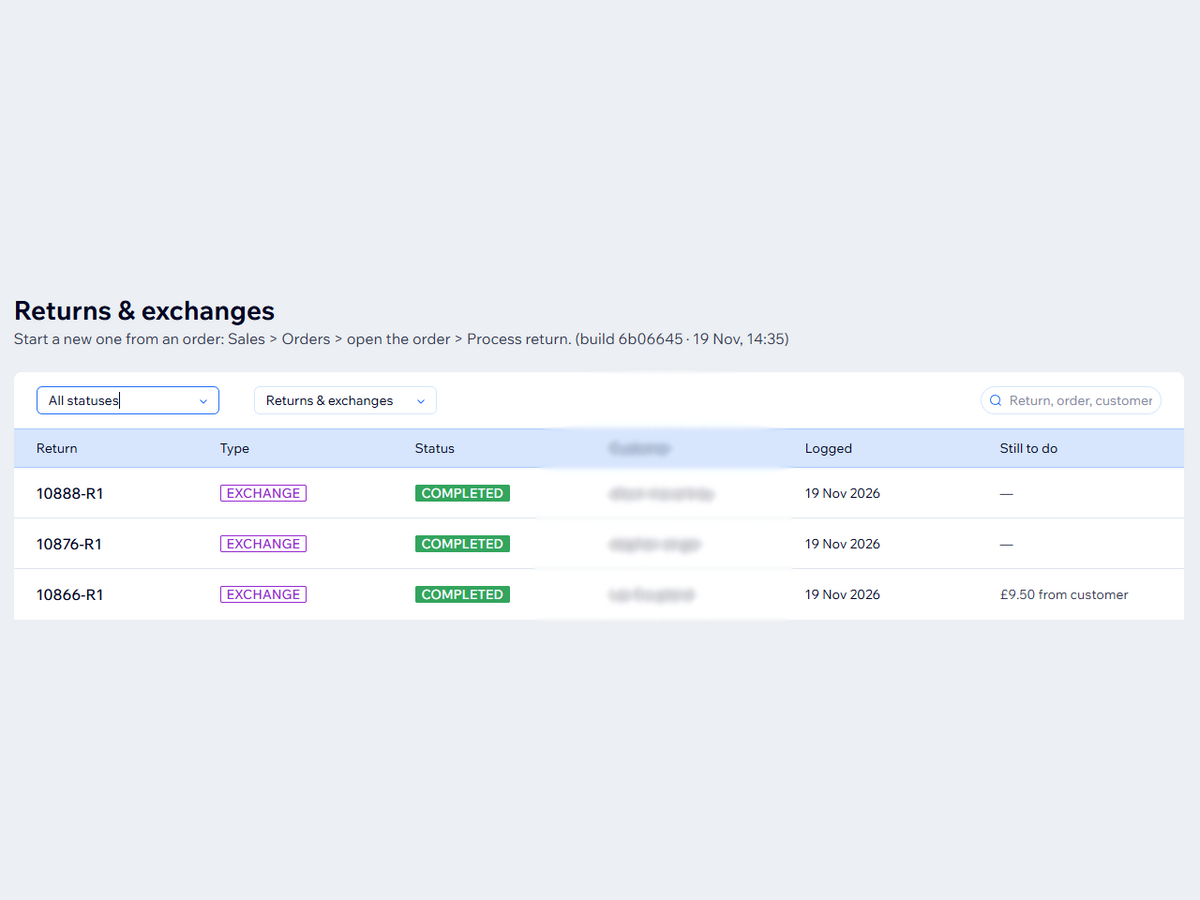
Every return keeps a dated history and can be edited or reopened if something was done by mistake. An exchange can’t be closed while its replacement order is missing. The Returns & exchanges page lists everything in one place, with filters and a “still to do” column showing outstanding restocks, payments and refunds.
Works with both Stores catalogue versions.