Area, length, volume, weight or per-item pricing, 18 units
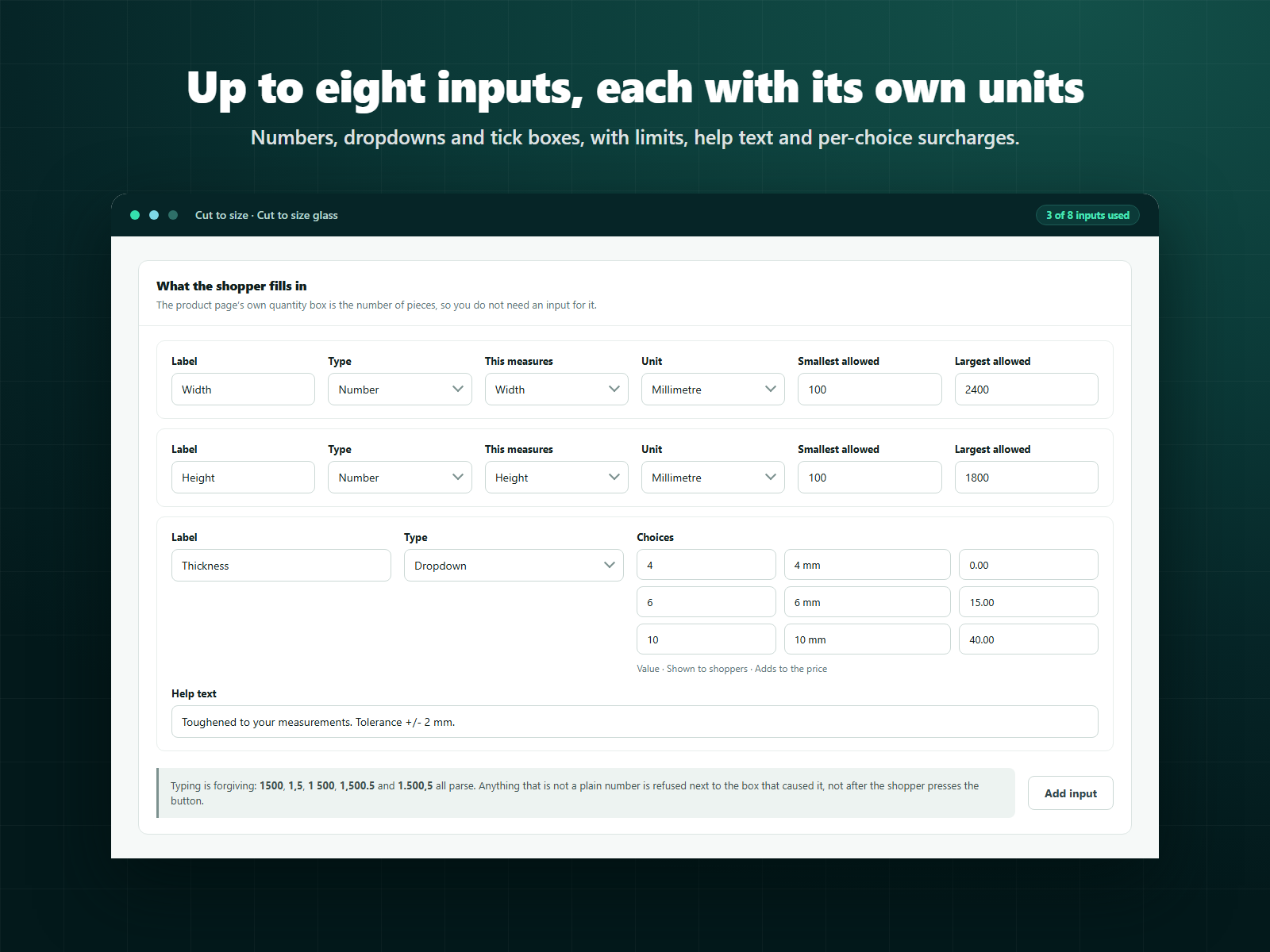
Up to 8 shopper inputs, with limits, help text and per-choice surcharges
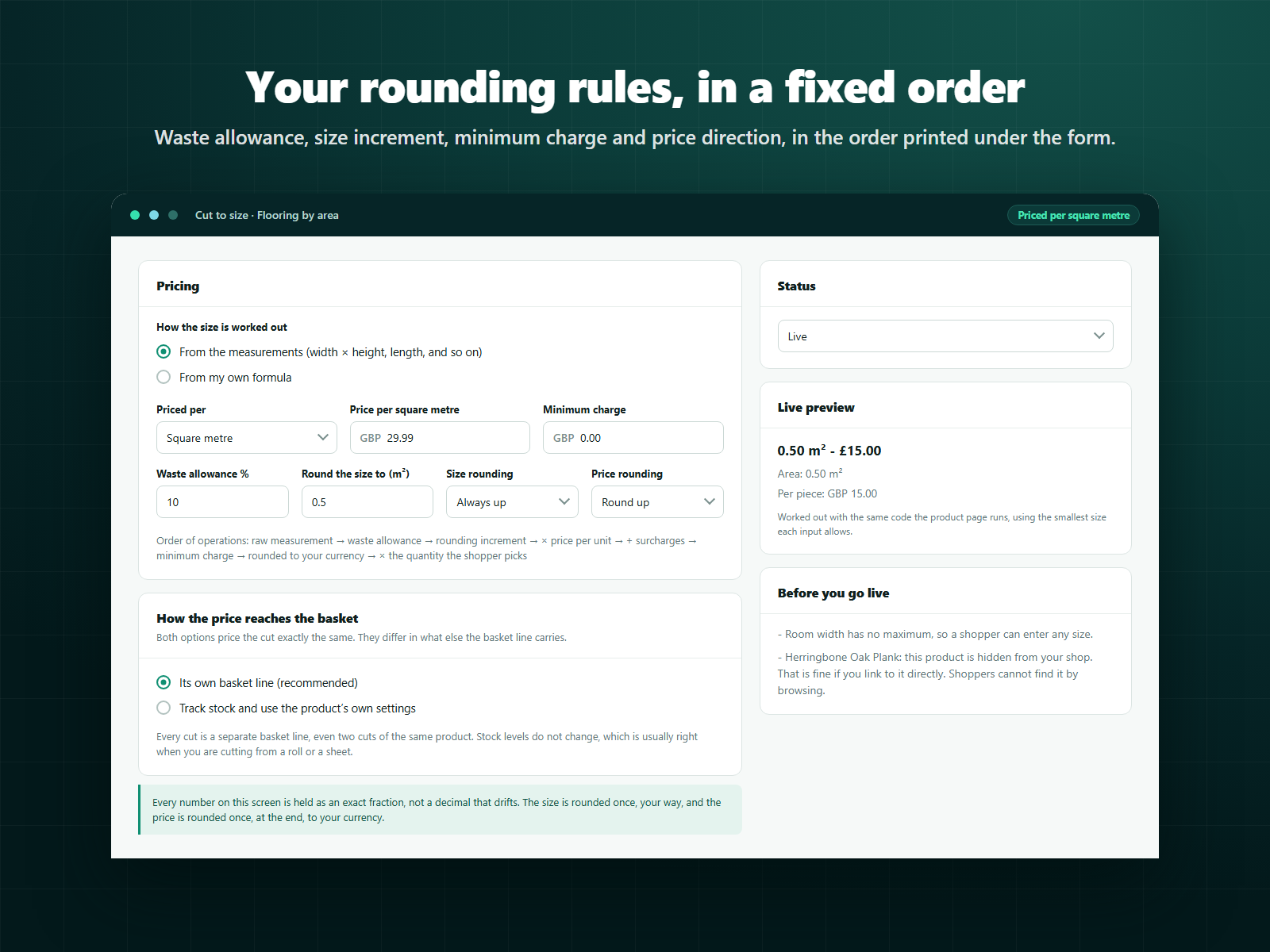
Waste allowance, size rounding, minimum charge, price rounding direction
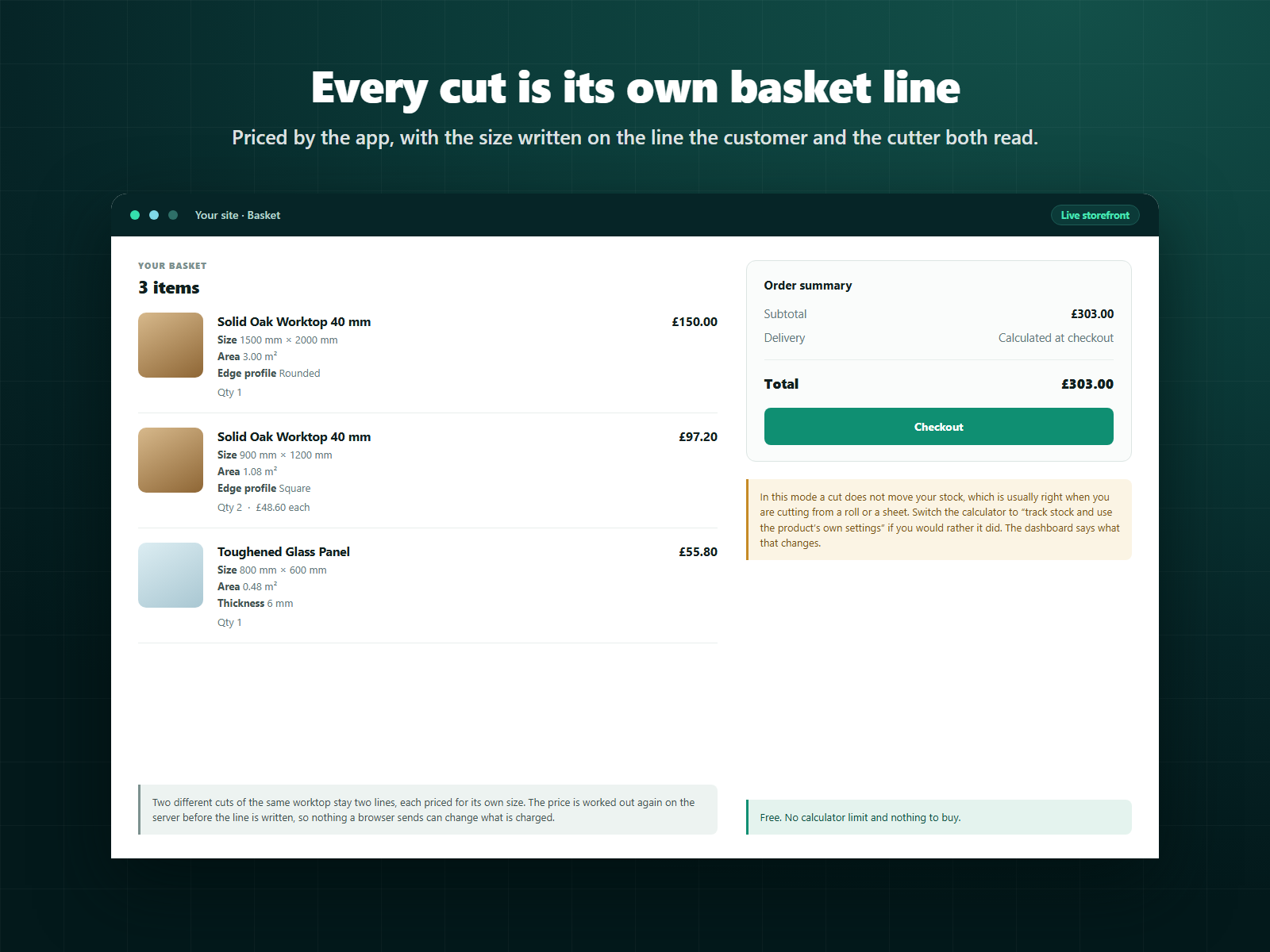
Each cut added as its own basket line, with the size written on it
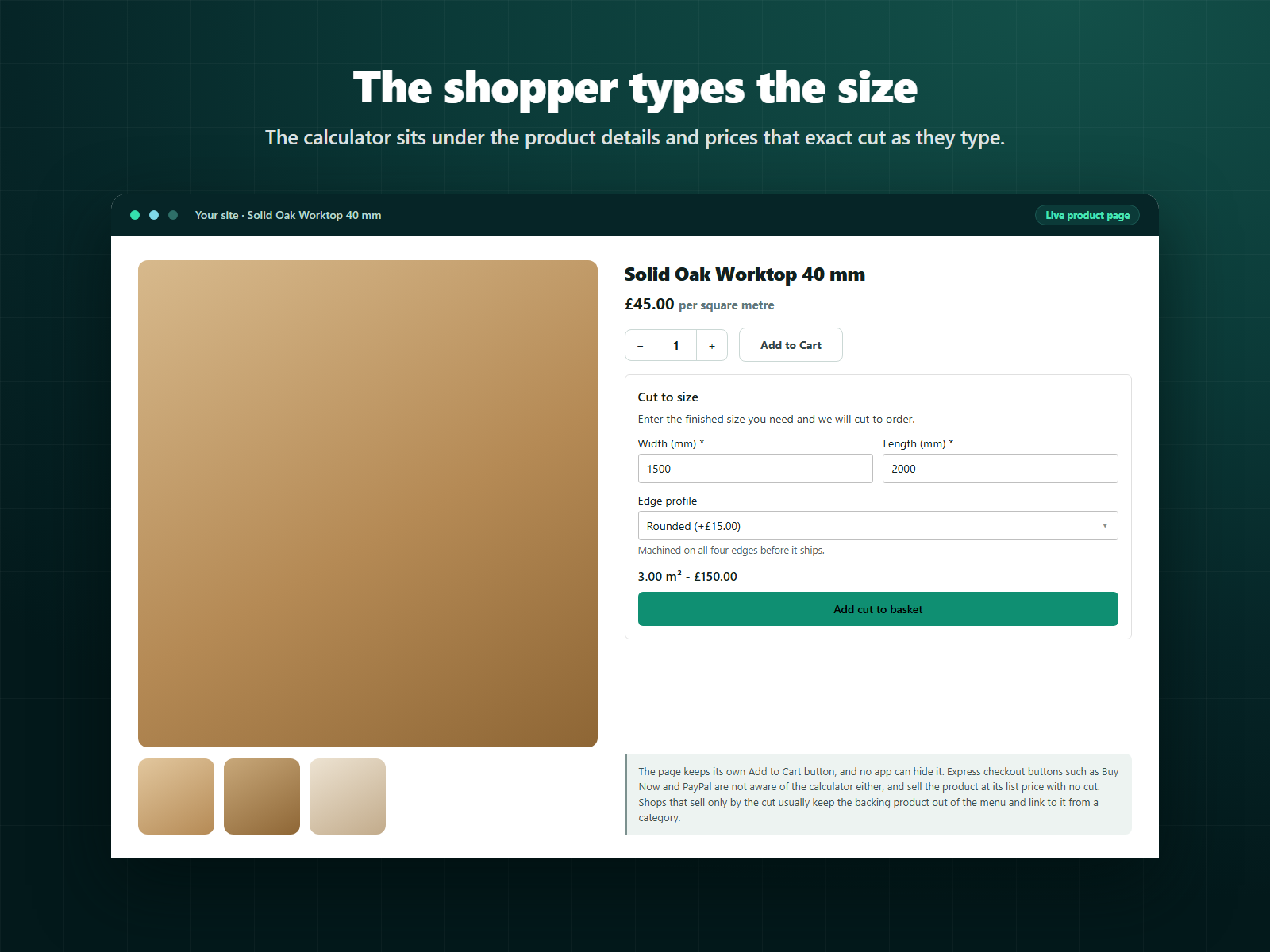
CutToSize prices material by the measurement a shopper types. They enter a width, a height, a length or a weight on the product page, see the price for that cut update as they type, then add it to the basket priced for that size.
You build each calculator in the dashboard. Pick a pricing unit from eighteen area, length, volume, weight and per-item options, or write a formula. Add up to eight inputs, each with its own unit, limits, step and help text, and give dropdown choices or tick boxes a surcharge. Set a waste allowance, round the size to an increment in the direction you choose, add a minimum charge, and pick how the price rounds. The order those apply in is printed under the form, and the preview beside it runs the same code the product page runs.
Every figure on the price path is an exact fraction rather than a decimal: the size rounds once, your way, and the price rounds once, at your currency's precision.
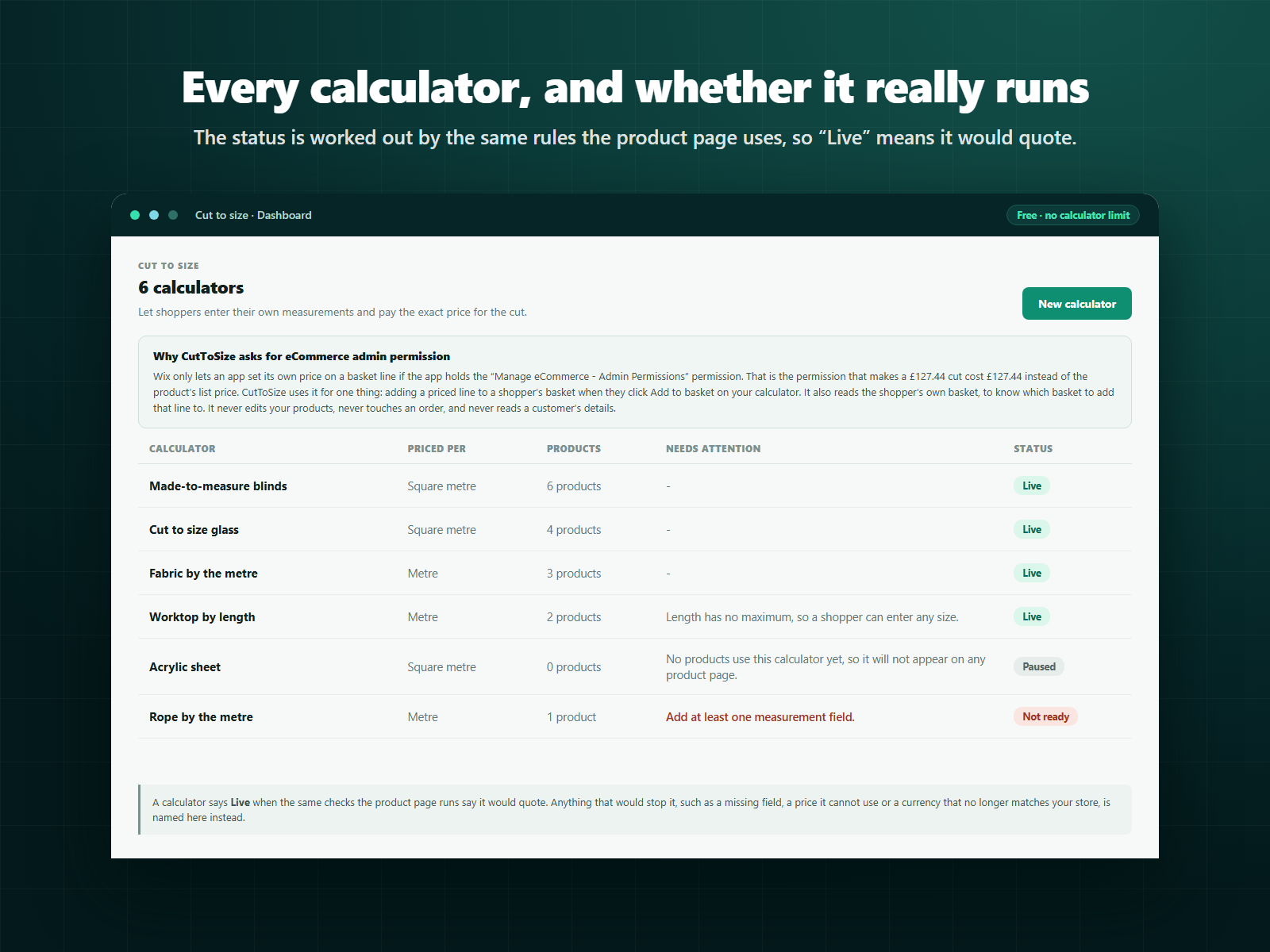
The app asks for the eCommerce admin permission because that is the only way an app may set its own price on a basket line. It is used for nothing else: it never edits products, reads an order or touches customer details.
Free. No calculator limit and nothing to buy.