

e‑shop
rezervace
Události
vyskakovat

Rowstub Orders to Sheets
od
Orders, forms and bookings as spreadsheet rows
Zatím žádné hodnocení
14denní zkušební verze zdarma

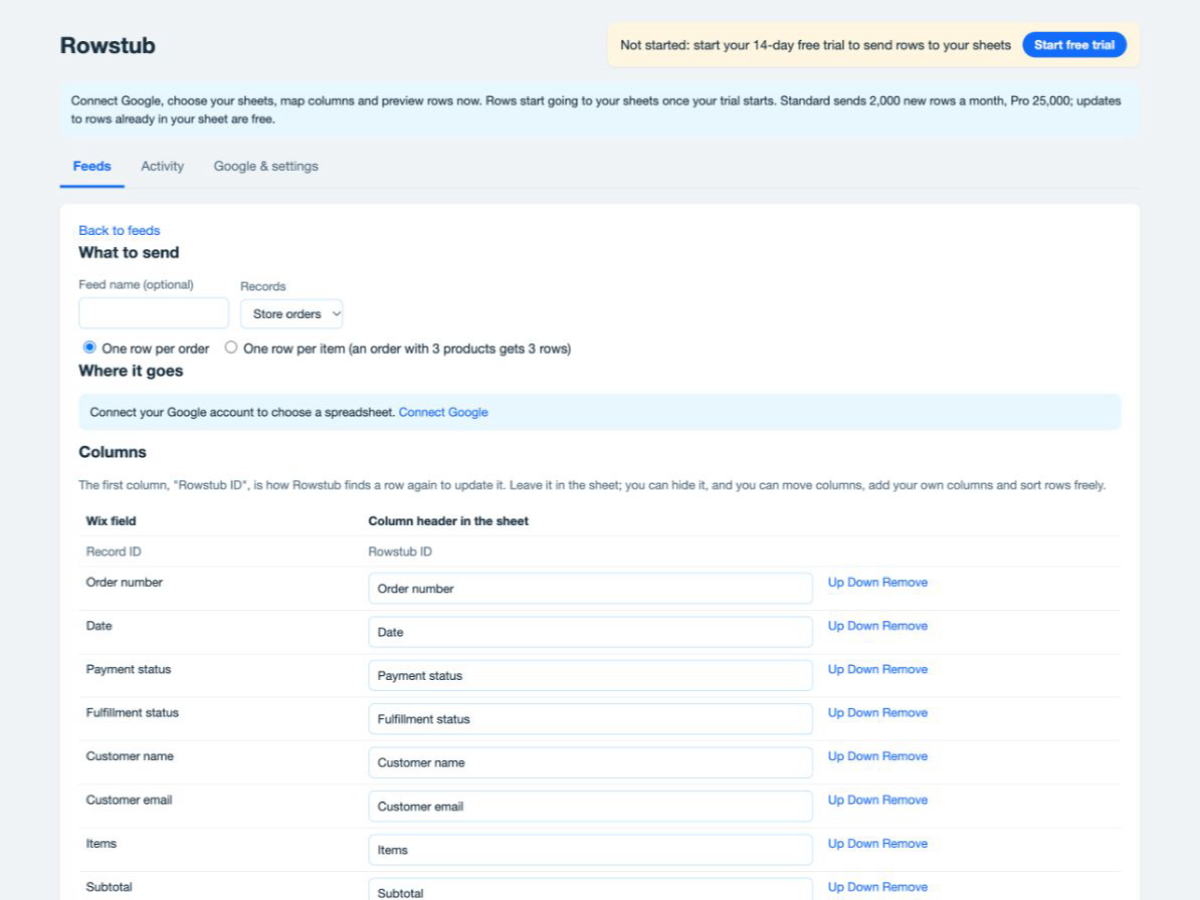
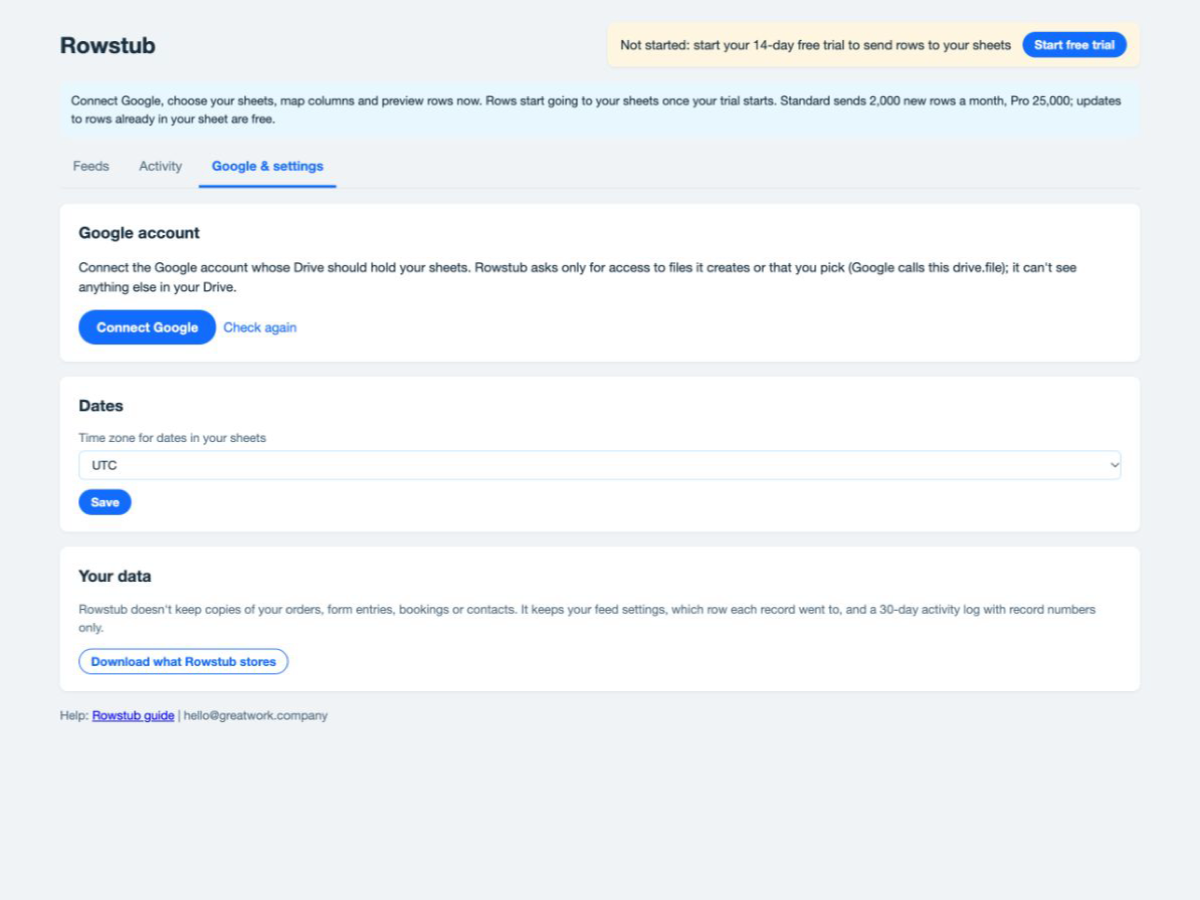
Přehled – Rowstub Orders to Sheets
- New orders, form entries, bookings and contacts become rows as they happen
- When an order is paid, fulfilled or refunded, its row updates in place
- One row per order or per item, with your own columns and filters
- Send past records too, and retry any failed row in one click
Hodnocení & Recenze
Tato aplikace zatím nemá žádná hodnocení, buďte první, kdo ji ohodnotí.Ceny a plány
Tato aplikace nabízí 14denní zkušební verzi zdarma.Plán Standard
$
20
00
/měsíc
Orders, forms, bookings, contacts
3 live feeds to your Google Sheets
2,000 new rows a month, updates free
Send past records from last 90 days
Plán Pro
$
40
00
/měsíc
Everything in Standard
25 live feeds
25,000 new rows a month
Send your full history
* Cena je v USD.