

e‑shop
rezervace
Události
vyskakovat

Sales Journal CSV for Yayoi
od
Skip retyping sales: orders to Yayoi/freee CSV
Zatím žádné hodnocení
Dostupné zdarma

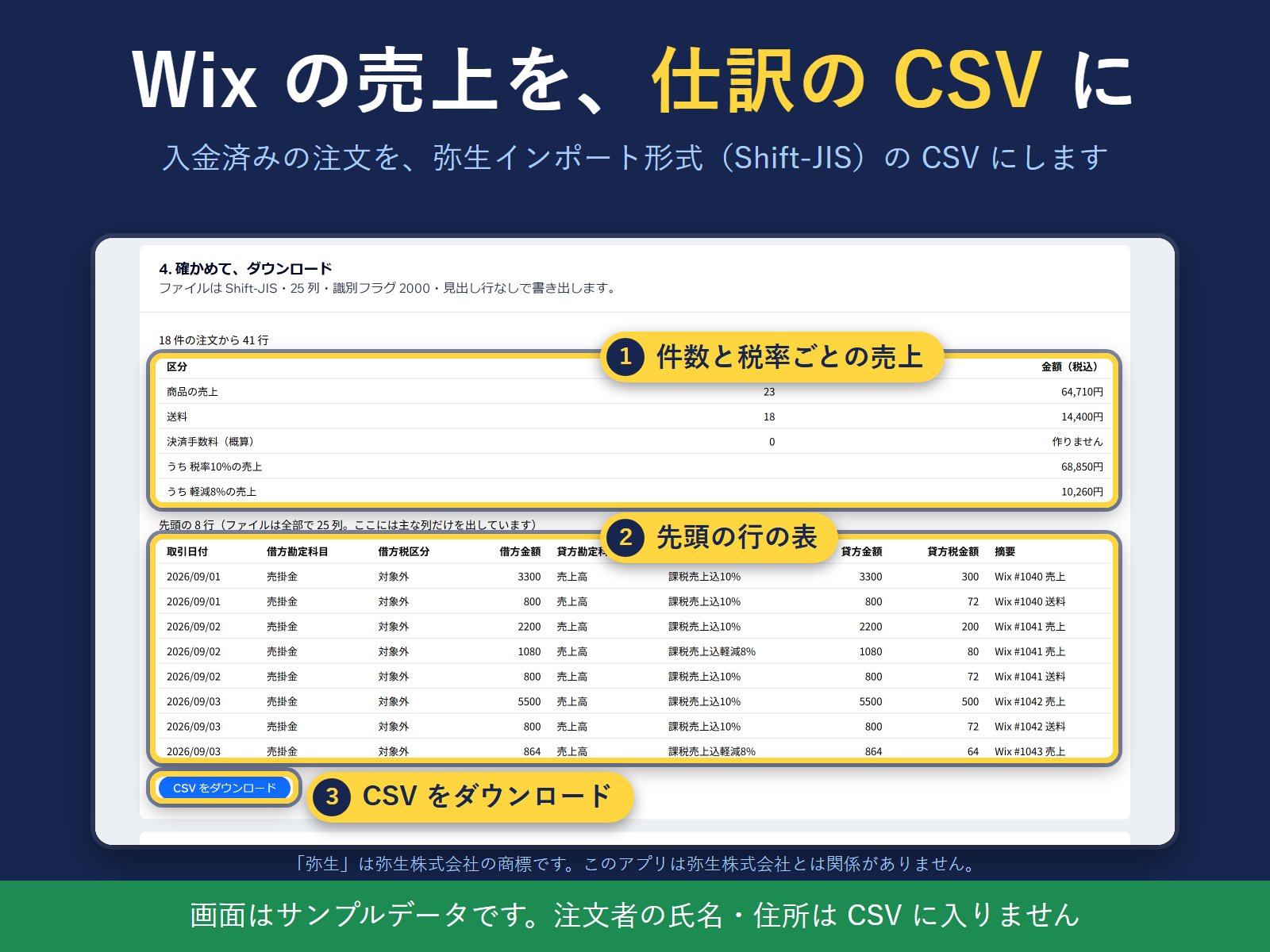
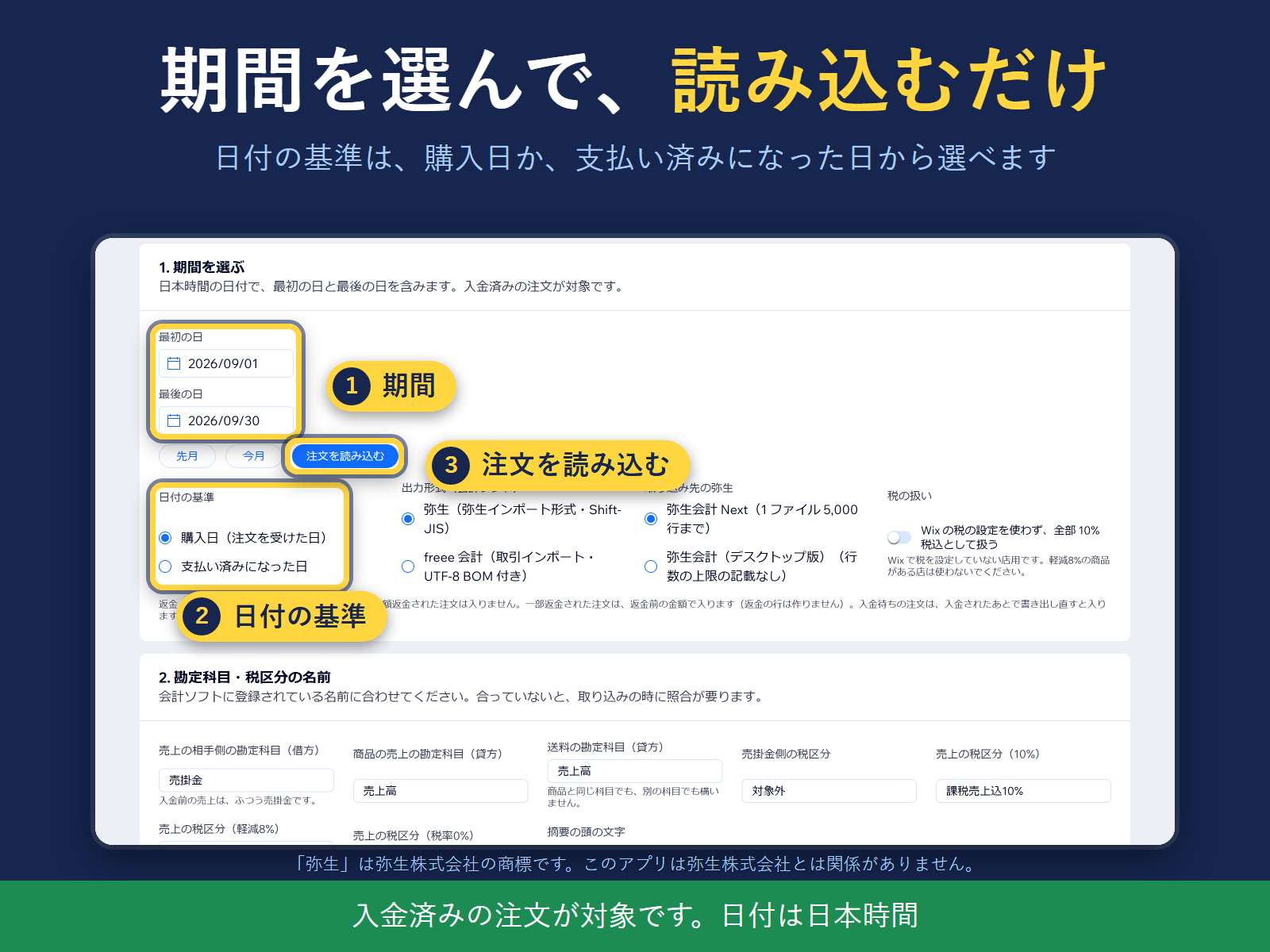
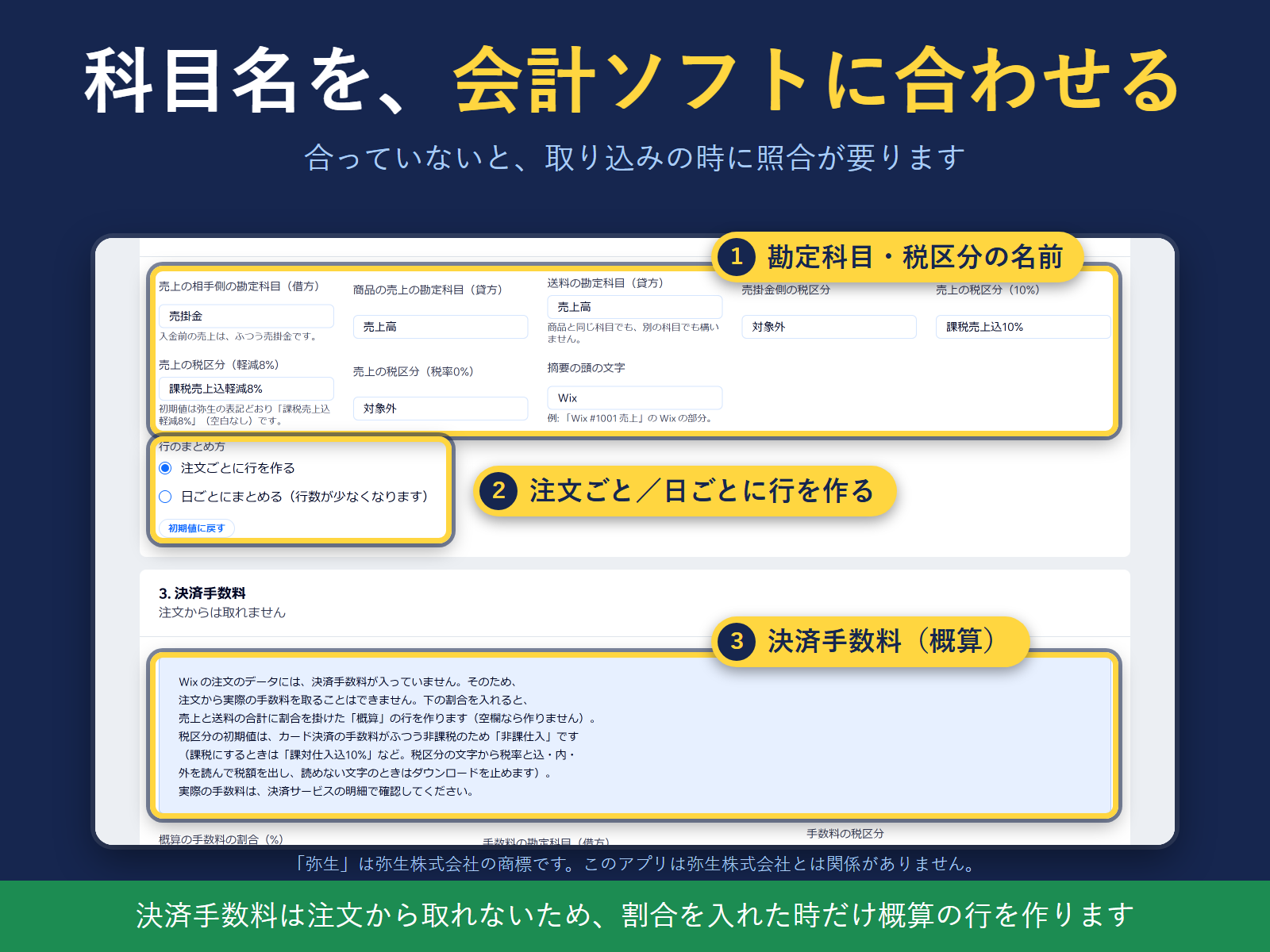
Přehled – Sales Journal CSV for Yayoi
- Paid orders to a Yayoi or freee import CSV in a few clicks
- Separate rows and tax per rate: 10%, reduced 8%, shipping
- Check totals before download; no buyer names in the CSV
Hodnocení & Recenze
Tato aplikace zatím nemá žádná hodnocení, buďte první, kdo ji ohodnotí.Ceny a plány
Plán Free
Zdarma
Up to 20 orders per month
Yayoi import and freee CSV formats
Tax split by 10% and reduced 8%
Plán Pro
$
4
99
/měsíc
Unlimited orders per month
Everything in Free
Processed in your browser only
* Cena je v USD.