

e‑shop
rezervace
Události
vyskakovat

FlowGenIQ SMS Inbox
od
Schedule personalized SMS with ClickSend
Zatím žádné hodnocení
Od $15.00 / měsíc

Přehled – FlowGenIQ SMS Inbox
- Select a contact or a segment and preview recipients
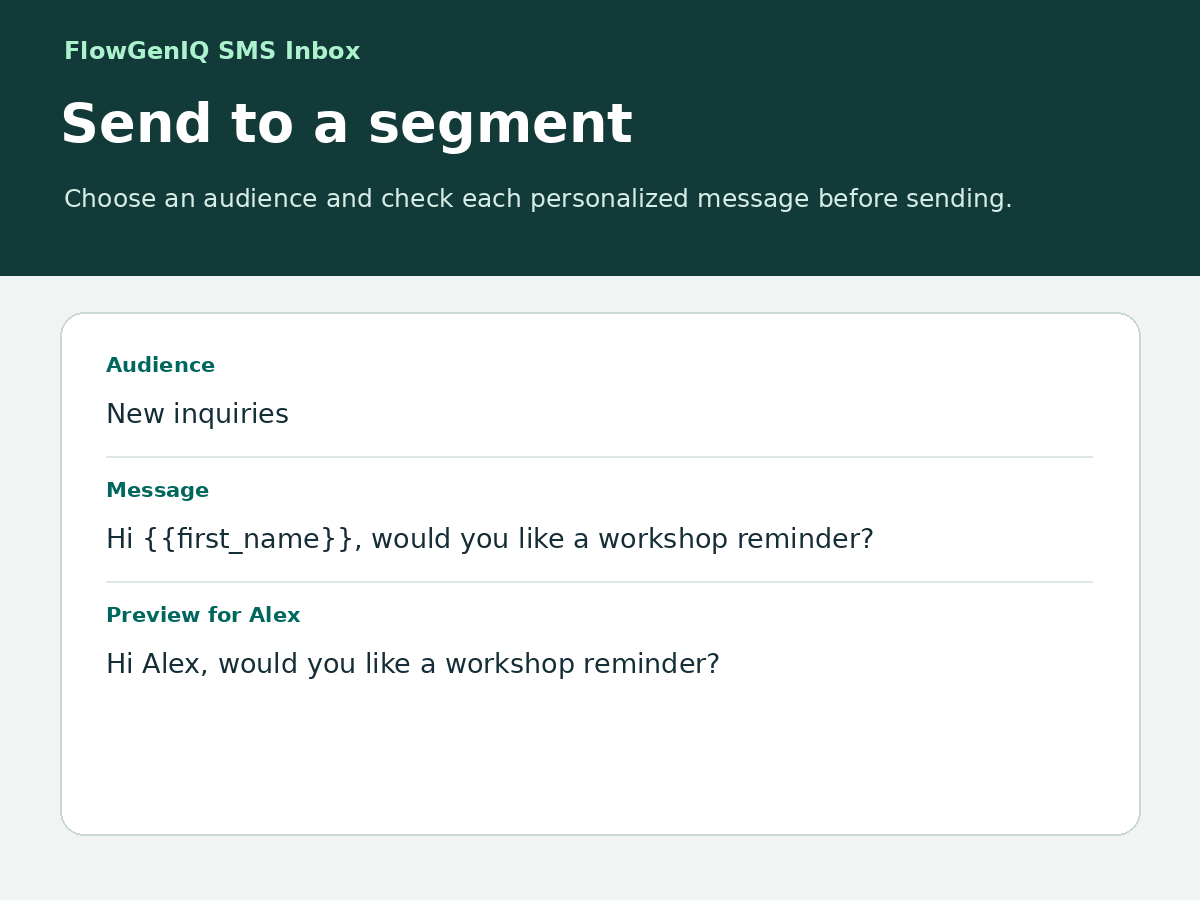
- Personalize messages with contact details and a fallback
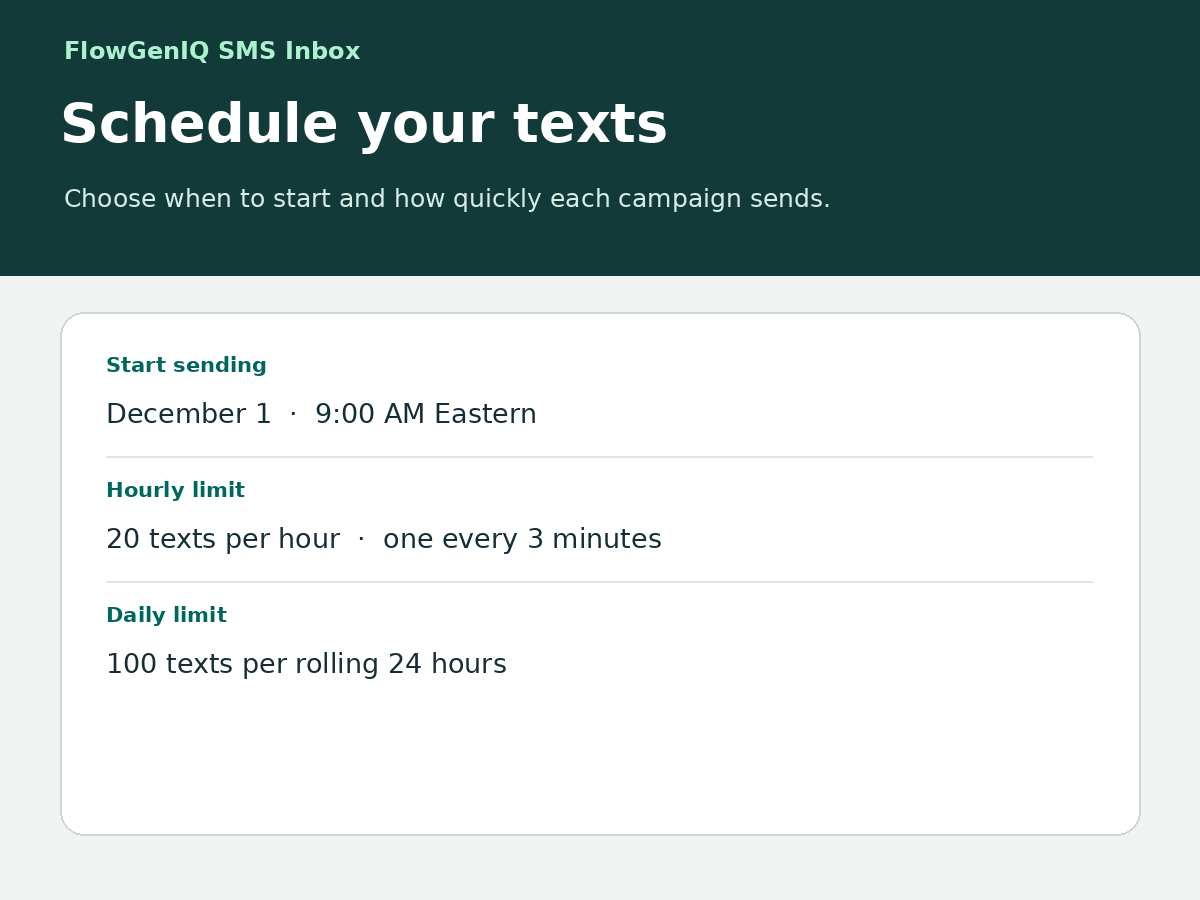
- Schedule sends with hourly and daily SMS limits
- See outgoing texts and incoming replies in the inbox
Hodnocení & Recenze
Tato aplikace zatím nemá žádná hodnocení, buďte první, kdo ji ohodnotí.Ceny a plány
Plán Pro
$
15
00
/měsíc
Two-way SMS in Wix Inbox
Segments and personalized campaigns
Scheduling with random intervals
Own ClickSend account; SMS costs extra
* Cena je v USD.