Bulk-issue IssueBadge certificates & badges to your contacts
Send a certificate from any contact's More Actions menu
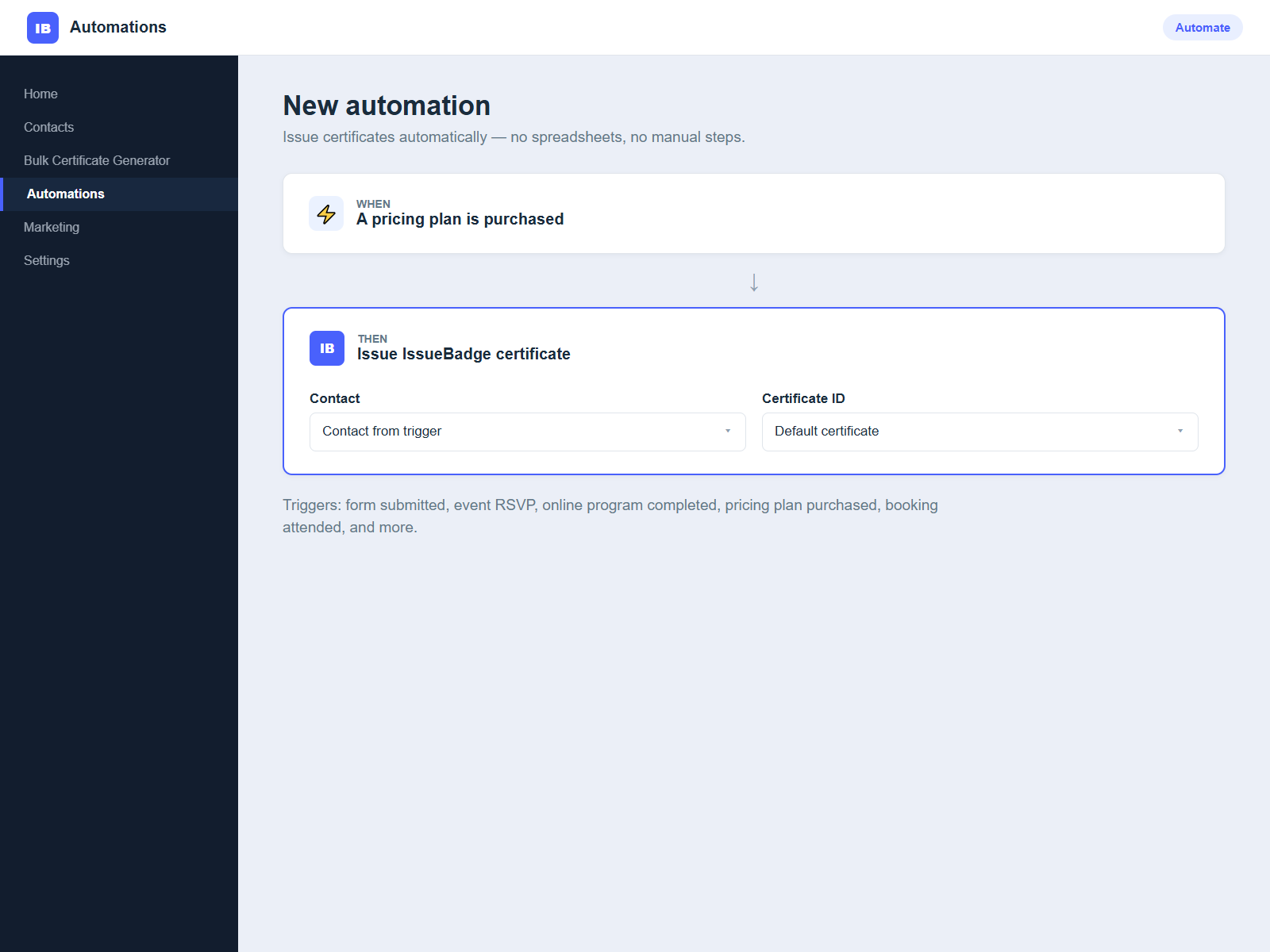
Auto-issue with an Automations action on any trigger
Verifiable and shareable — results written back to each contact
Bulk Certificate Generator connects your contacts to IssueBadge, a digital credentialing platform, so you can issue verifiable certificates and badges to people in your contact list.
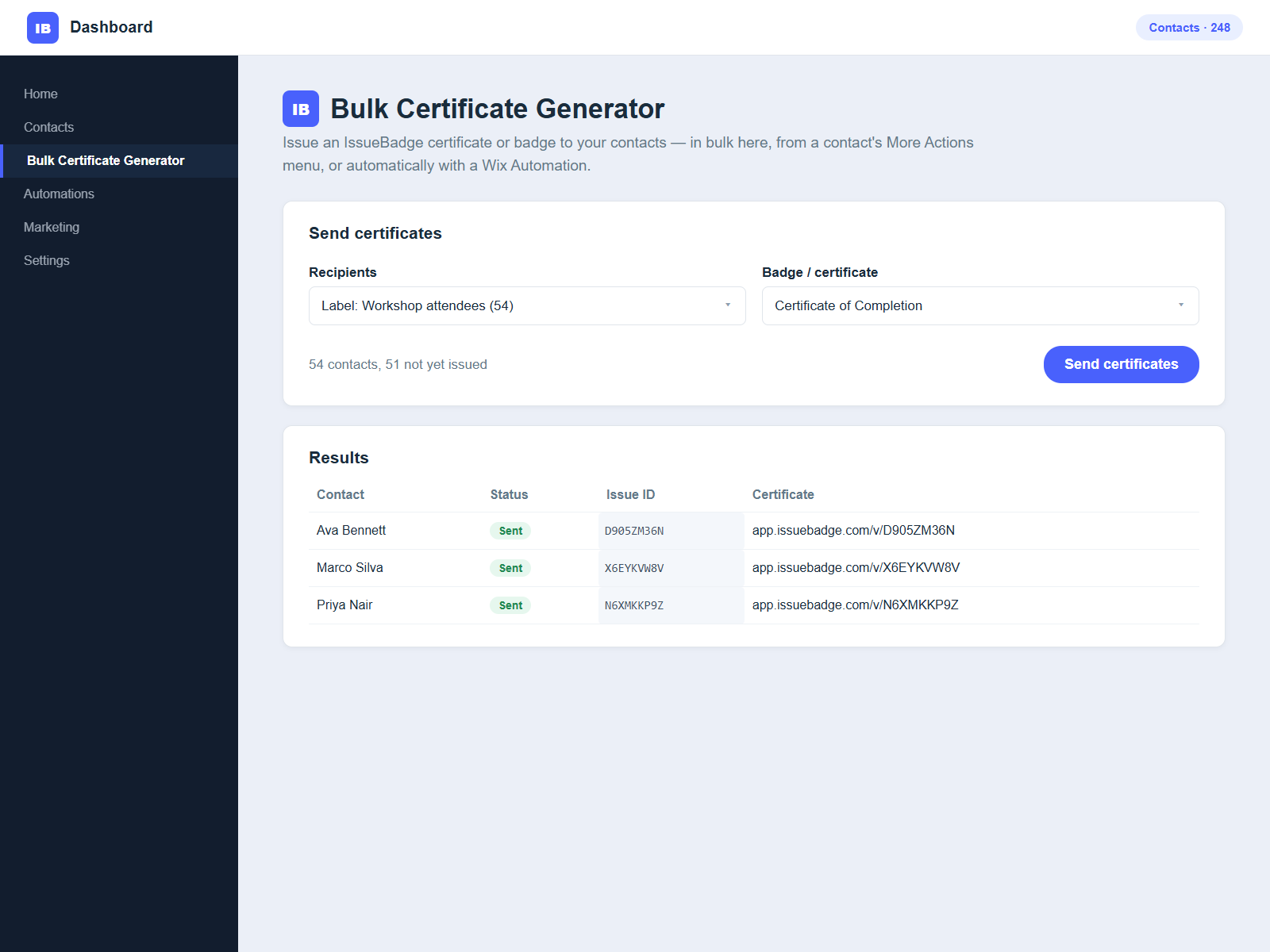
There are three ways to send. From the app's dashboard, pick a certificate design and a group of contacts — everyone or one label — and send as a batch. For a single recipient, open the contact and choose Send IssueBadge certificate under More Actions. To issue automatically, add the Issue IssueBadge certificate action to an automation, triggered by a form submission, event RSVP, completed online program, purchased plan, and more.
IssueBadge generates a unique certificate per recipient, emails it, and writes the status, Issue ID, and public certificate URL back to the contact. Contacts that already have an Issue ID are skipped, so re-running a batch generally avoids duplicates.
Certificates are verifiable and shareable on LinkedIn, and your data stays in your site. An IssueBadge account and API key from app.issuebadge.com are required.