

e‑shop
rezervace
Události
vyskakovat
FlipDoc PDF Viewer & Flipbook
od
Show PDFs as a viewer or flipbook
Zatím žádné hodnocení
Dostupné zdarma

Přehled – FlipDoc PDF Viewer & Flipbook
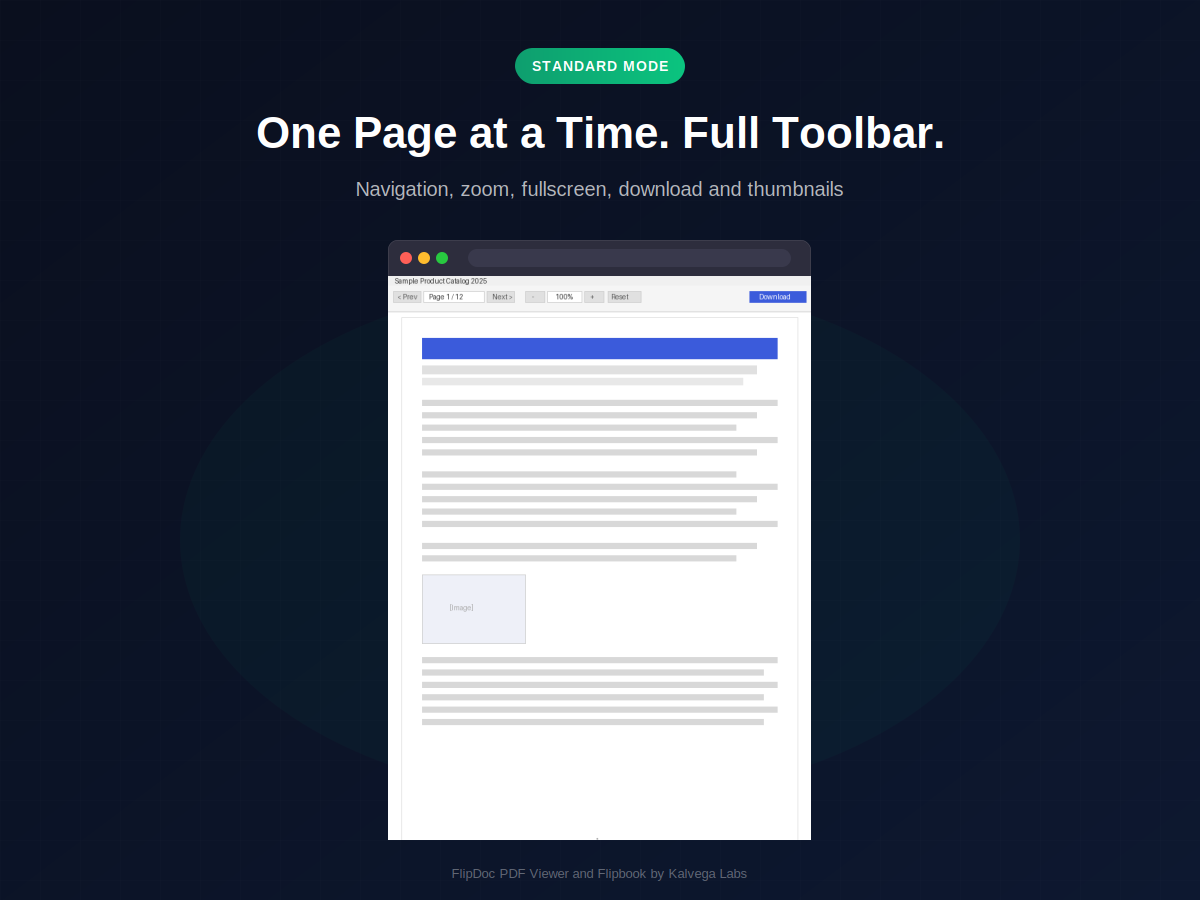
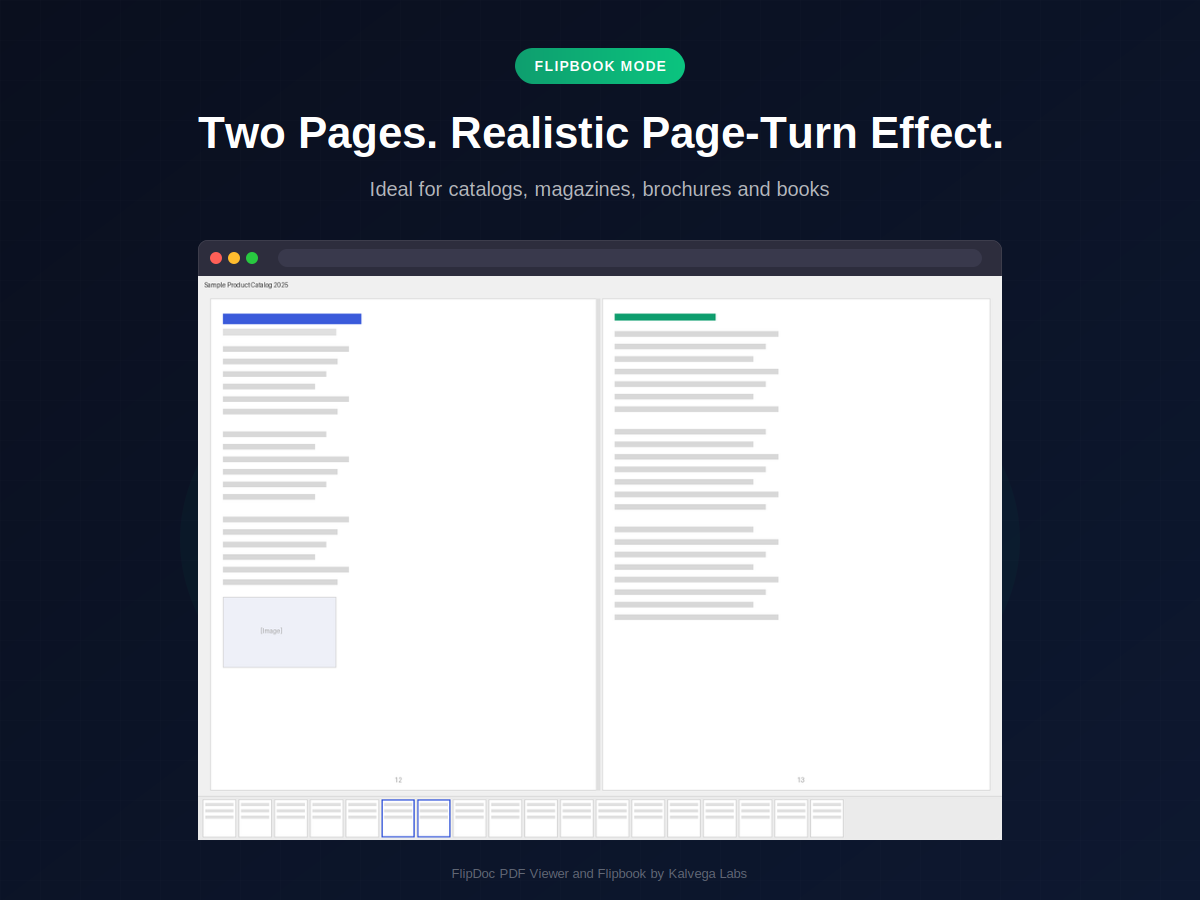
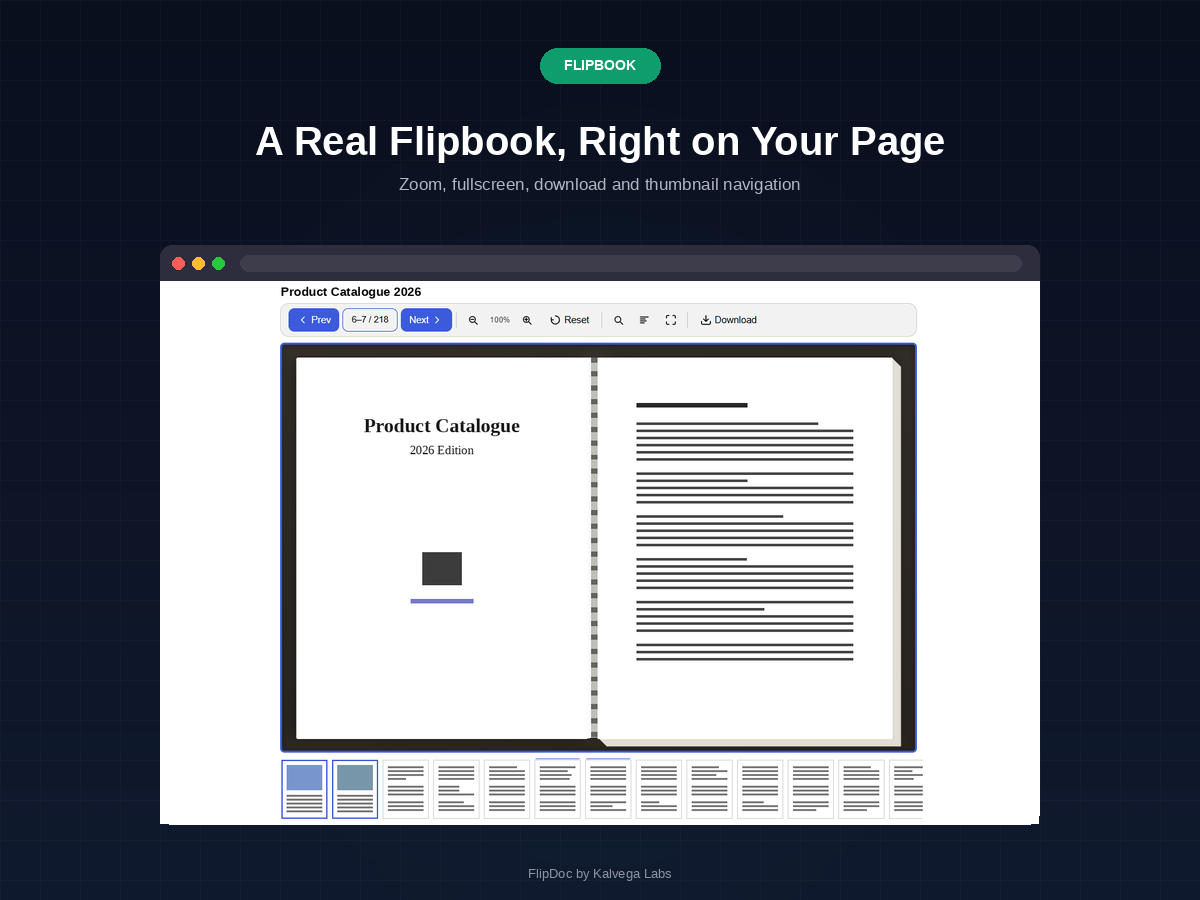
- Standard viewer and flipbook modes
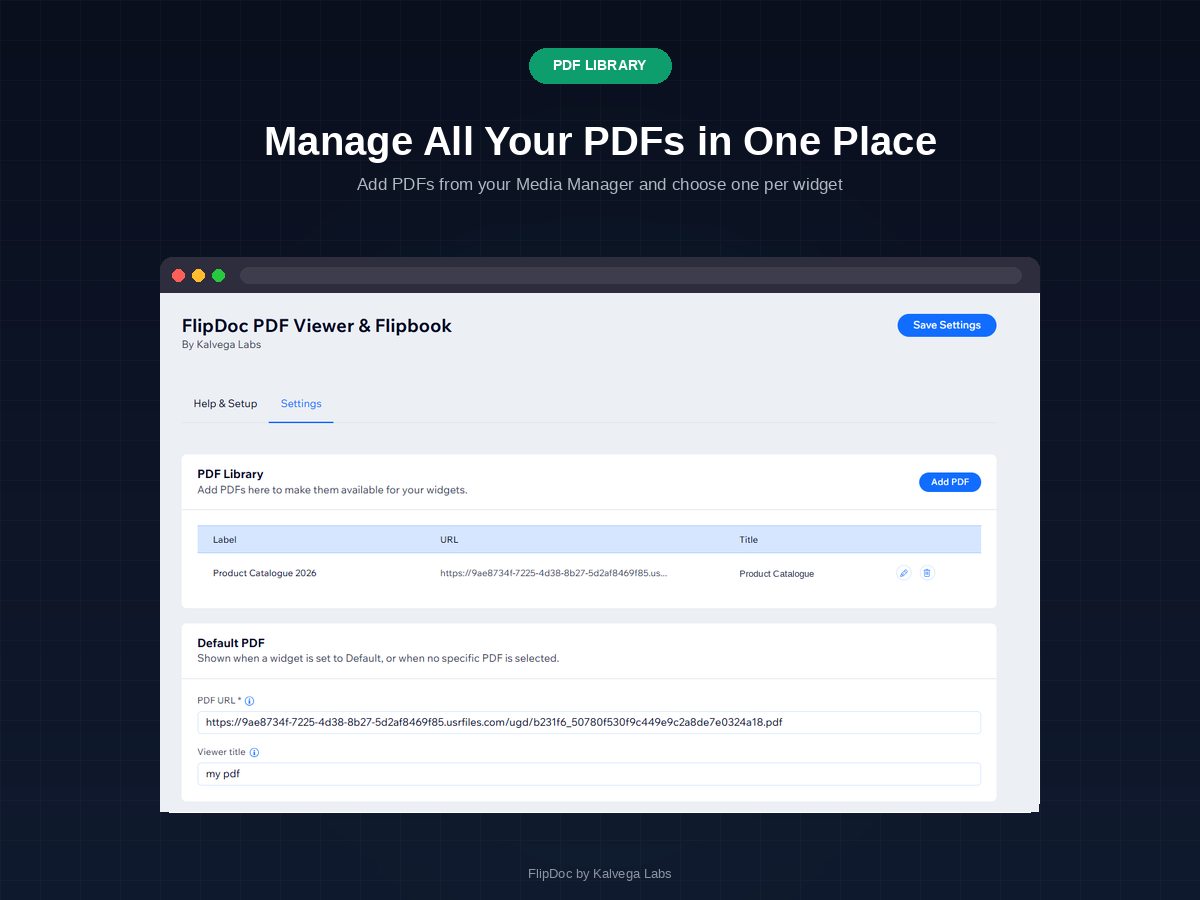
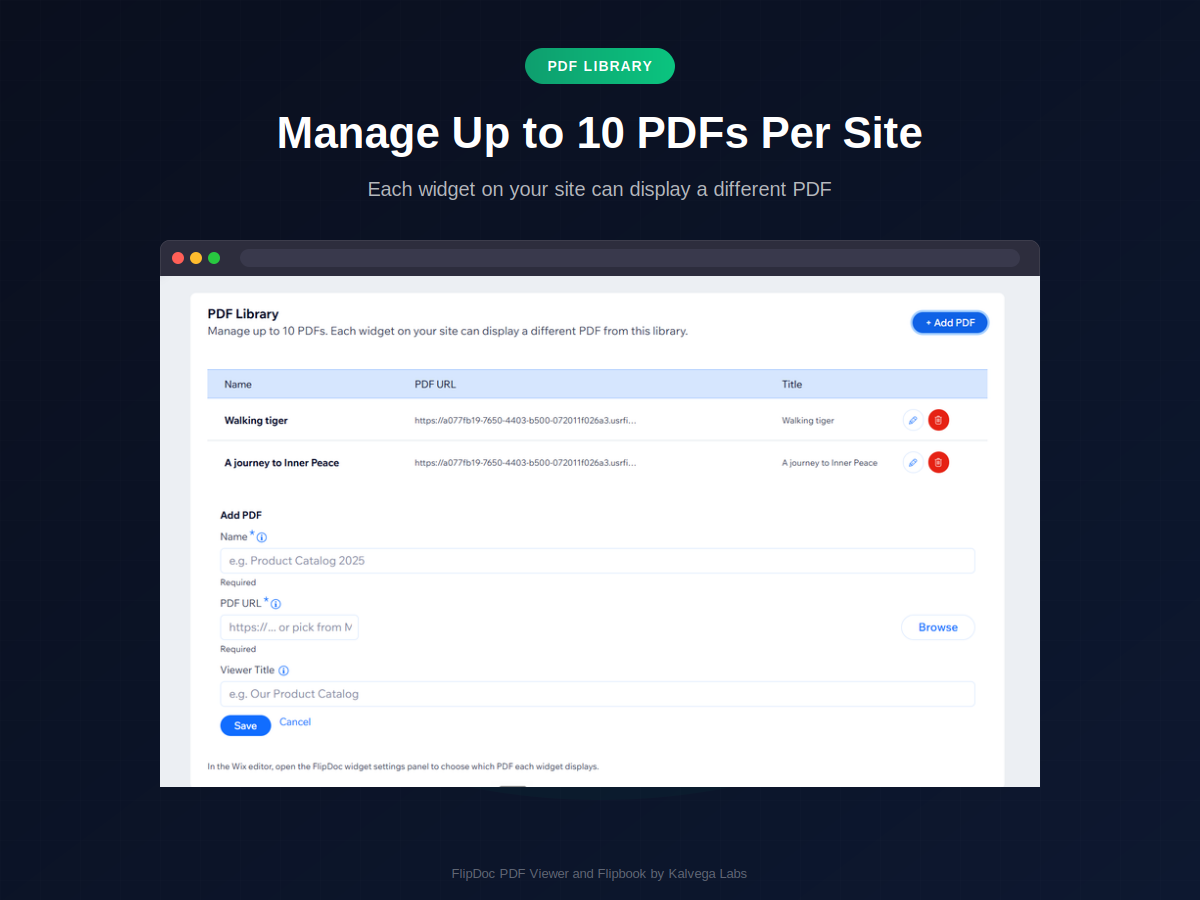
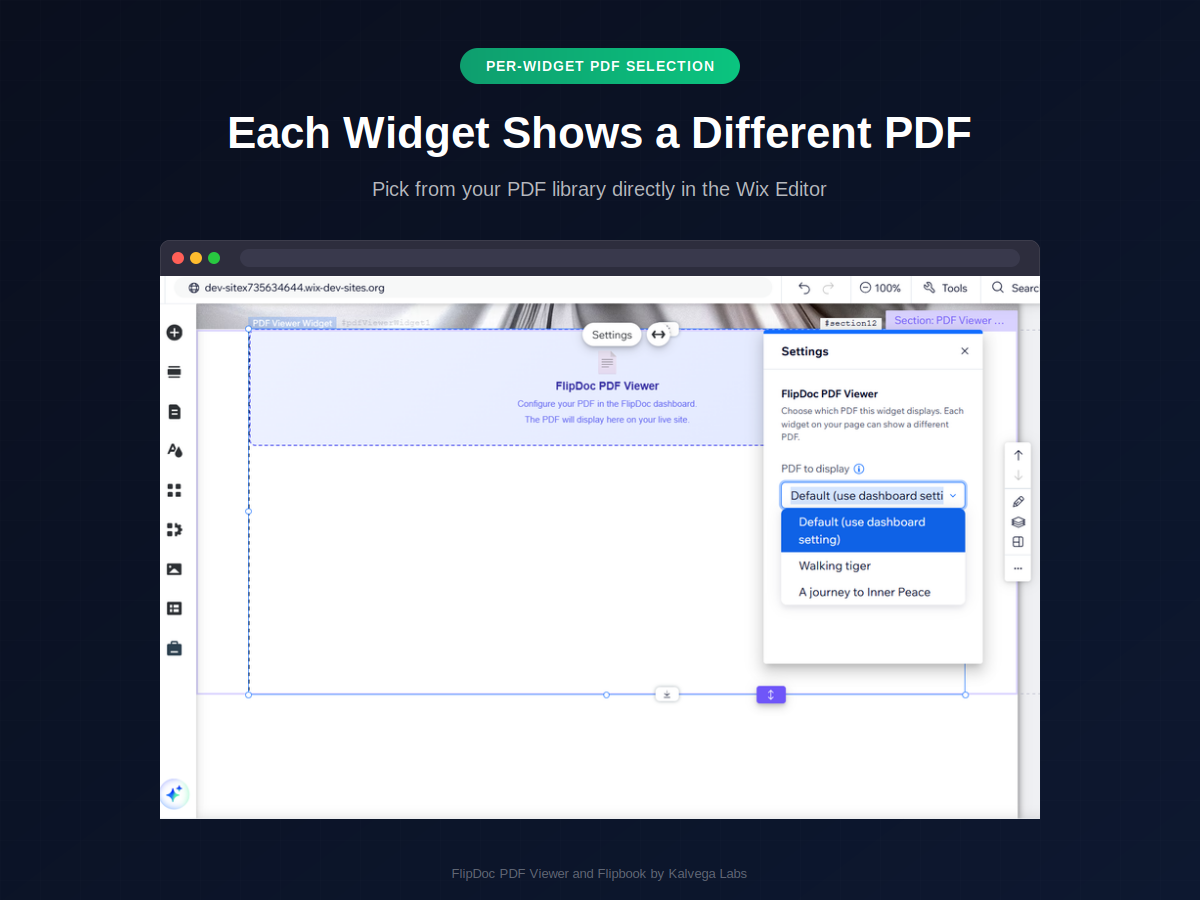
- PDF library of up to 10 documents
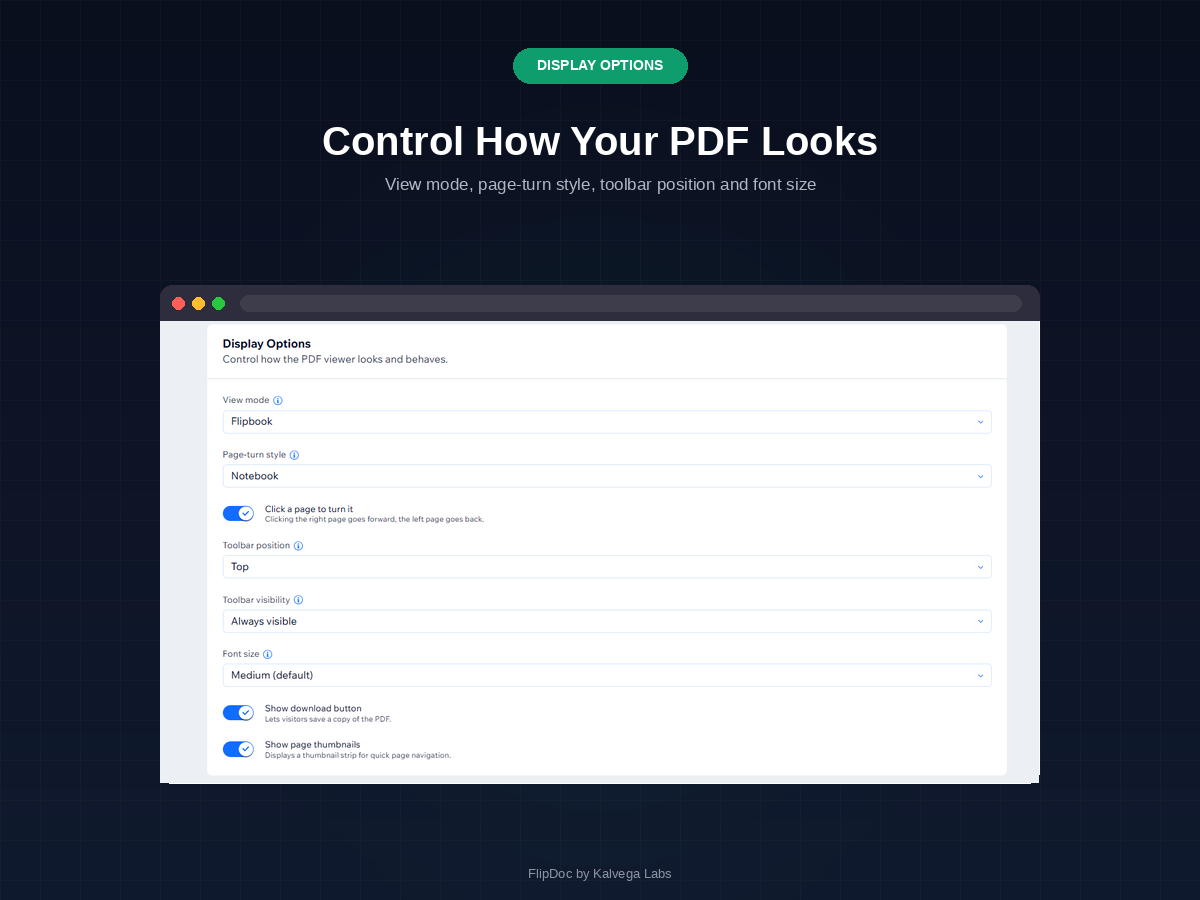
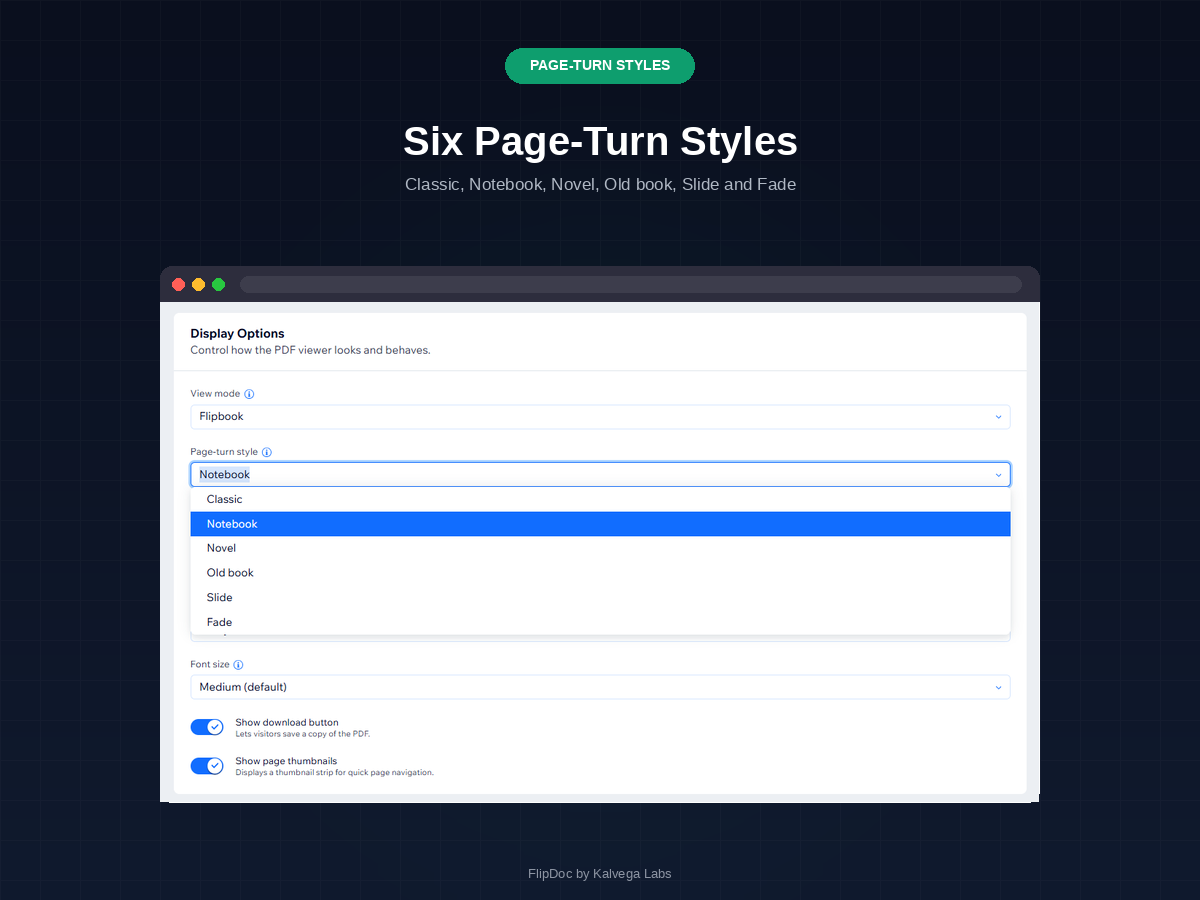
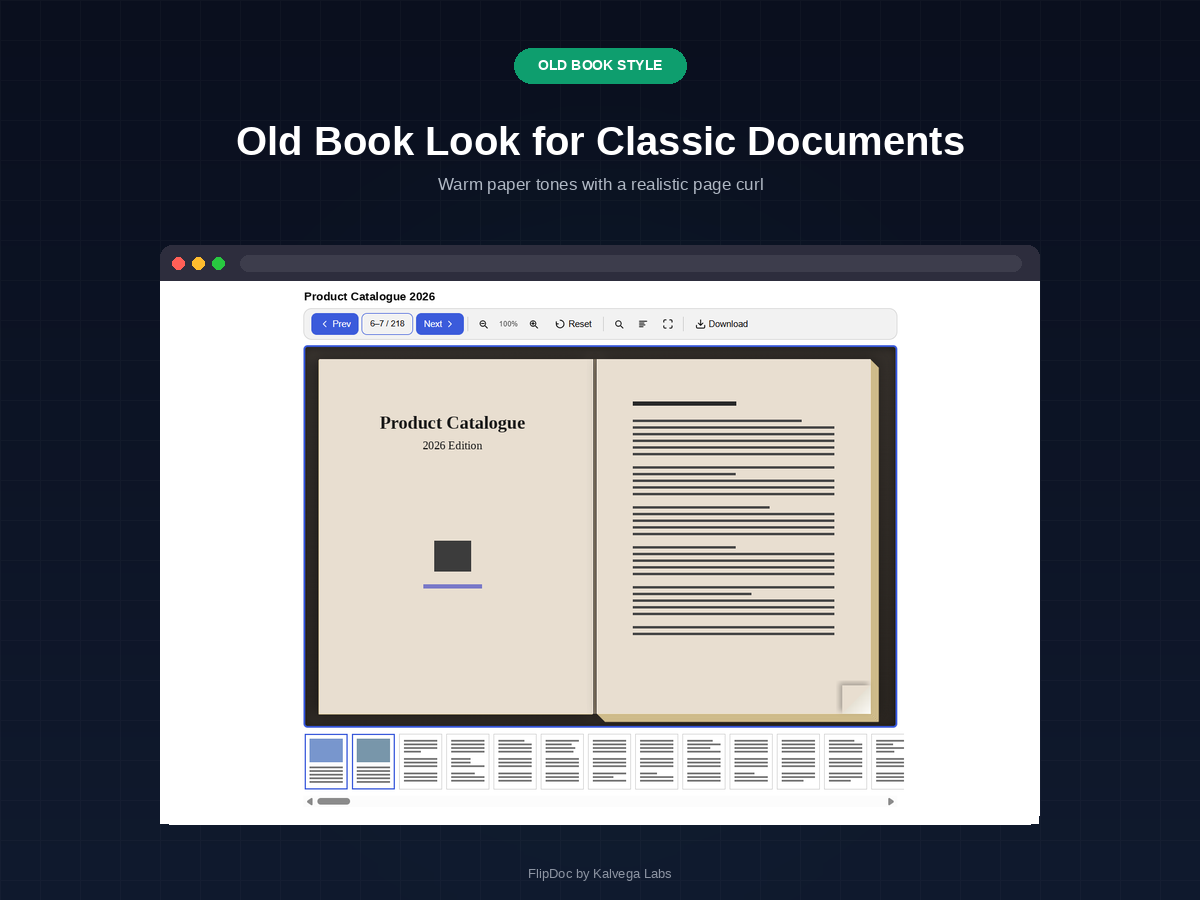
- Six page-turn styles, click to turn
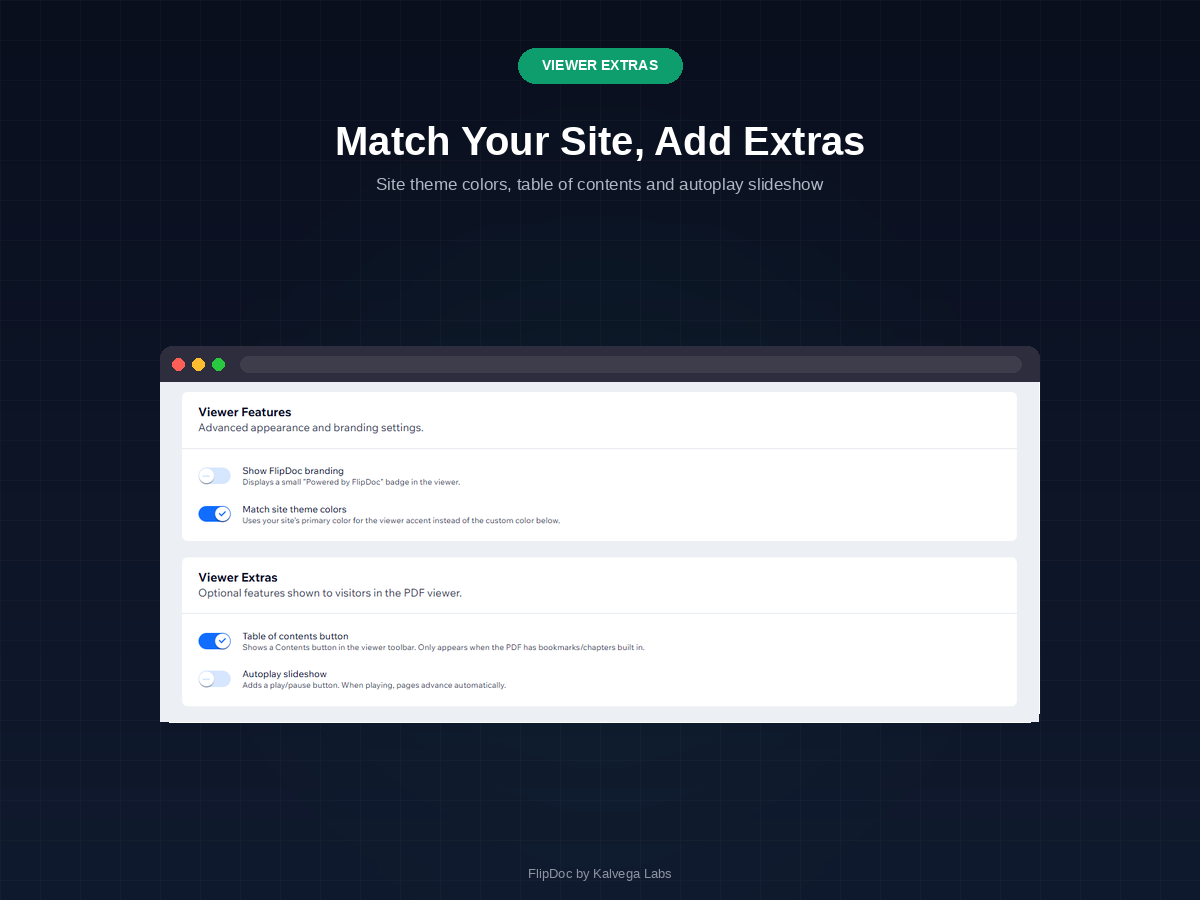
- Toolbar on any side, theme match
Hodnocení & Recenze
Tato aplikace zatím nemá žádná hodnocení, buďte první, kdo ji ohodnotí.Ceny a plány
Plán Basic
Zdarma
Standard and flipbook views
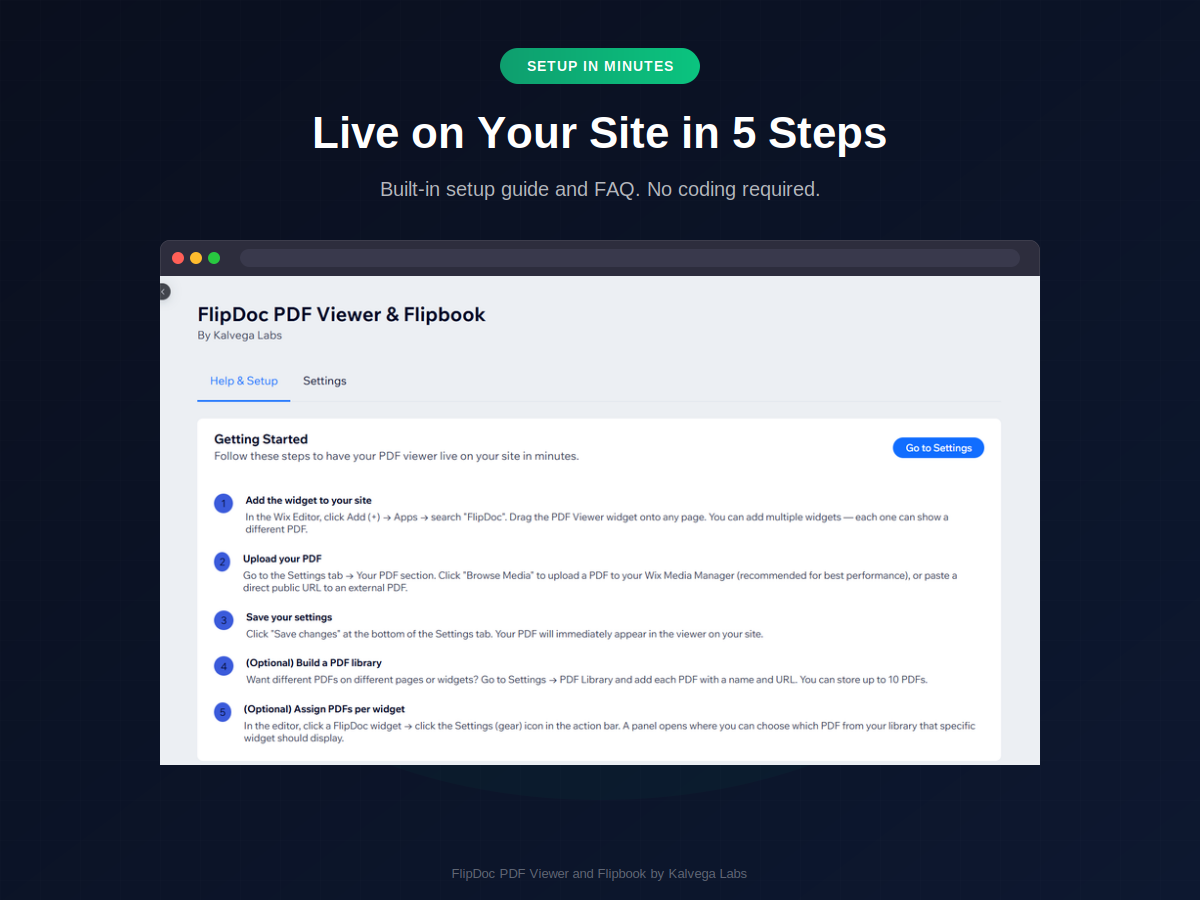
PDF loaded via URL
Classic page turn, download toggle
Zoom, search and fullscreen
Plán Pro
$
0
70
/měsíc
Six page-turn styles, click to turn
PDF library with up to 10 documents
Toolbar on any side, collapsible
Thumbnails, contents, autoplay
* Cena je v USD.