

e‑shop
rezervace
Události
vyskakovat

Ask in Aria
Form to PDF: Submissions
od
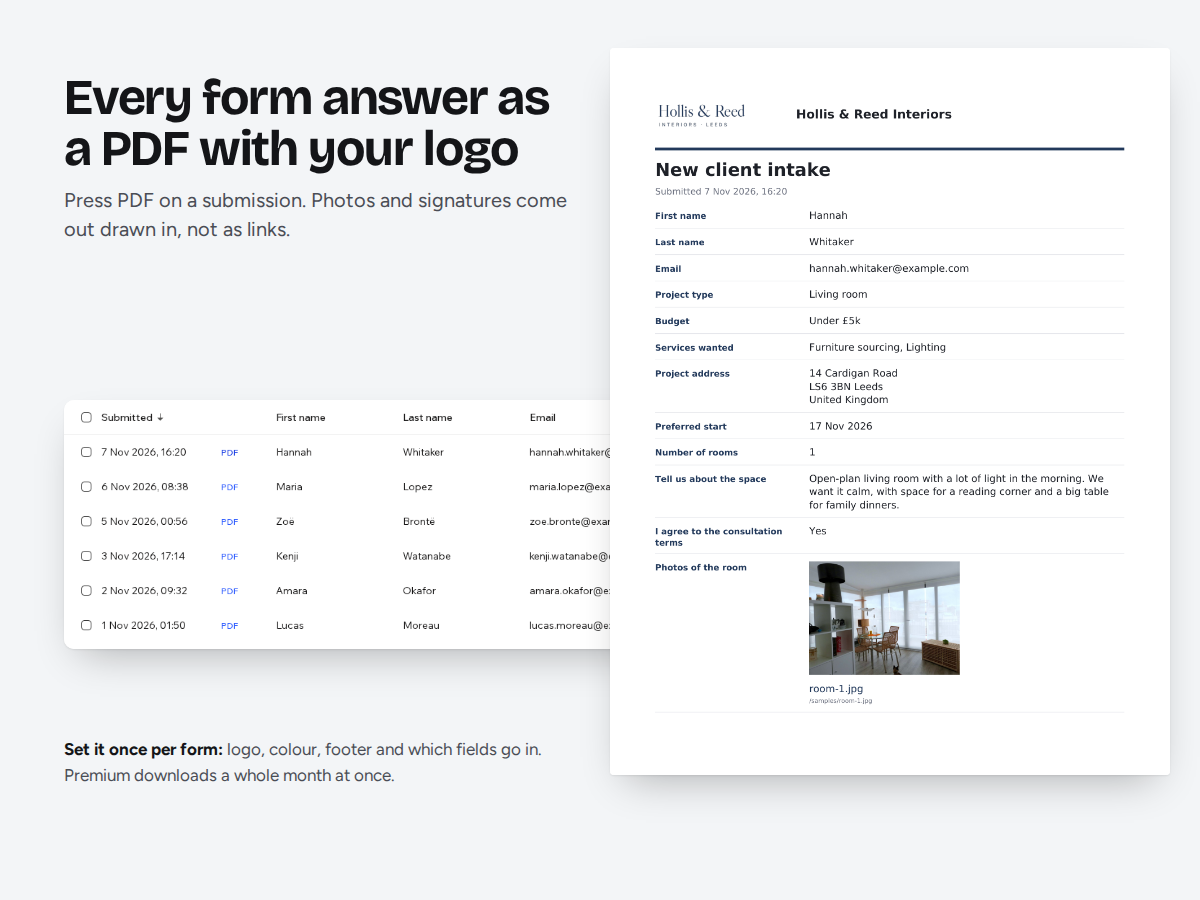
Print or save form submissions as PDF, in bulk
Zatím žádné hodnocení
Dostupné zdarma

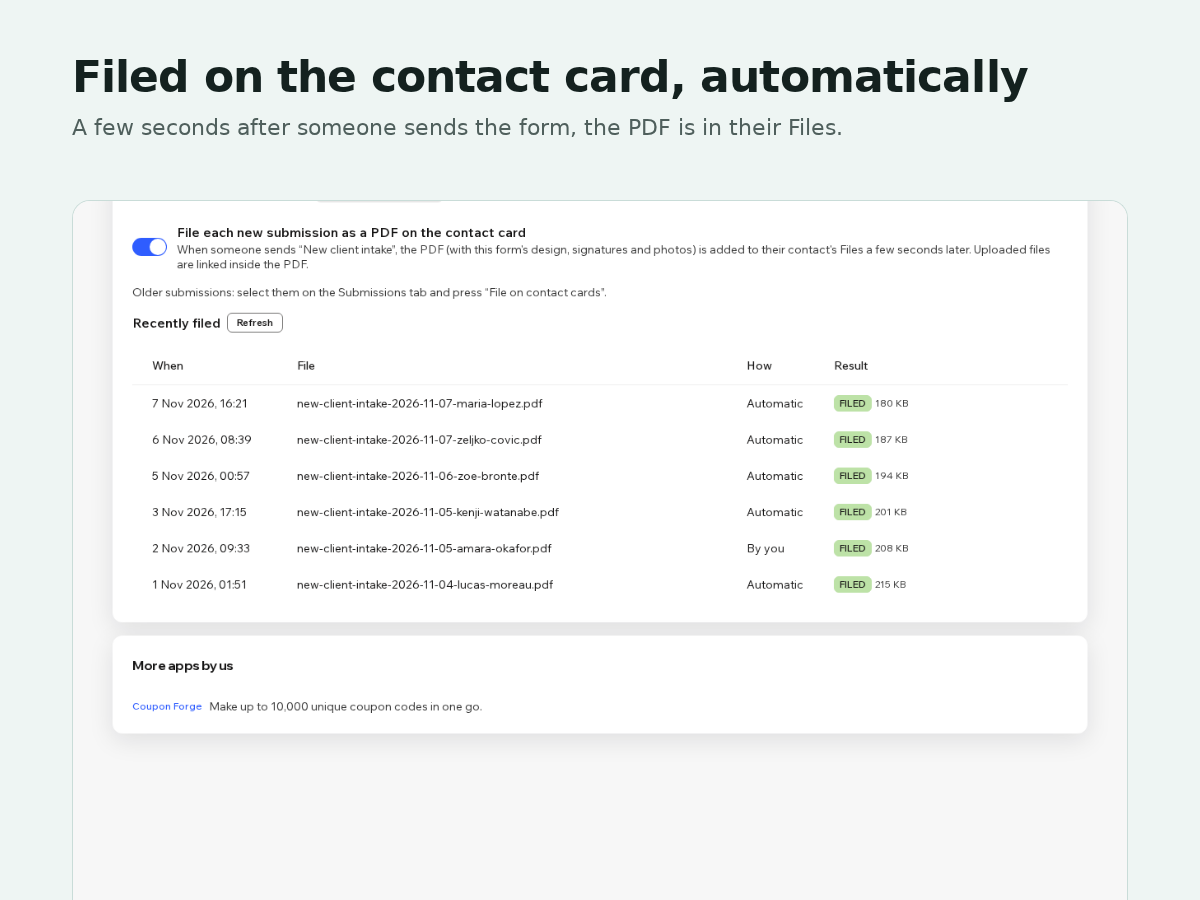
Přehled – Form to PDF: Submissions
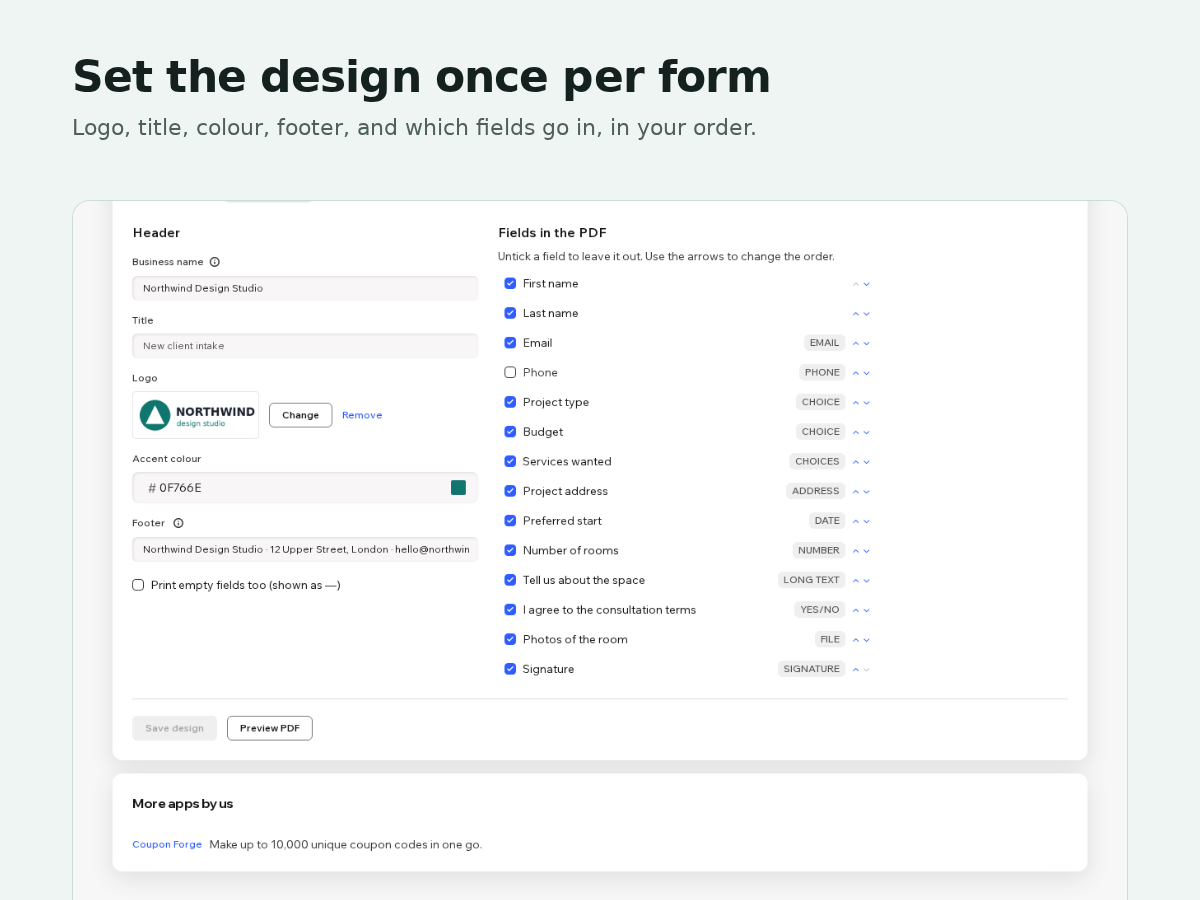
- Your logo, colours and fields on every PDF
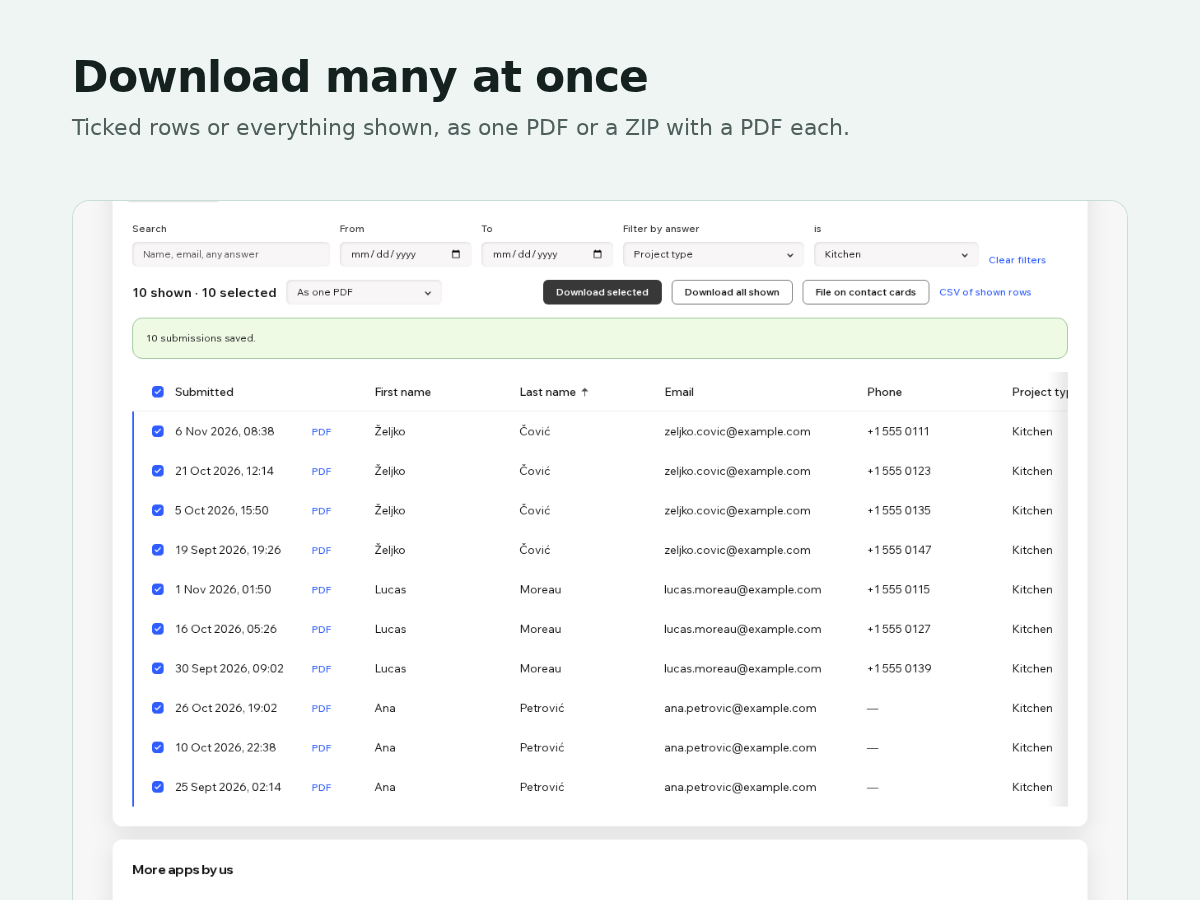
- Download a date range as one PDF or a ZIP
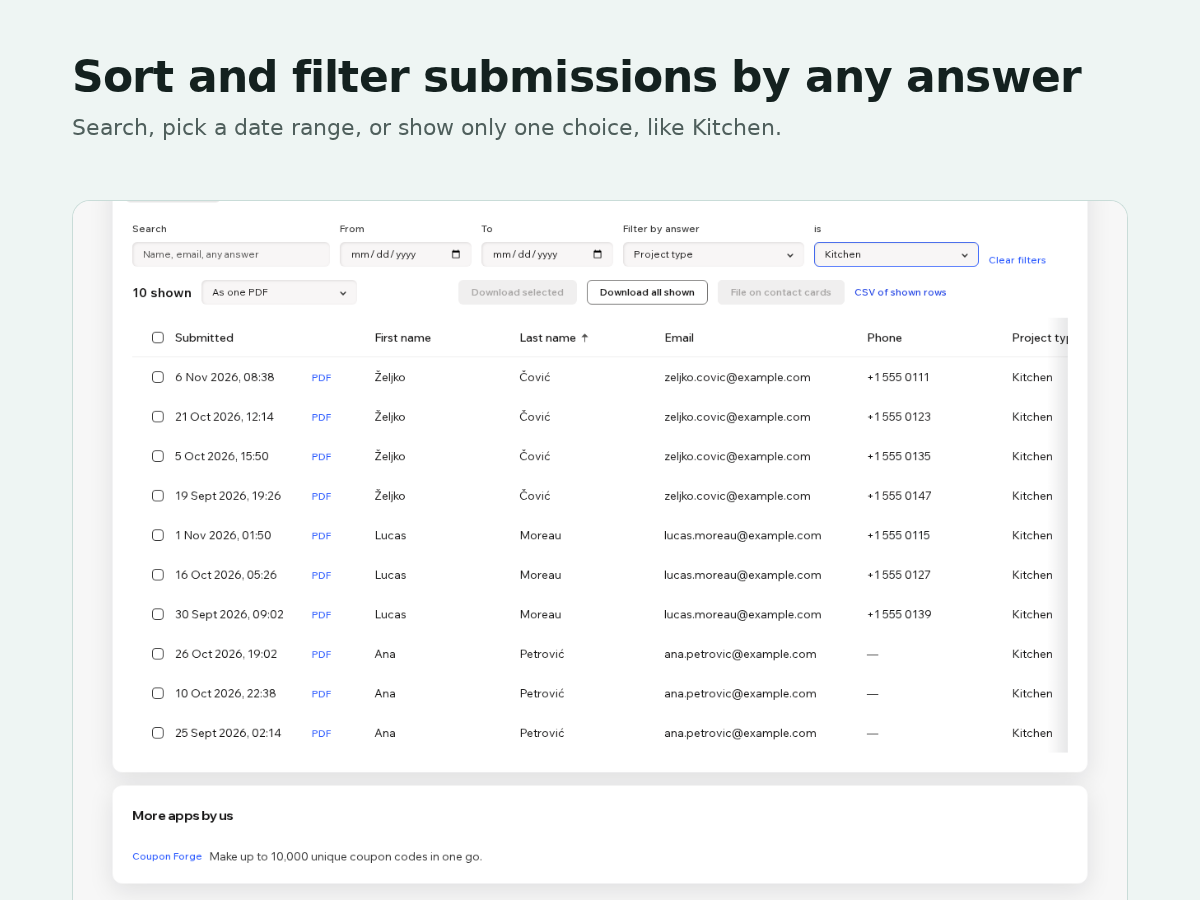
- Sort and filter submissions by any field
- File each new submission on the contact card
Hodnocení & Recenze
Tato aplikace zatím nemá žádná hodnocení, buďte první, kdo ji ohodnotí.Ceny a plány
Plán Basic
Zdarma
PDF of any submission, one at a time
Your logo and your choice of fields
Sort, search and filter the table
Plán Premium
$
2
50
/měsíc
$500
Bulk download: one PDF or a ZIP
Every form on your site
Your colour, footer and field order
Auto-file PDFs on contact cards
Plán Pro
$
3
60
/měsíc
$720
Everything in Premium
Emails each submission's PDF
A weekly or monthly PDF digest
Re-file the whole archive at once
* Cena je v USD.