

e‑shop
rezervace
Události
vyskakovat

Program Roster: CSV Import
od
Add a whole cohort to a program from CSV
Zatím žádné hodnocení
Dostupné zdarma

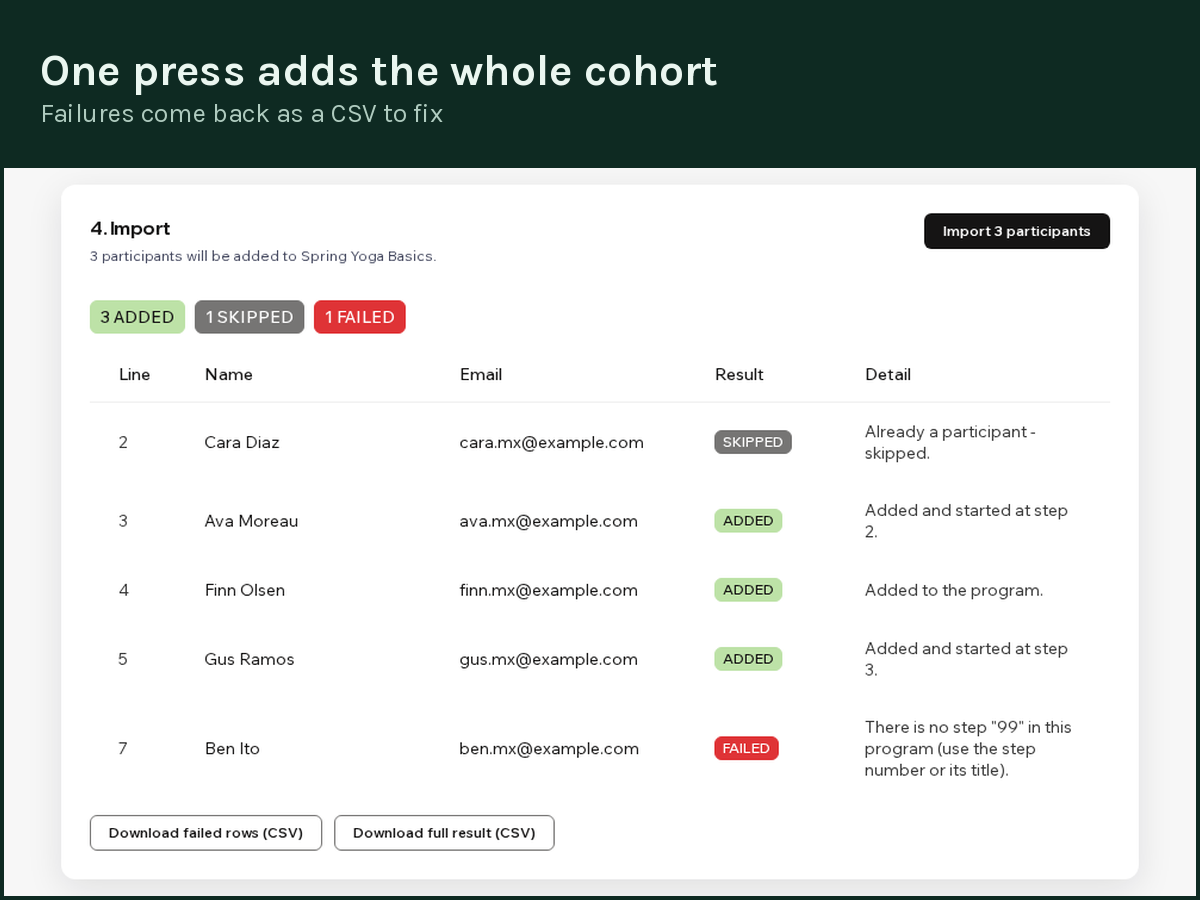
Přehled – Program Roster: CSV Import
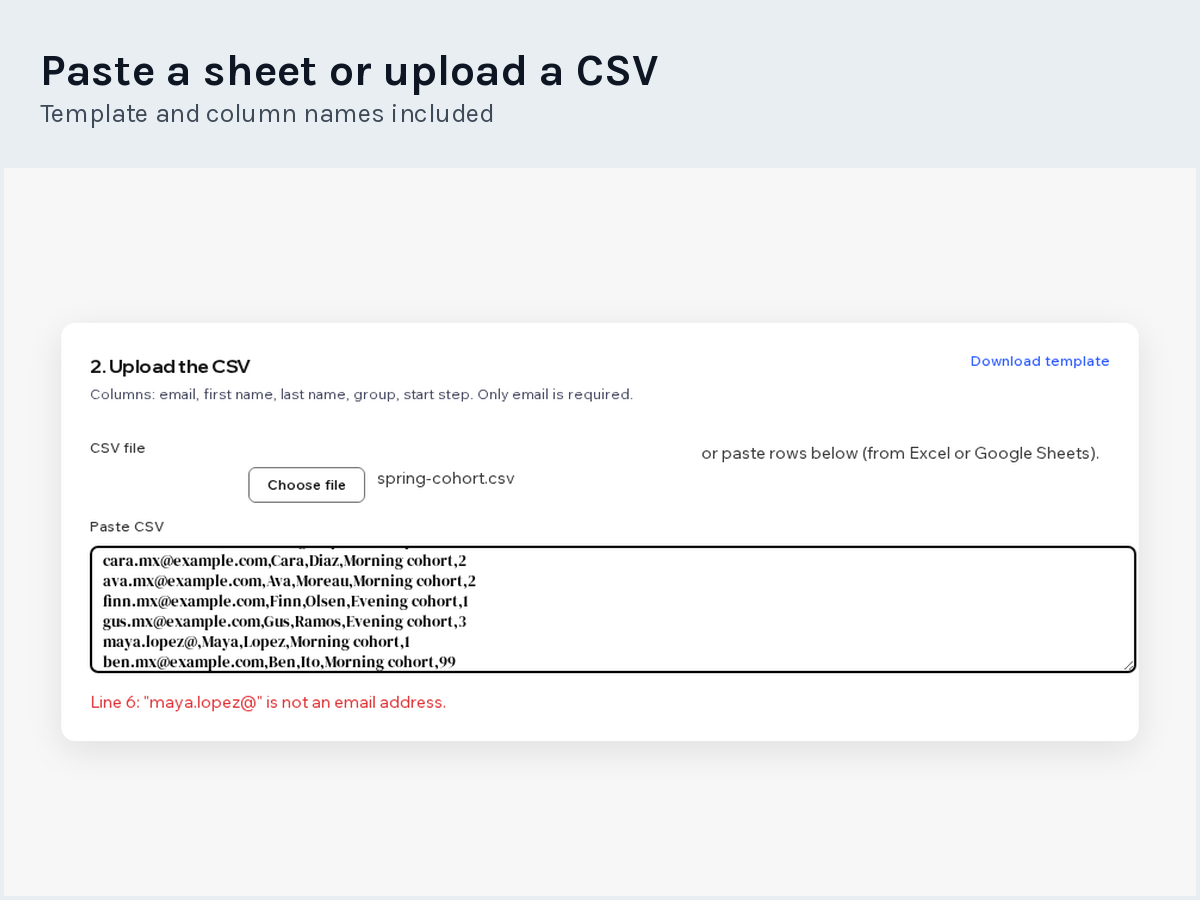
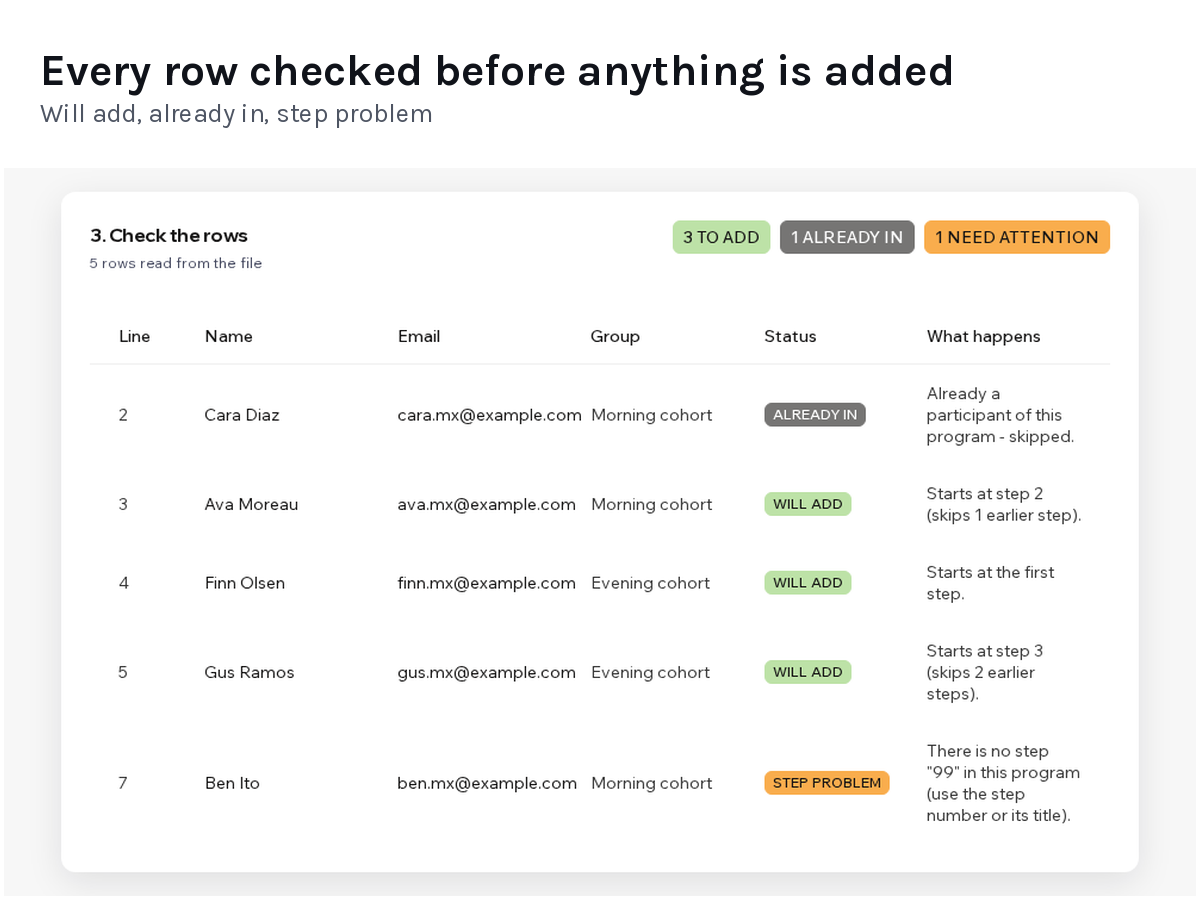
- Paste a CSV and preview every row
- Bad emails named by line number
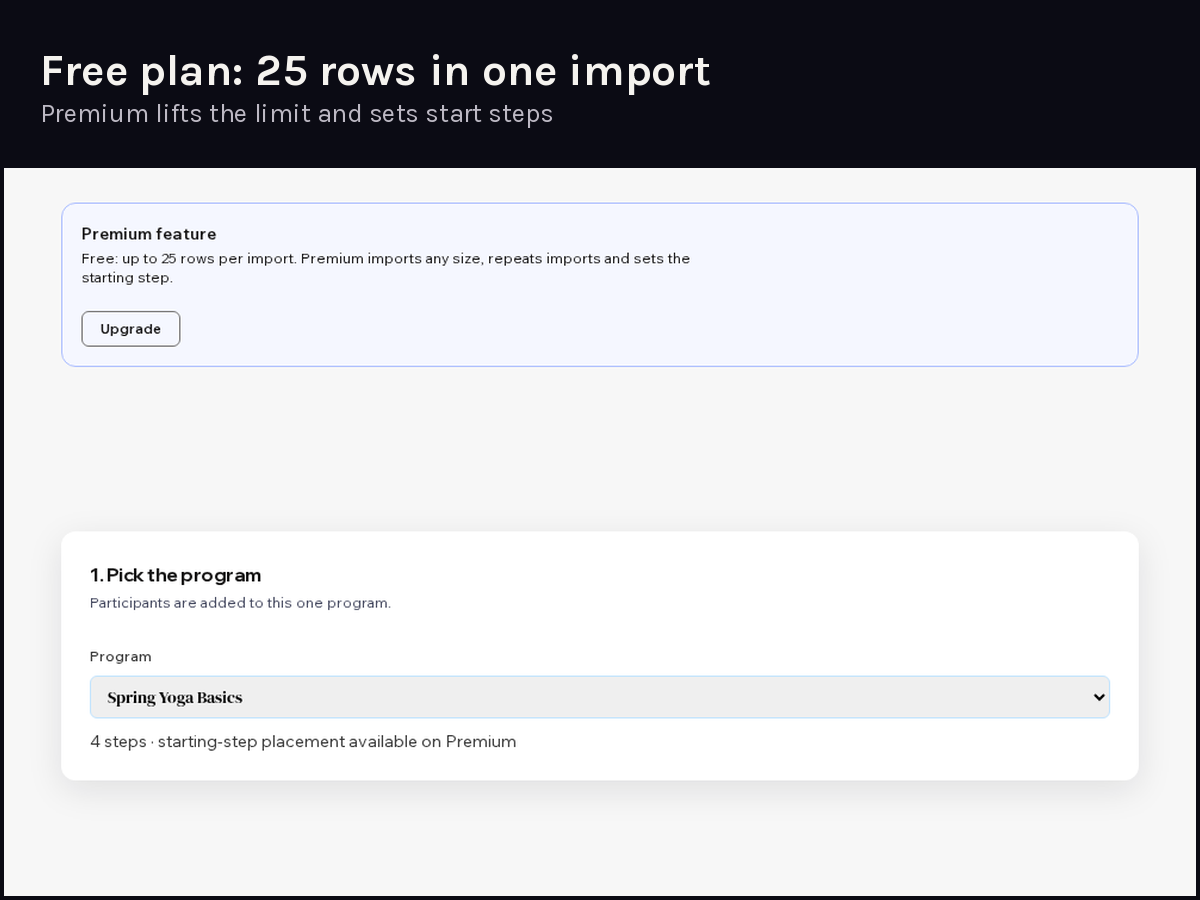
- 25 rows per import on the free plan
- Start each learner at the right step
Hodnocení & Recenze
Tato aplikace zatím nemá žádná hodnocení, buďte první, kdo ji ohodnotí.Ceny a plány
Plán Basic
Zdarma
25 rows per import
Preview every row first
Clear reason on each bad row
Plán Premium
$
3
75
/měsíc
$750
Unlimited rows per import
Start each person at a step
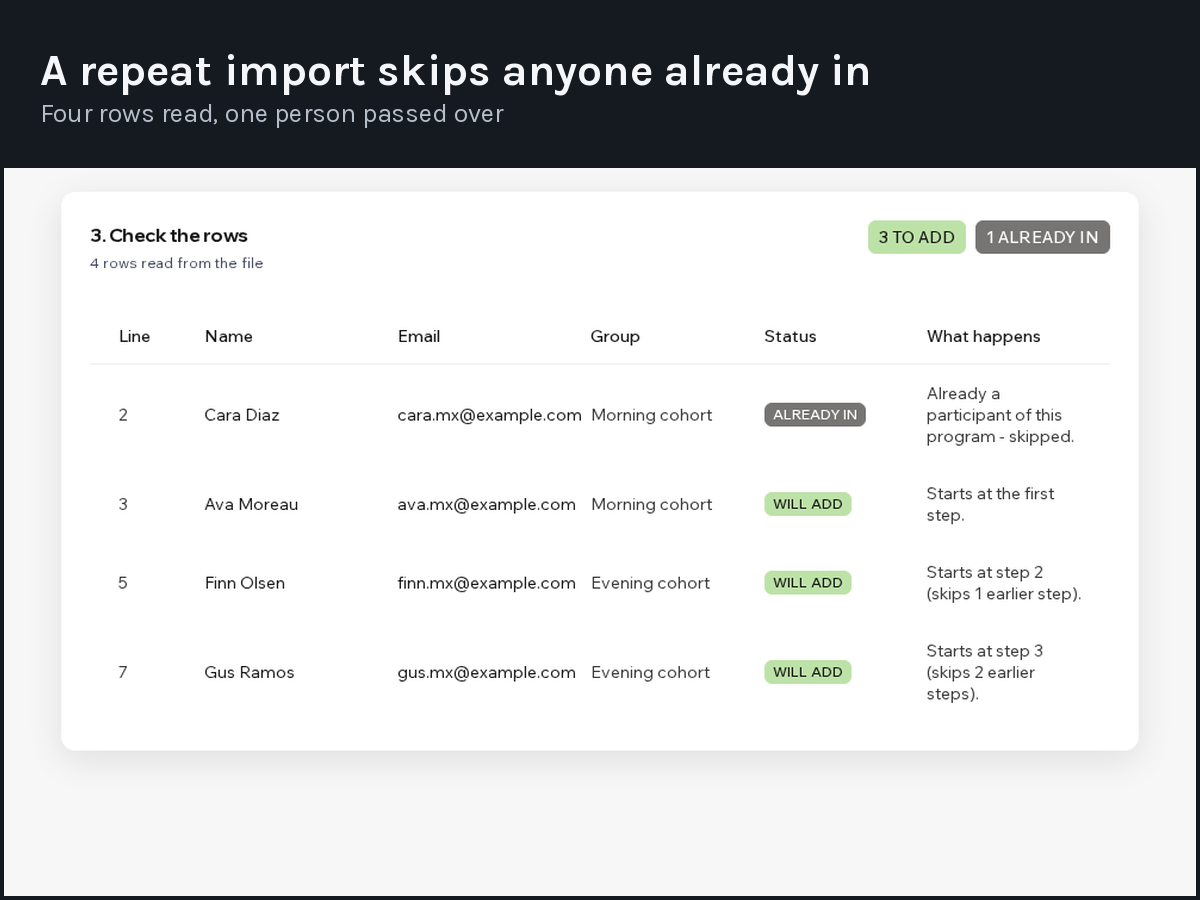
Repeat imports any time
Download the failures CSV
* Cena je v USD.