Embed PDFs from direct links, Google Drive & Dropbox - directly on your site
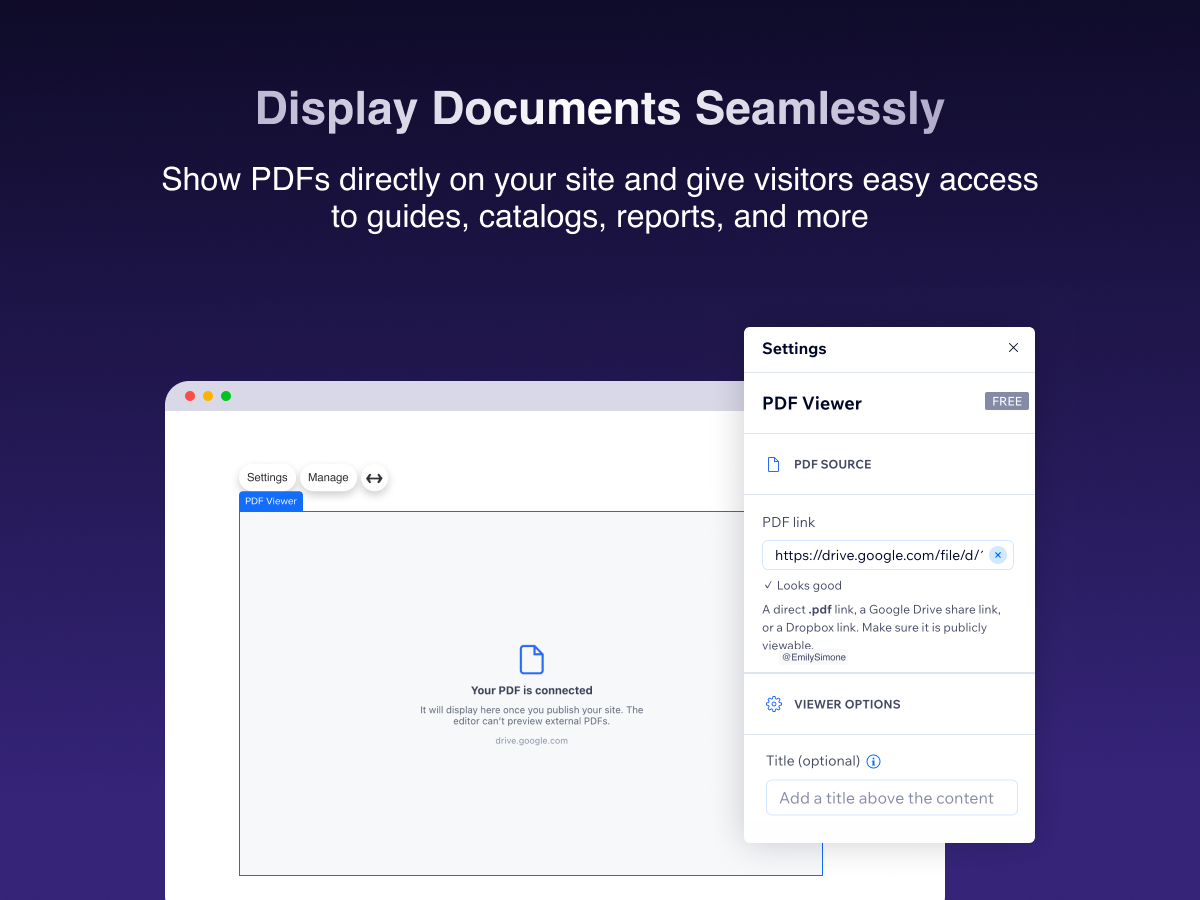
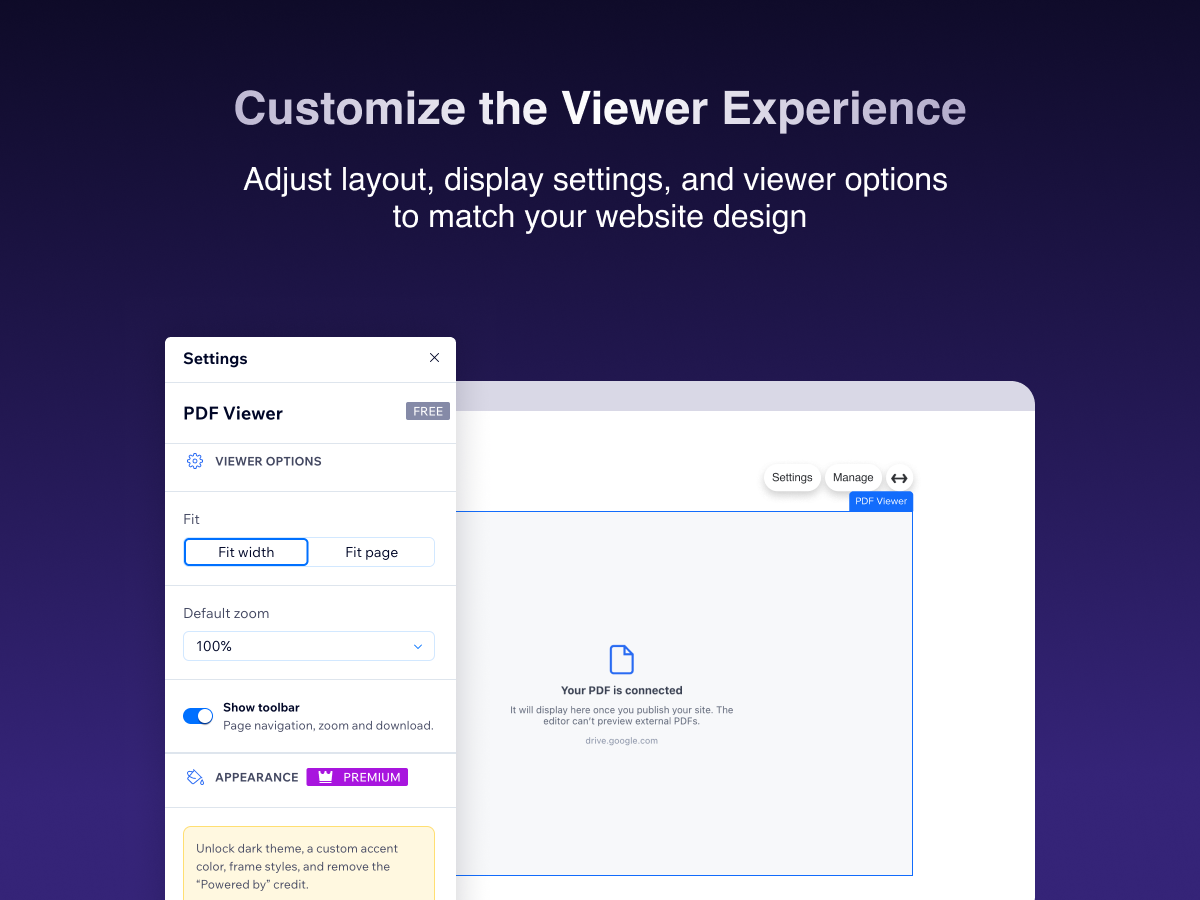
Control fit, zoom & toolbar from the editor settings panel
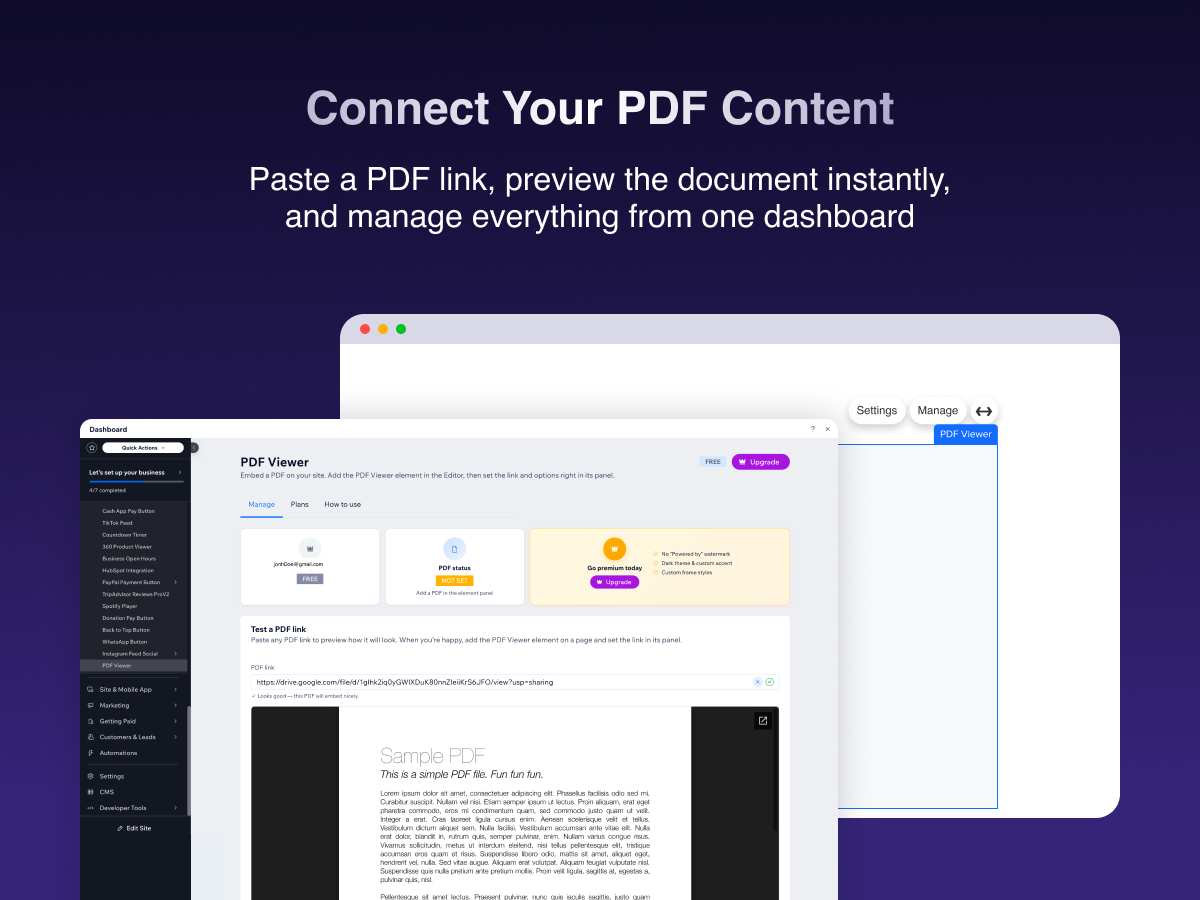
Test any PDF link instantly with the built-in dashboard preview
Customizable display with theme, accent color & frame styles
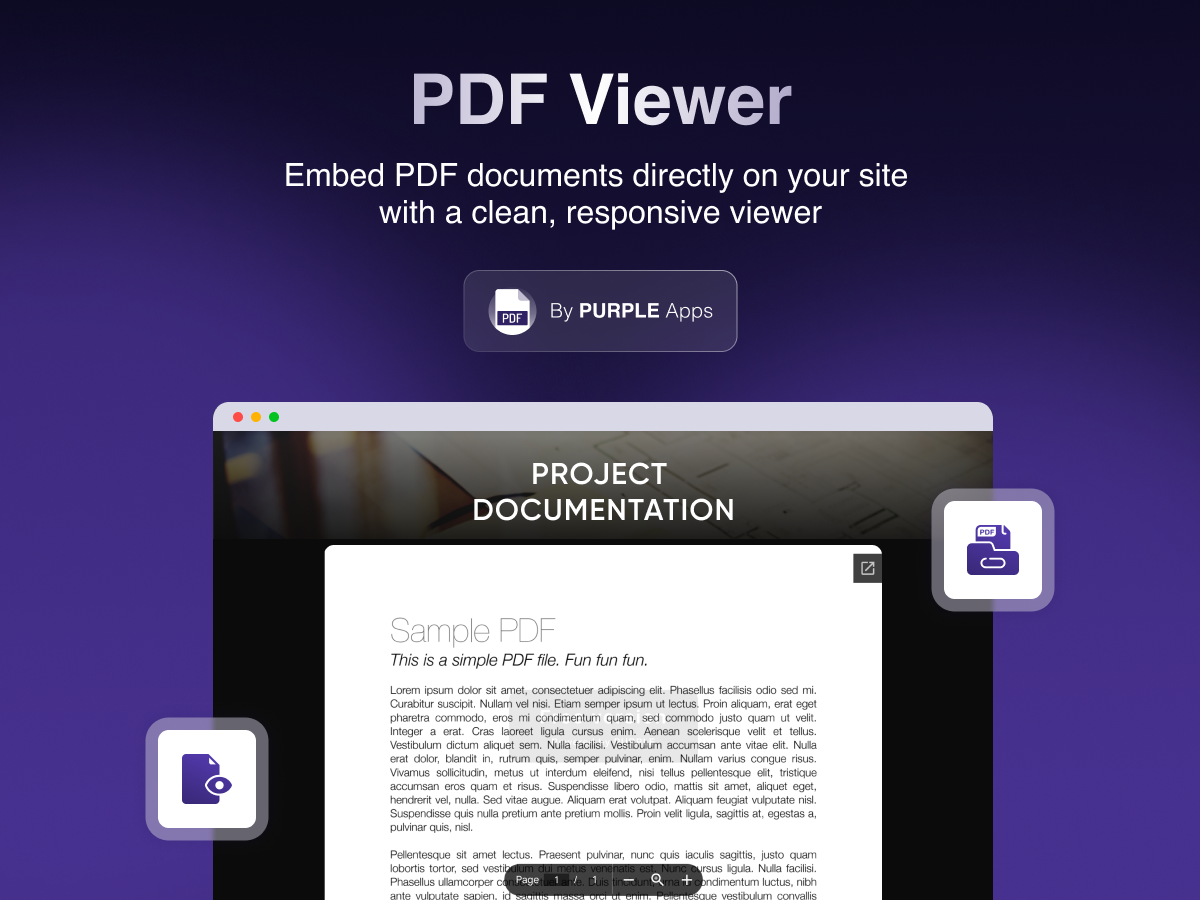
PDF Viewer lets your site visitors read PDF documents directly on your pages - no downloads, no redirects.
Simply paste a PDF link into the widget's settings panel, and the document is embedded instantly. Your visitors can view brochures, menus, catalogs, guides, terms & conditions, and more - all without leaving your site. Supports direct .pdf links, Google Drive share links, and Dropbox links.
Key features:
• Embed PDFs from direct links, Google Drive, or Dropbox
• Control fit mode (fit to width or fit to page), default zoom, and toolbar visibility
• Test any PDF link instantly in your app dashboard before publishing
• Customize the display with light or dark theme, accent color, and frame styles (Premium)
• Resize the viewer to any size using native element handles
• Easy setup - just paste a PDF link, and you're done
How it works:
1. Add the PDF Viewer widget to any page in the Editor
2. Open the widget's Settings panel and paste your PDF link
3. Adjust fit, zoom, and display options to match your site's style
4. Publish - your visitors can now read your PDF directly on your site
Perfect for businesses sharing menus, brochures, product catalogs, user guides, price lis