

e‑shop
rezervace
Události
vyskakovat

Hide Out of Stock Products
od
Sold-out products hide and return on restock
Zatím žádné hodnocení
Dostupné zdarma

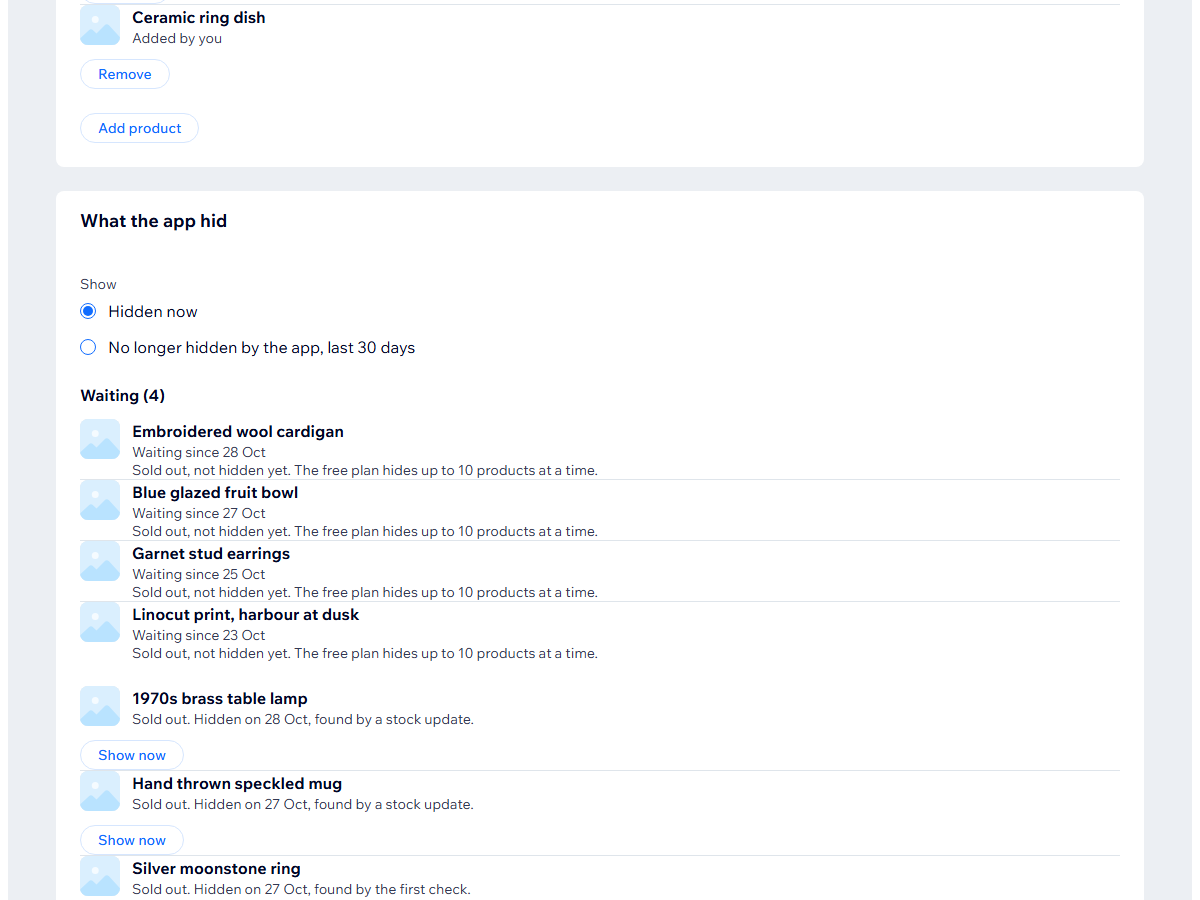
Přehled – Hide Out of Stock Products
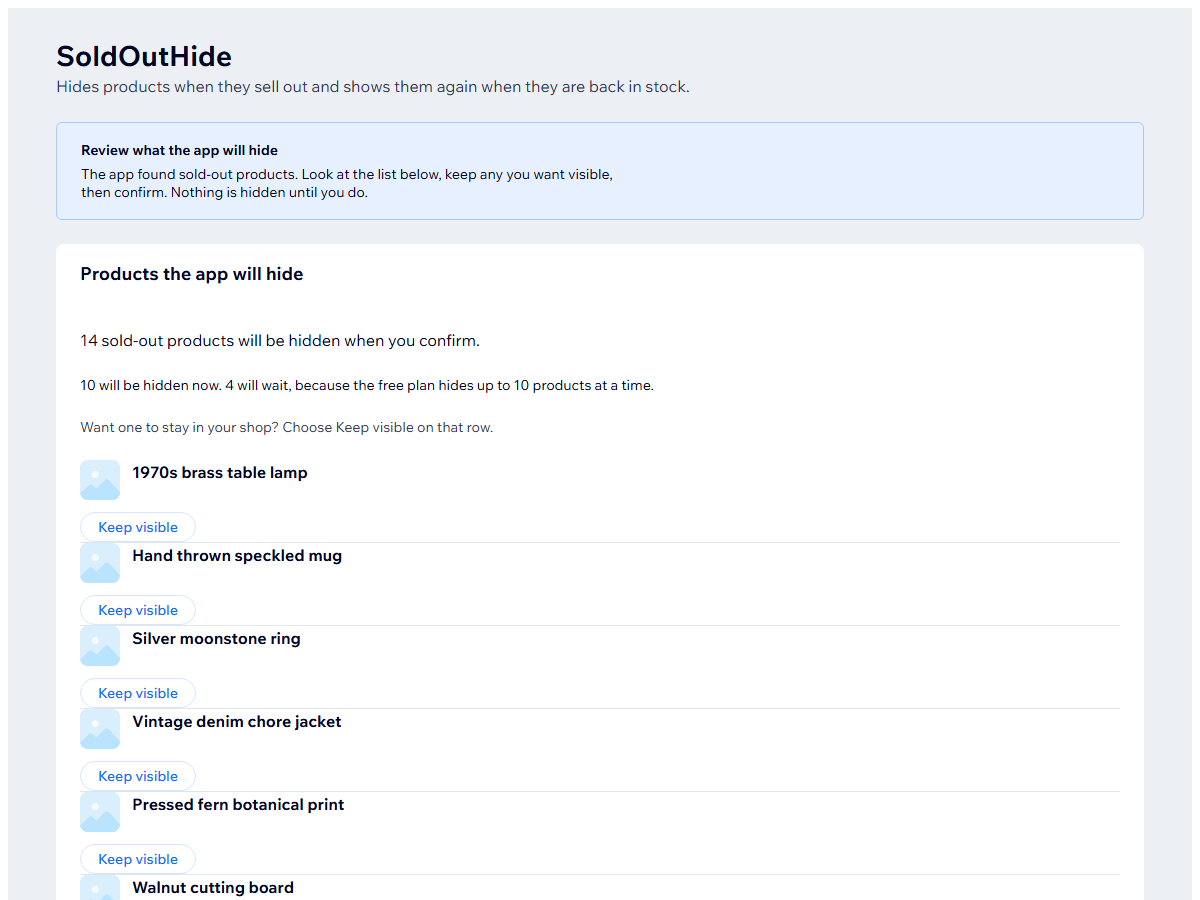
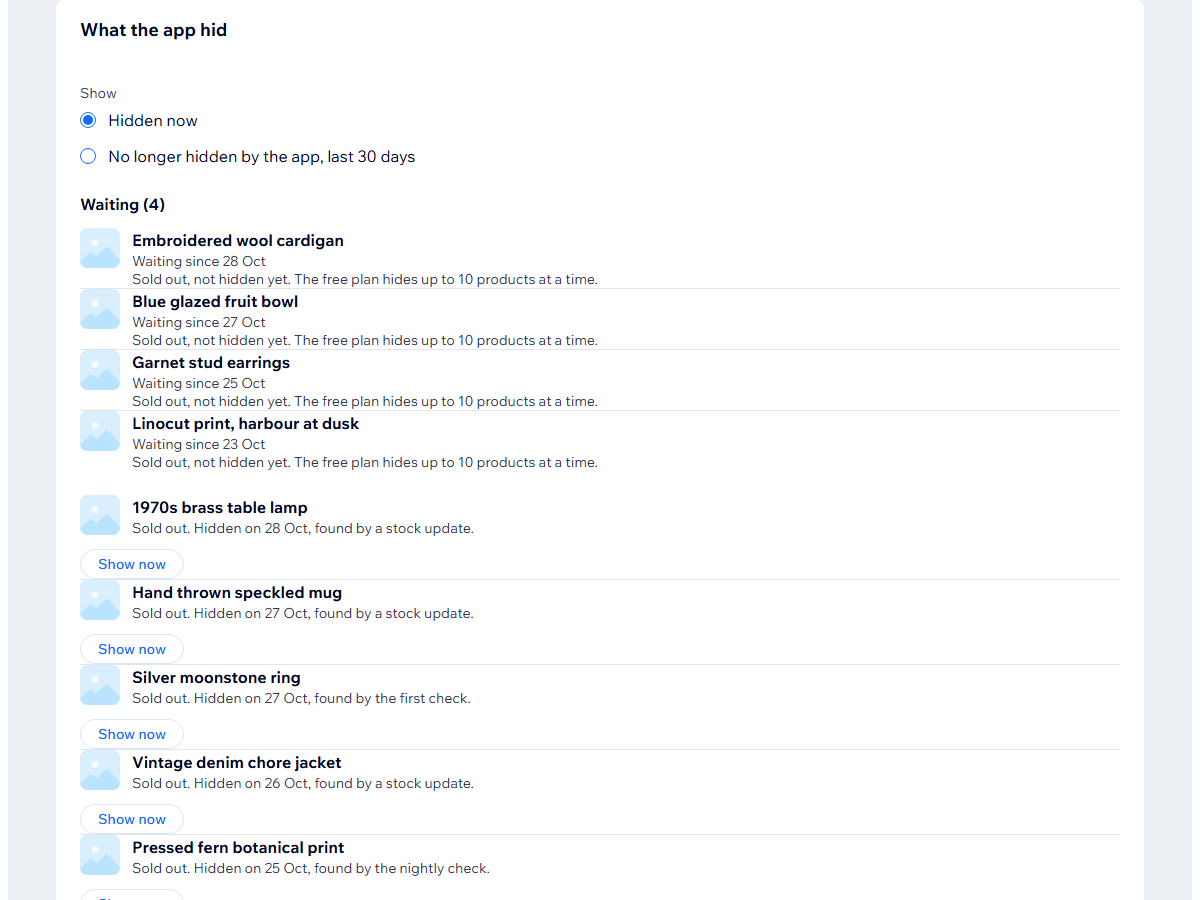
- Hides a product from your shop once it is sold out
- Shows it again when stock comes back
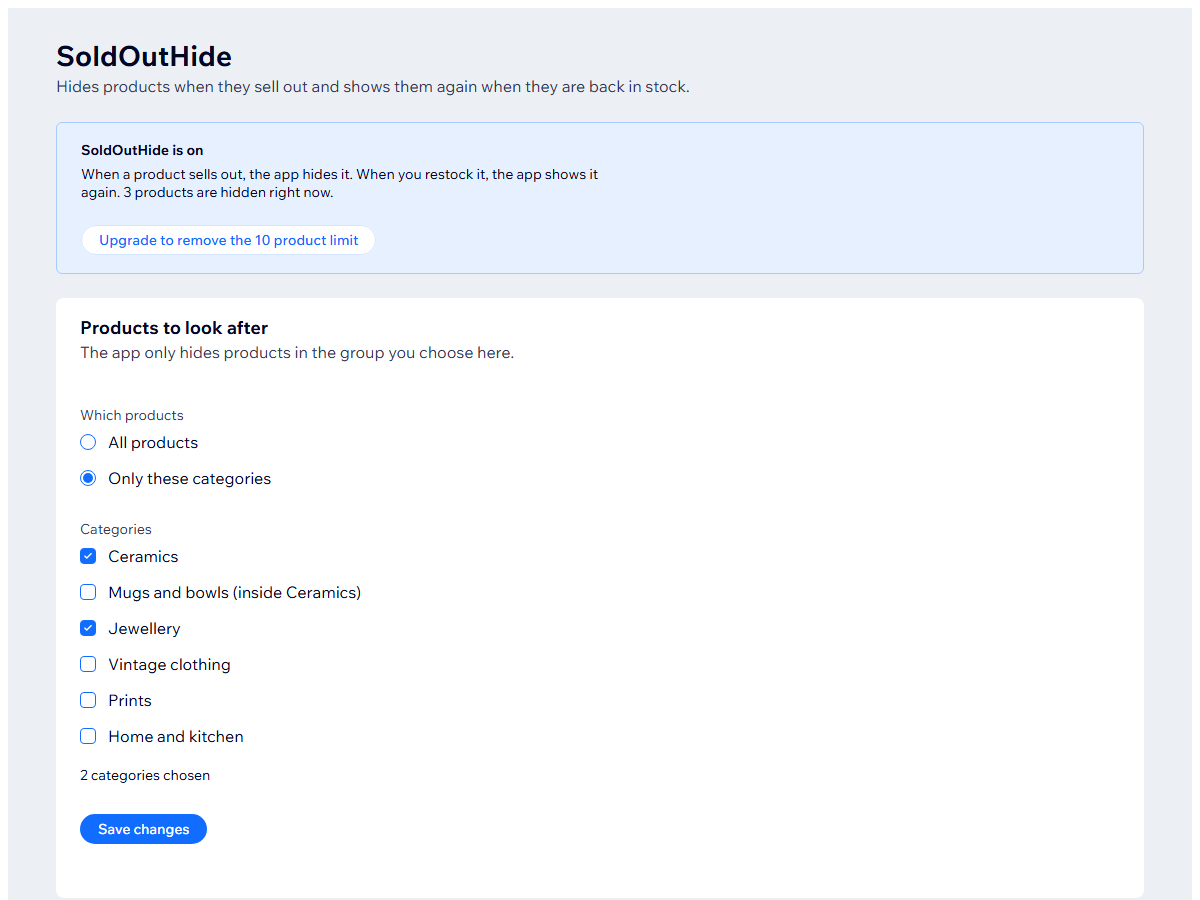
- Hide everything or only the categories you choose
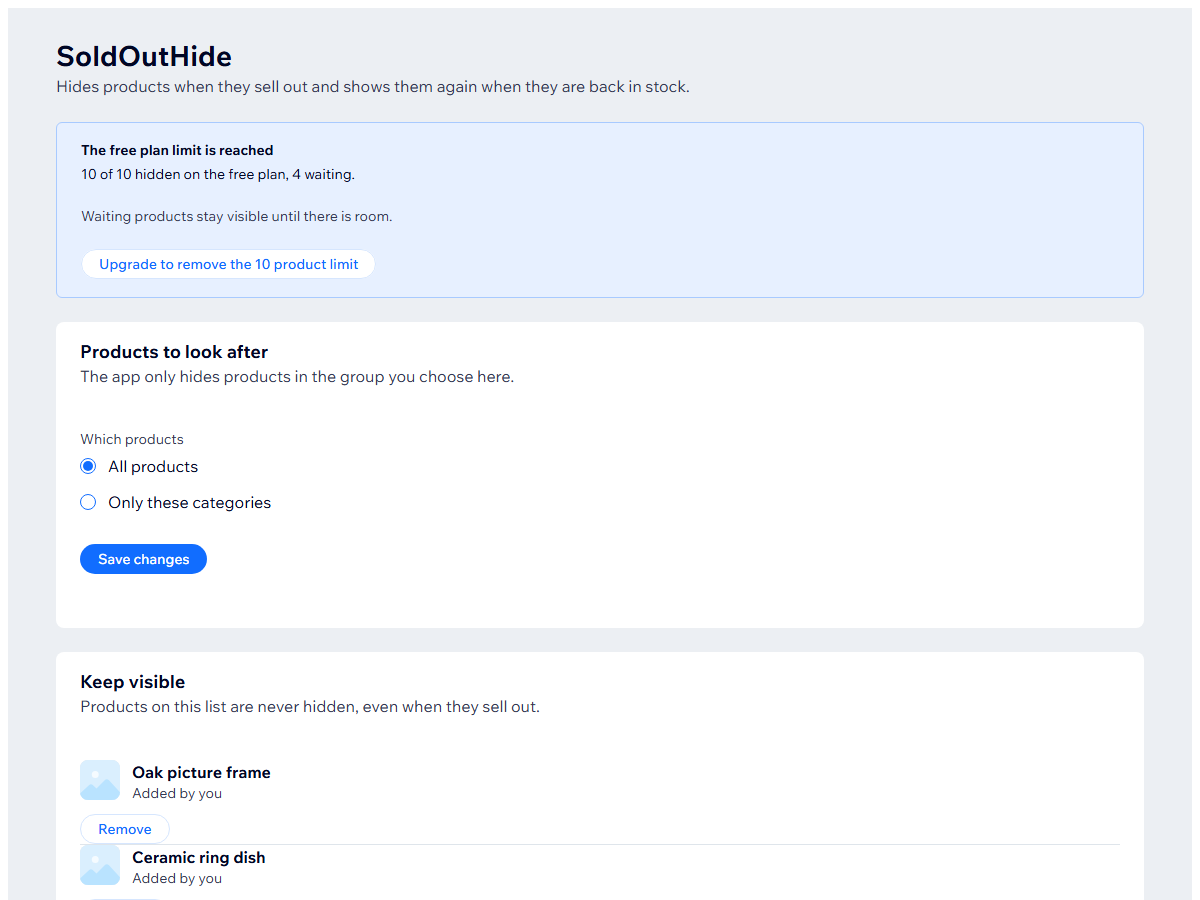
- A keep-visible list for products that should always stay
Hodnocení & Recenze
Tato aplikace zatím nemá žádná hodnocení, buďte první, kdo ji ohodnotí.Ceny a plány
Plán Basic
Zdarma
Hides up to 10 products at a time
Waiting products hide as room opens
Categories and a keep-visible list
Plán Pro
$
4
90
/měsíc
No limit on hidden products
Hides every sold-out product
Shows each one again on restock
* Cena je v USD.