

e‑shop
rezervace
Události
vyskakovat

Ask in Aria
Wholesale Pricing for Members
od
Trade pricing for tagged members, in two minutes
Zatím žádné hodnocení
14denní zkušební verze zdarma

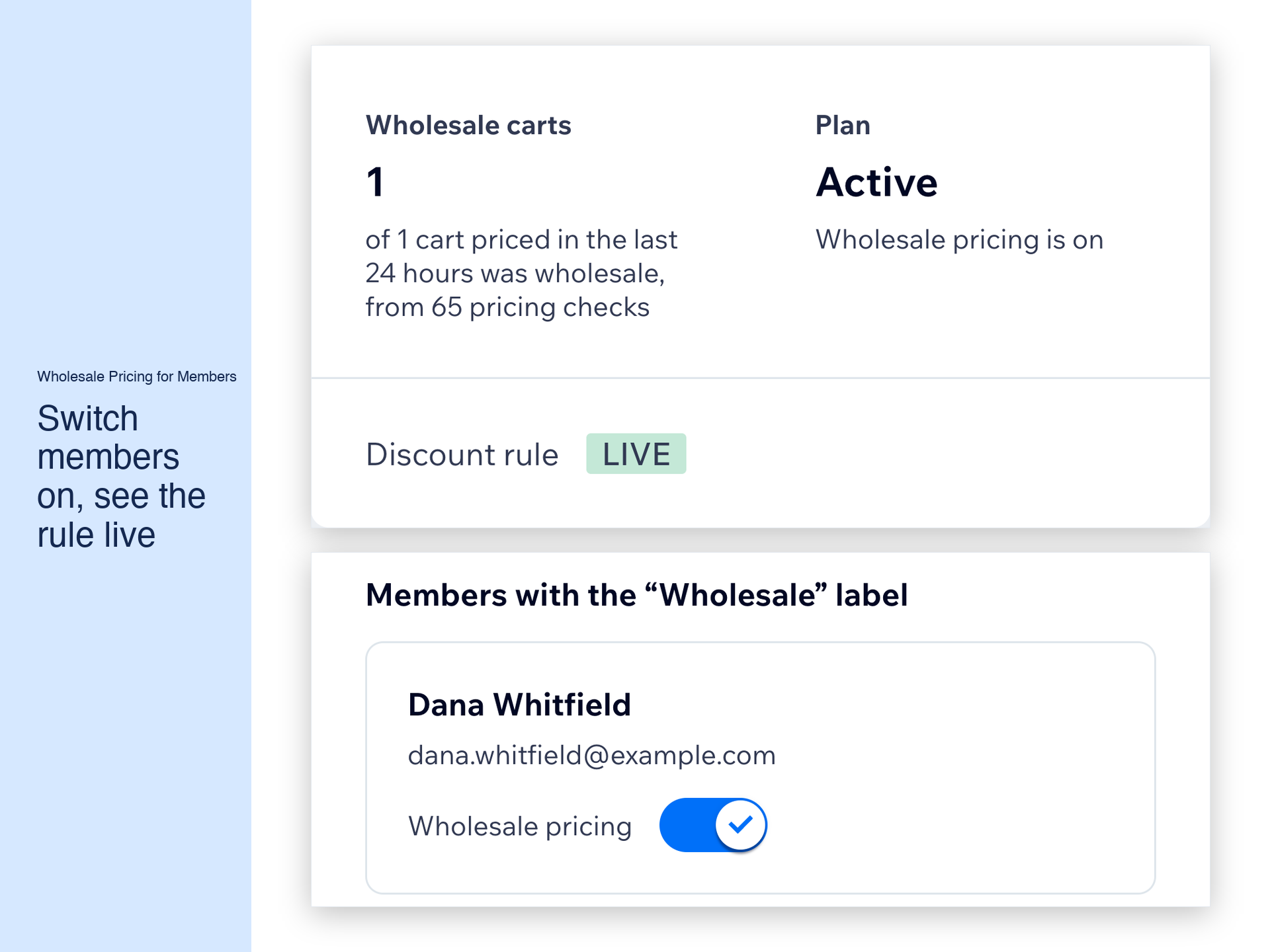
Přehled – Wholesale Pricing for Members
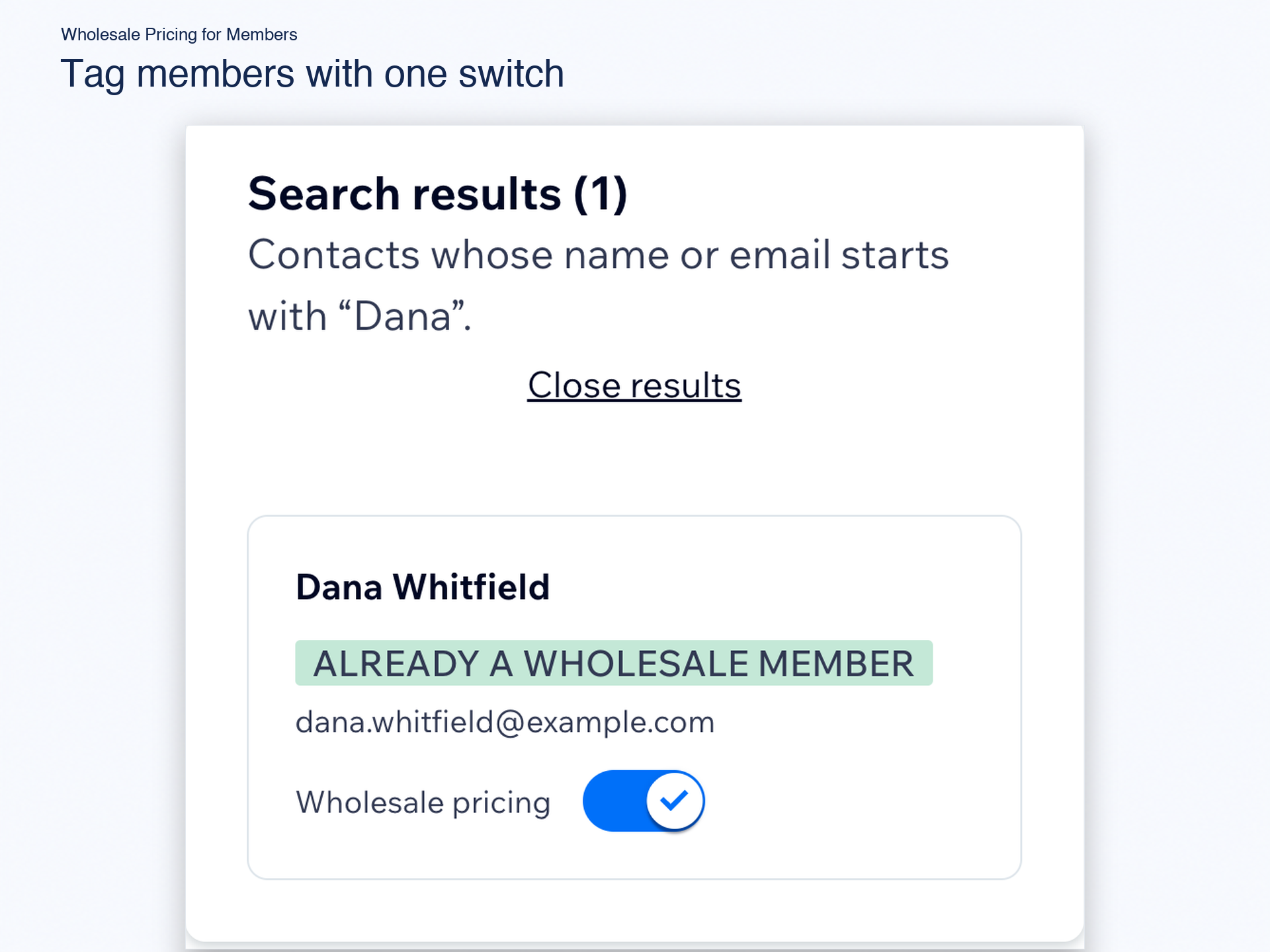
- Works from a contact label you pick
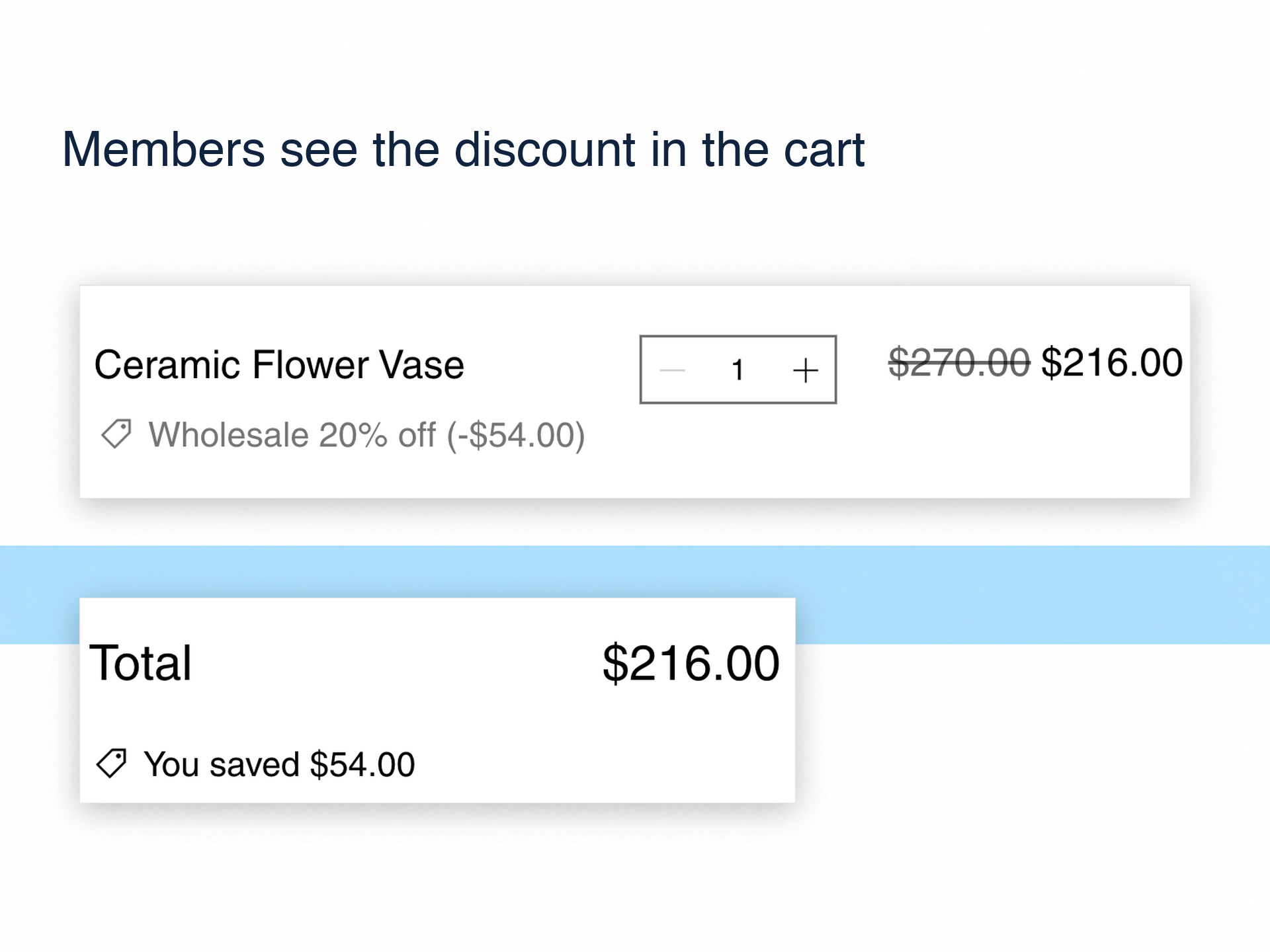
- Members see the trade price in cart
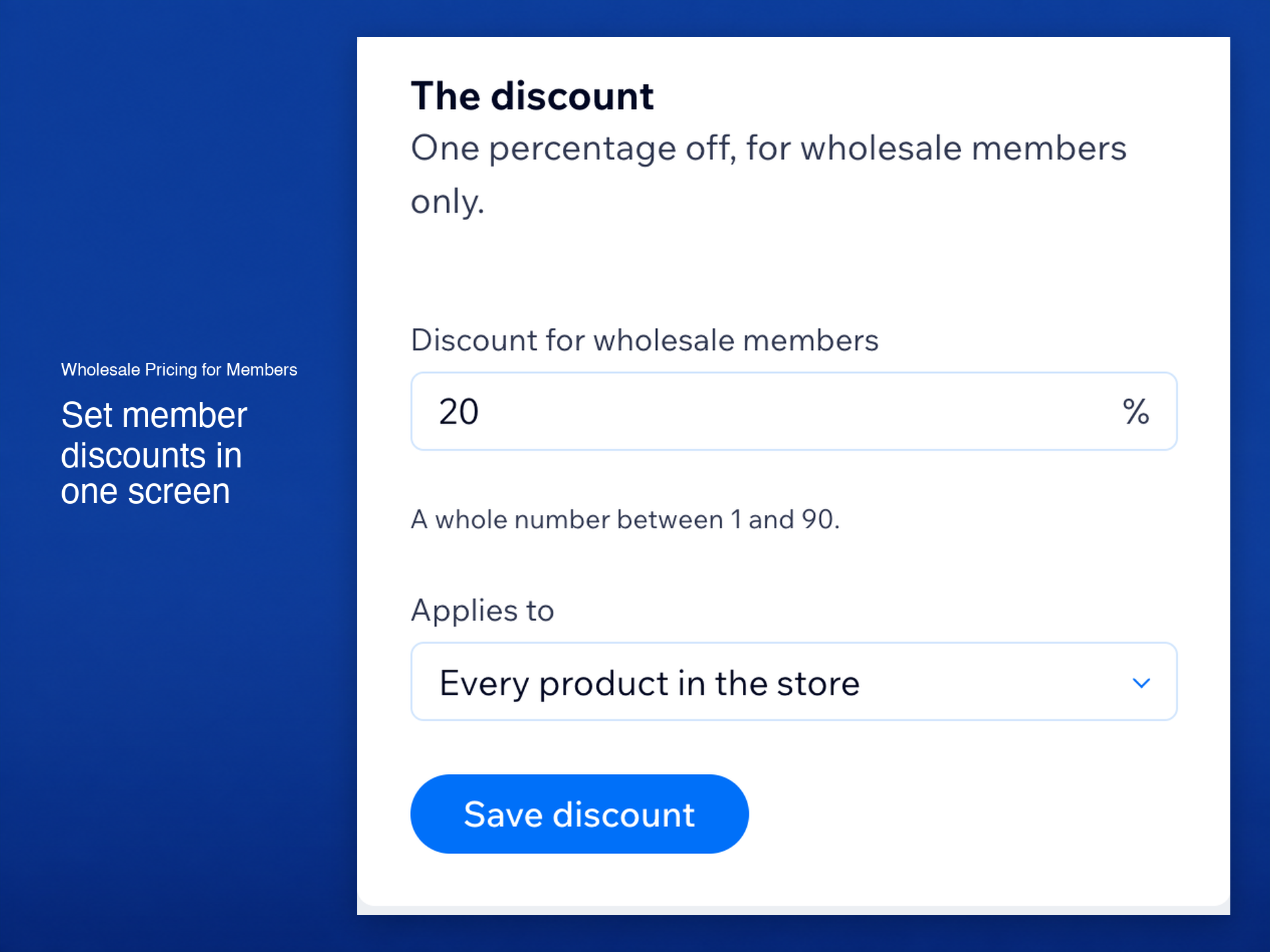
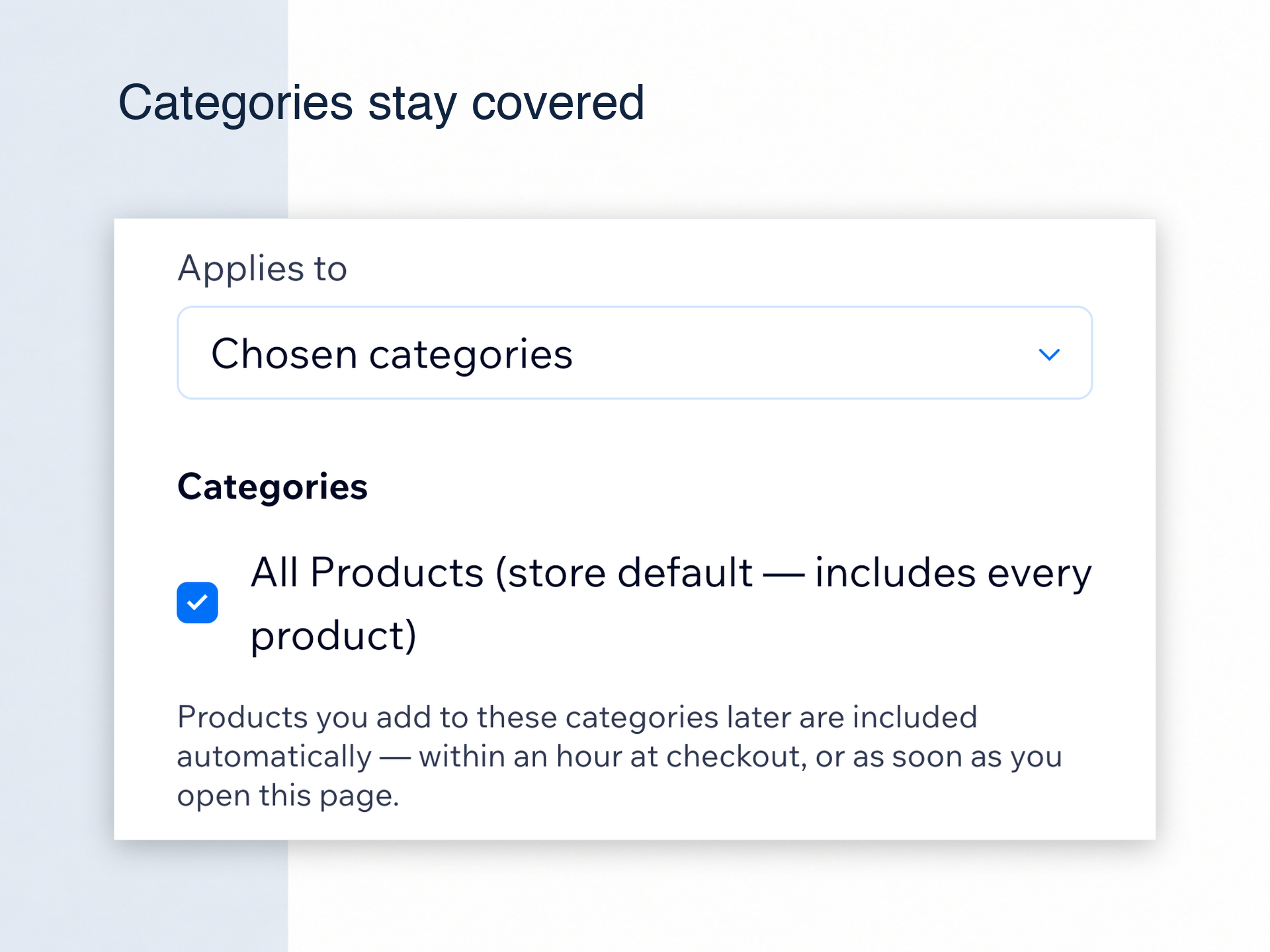
- One rule, all products or categories
- 14 days free, then $9.99 a month
Hodnocení & Recenze
Tato aplikace zatím nemá žádná hodnocení, buďte první, kdo ji ohodnotí.Ceny a plány
Tato aplikace nabízí 14denní zkušební verzi zdarma.Plán Standard
$
8
33
/měsíc
Trade pricing for labeled members
Discount in cart and checkout
All products or chosen categories
Unlimited wholesale members
* Cena je v USD.