

e‑shop
rezervace
Události
vyskakovat

- 20%
Ověřeno společností Wix
Spotify Stream Player
od
Embed Spotify on your site
4.7
Dostupné zdarma

Přehled – Spotify Stream Player
- Embed tracks, playlists, albums & podcasts
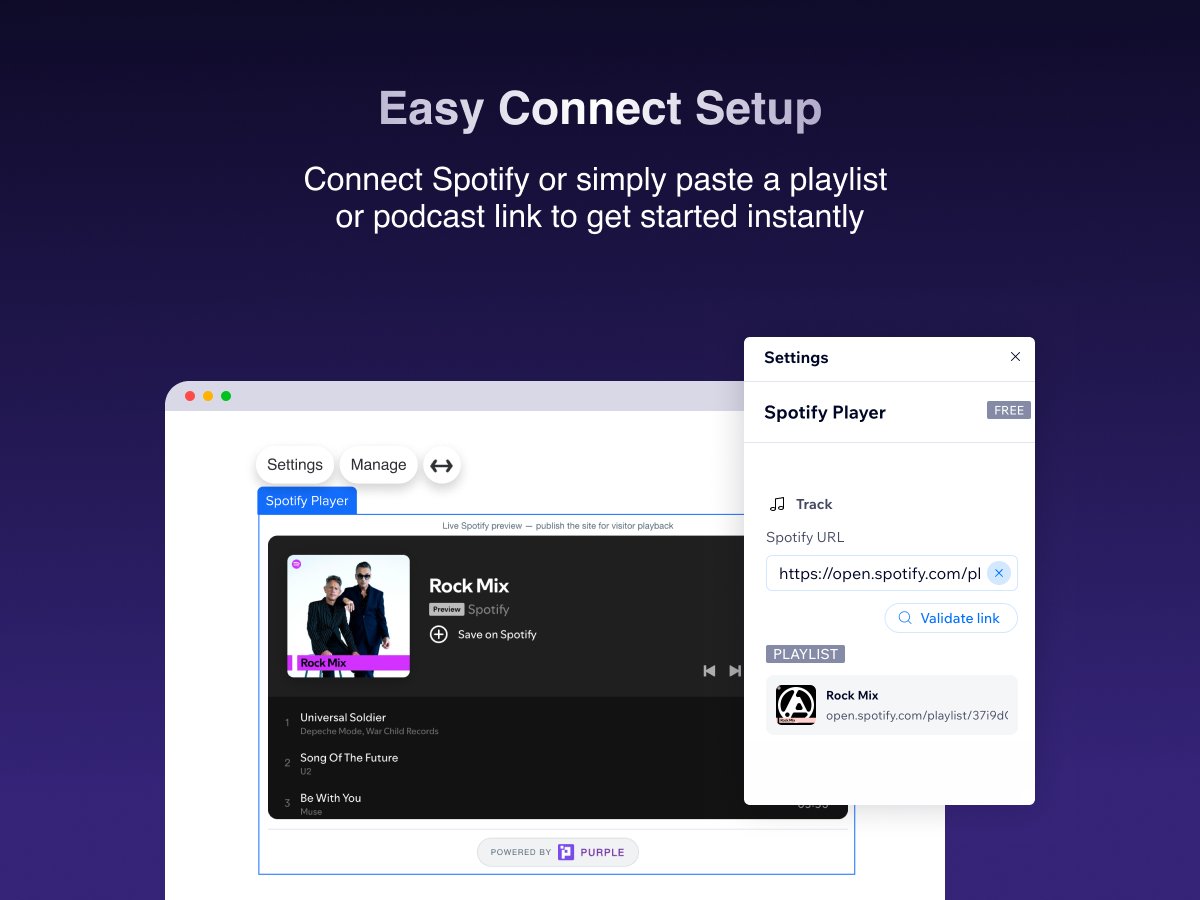
- Paste a Spotify link — live preview in the editor
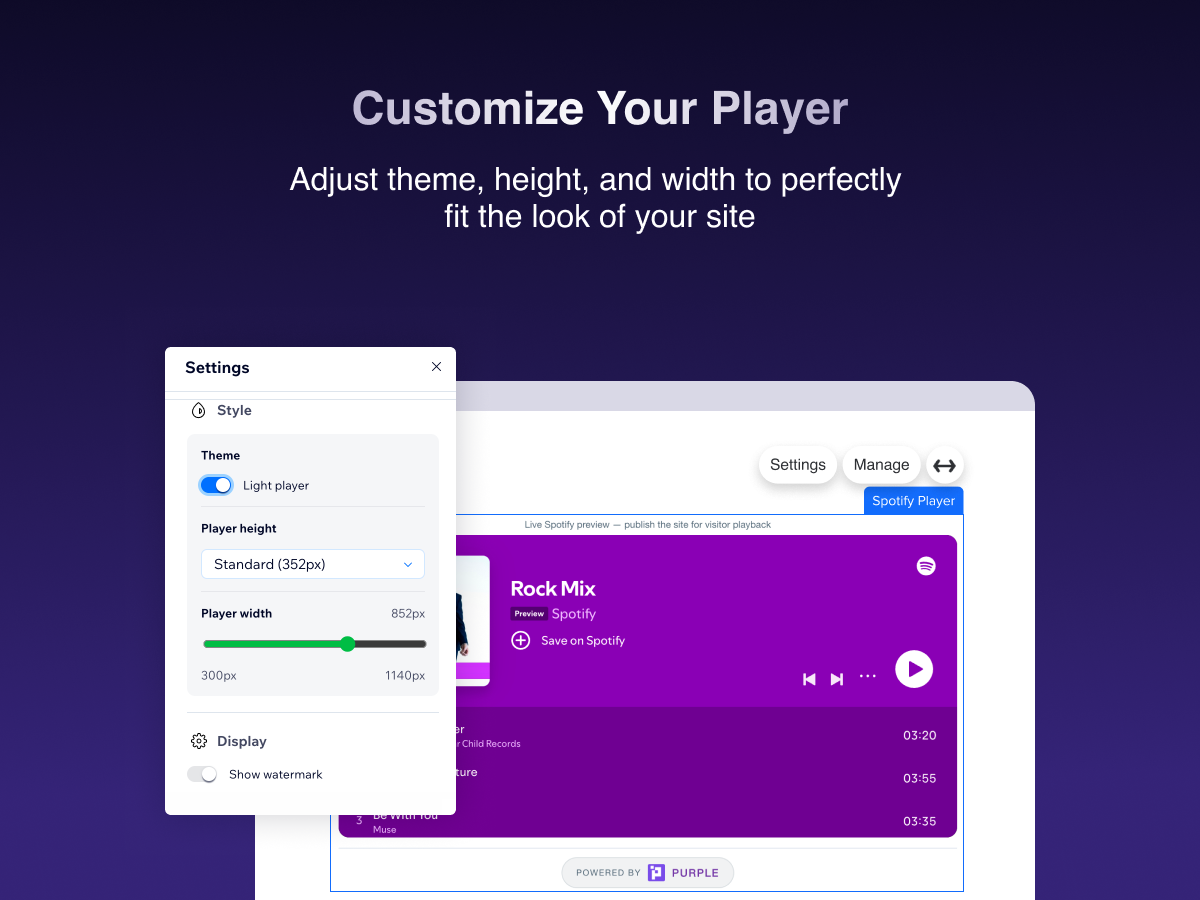
- Match your site: theme, width & player size
- Official Spotify player with full playback controls
Kategorie
Dostupnost:
Tato aplikace je dostupná po celém světě.Jazyky aplikace:
Angličtina
Průměrné hodnocení 4.7
37 hodnocení
5
33
4
0
3
2
2
0
1
2
Třídit podle:
RI
Richmondjamescc/ Oct 8, 2026
Love it
(0)
Děkujeme za vaši zpětnou vazbu
CO
Cobrastrikestudio3/ Sep 14, 2026
Dose not work
PU
Tým PURPLE
Hi there,
We’re sorry to hear that the Spotify Stream Player isn’t working as expected. We’d like to understand what’s happening on your site so we can help identify the issue and get the...(0)
Děkujeme za vaši zpětnou vazbu
PA
Paoladommont/ Sep 14, 2026
Me encanta
PU
Tým PURPLE
Hi there,
Thank you so much for the 5 star review! We’re really happy to hear that you’re enjoying Spotify Stream Player.
We truly appreciate your support and hope you continue having a great experience...(0)
Děkujeme za vaši zpětnou vazbu
AN
Angiebernal21/ Sep 11, 2026
Me encanta
PU
Tým PURPLE
Hi there,
Thank you for the wonderful 5 star review! We’re so glad to hear that you’re enjoying Spotify Stream Player.
We really appreciate your support and hope you continue enjoying the app!
— The PURPLE Team(0)
Děkujeme za vaši zpětnou vazbu
AN
Anaisvijgen/ Sep 10, 2026
TOP
PU
Tým PURPLE
Hi there,
Thank you for the 5 star review! We’re thrilled to know that Spotify Stream Player is working well for you.
We truly appreciate your support and hope you continue having a great experience...(0)
Děkujeme za vaši zpětnou vazbu
Ceny a plány
Plán Basic
Zdarma
Embed any Spotify track, album or play
Light & dark player theme
Resize player height & width
Watermark shown on player
Plán Pro
- 20%
$
2
39
/měsíc
$299
Remove "Upgrade" watermark from player
Manage all players from the dashboard
Priority support
Light & dark player theme
* Cena je v USD.
* Tato sleva platí do 31. října 2026 23:59 UTC. Vývojář aplikace si vyhrazuje právo kdykoli prodej ukončit a prodejní podmínky mohou podléhat změnám.