

e‑shop
rezervace
Události
vyskakovat

StoreToSheet: Bulk Edit & Sync
od
Bulk edit stock & prices in Google Sheets
Zatím žádné hodnocení
Dostupné zdarma

Přehled – StoreToSheet: Bulk Edit & Sync
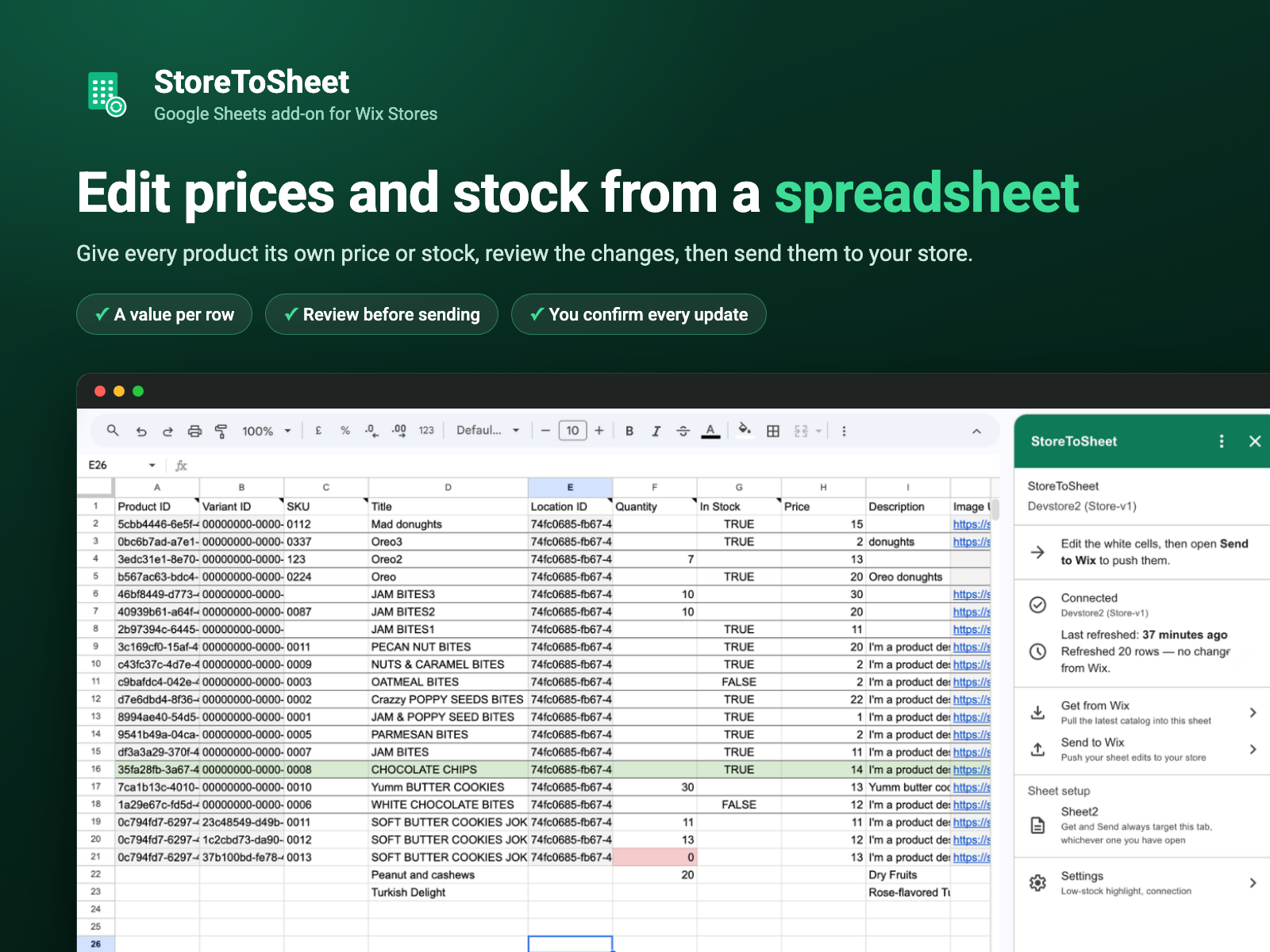
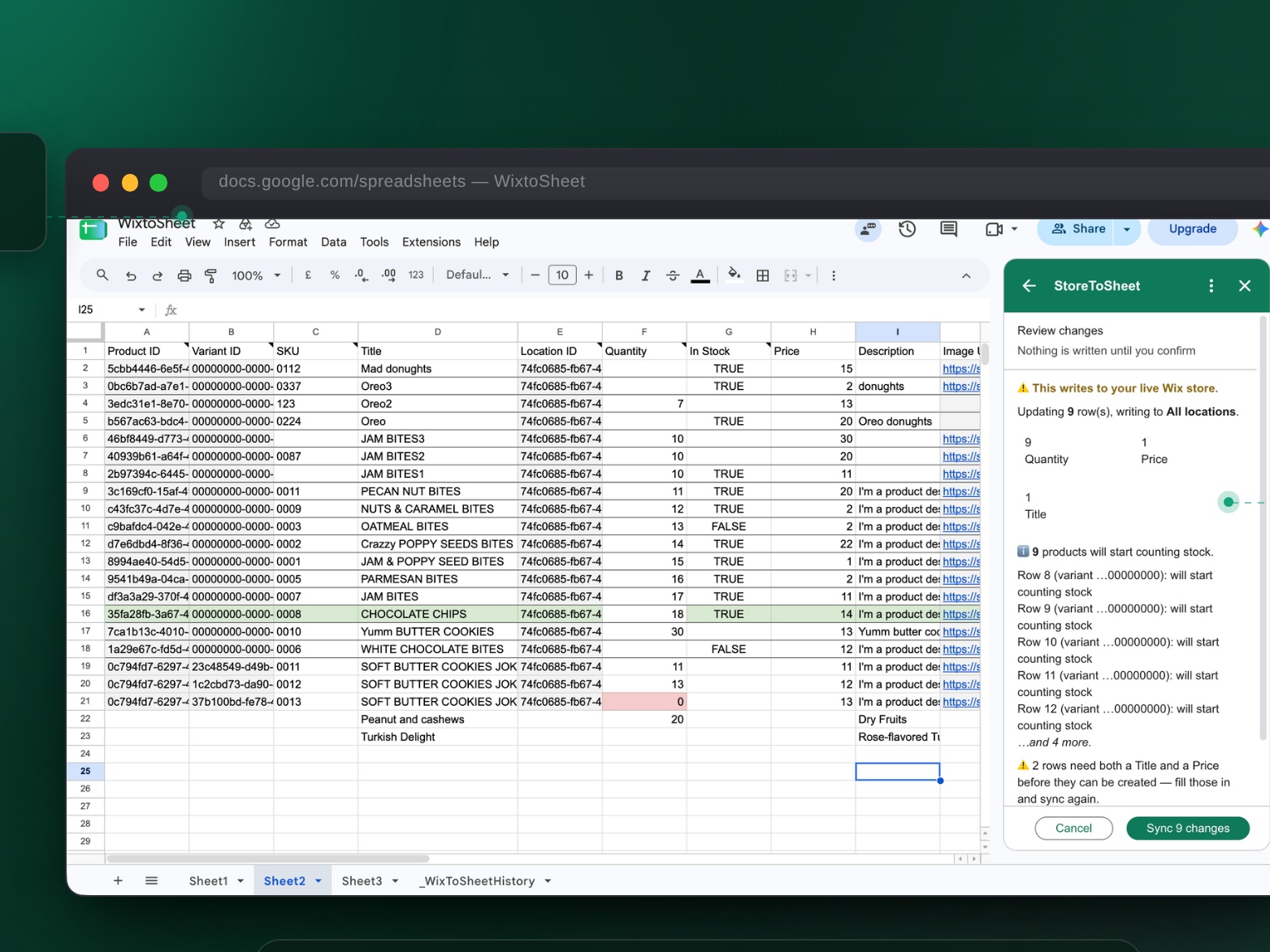
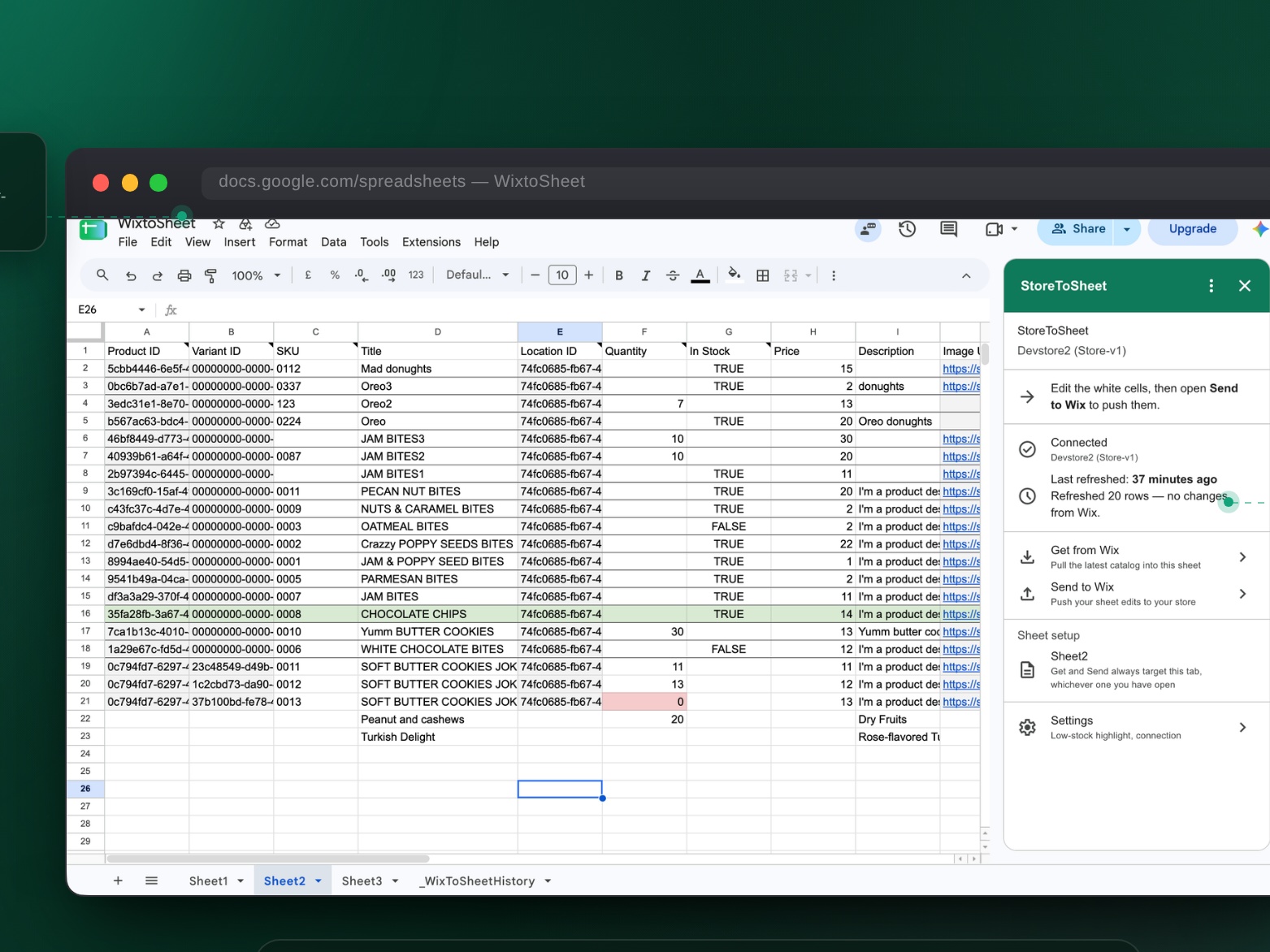
- Bulk edit prices, stock, titles and SKUs in a Google Sheet
- Review every change before it reaches your store
- Skip the CSV export and CSV import round trip
- A real sale always wins over an old stock number
Hodnocení & Recenze
Tato aplikace zatím nemá žádná hodnocení, buďte první, kdo ji ohodnotí.Ceny a plány
Plán Free
Zdarma
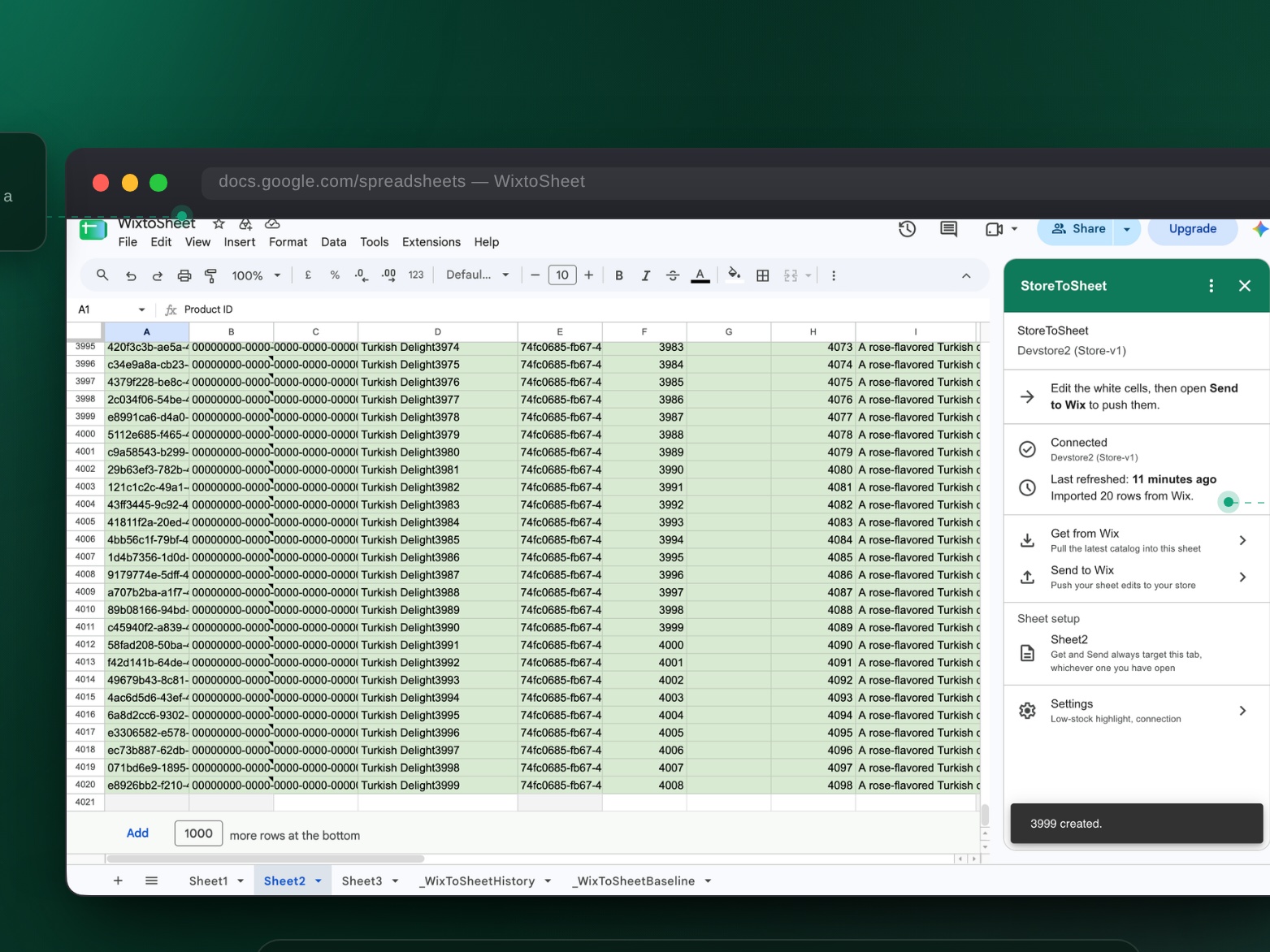
Import your whole catalog
Edit price, title and stock
Unlimited sends, up to 2,000 SKUs
Review every change before sending
Plán Pro
$
15
00
/měsíc
Everything in Free, to 3,000 SKUs
Edit SKU, description and visibility
Create single-variant products
Main image updates and History tab
Plán Business
$
39
00
/měsíc
Everything in Pro
Stock across multiple locations (V3)
Up to 5,000 SKUs
Priority email support
* Cena je v USD.