

e‑shop
rezervace
Události
vyskakovat

Trust Badges
od
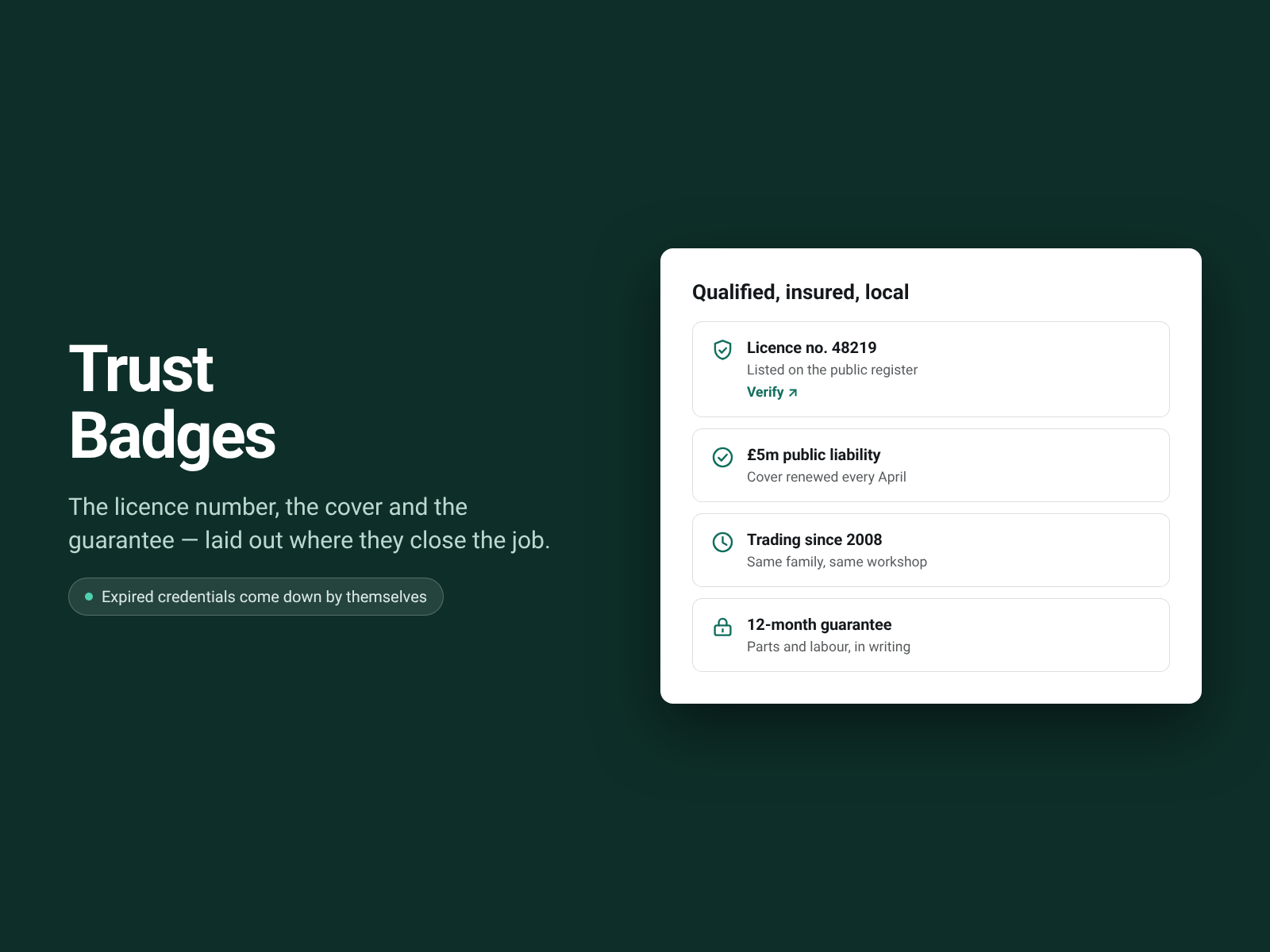
Licence and insurance; lapsed ones come off
Zatím žádné hodnocení
Dostupné zdarma

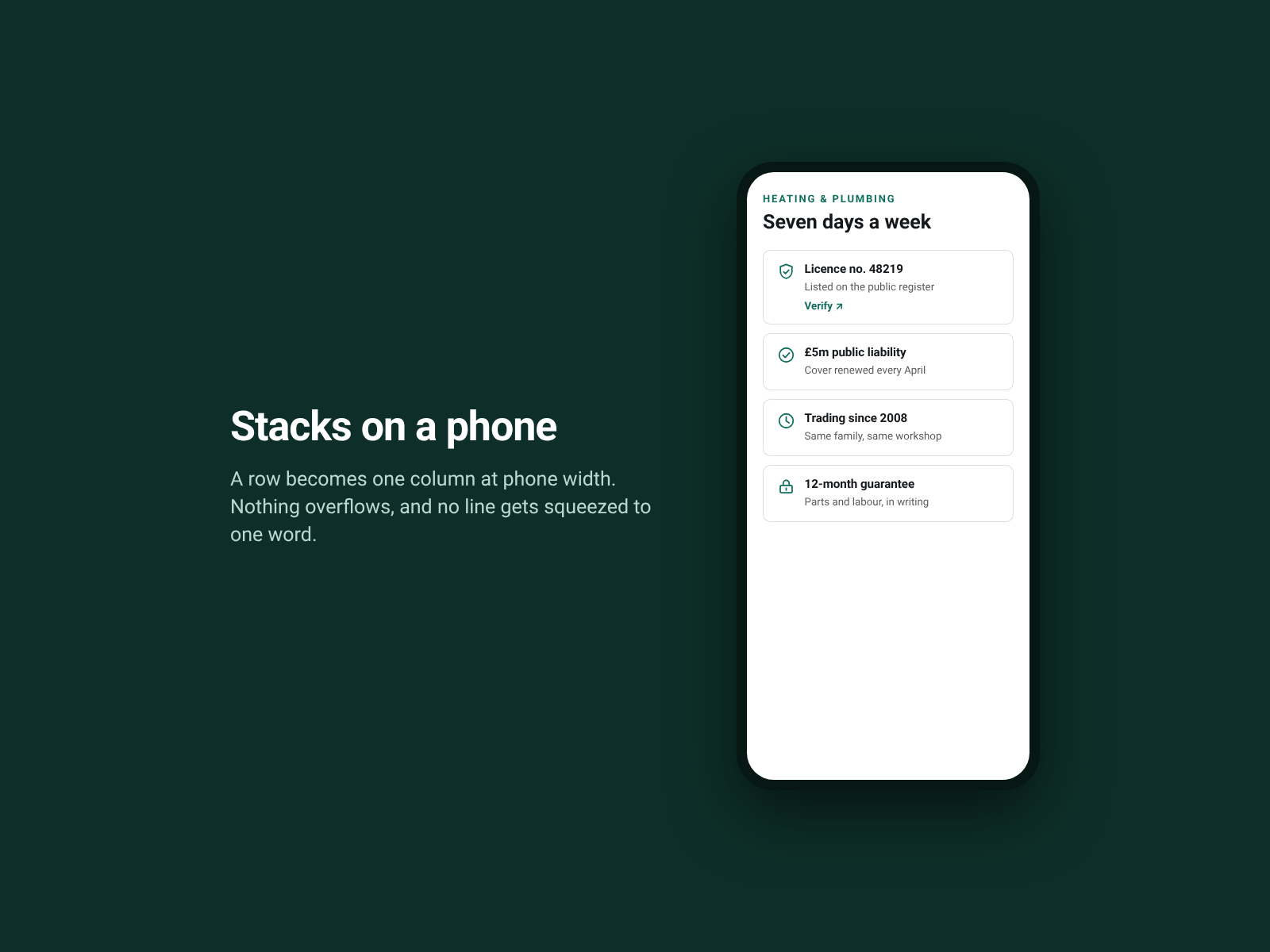
Přehled – Trust Badges
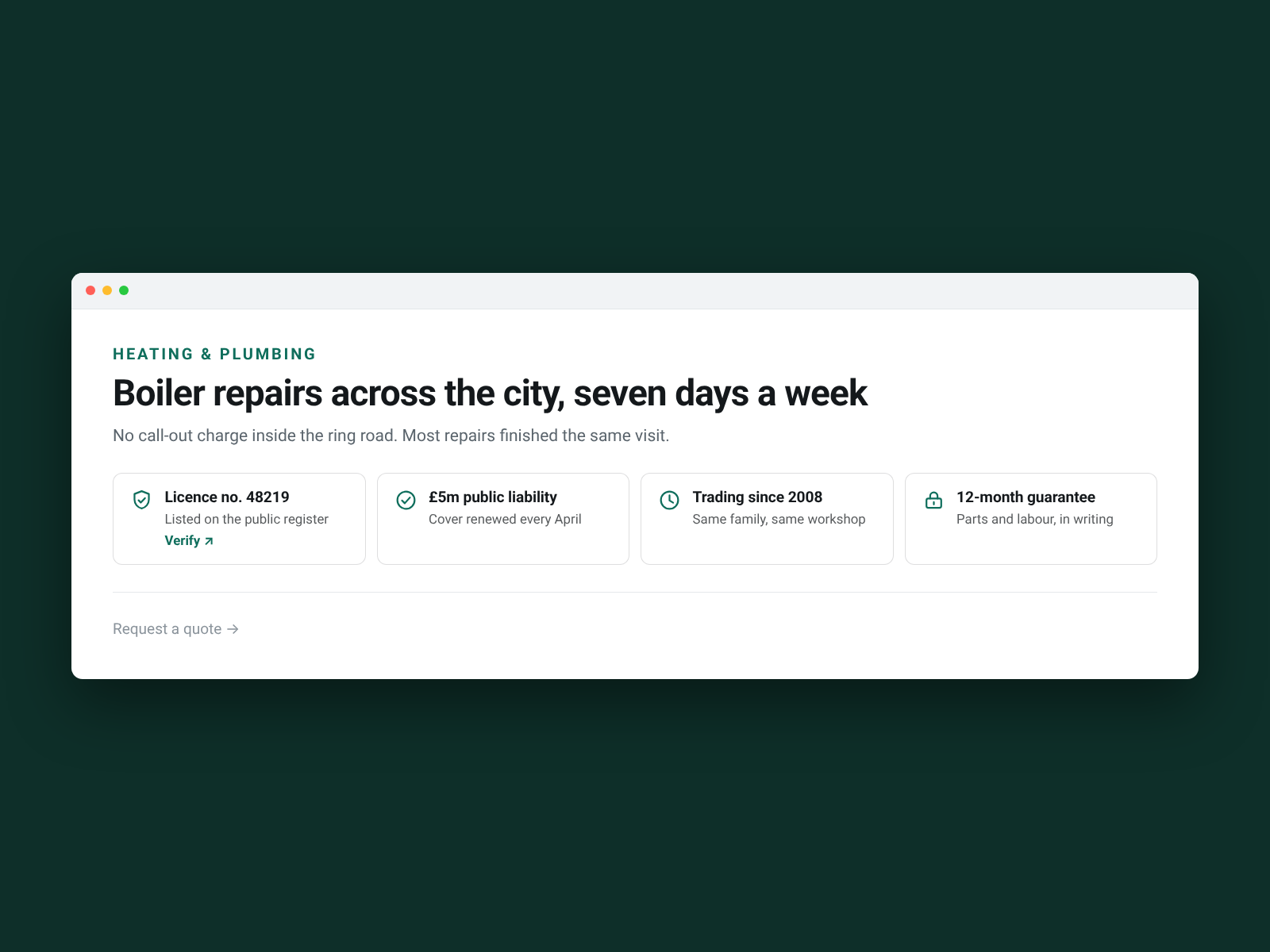
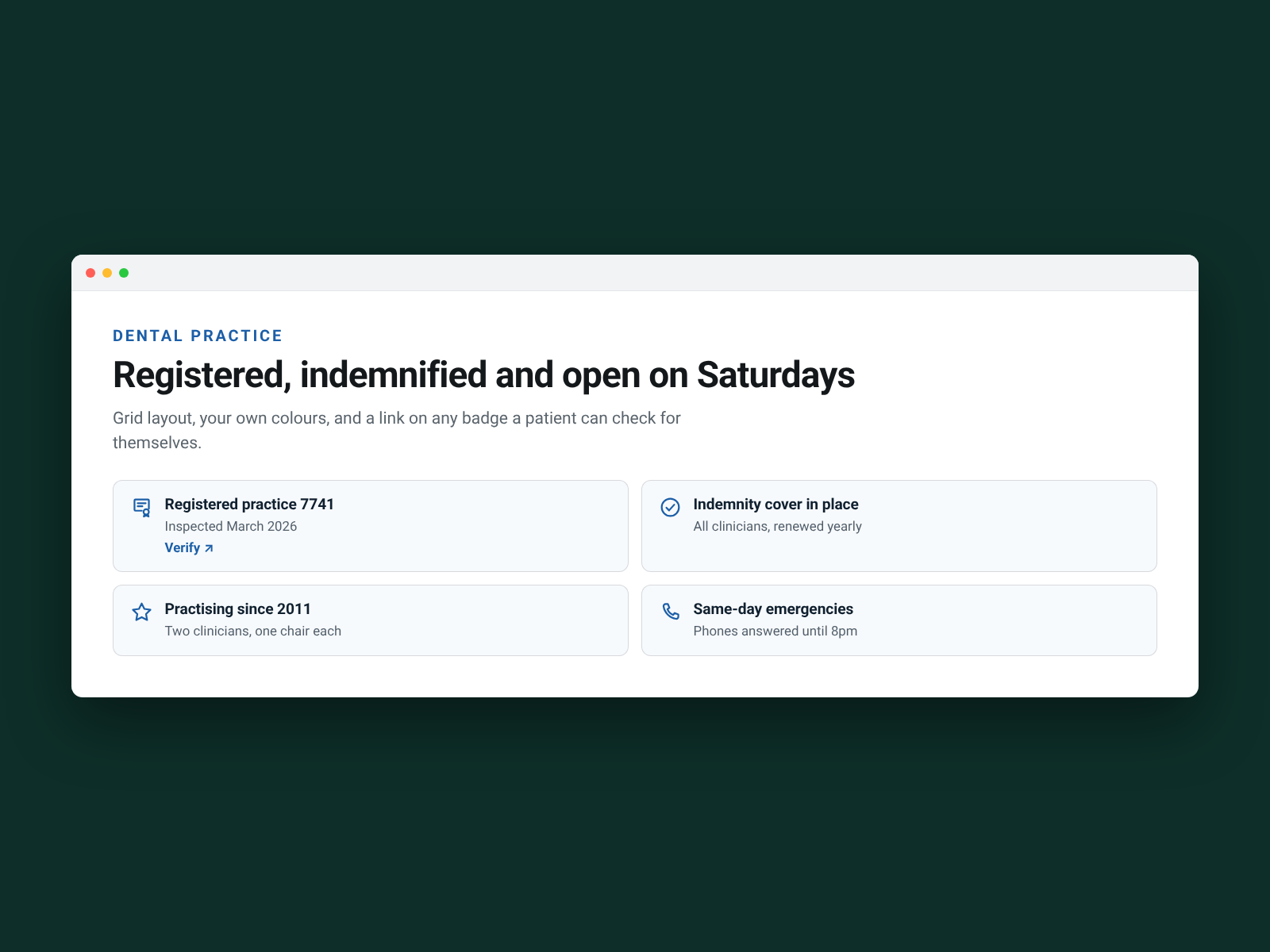
- The credentials that win the job — licence number, cover, years trading, guarantee
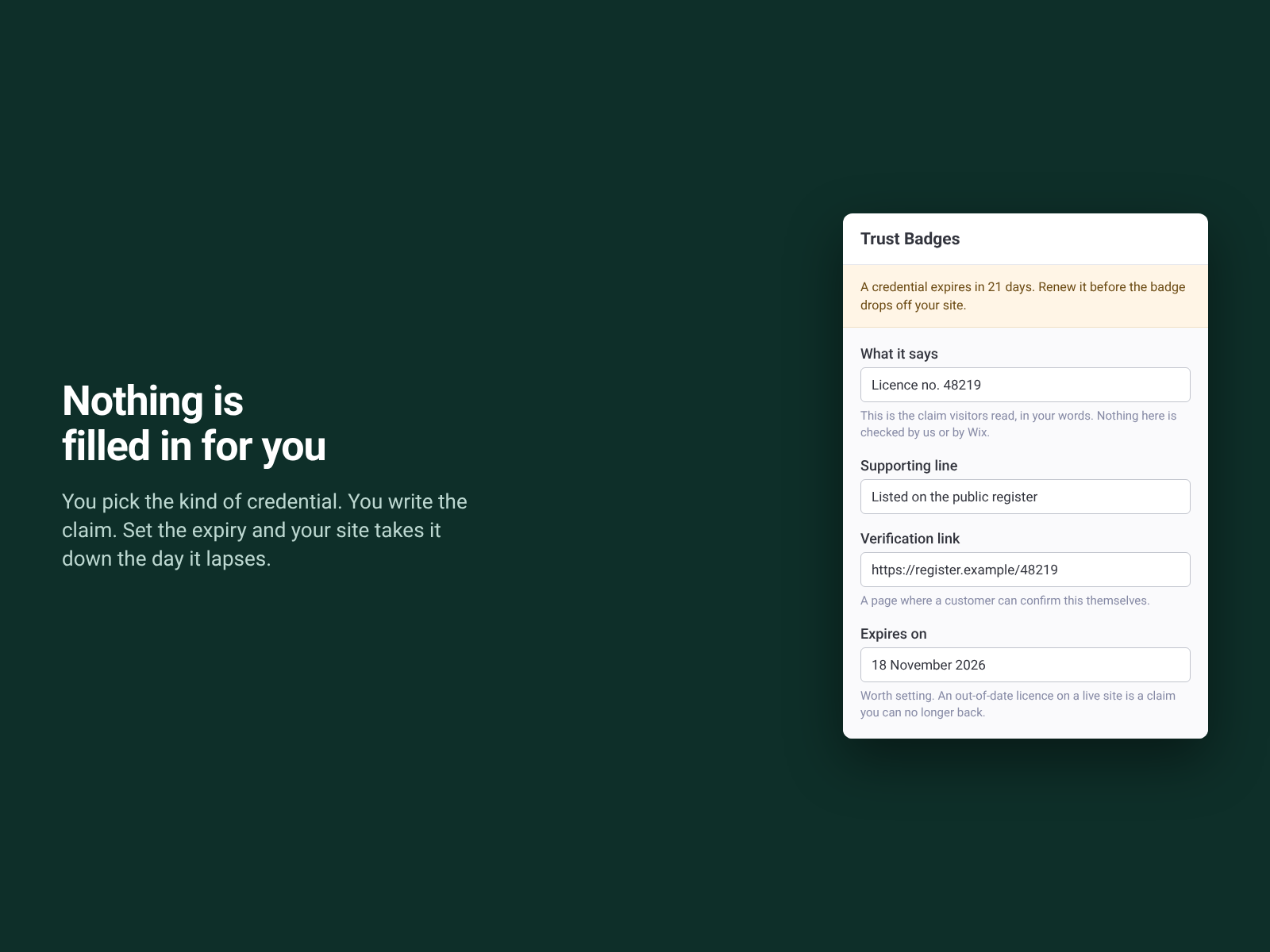
- Expiry dates that mean something: a lapsed badge comes off your site by itself
- Link a badge to where it can be checked — a public register or member lookup
- Reads properly on a phone and in a screen reader — a real list with real links
Dostupnost:
Tato aplikace je dostupná po celém světě.Jazyky aplikace:
Angličtina,
Francouzština,
Holandština,
Italština,
Japonština,
Korejština,
Němčina,
Polština,
Portugaltšina,
Ruština,
Španělština,
Turečtina
Hodnocení & Recenze
Tato aplikace zatím nemá žádná hodnocení, buďte první, kdo ji ohodnotí.Ceny a plány
Plán Basic
Zdarma
Three trust badges per page
Every colour, label and icon choice
Twelve languages and full screen reader text
Permanent, and it never expires
Plán Pro
$
4
08
/měsíc
Up to twelve badges on a page
Expiry dates that hide a lapsed badge
Warned 45 days before one lapses
Free plan: 3 full badges a page
* Cena je v USD.