

e‑shop
rezervace
Události
vyskakovat
Accessibility Widget: WCAG EAA
od
Accessibility widget + site scan: WCAG, ADA, EAA
Zatím žádné hodnocení
Dostupné zdarma

Přehled – Accessibility Widget: WCAG EAA
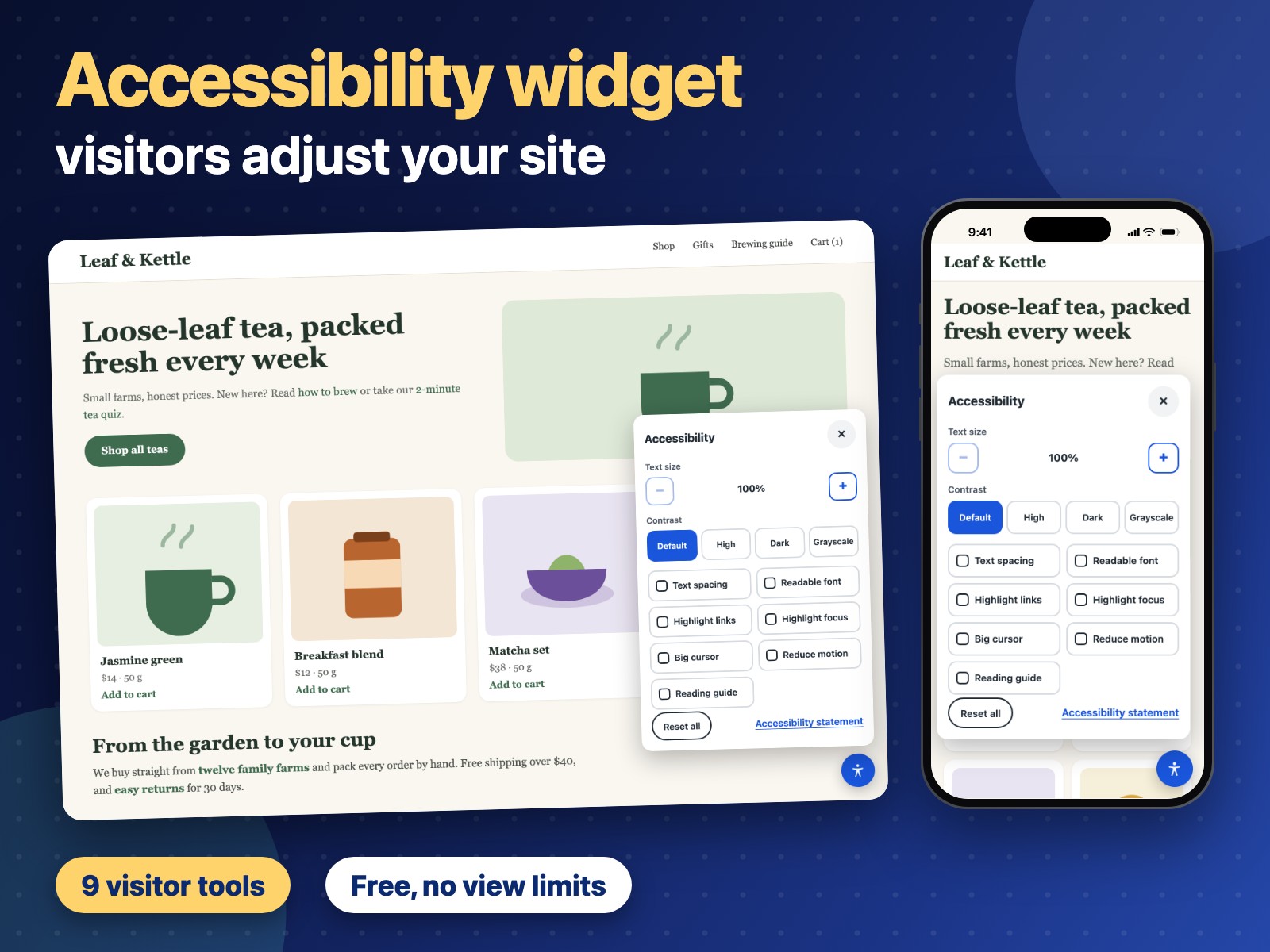
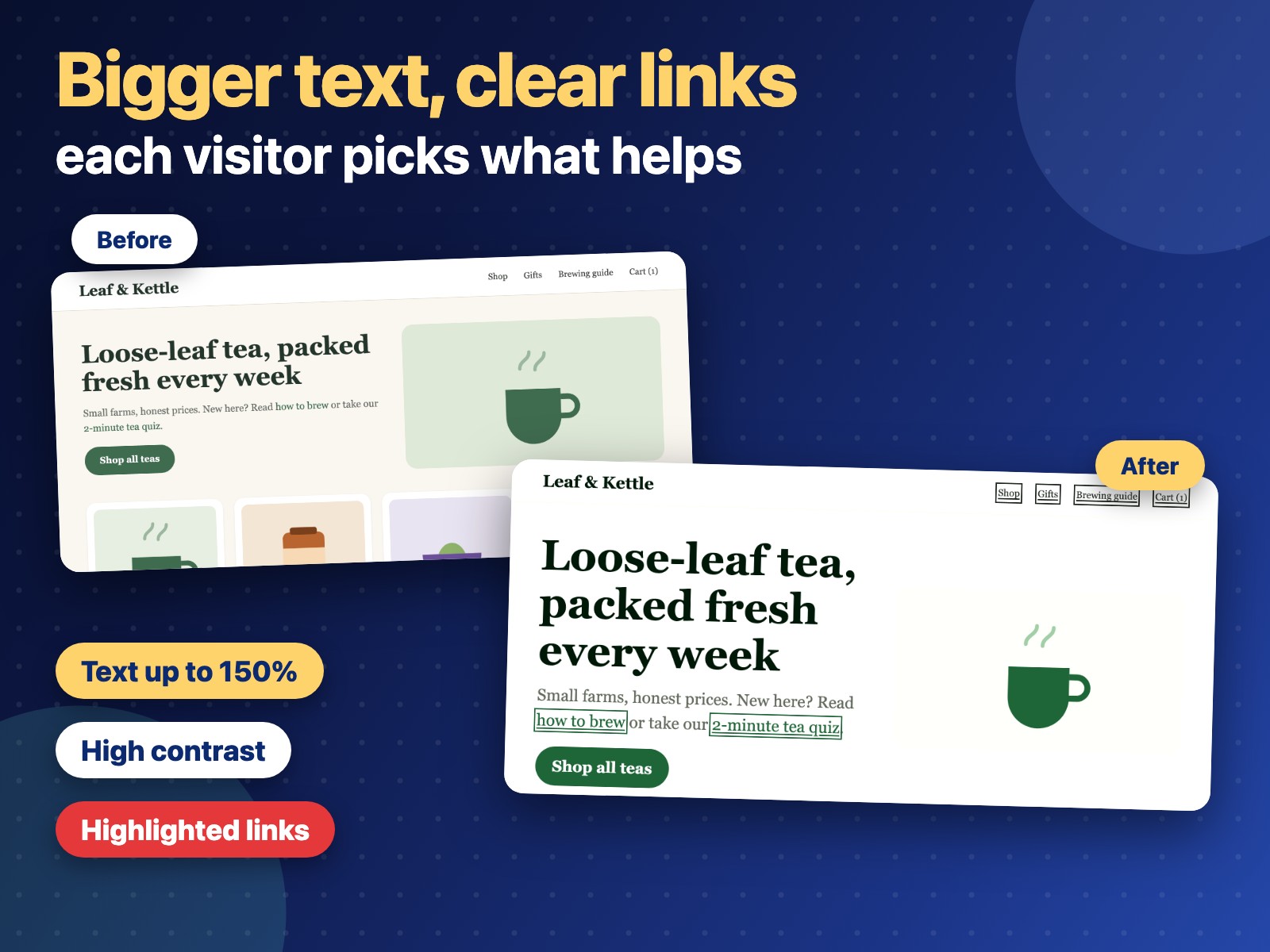
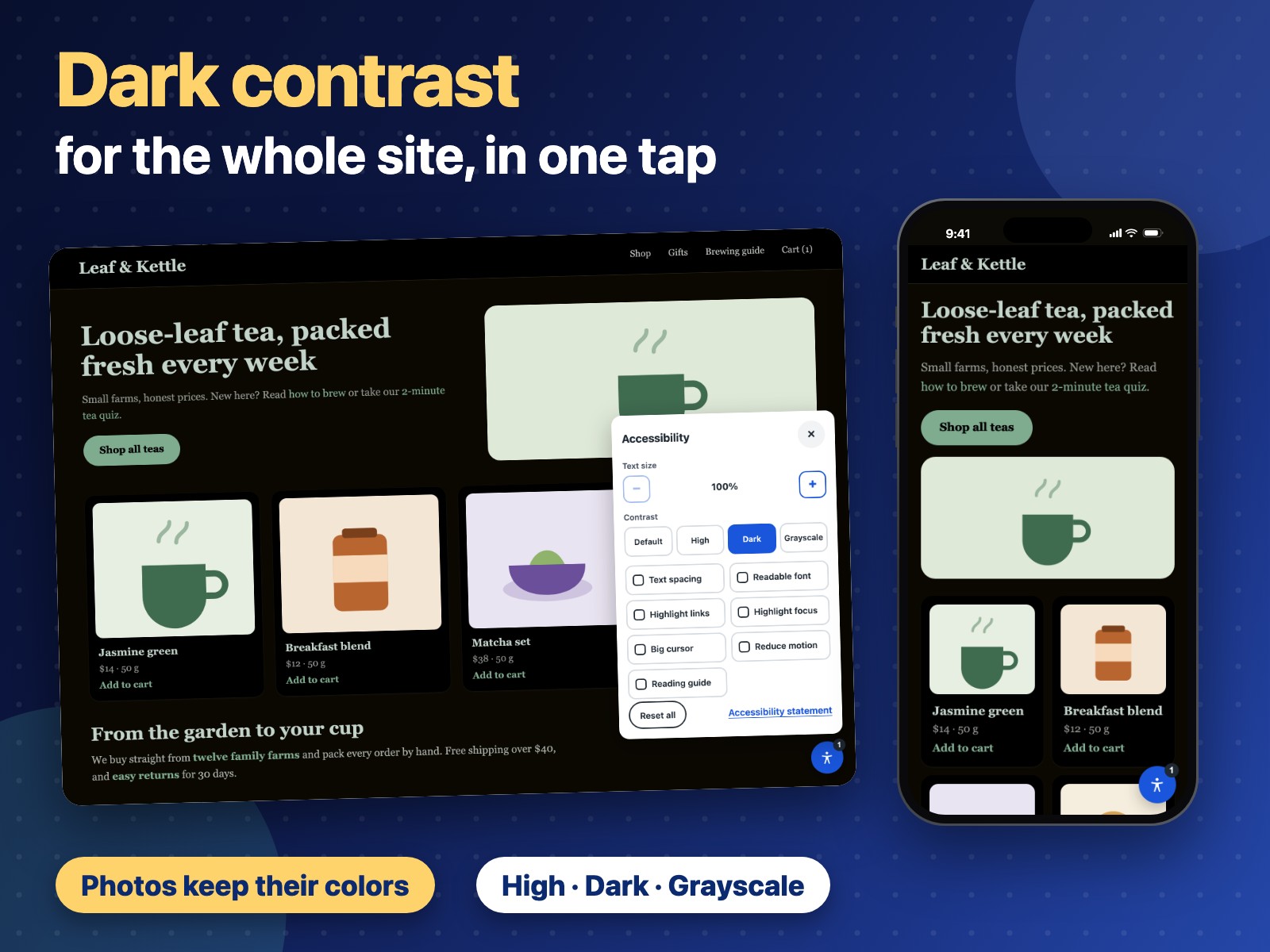
- Visitors make text bigger, raise contrast and stop motion from one button
- Nine tools: text size and spacing, readable font, links, focus, cursor, guide
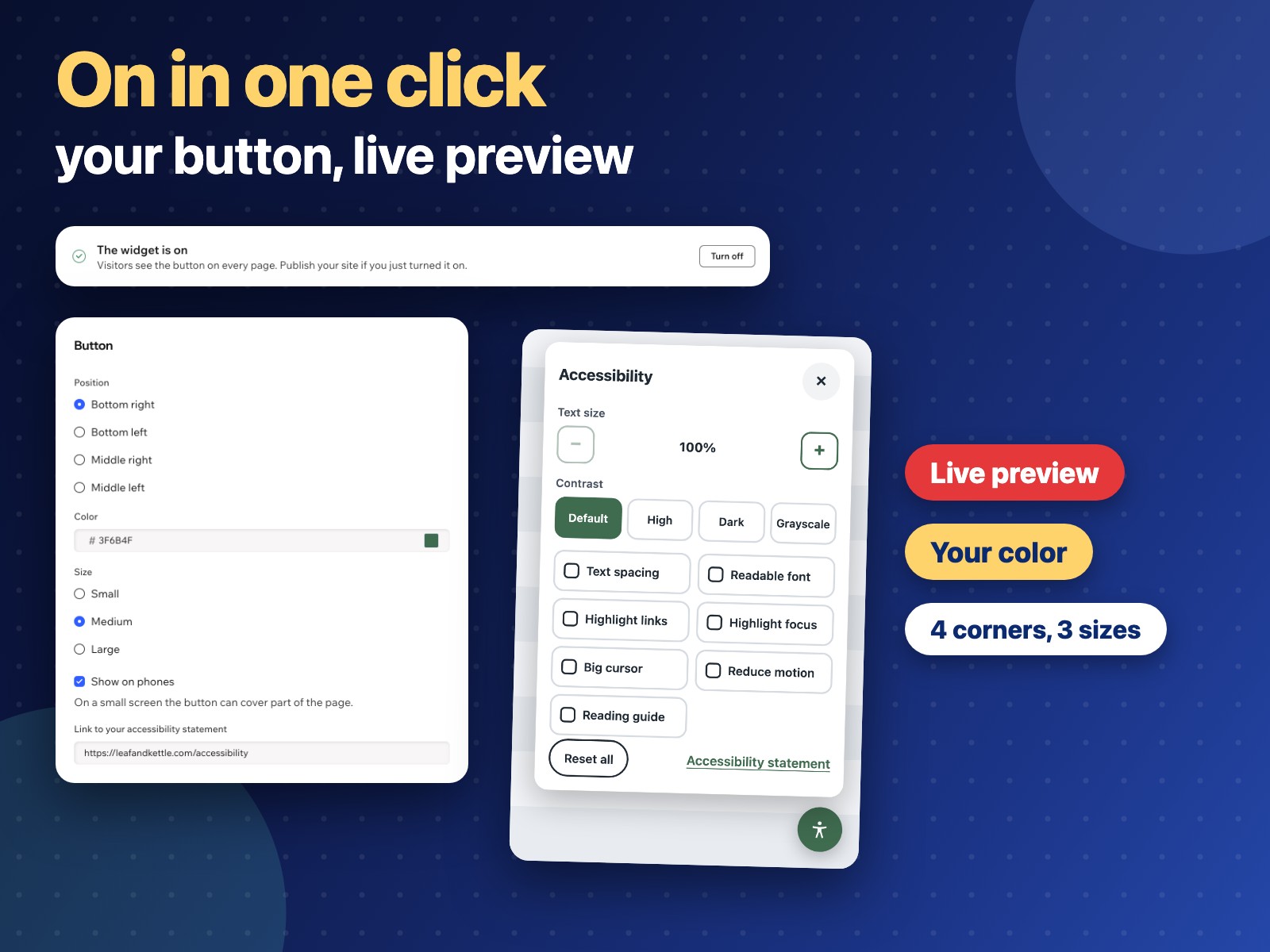
- Your button position, color and size, a link to your statement, live preview
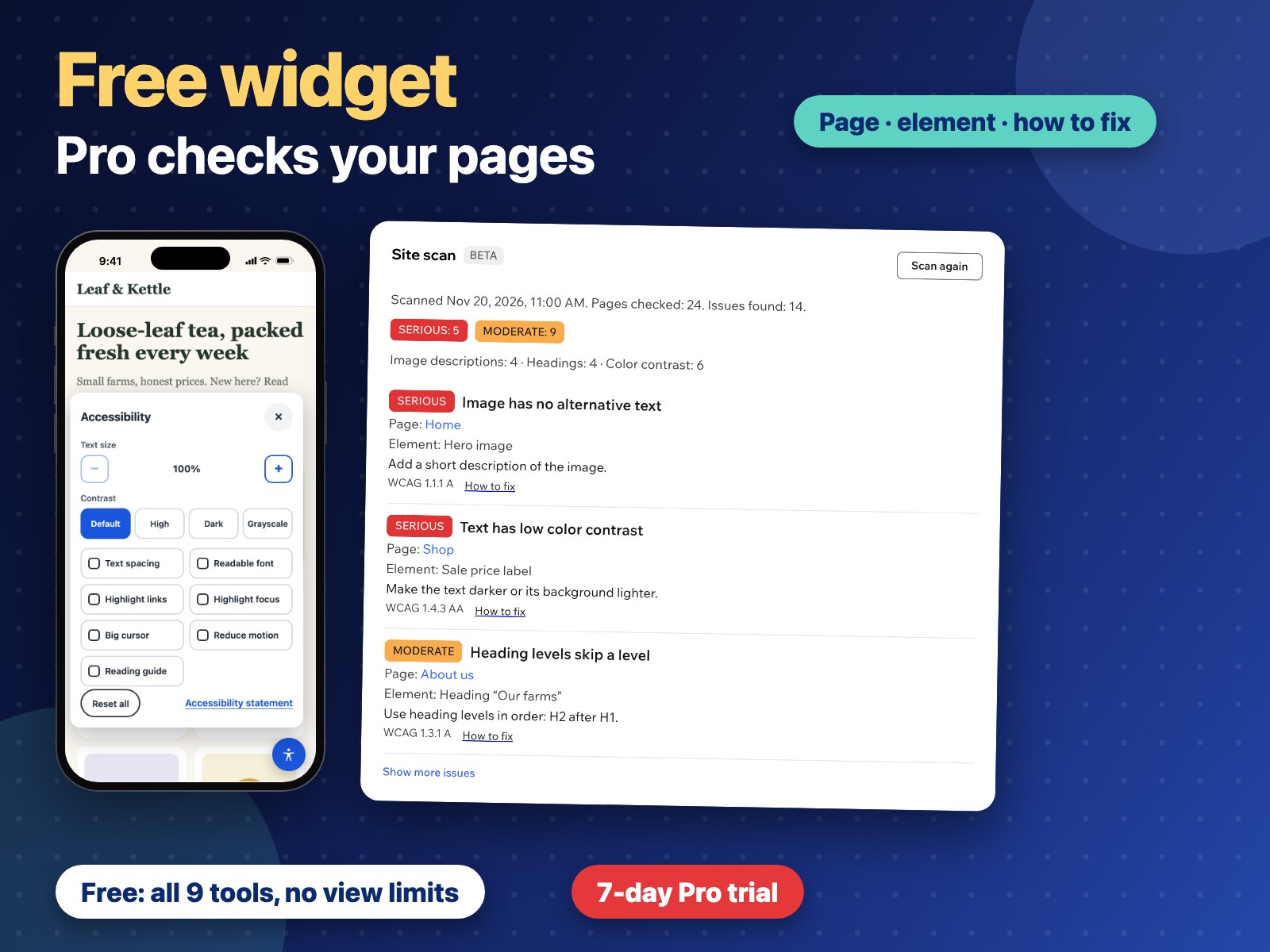
- Scan your published pages and see what to fix on each page and how (Pro)
Hodnocení & Recenze
Tato aplikace zatím nemá žádná hodnocení, buďte první, kdo ji ohodnotí.Ceny a plány
Plán Free
Zdarma
All nine visitor tools
Your button corner, color and size
No view limits
Plán Pro
$
3
99
/měsíc
Scan of up to 300 pages
Issues by page, severity and type
How to fix each issue
Everything in the free plan
* Cena je v USD.