

e‑shop
rezervace
Události
vyskakovat

HandyPal Accessibility
od
Make your site easier to read and use
Zatím žádné hodnocení
Dostupné zdarma

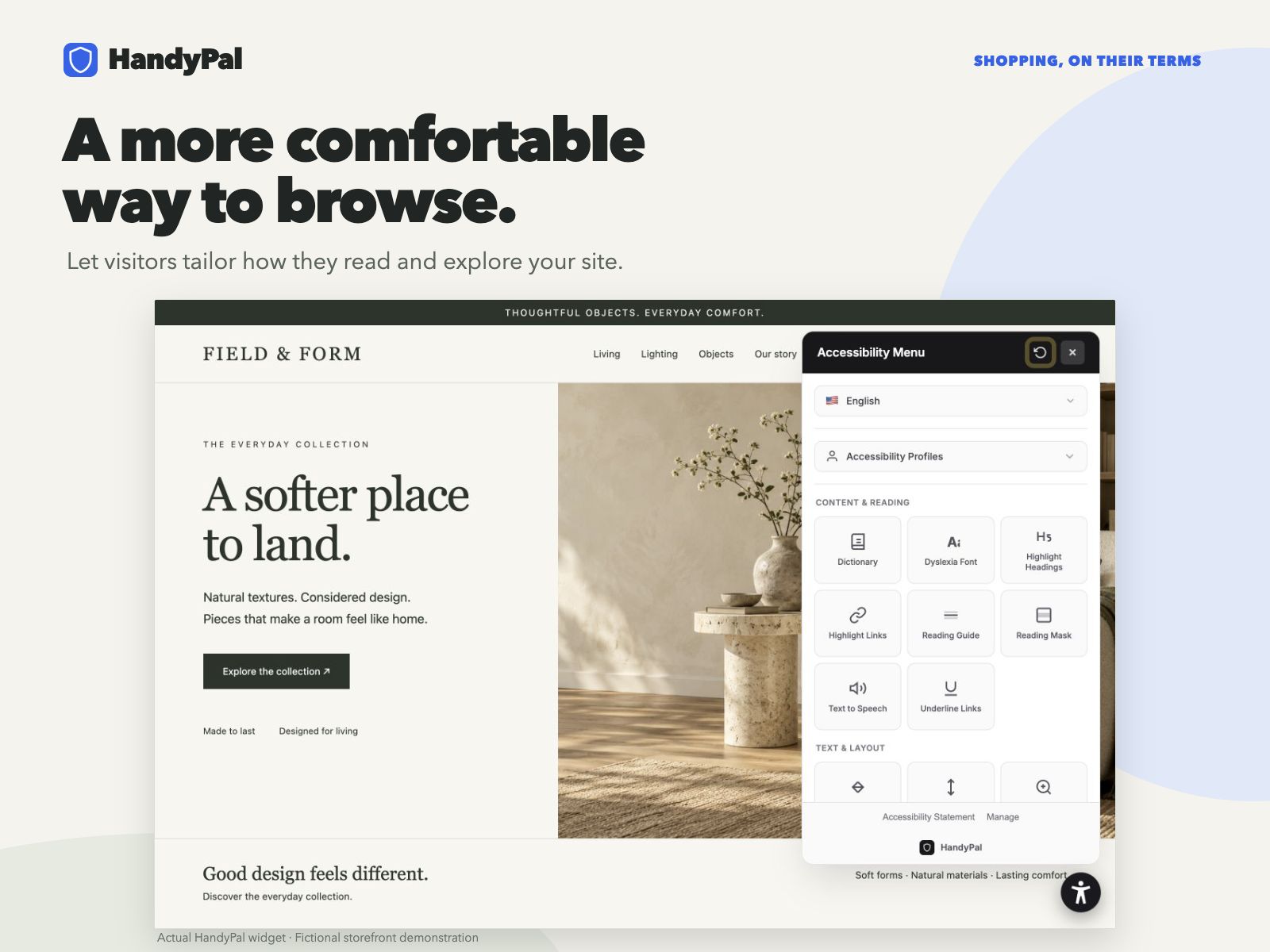
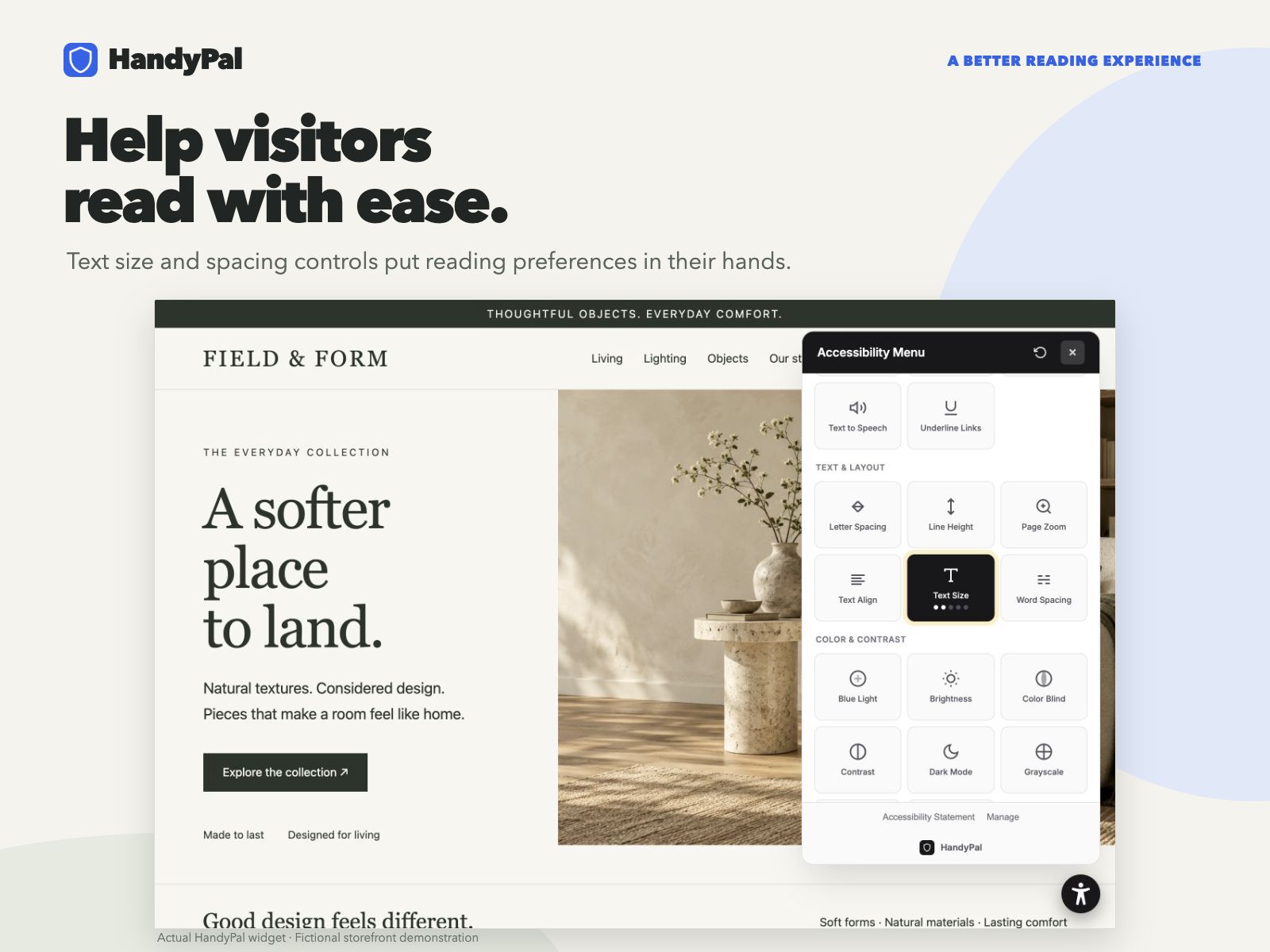
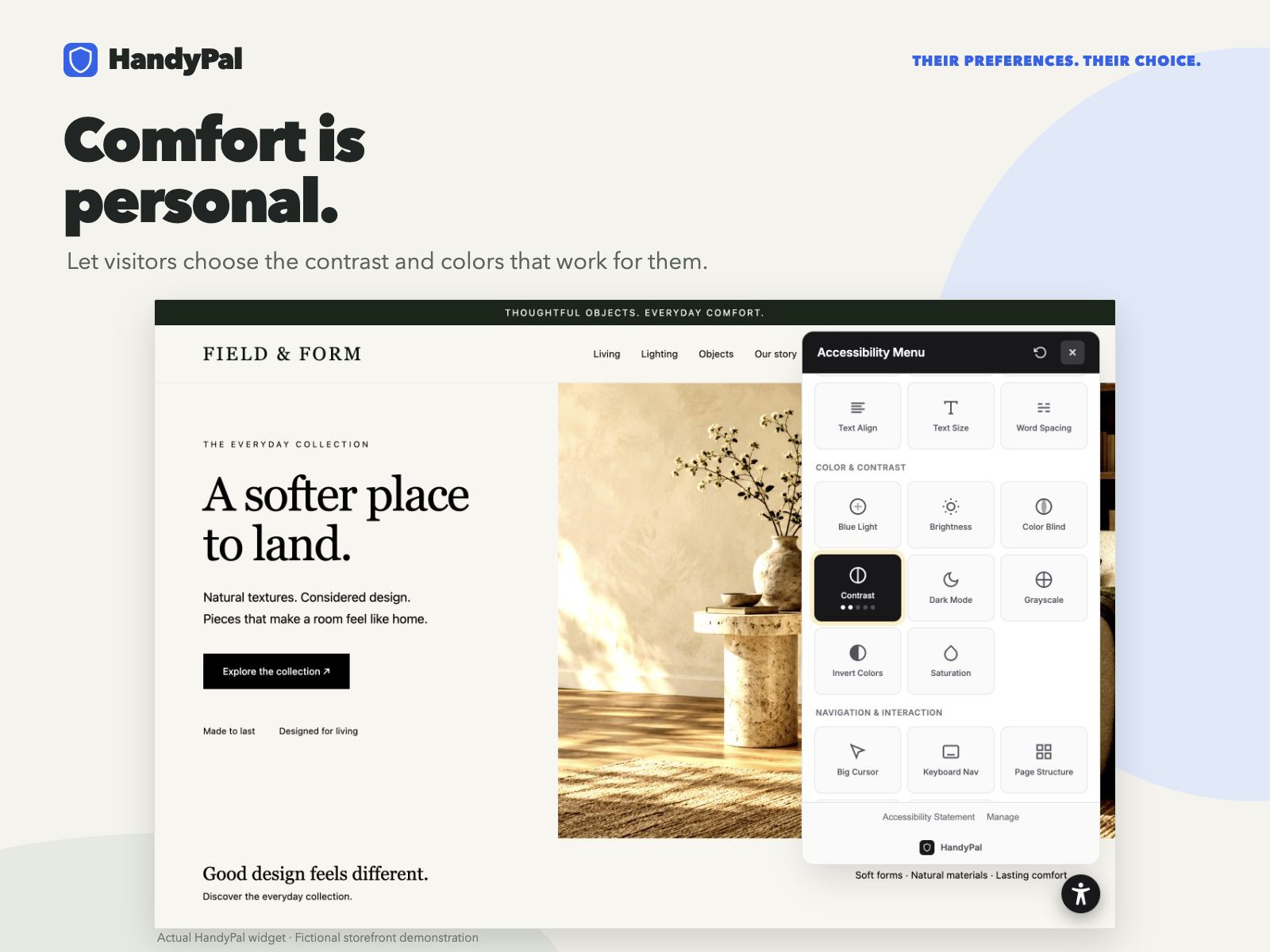
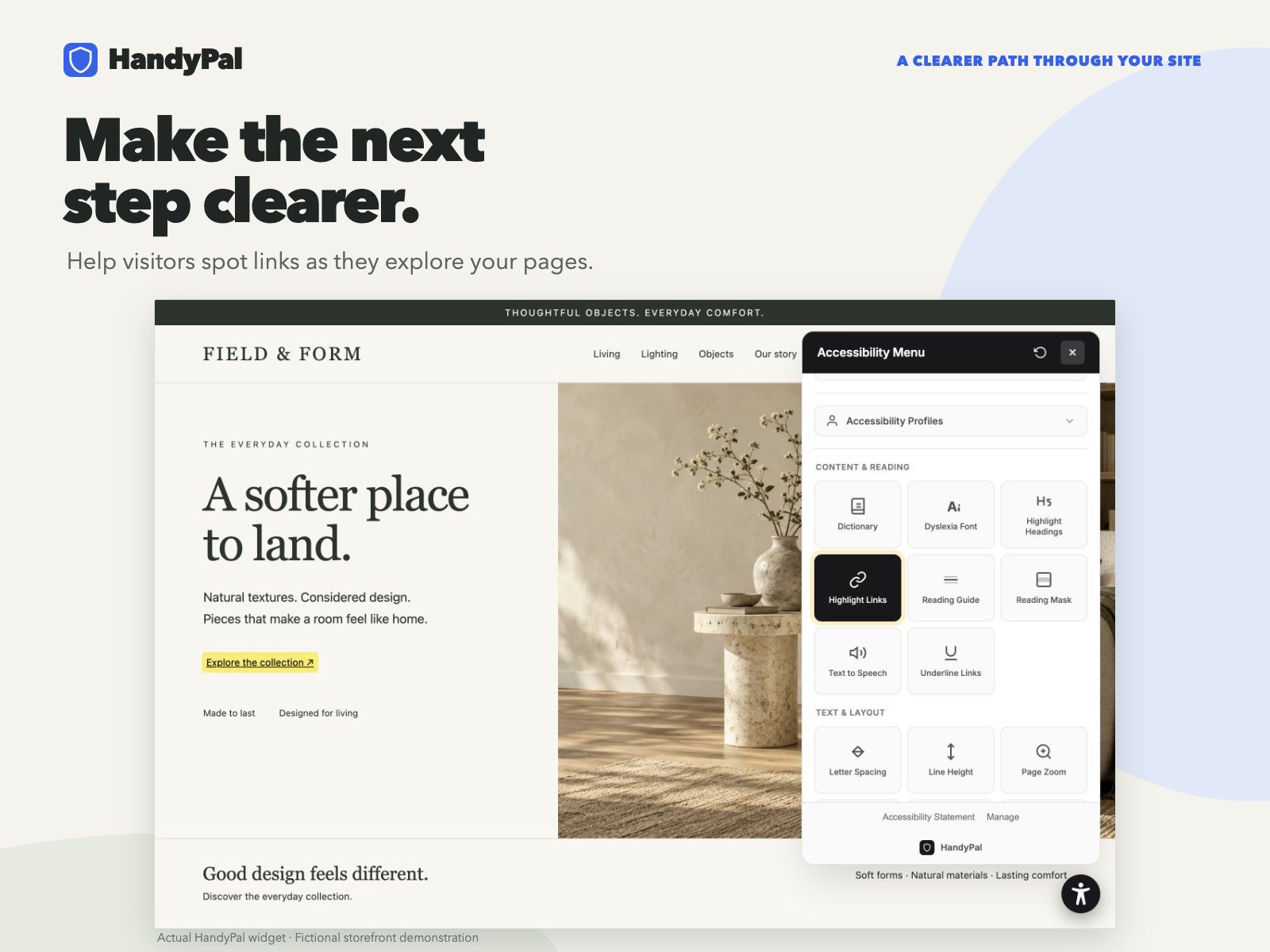
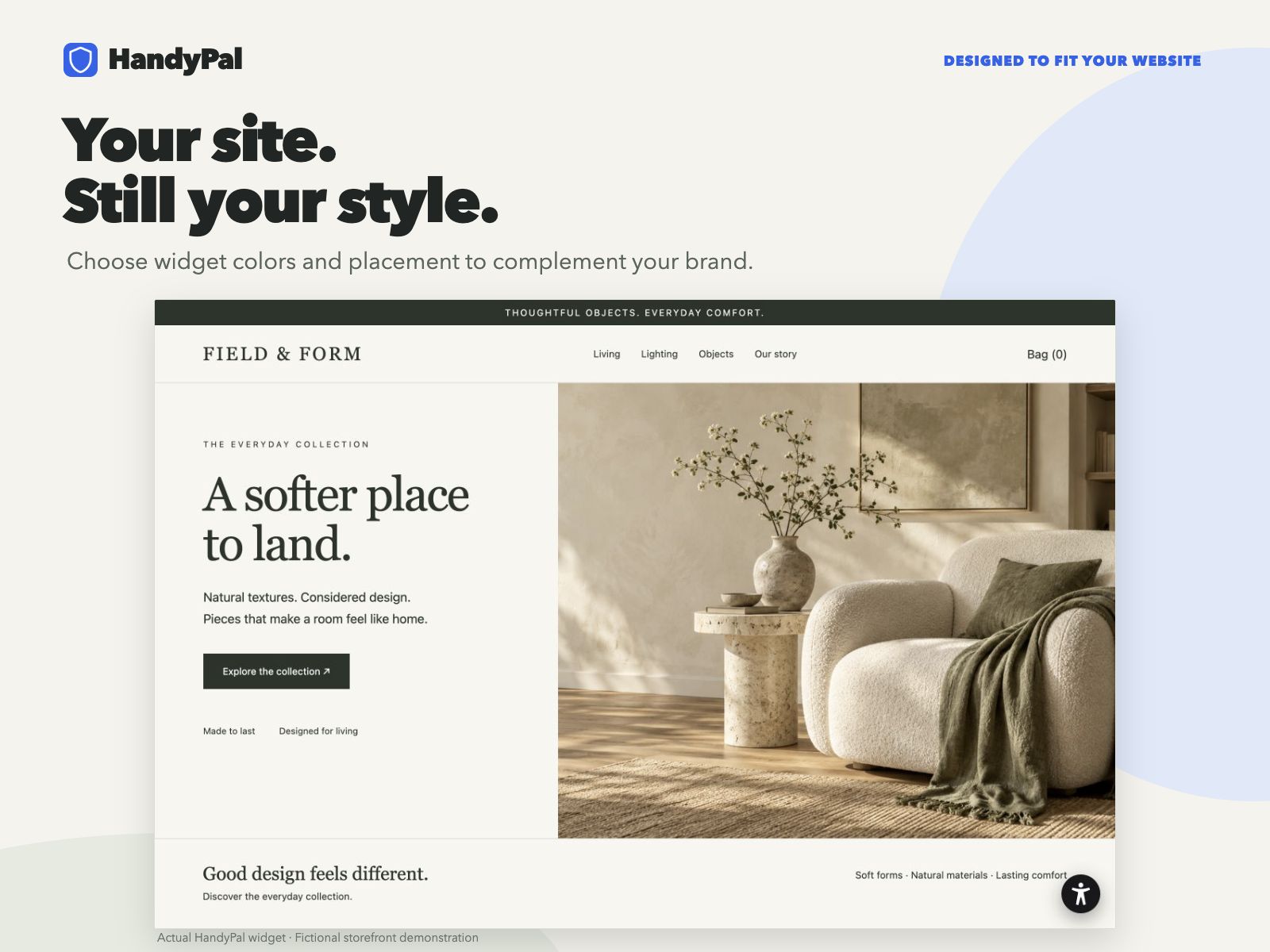
Přehled – HandyPal Accessibility
- Let visitors adjust text, spacing, and contrast
- Read page content aloud with text-to-speech
- Match the widget color, icon, and position to your site
- Help more visitors with 100+ language translations
Hodnocení & Recenze
Tato aplikace zatím nemá žádná hodnocení, buďte první, kdo ji ohodnotí.Plán Basic
Zdarma
Help visitors adjust text and contrast
Read page content aloud
Translate into 100+ languages
5,000 widget loads per month
Plán Starter
$
40
83
/měsíc
Improve accessibility on 1 website
Find issues with audits and reports
Match the widget to your brand
Get help through live chat
Plán Growth
$
82
50
/měsíc
3 websites
Multi-site dashboard
Priority support
Plán Scale
$
207
50
/měsíc
Up to 20 websites
Centralized dashboard
Professional reporting
* Cena je v USD.