

e‑shop
rezervace
Události
vyskakovat

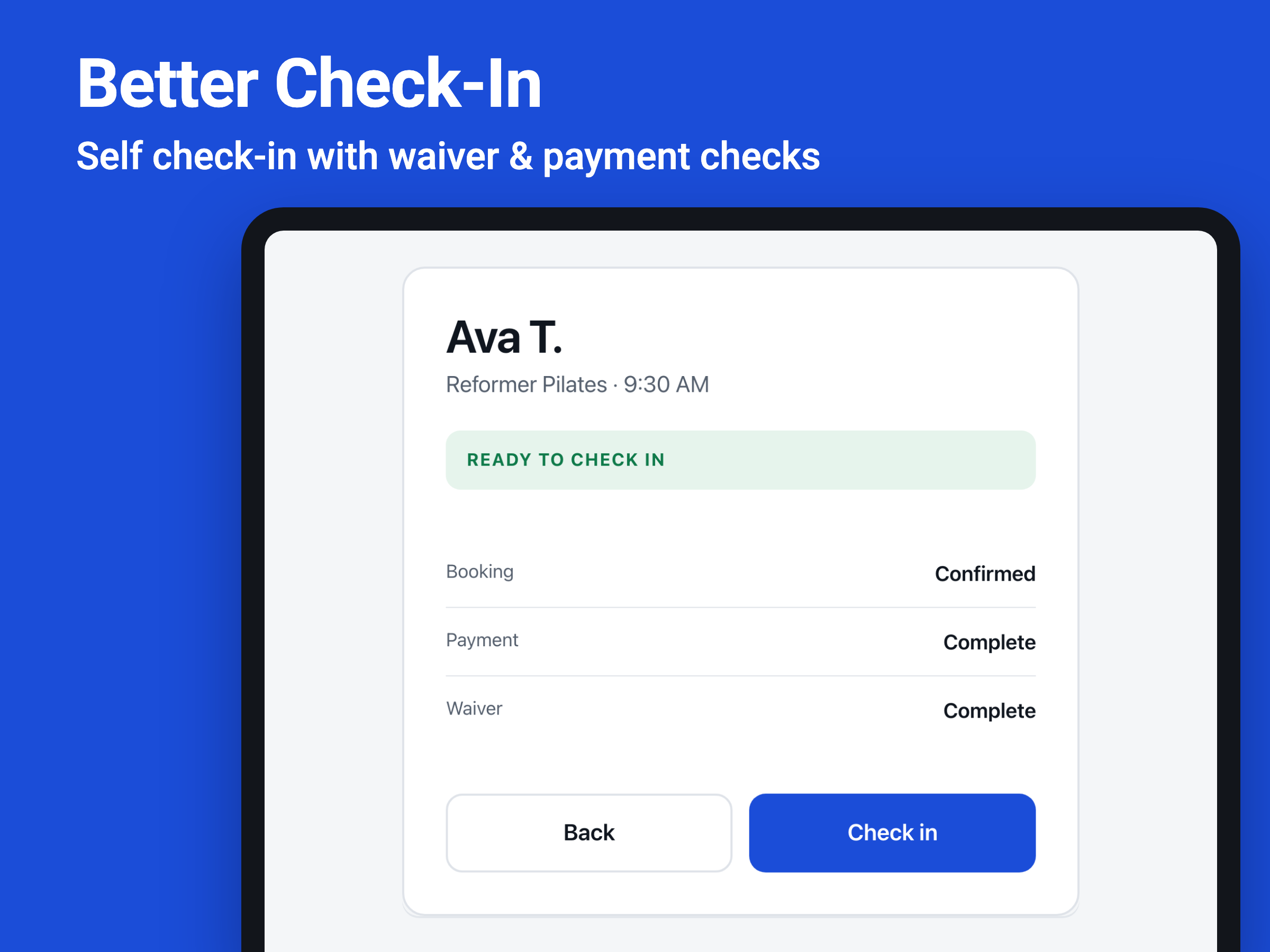
Better Check-In
od
Self check-in with waiver & payment checks
Zatím žádné hodnocení
14denní zkušební verze zdarma

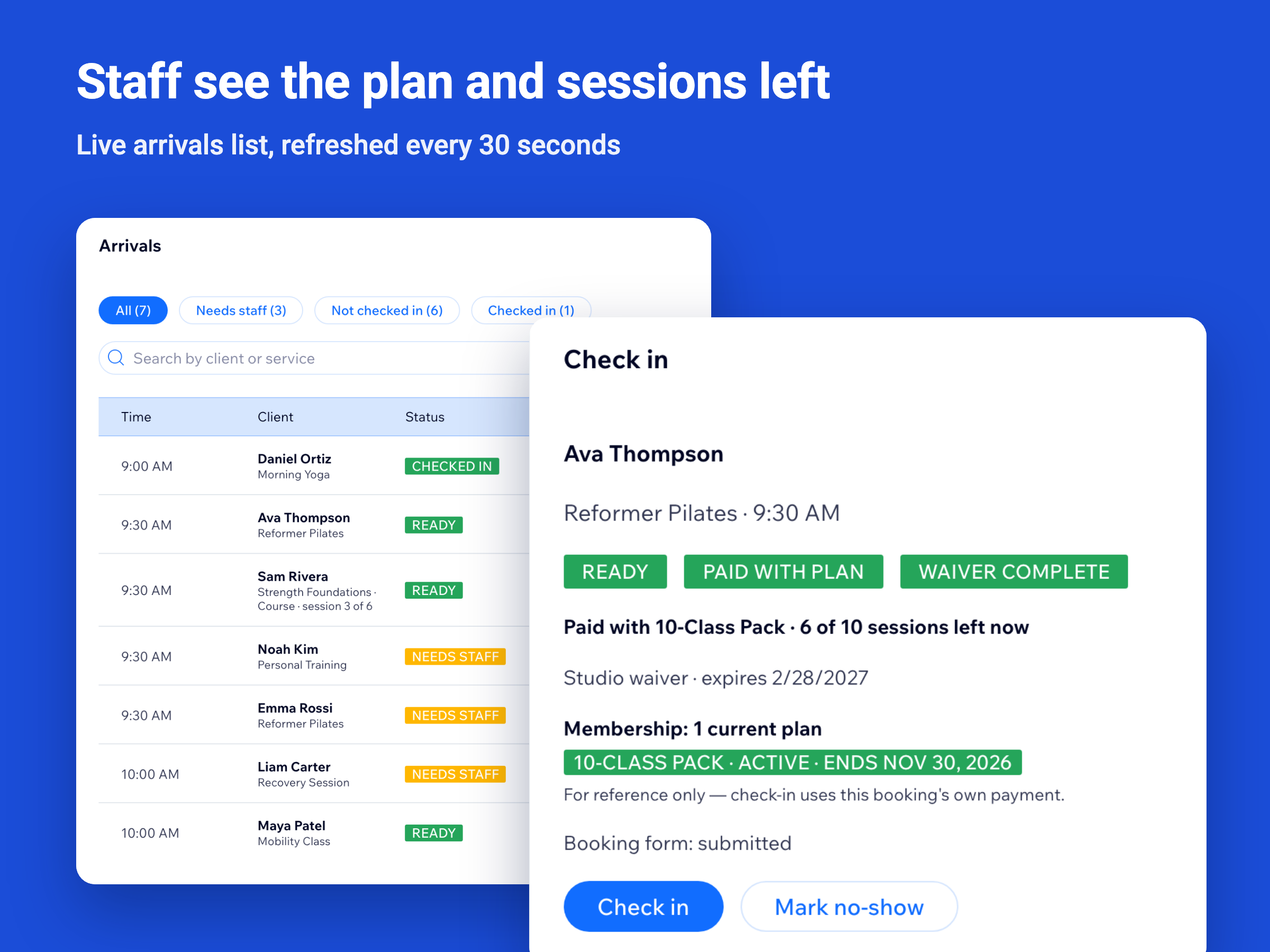
Přehled – Better Check-In
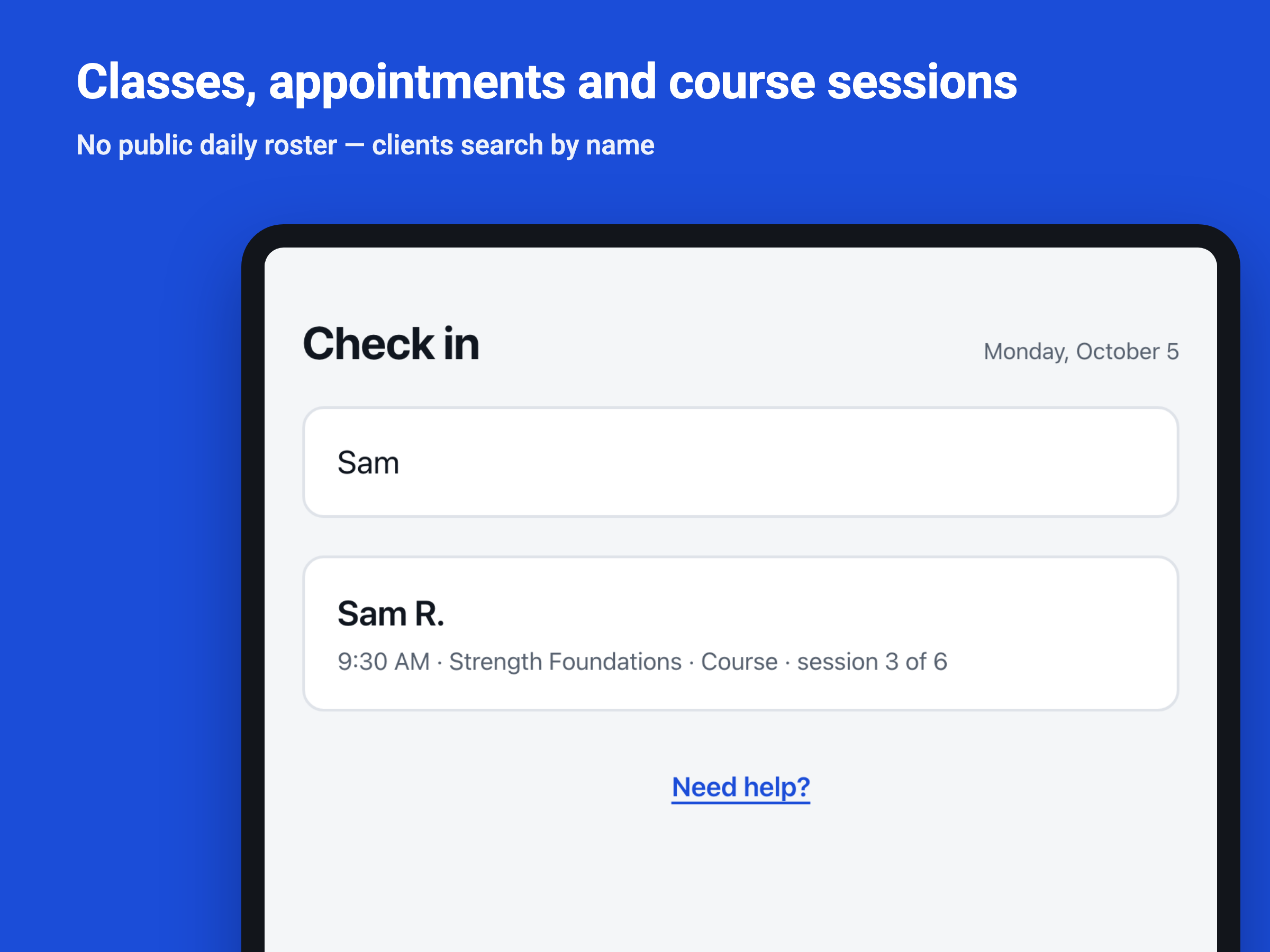
- Clients check themselves in on a front-desk tablet
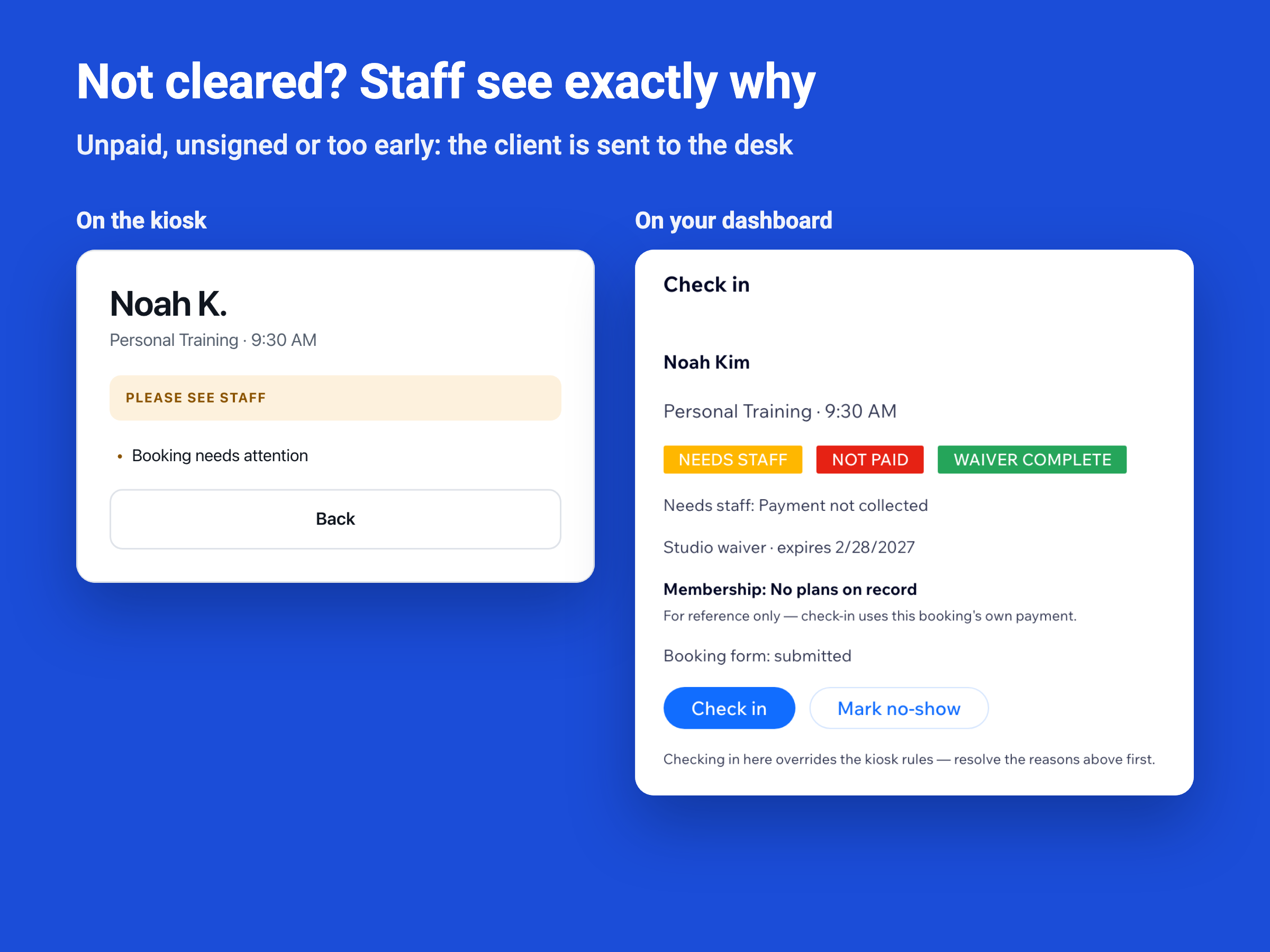
- Optional waiver and payment checks before check-in
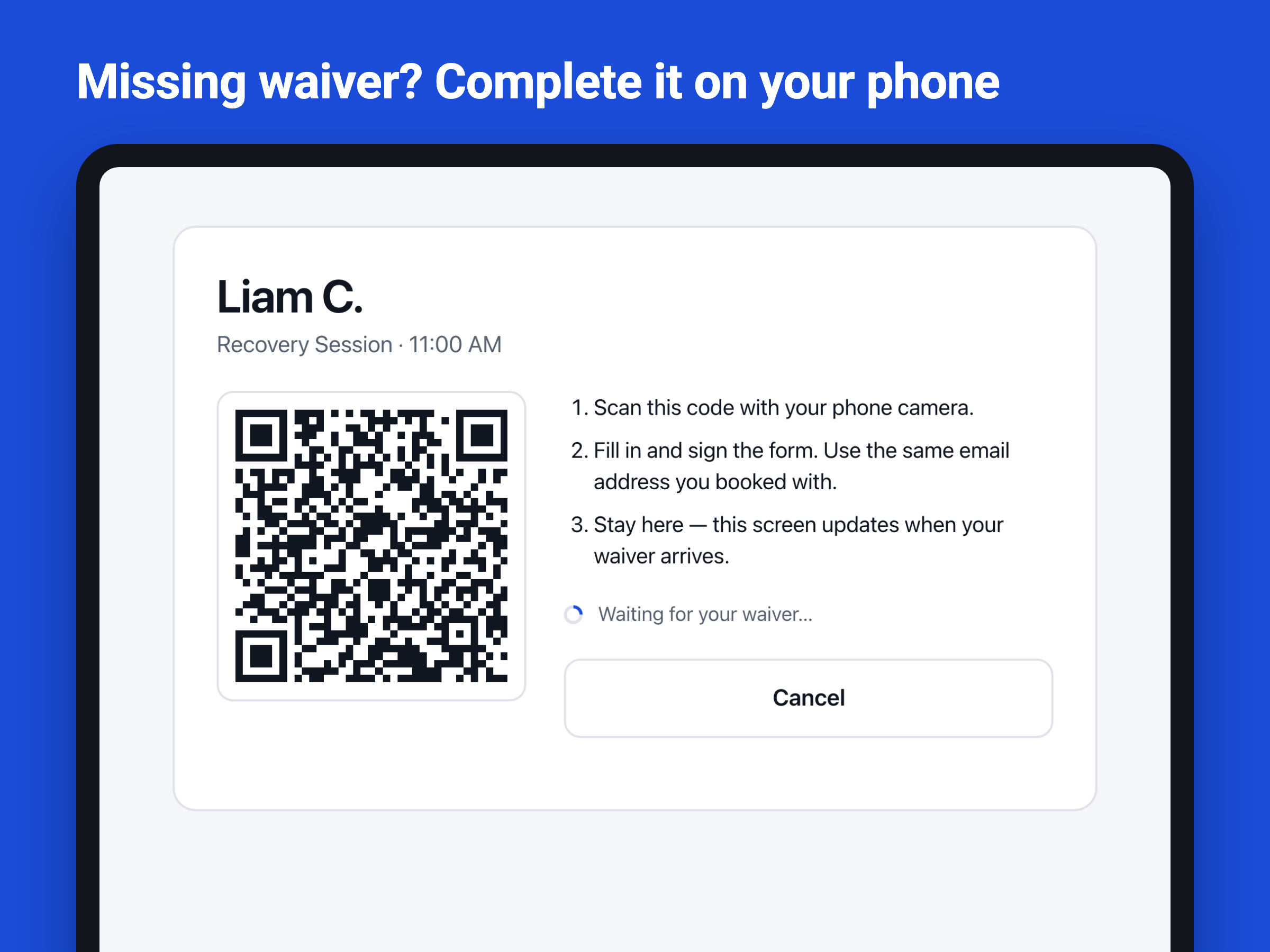
- Clients complete missing intake forms on their phone
- Staff see plans, sessions left and exceptions
Hodnocení & Recenze
Tato aplikace zatím nemá žádná hodnocení, buďte první, kdo ji ohodnotí.Ceny a plány
Tato aplikace nabízí 14denní zkušební verzi zdarma.Plán Premium
$
12
49
/měsíc
Self-service customer check-in
Wix Bookings attendance sync
Waiver & payment checks
Secure kiosk device activation
* Cena je v USD.