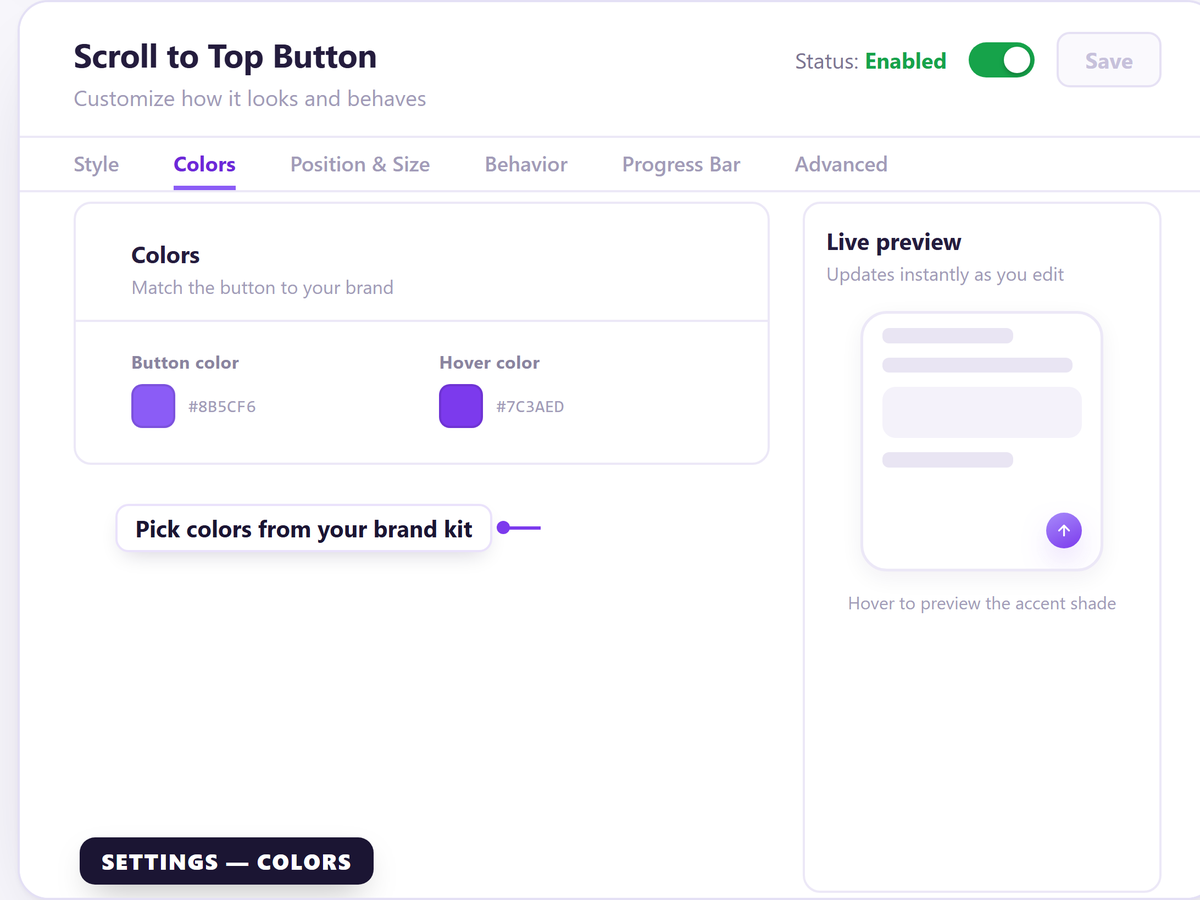
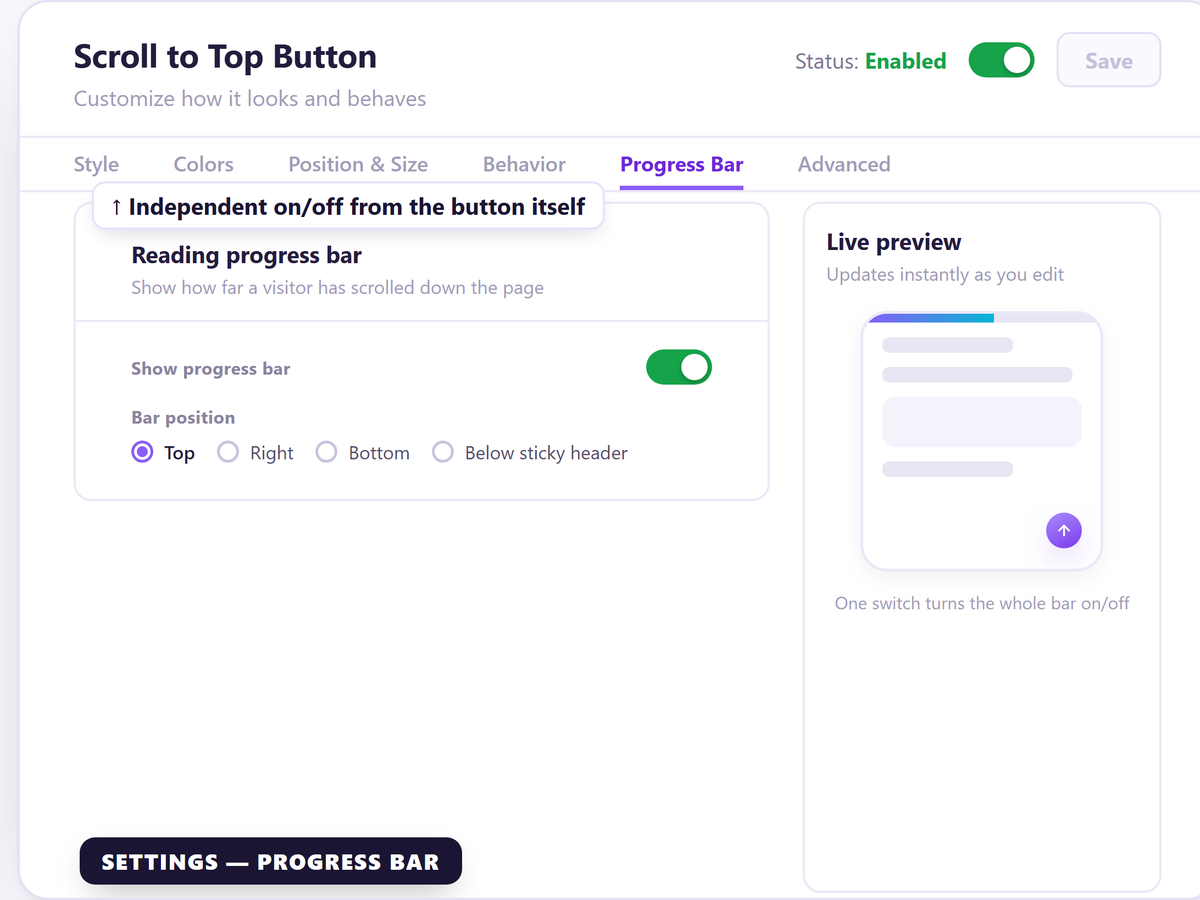
Custom scroll to top button design: Match colors, icons, and shapes to your site's branding
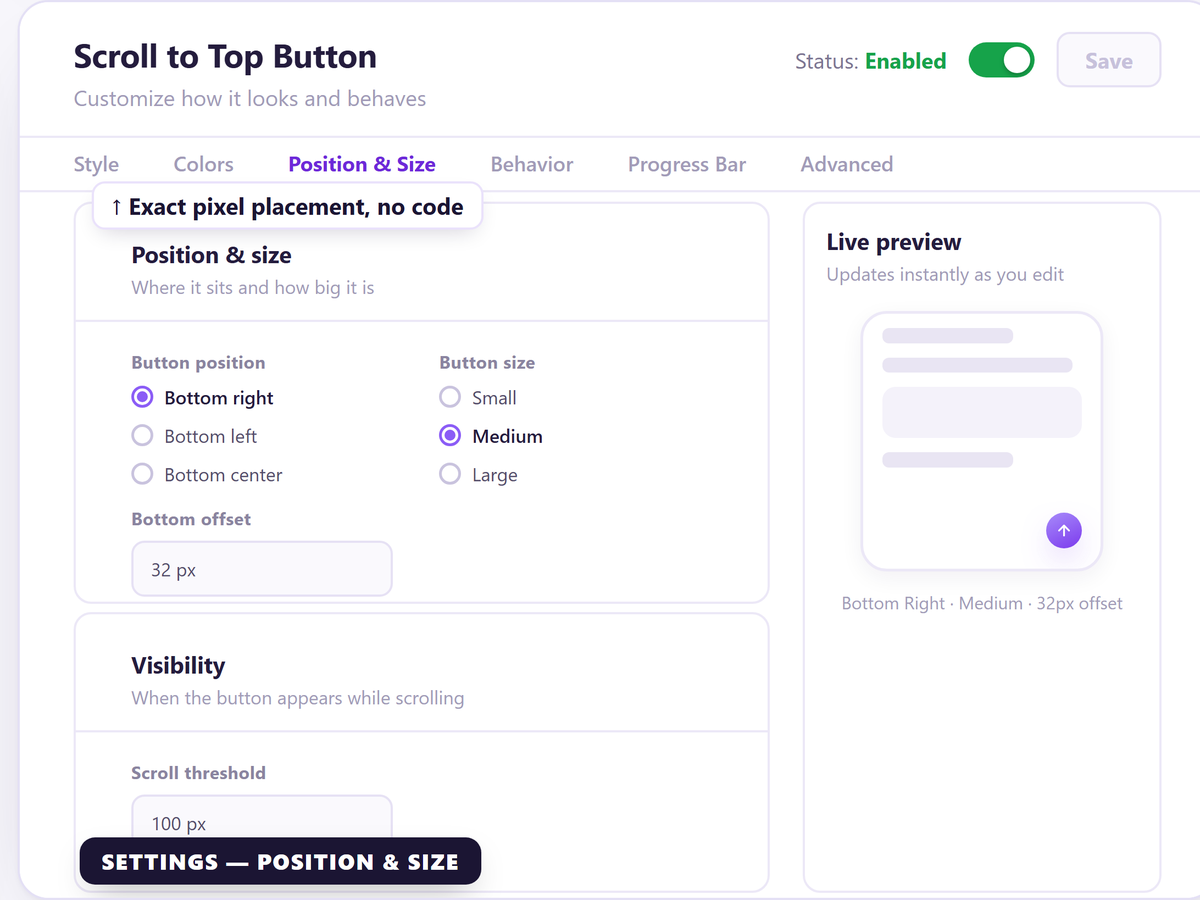
Set your own scroll trigger point: The back to top button appears exactly when you want it to
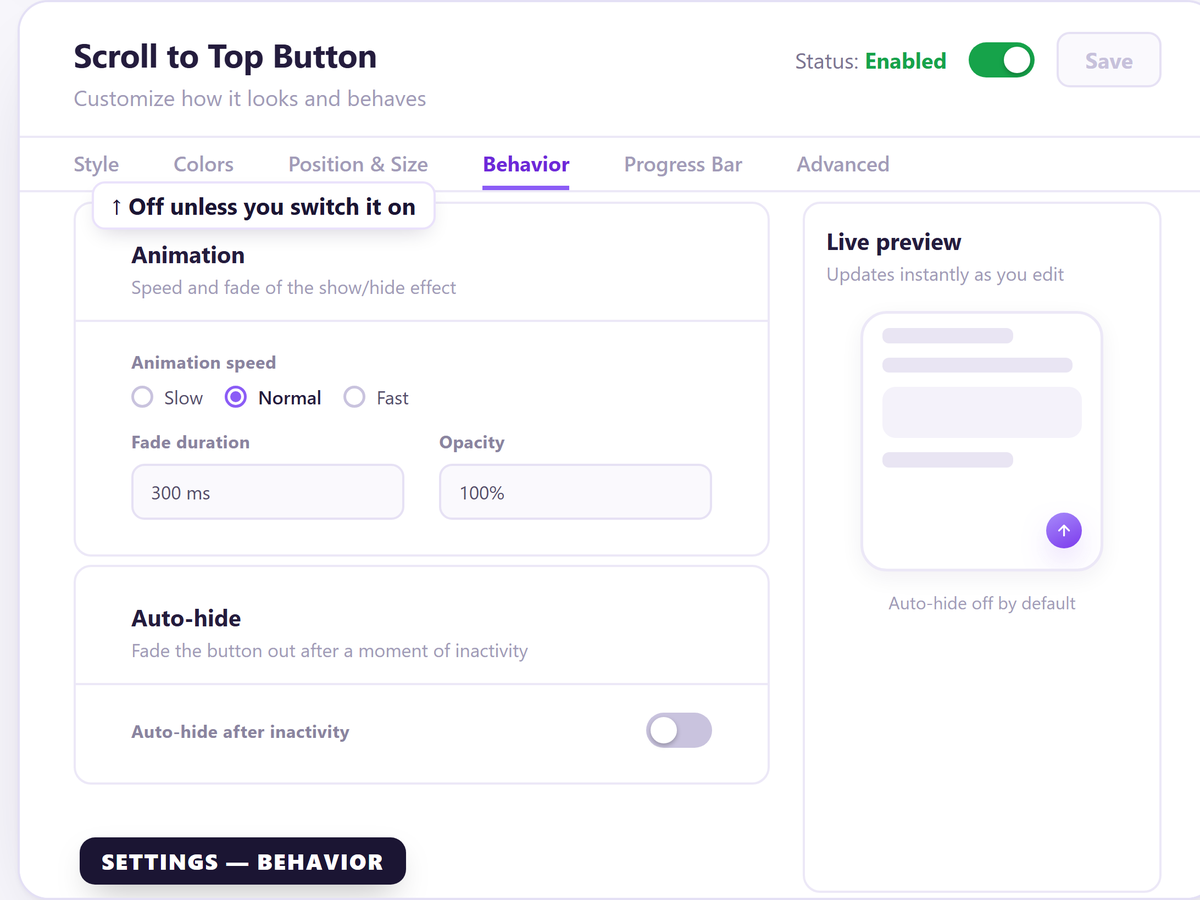
Smooth scroll animation: Feels native on desktop and mobile, not bolted on
No-code install: Add a scroll to top button to your site in seconds
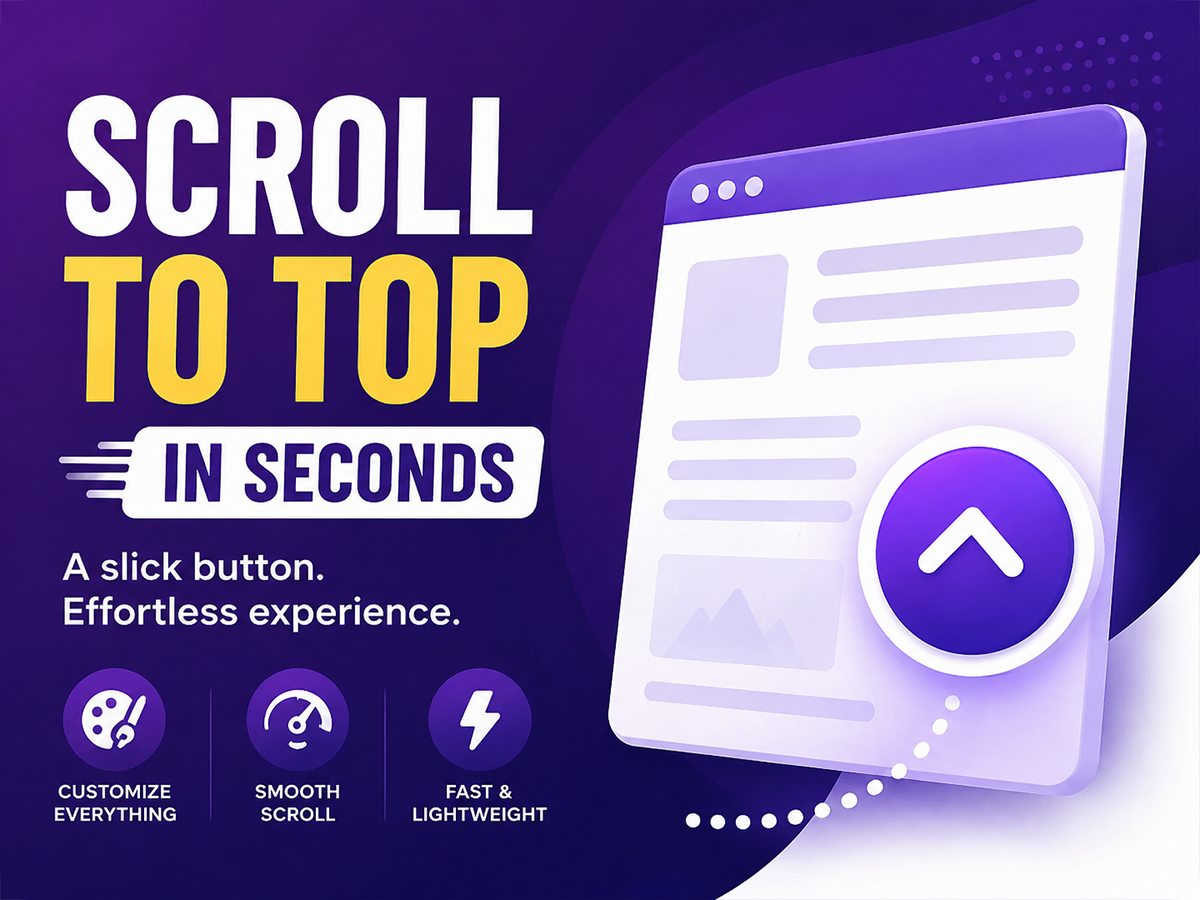
Most scroll-to-top buttons look like an afterthought — a plain gray circle stuck in the corner. This app gives your site a scroll-to-top button that actually matches your design, instead of a generic widget that looks bolted on.
As pages get longer, visitors need an easy way back to the top without endless scrolling. This back-to-top button appears exactly when you want it to, scrolls smoothly, and blends into your site instead of standing out for the wrong reasons.
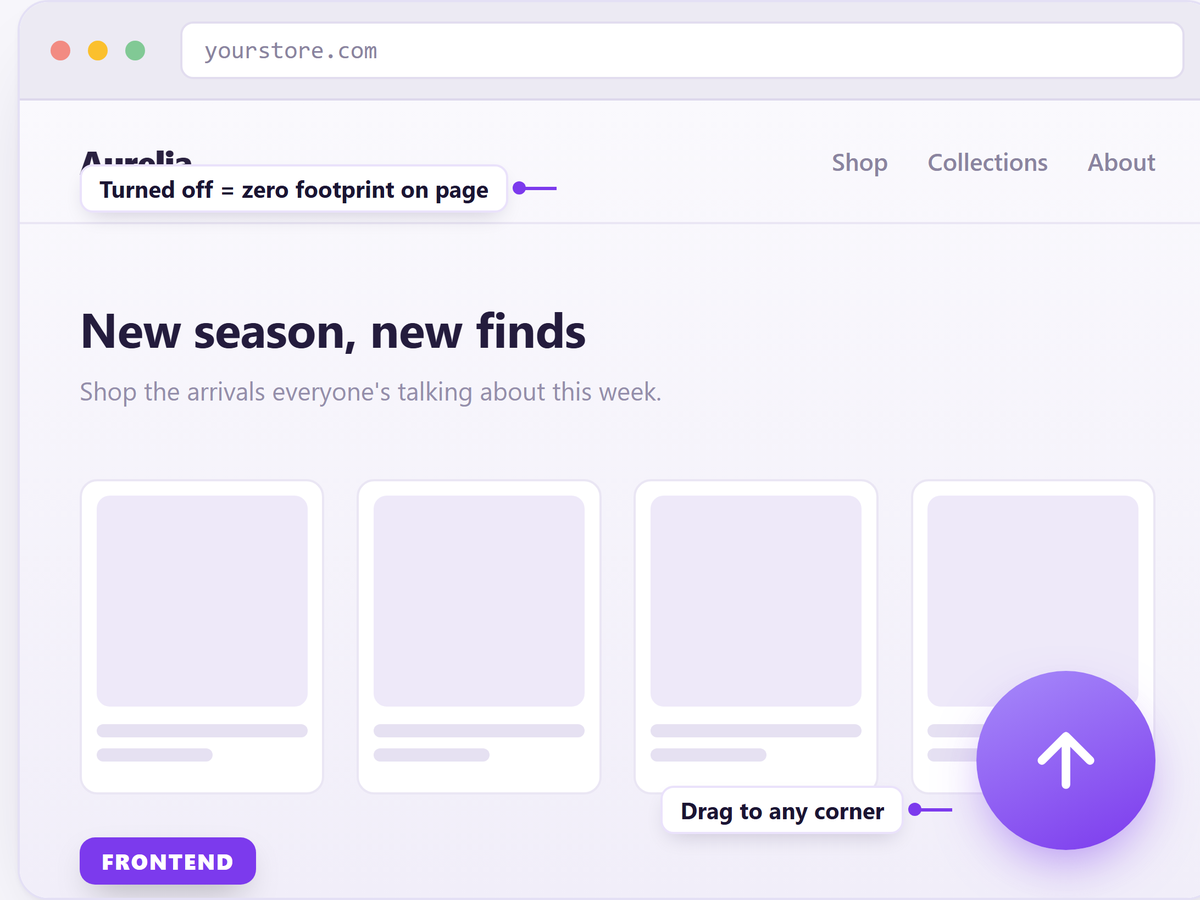
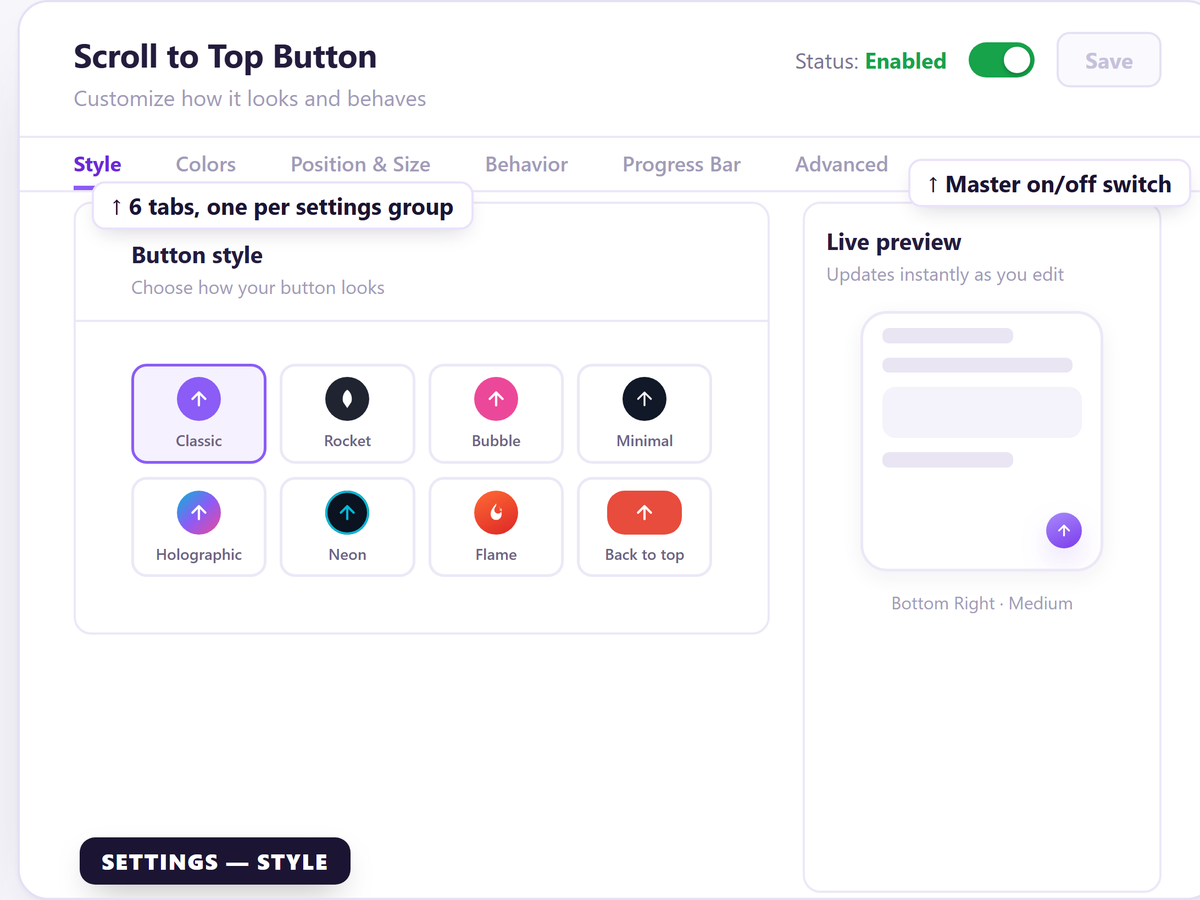
Customize the icon, shape, color, size, and position. Set the scroll distance that triggers it to appear, and adjust the animation speed so it feels natural, not jumpy. Everything is controlled from a simple settings panel — no code, no developer, no guesswork.
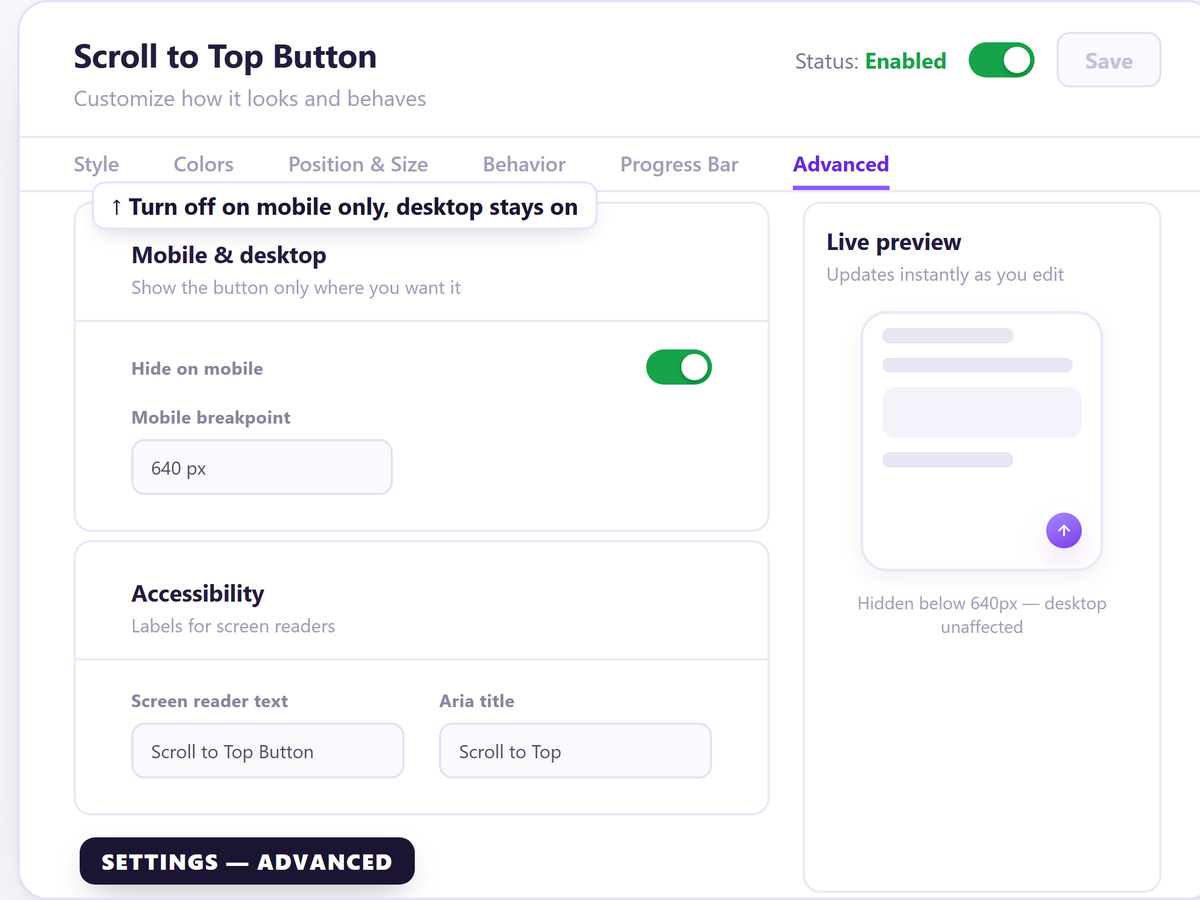
It works across desktop and mobile, loads fast, and won't slow down your site or clash with your theme.
If you care about how your site feels to use, not just how it looks, this is a small detail that makes a real difference. Set it up in a couple of minutes and give visitors an effortless way back to the top.