

e‑shop
rezervace
Události
vyskakovat

AccessWidget
od
Help every visitor read your site comfortably
Zatím žádné hodnocení
14denní zkušební verze zdarma

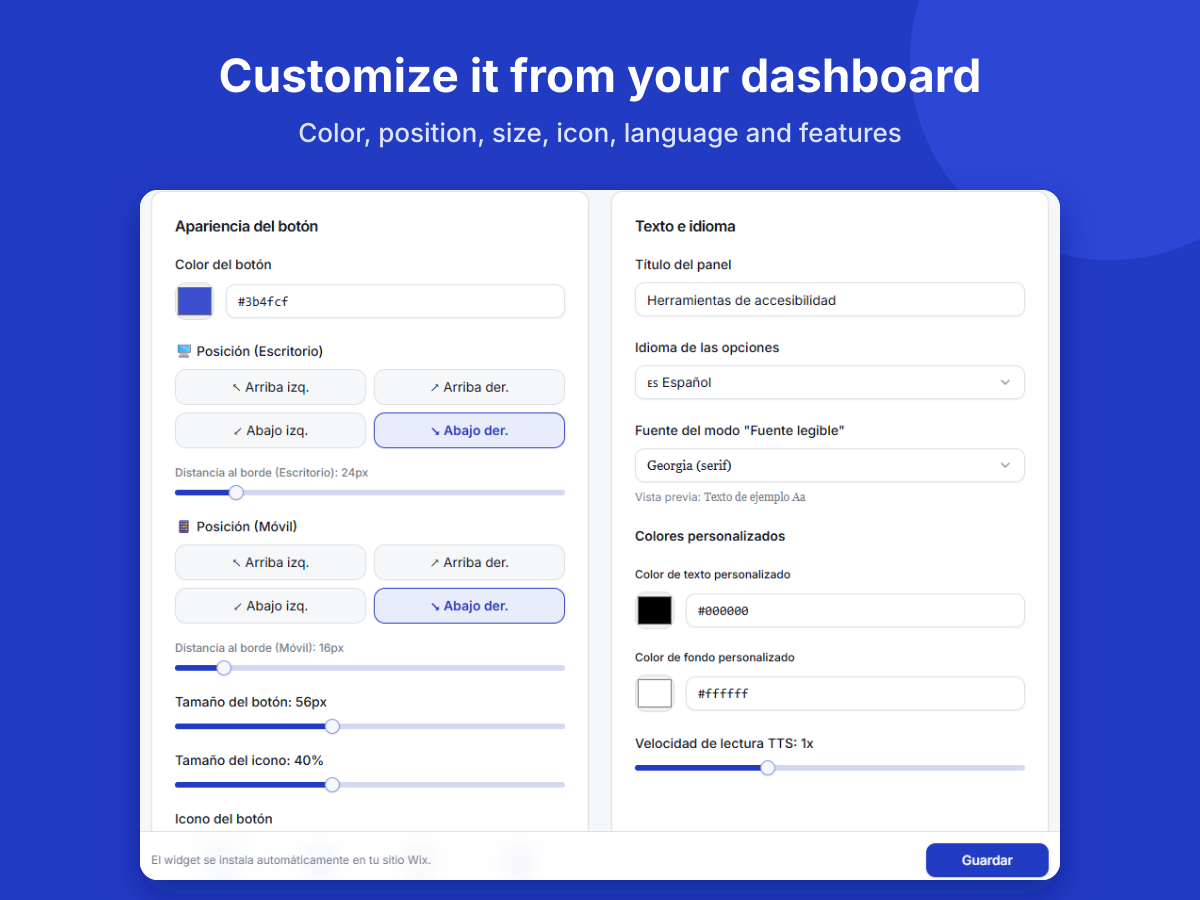
Přehled – AccessWidget
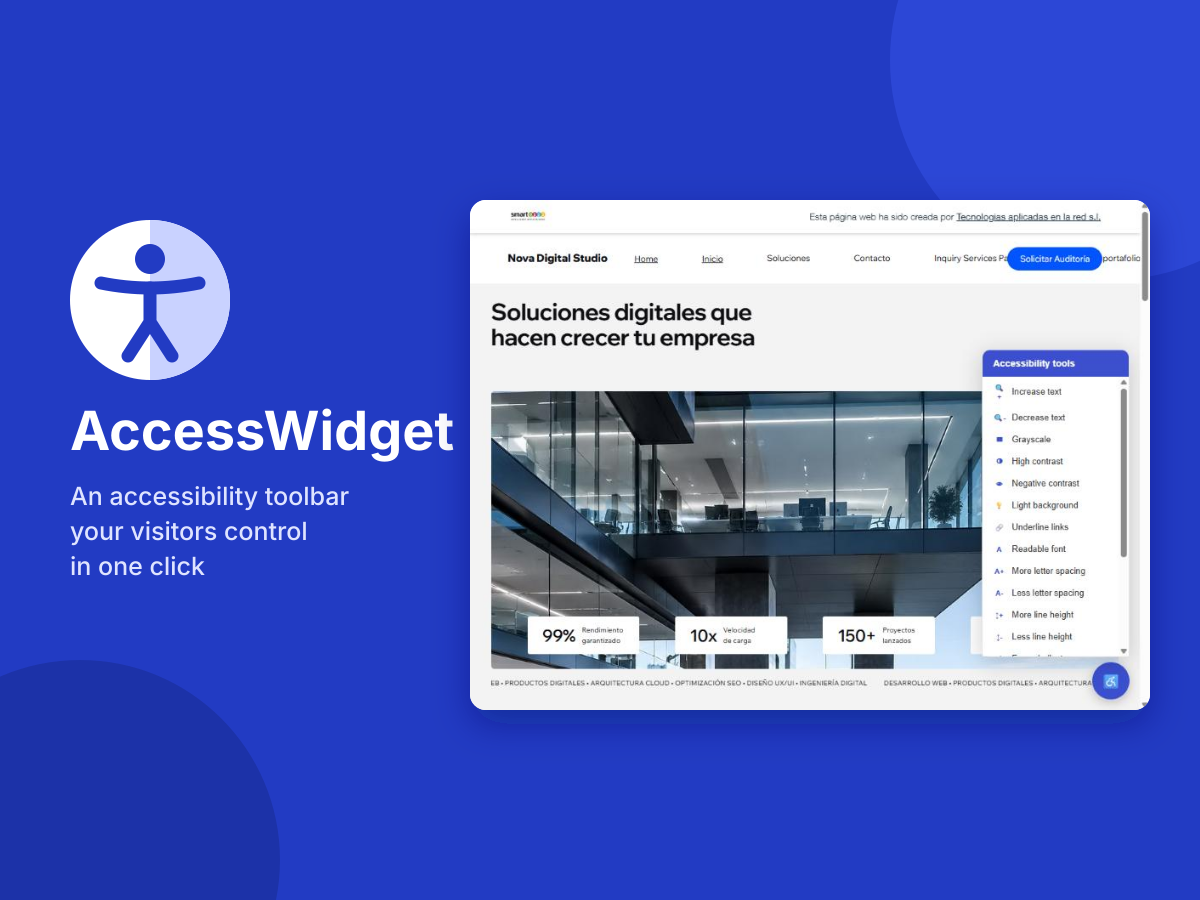
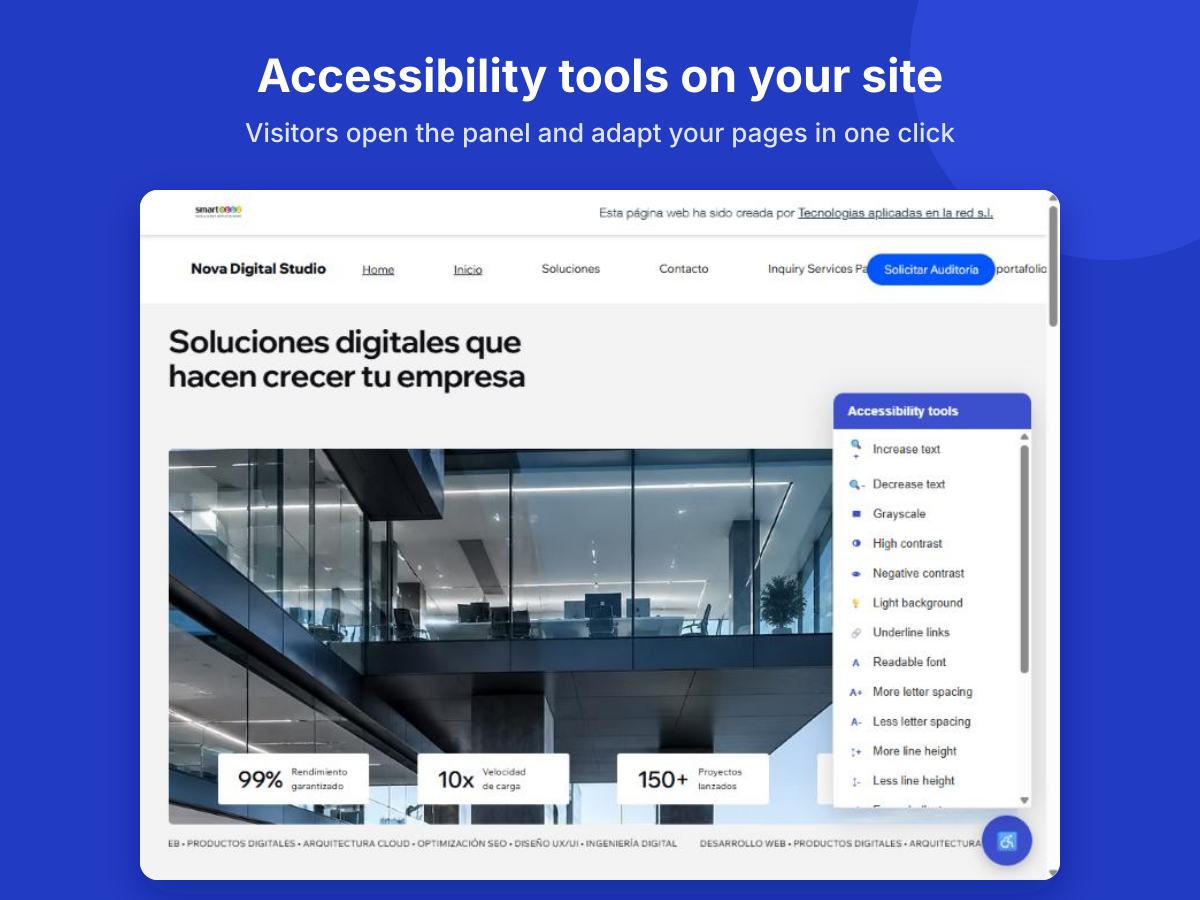
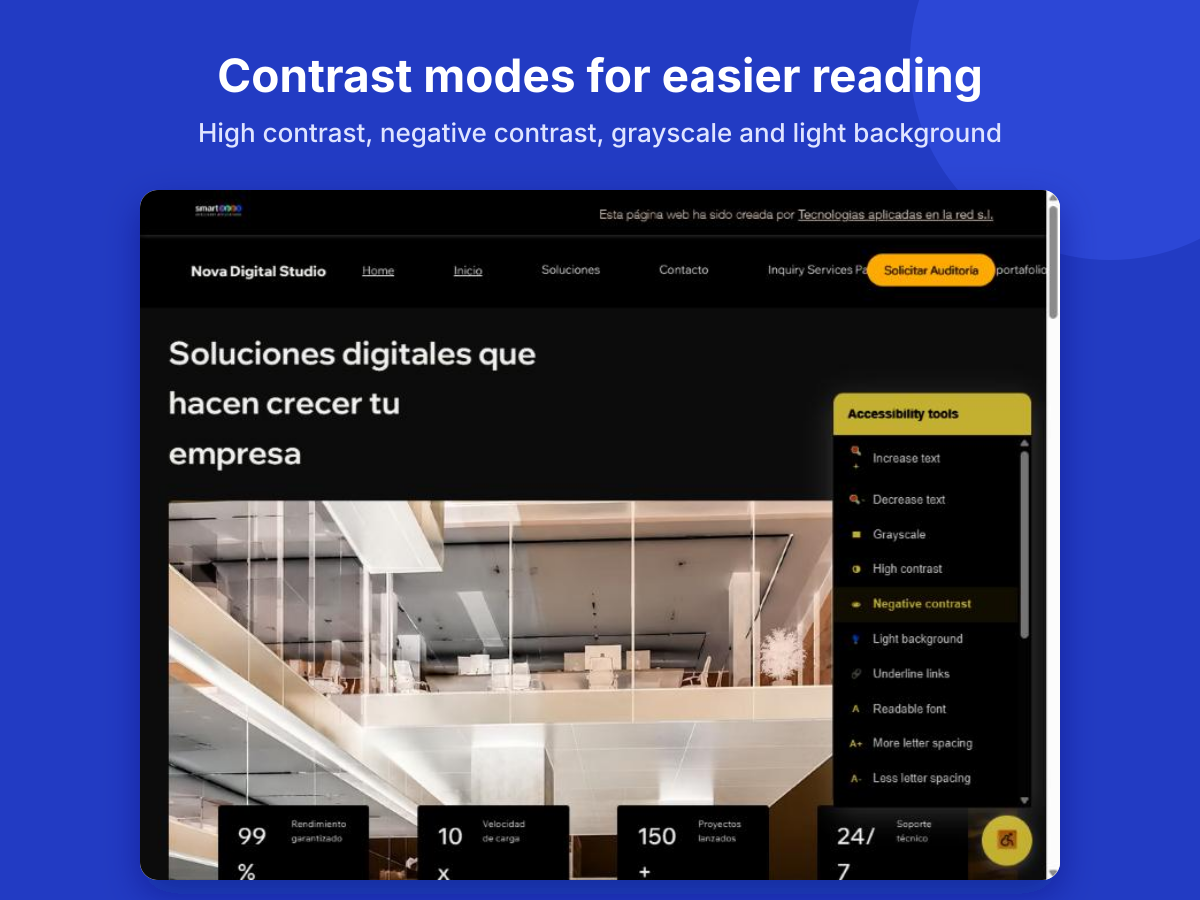
- Text size, contrast, grayscale and readable font in one click
- Customize color, icon, position and language to match your brand
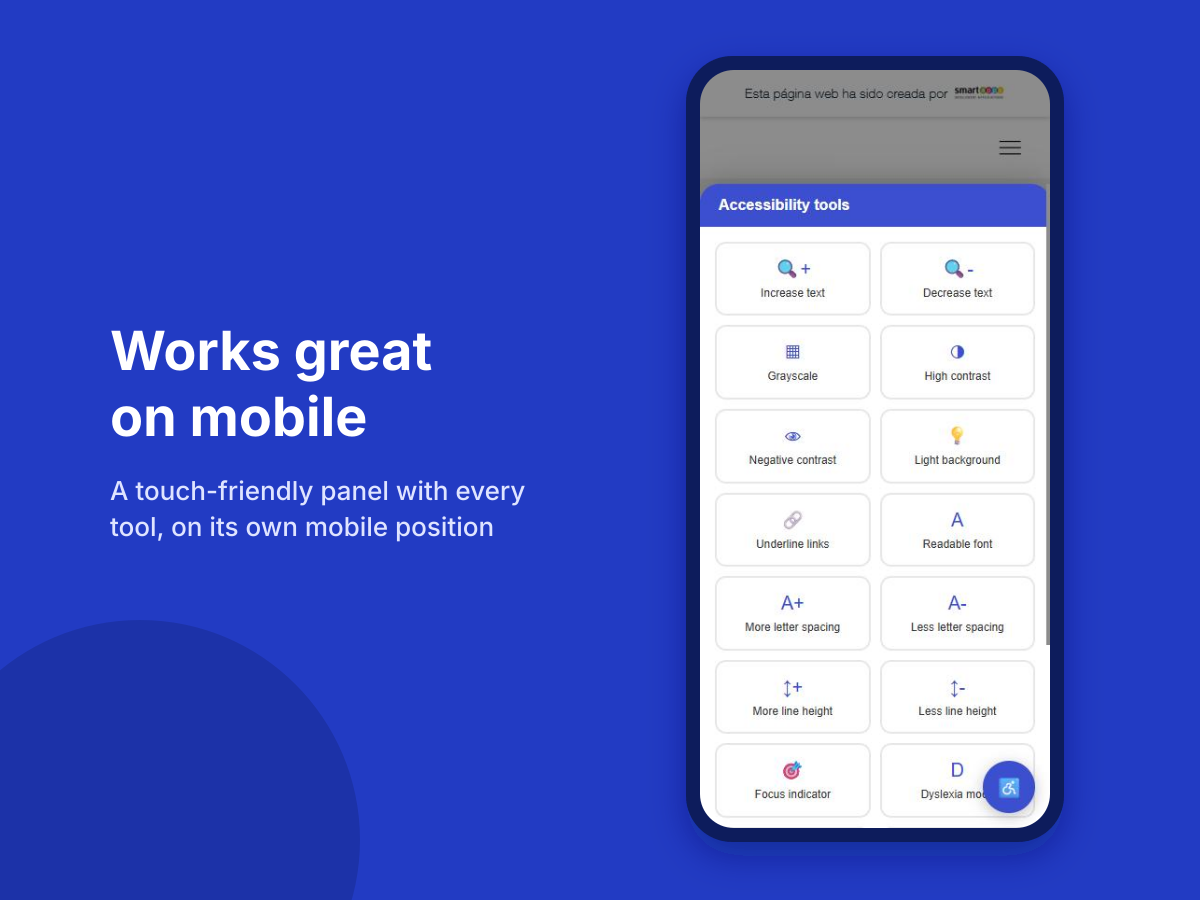
- Dyslexia mode, reading guide, big cursor and text-to-speech
- Installs automatically with no code and updates in minutes
Hodnocení & Recenze
Tato aplikace zatím nemá žádná hodnocení, buďte první, kdo ji ohodnotí.Ceny a plány
Tato aplikace nabízí 14denní zkušební verzi zdarma.Plán Essential
$
16
00
/měsíc
Widget de accesibilidad completo
Texto, contraste y fuente legible
Lector de texto por voz
diseño personalizable
Plán Professional
$
41
00
/měsíc
Todo lo de Essential
Modo dislexia y guía de lectura
Cursor grande, indicador de foco
Espaciado e interlineado ajustables
Plán Enterprise
$
165
00
/měsíc
Todo lo de Professional
Reglas de activación por URL
CSS avanzado
Soporte prioritario
* Cena je v USD.