

e‑shop
rezervace
Události
vyskakovat

AccessWidget
od
Help every visitor read your site comfortably
Zatím žádné hodnocení
Dostupné zdarma

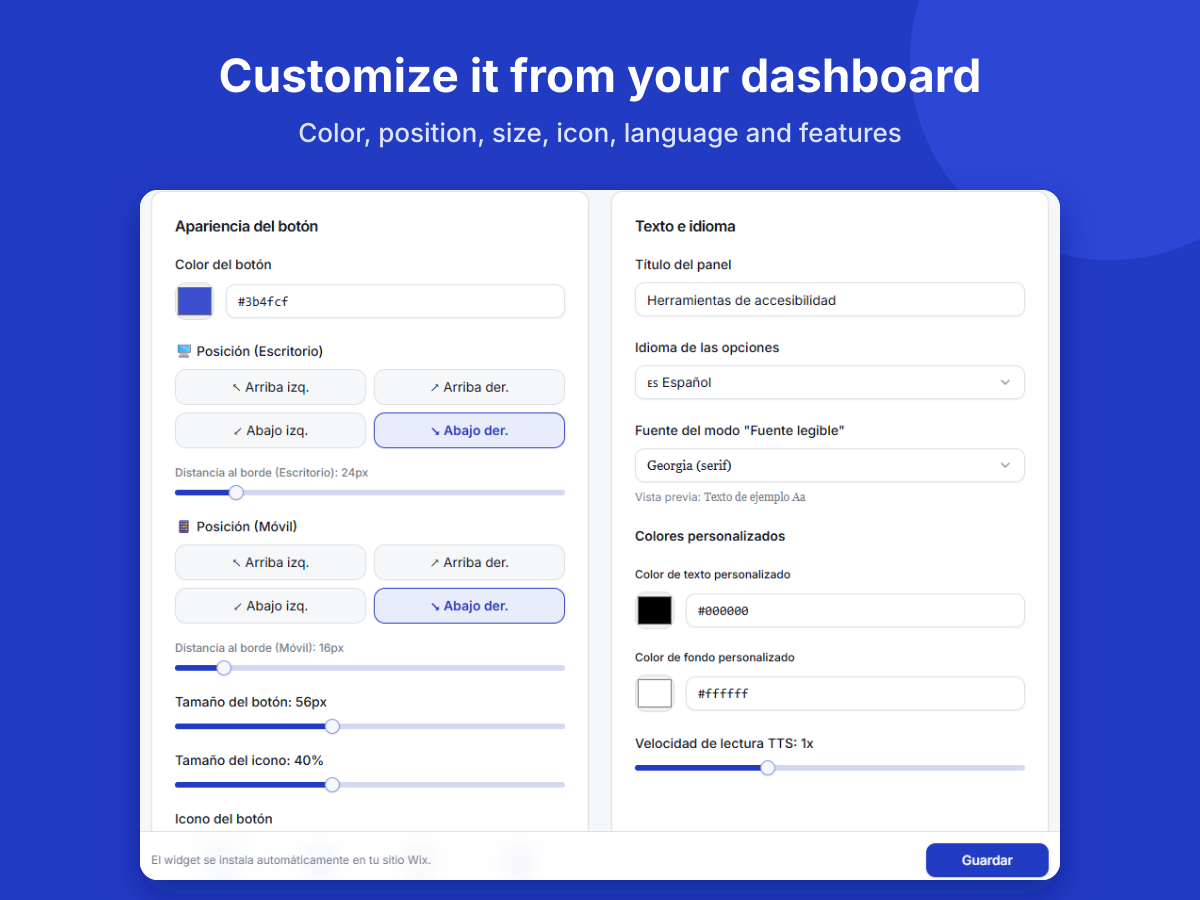
Přehled – AccessWidget
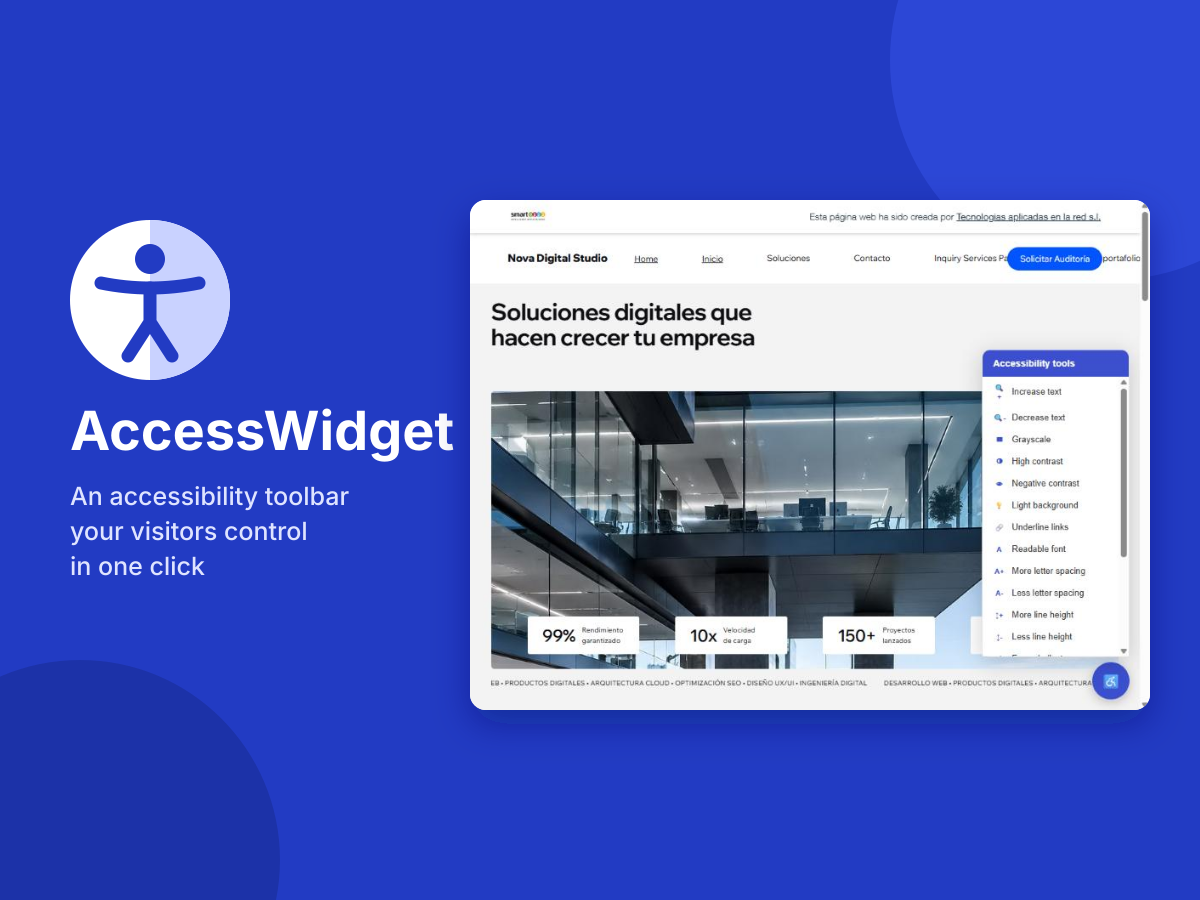
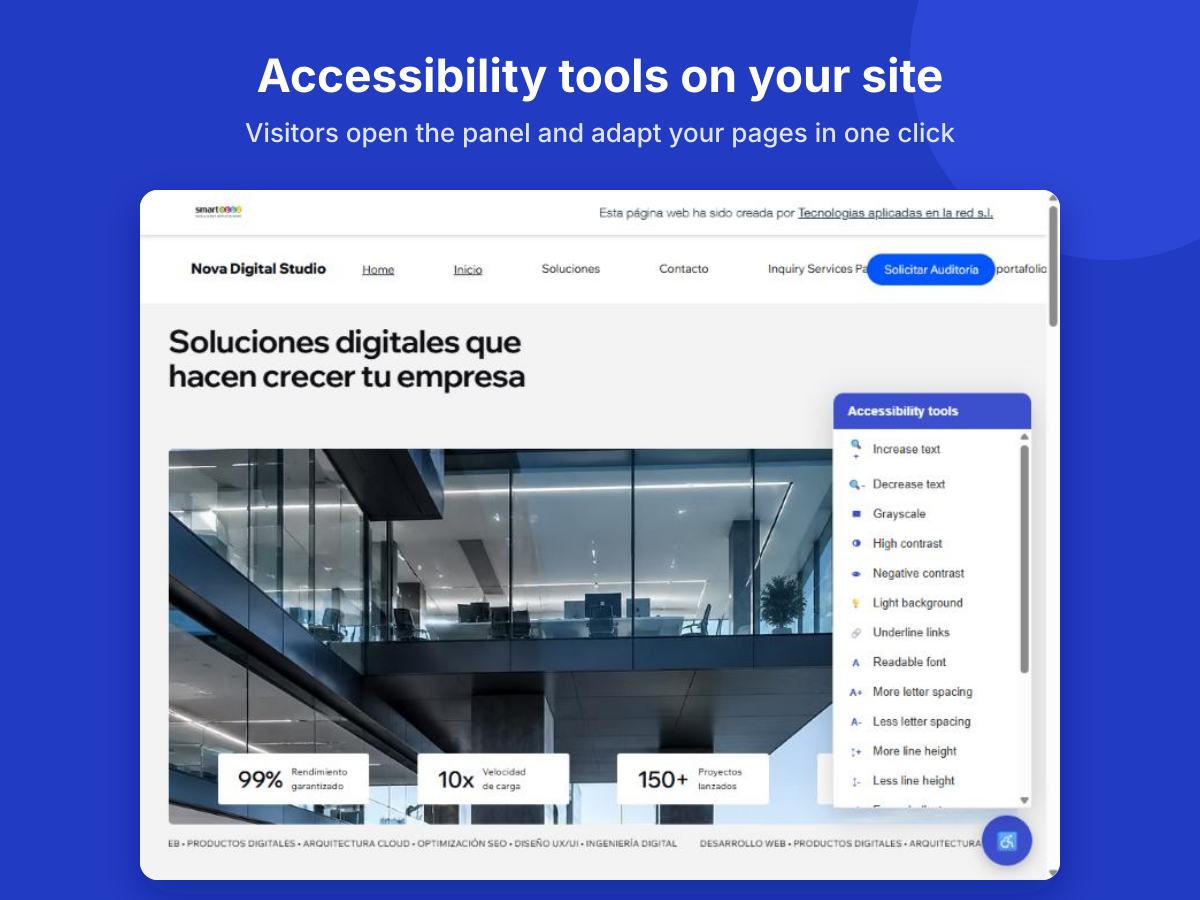
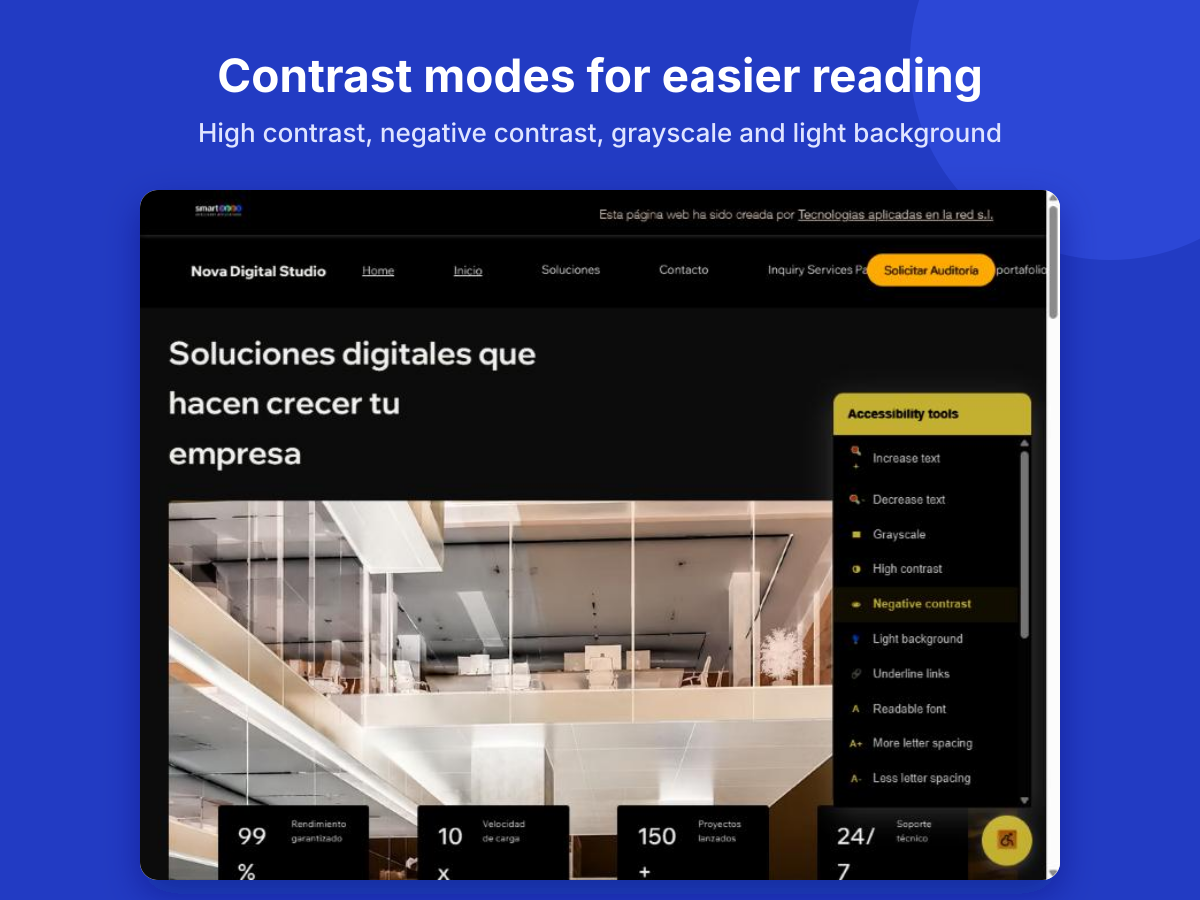
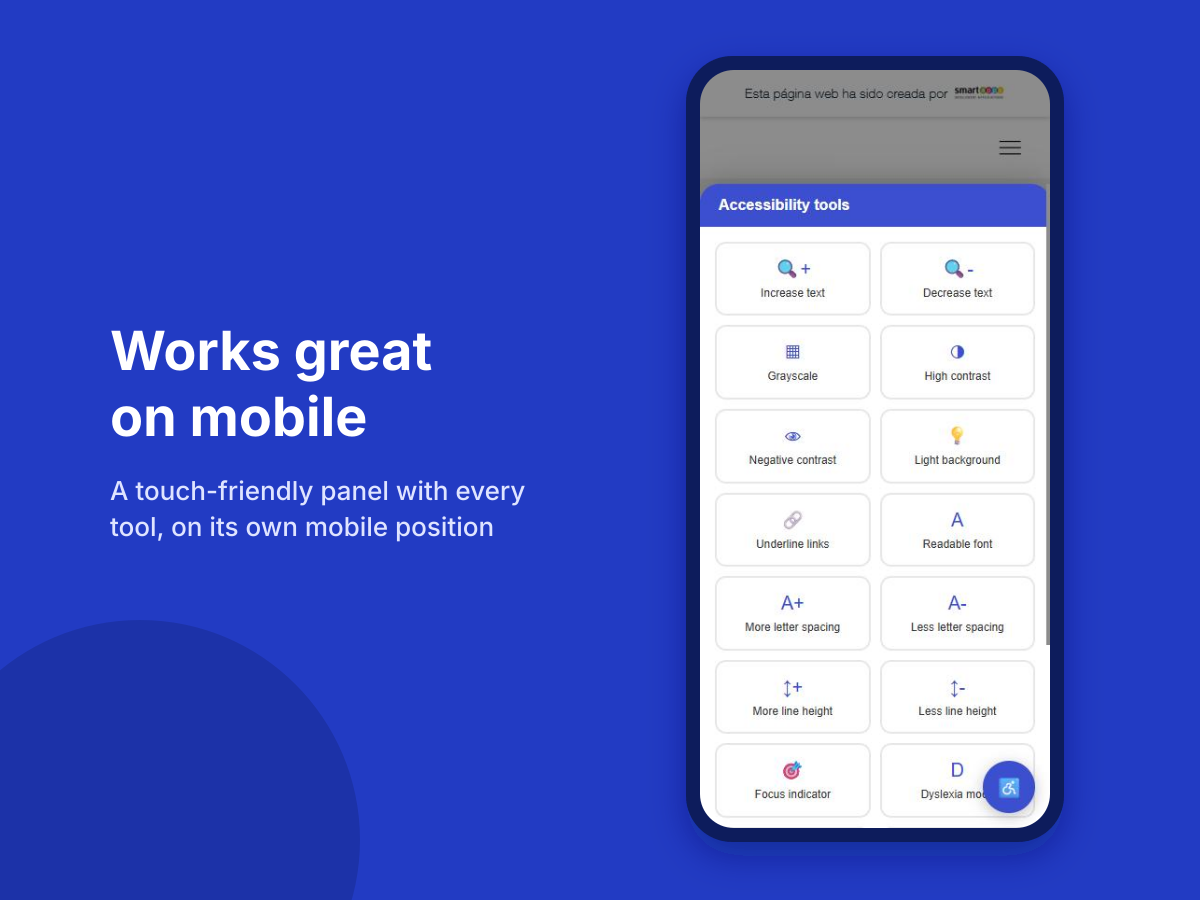
- Text size, contrast, grayscale and readable font in one click
- Customize color, icon, position and language to match your brand
- One-click profiles for low vision, dyslexia, ADHD and epilepsy
- Installs automatically with no code and updates in minutes
Hodnocení & Recenze
Tato aplikace zatím nemá žádná hodnocení, buďte první, kdo ji ohodnotí.Ceny a plány
Plán Free
Zdarma
6 herramientas de accesibilidad
Color, posición e idioma a tu gusto
Se instala solo, sin código
Plán Essential
$
16
00
/měsíc
Widget de accesibilidad completo
Texto, contraste y fuente legible
Lector de texto por voz
Pausa animaciones y oculta imágenes
Plán Professional
$
41
00
/měsíc
Todo lo de Essential
Perfiles de accesibilidad en 1 clic
Modo dislexia y guía de lectura
Filtros daltonismo y lupa de texto
Plán Enterprise
$
165
00
/měsíc
Todo lo de Professional
Reglas de activación por URL
CSS avanzado
Soporte prioritario
* Cena je v USD.