

e‑shop
rezervace
Události
vyskakovat
Countdown Timer
od
Every visitor hits zero at the same second
Zatím žádné hodnocení
Dostupné zdarma

Přehled – Countdown Timer
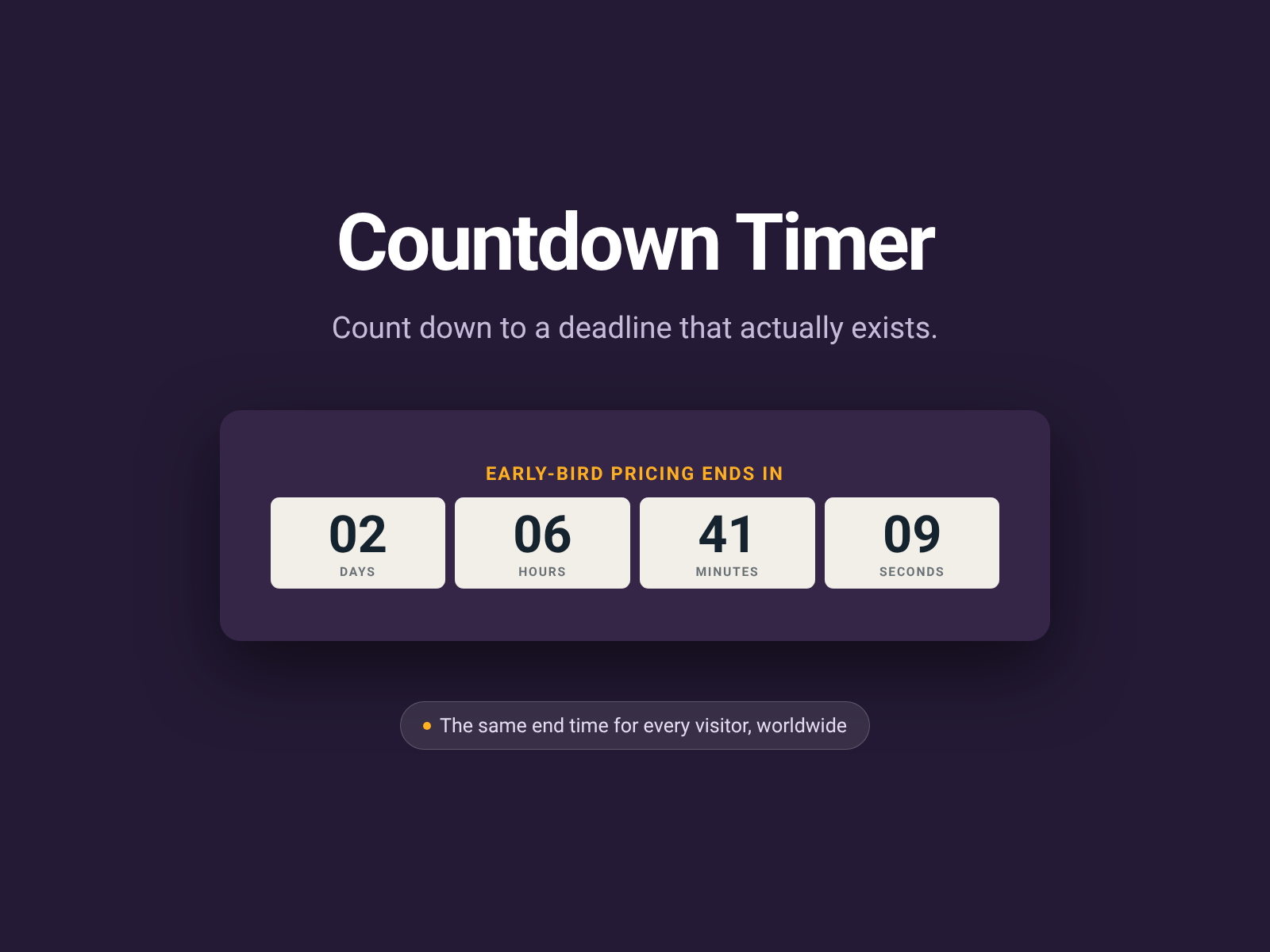
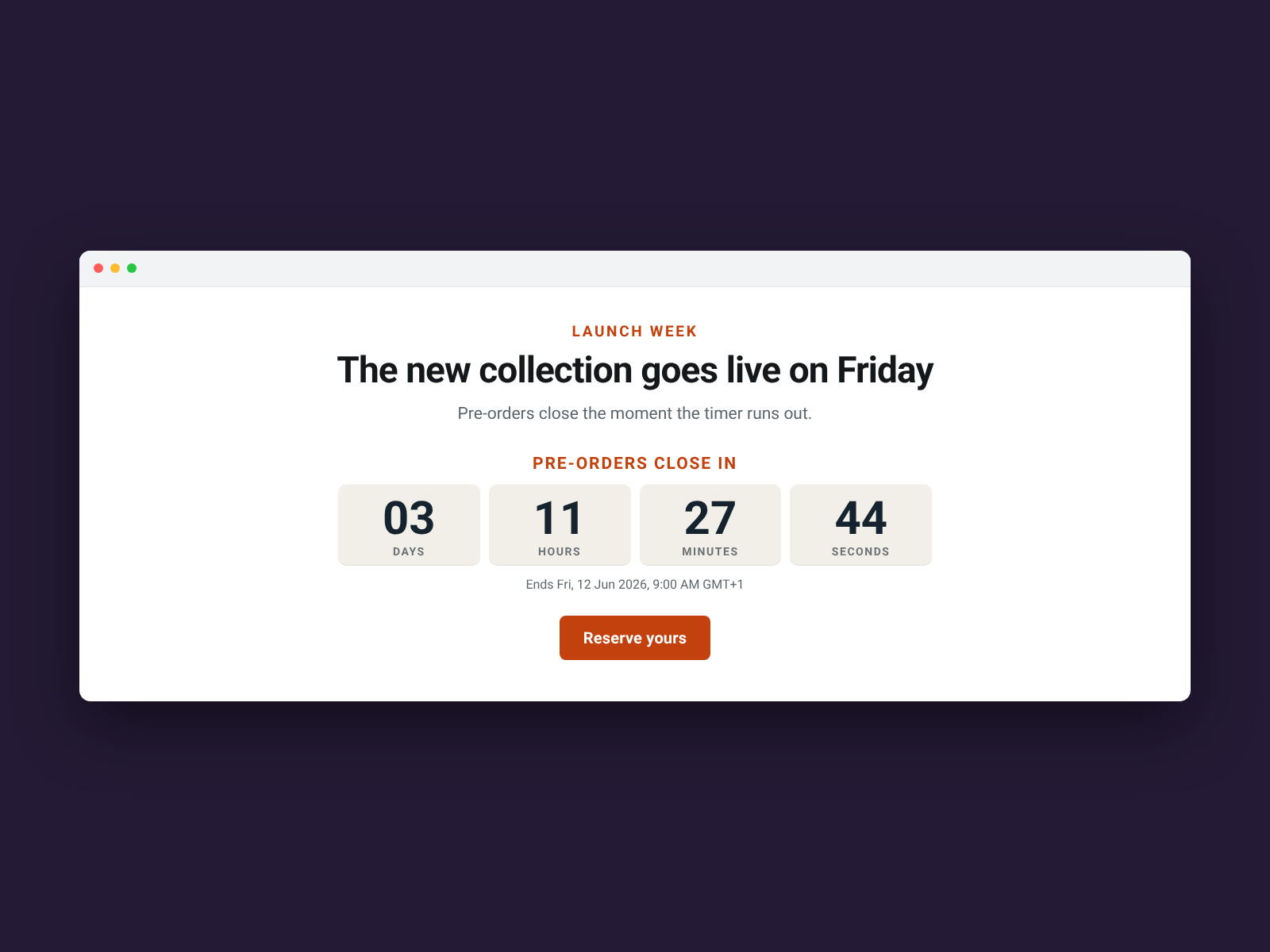
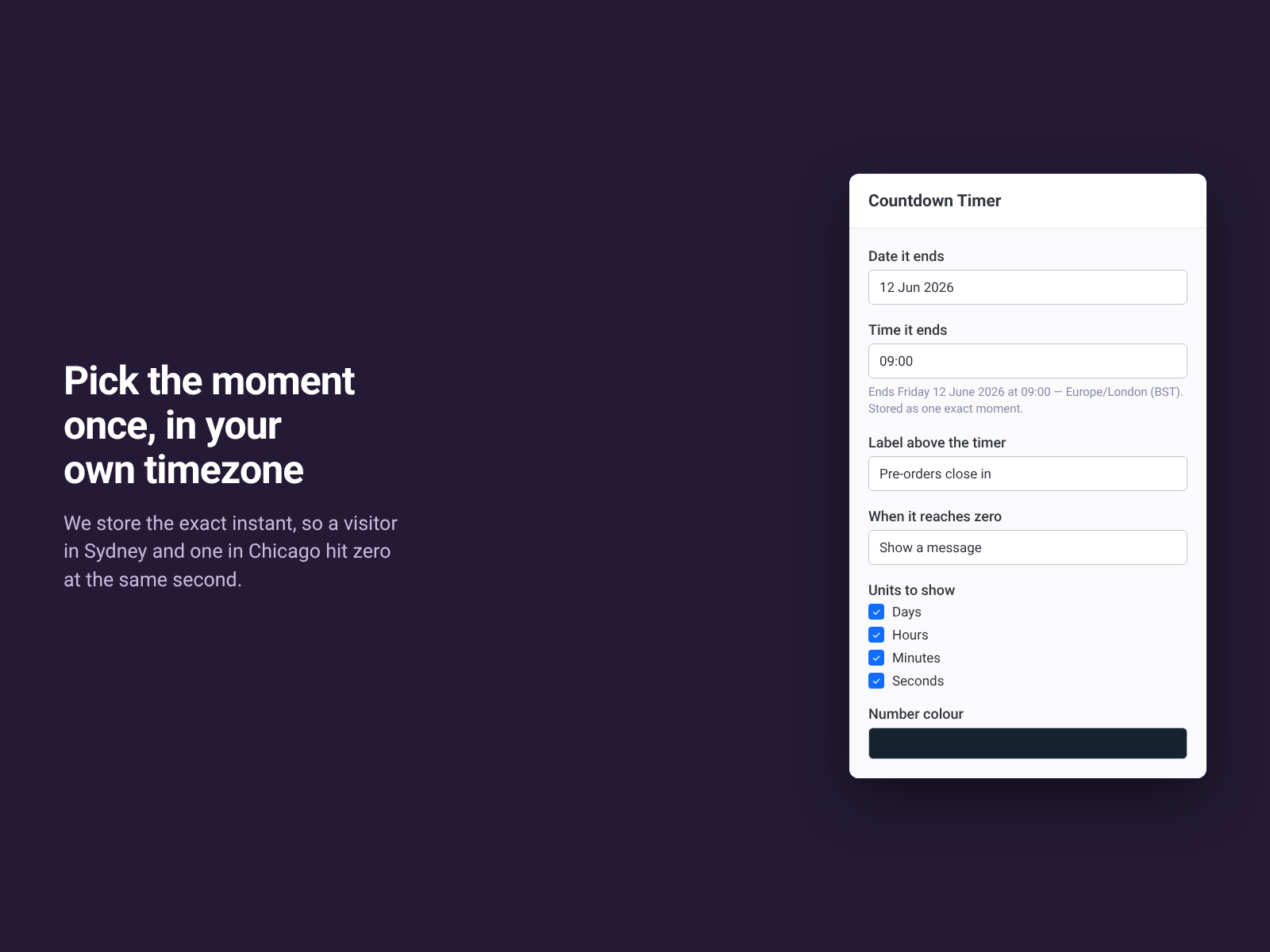
- One moment, one deadline — Sydney and Chicago hit zero at the same second
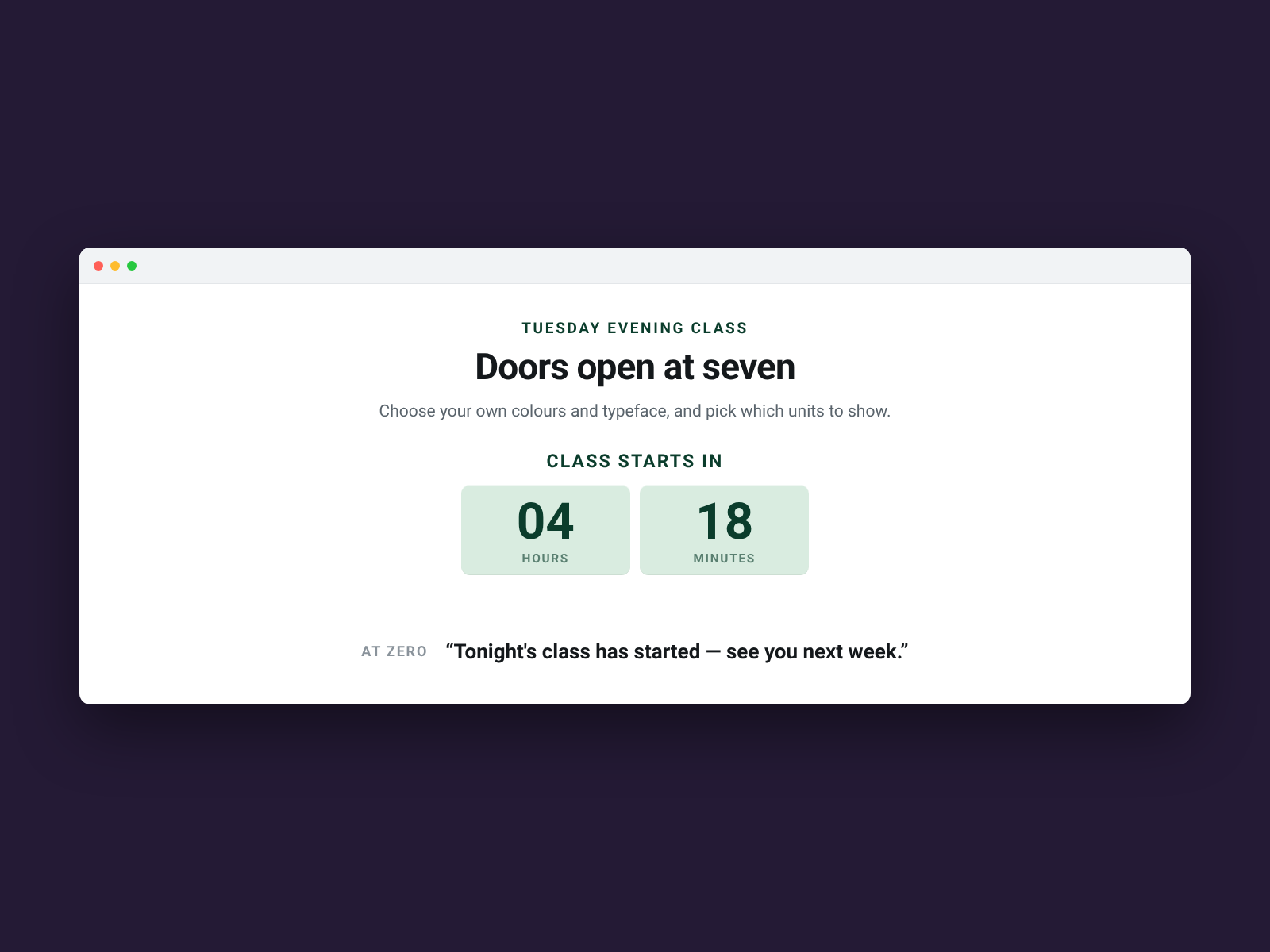
- Decide what happens at zero: a message, the zeros, or no timer at all
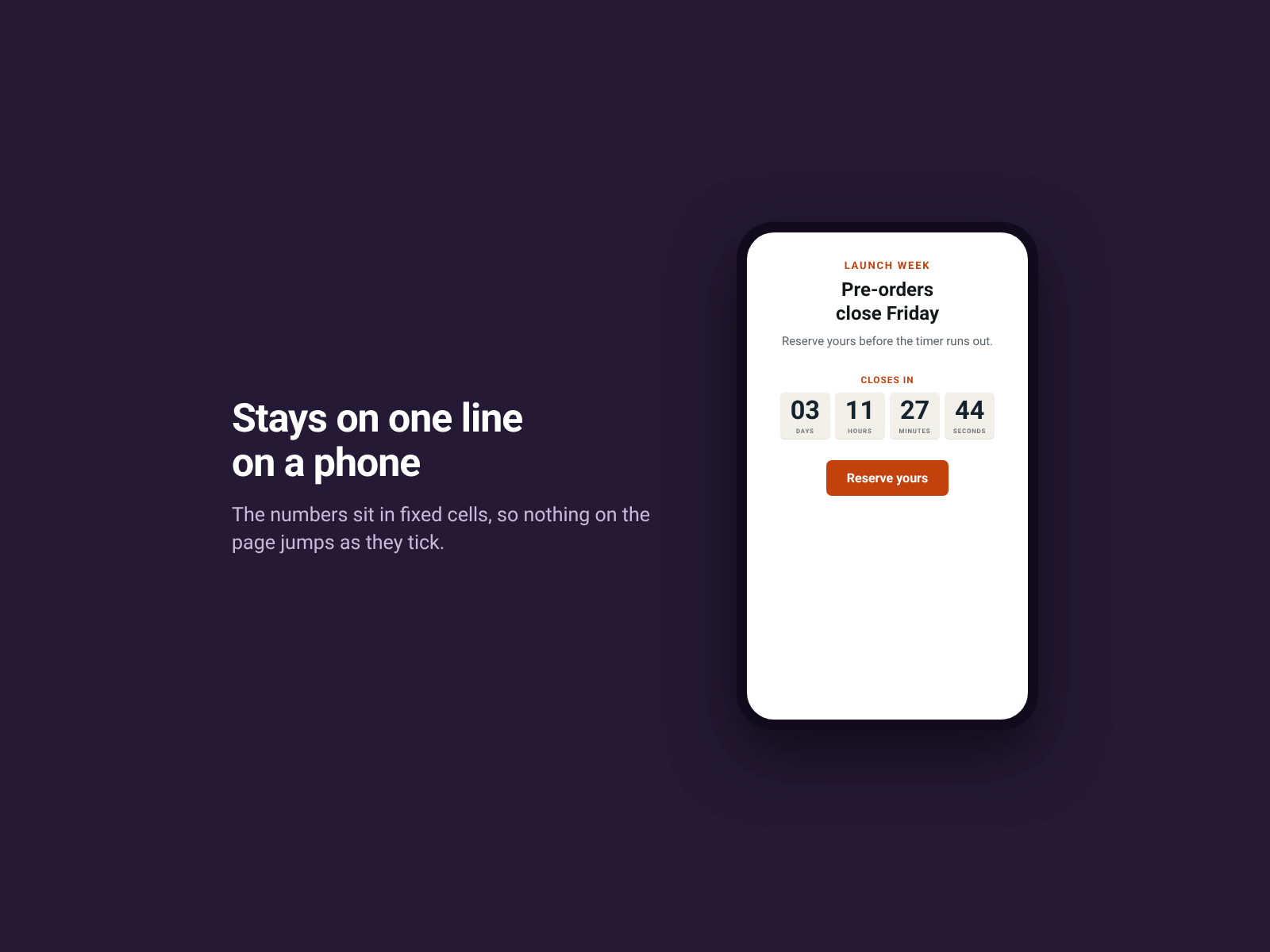
- Four units stay on one line on a phone, and nothing on the page moves
- Yours to style — your colours, your typeface, your label, your units
Dostupnost:
Tato aplikace je dostupná po celém světě.Jazyky aplikace:
Angličtina,
Francouzština,
Holandština,
Italština,
Japonština,
Korejština,
Němčina,
Polština,
Portugaltšina,
Ruština,
Španělština,
Turečtina
Hodnocení & Recenze
Tato aplikace zatím nemá žádná hodnocení, buďte první, kdo ji ohodnotí.Ceny a plány
Plán Basic
Zdarma
One countdown timer per page
Every colour, size and wording
Twelve languages and full screen reader text
Permanent, and it never expires
Plán Pro
$
4
08
/měsíc
Unlimited timers on every page
Same deadline for every visitor, any timezone
Your colours, fonts, label and units
Free plan: one full timer per page
* Cena je v USD.