

e‑shop
rezervace
Události
vyskakovat

Easy Menu
od
Site menus with dropdowns, mega menus and more
Zatím žádné hodnocení
Dostupné zdarma

Přehled – Easy Menu
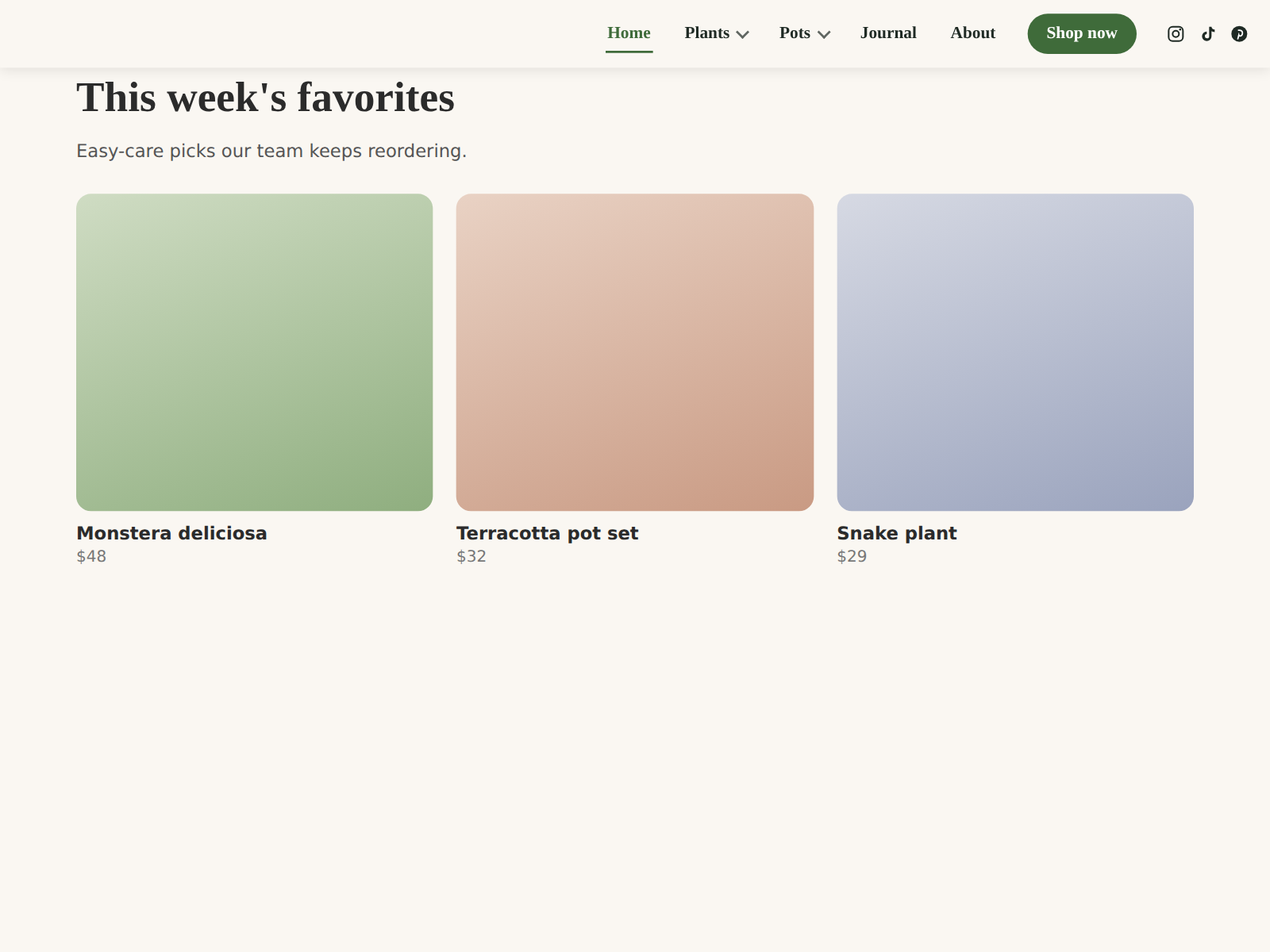
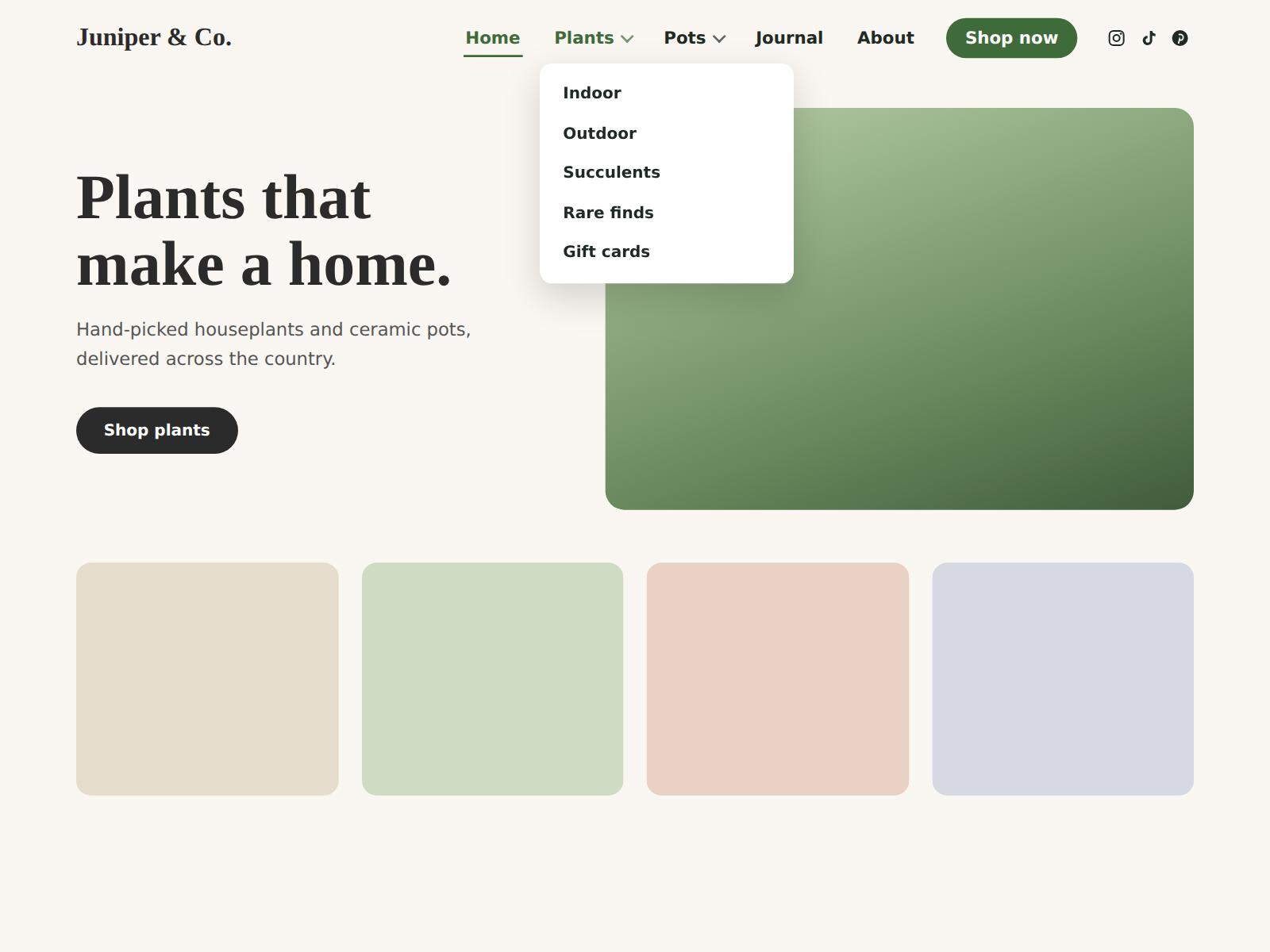
- Build your menu in one place, then drop it in your header
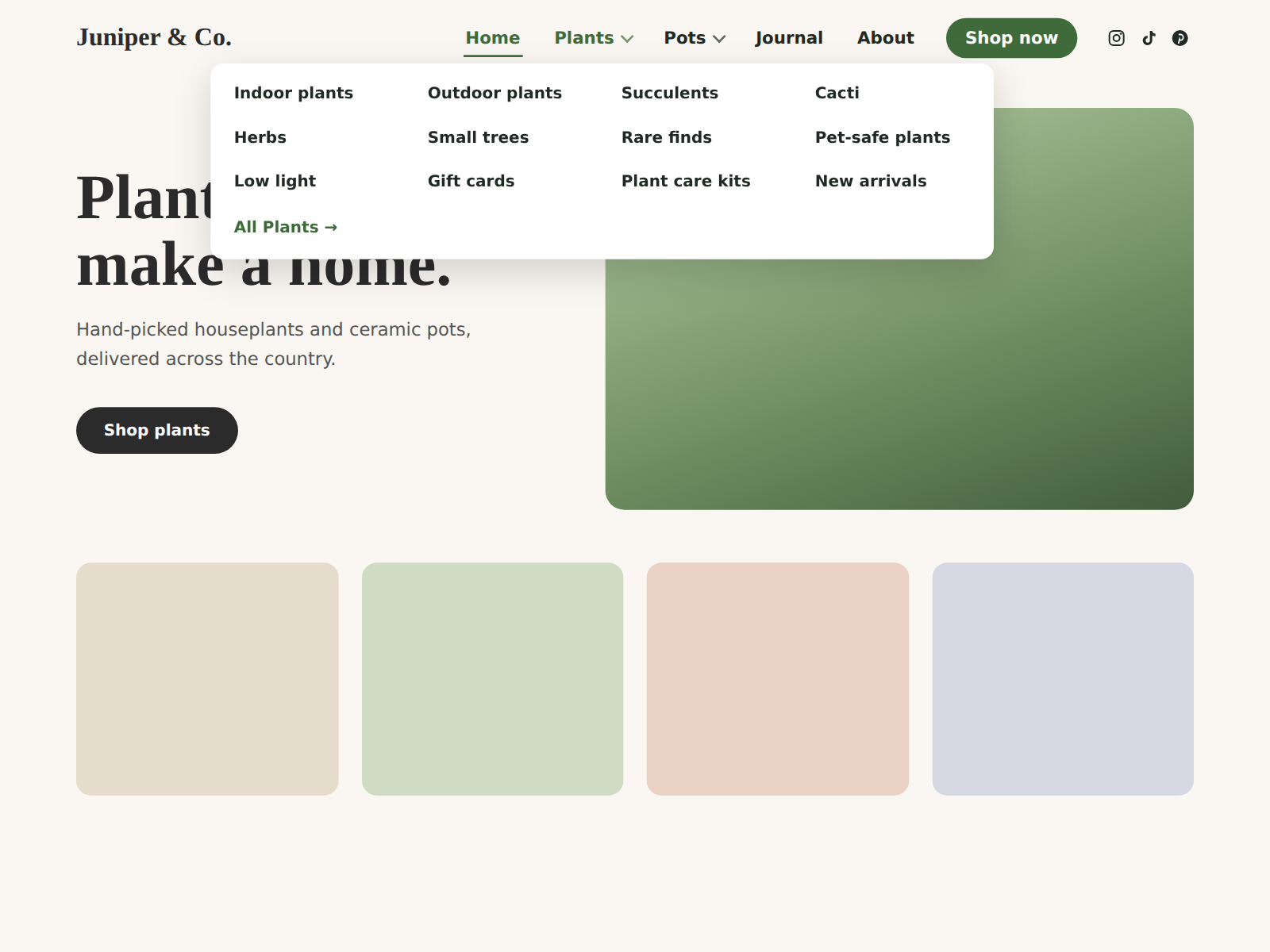
- Dropdowns, mega menus and a call-to-action button
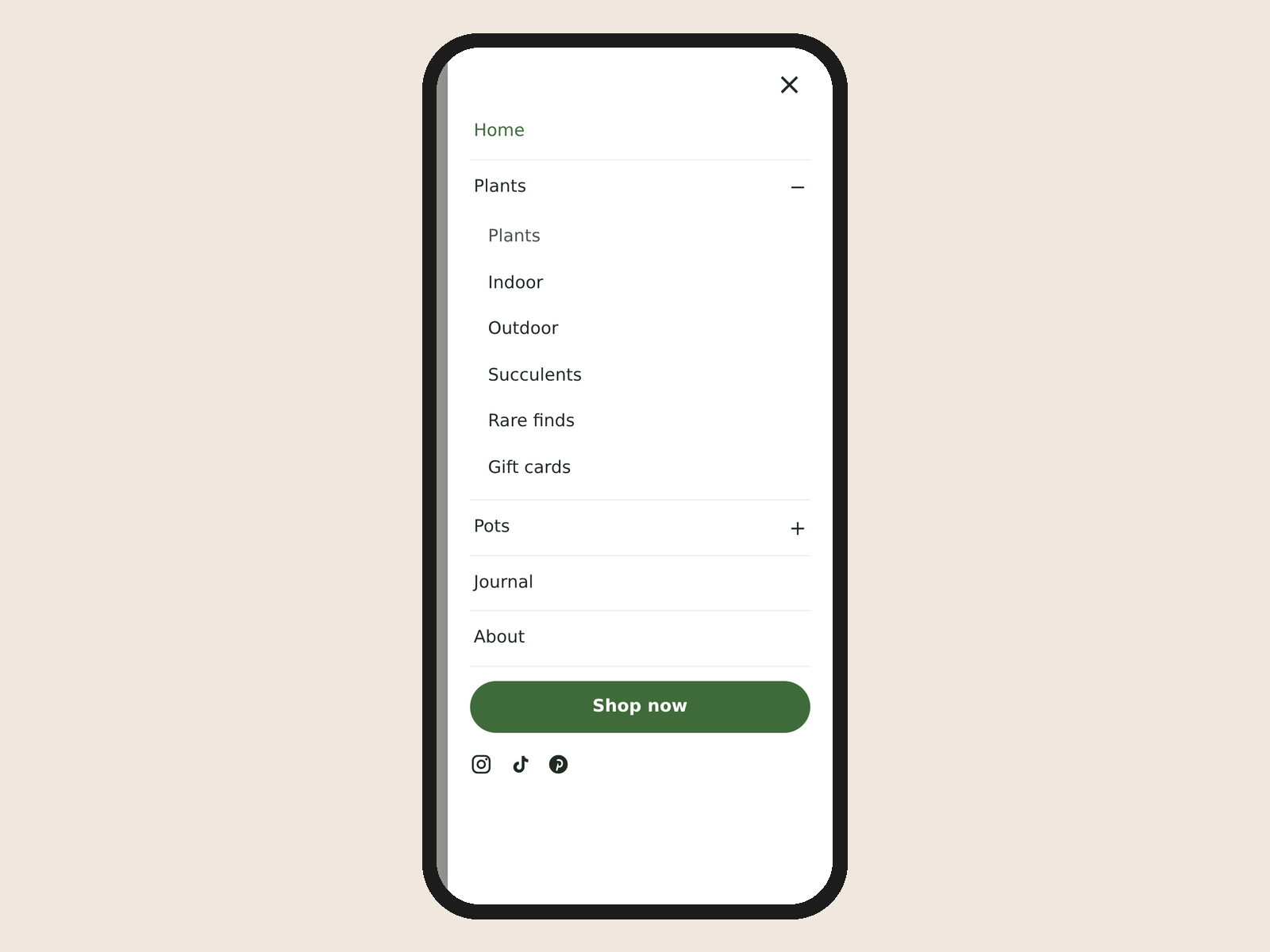
- Automatic tap-to-open panel on phones
- Match your fonts and colors, pin the bar while scrolling
Hodnocení & Recenze
Tato aplikace zatím nemá žádná hodnocení, buďte první, kdo ji ohodnotí.Ceny a plány
Plán Basic
Zdarma
Menu bar with dropdowns
Up to 8 menu items
Phone slide-out menu
Up to 3 social icons
Plán Pro
$
3
49
/měsíc
Up to 200 menu items with dropdowns
Mega menu and call-to-action button
Menu stays pinned while scrolling
No credit line, up to 12 social icons
* Cena je v USD.