

e‑shop
rezervace
Události
vyskakovat

Open Slot Waitlist
od
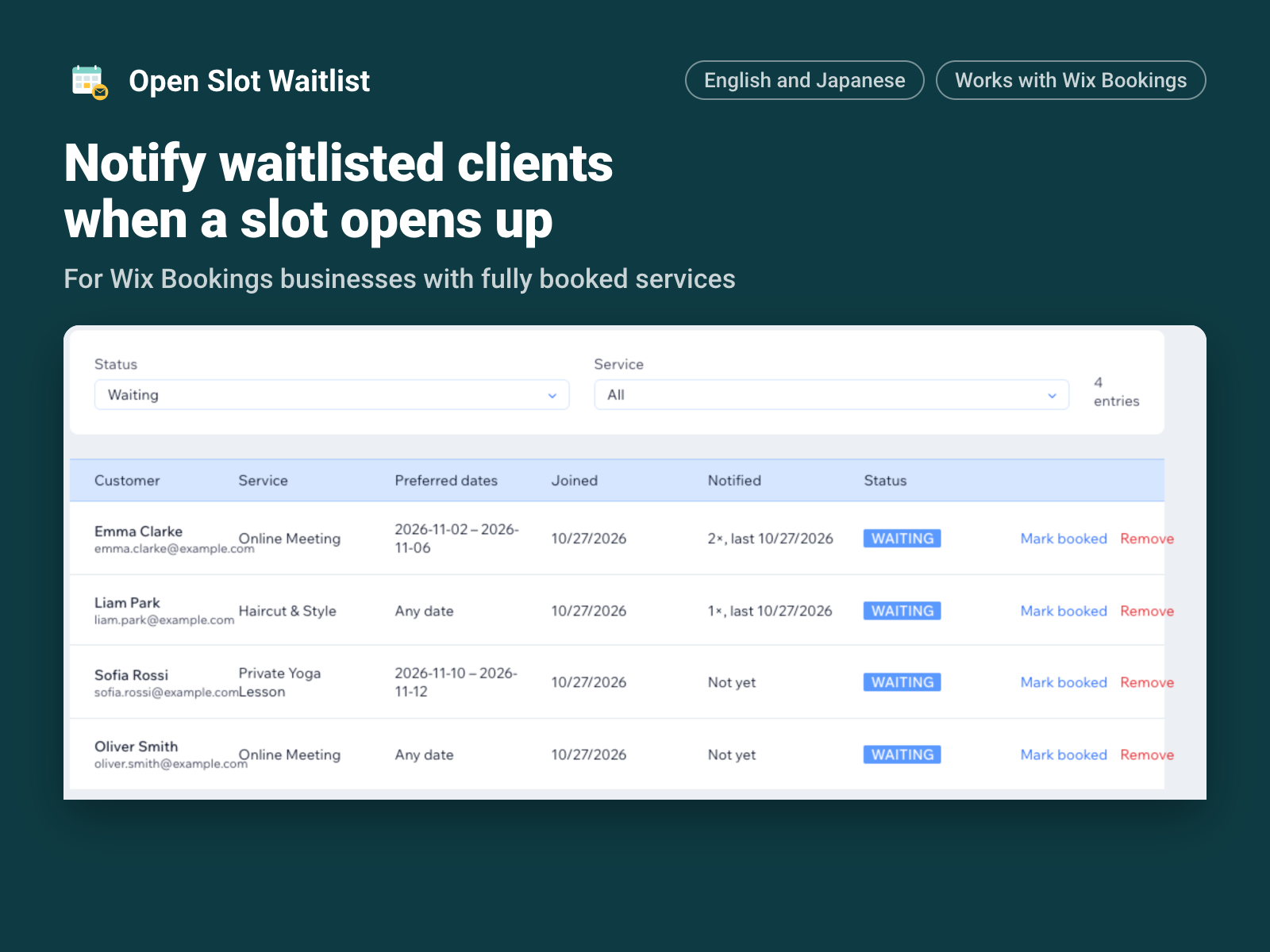
Notify waitlisted clients when a slot opens up
Zatím žádné hodnocení
7denní zkušební verze zdarma

Přehled – Open Slot Waitlist
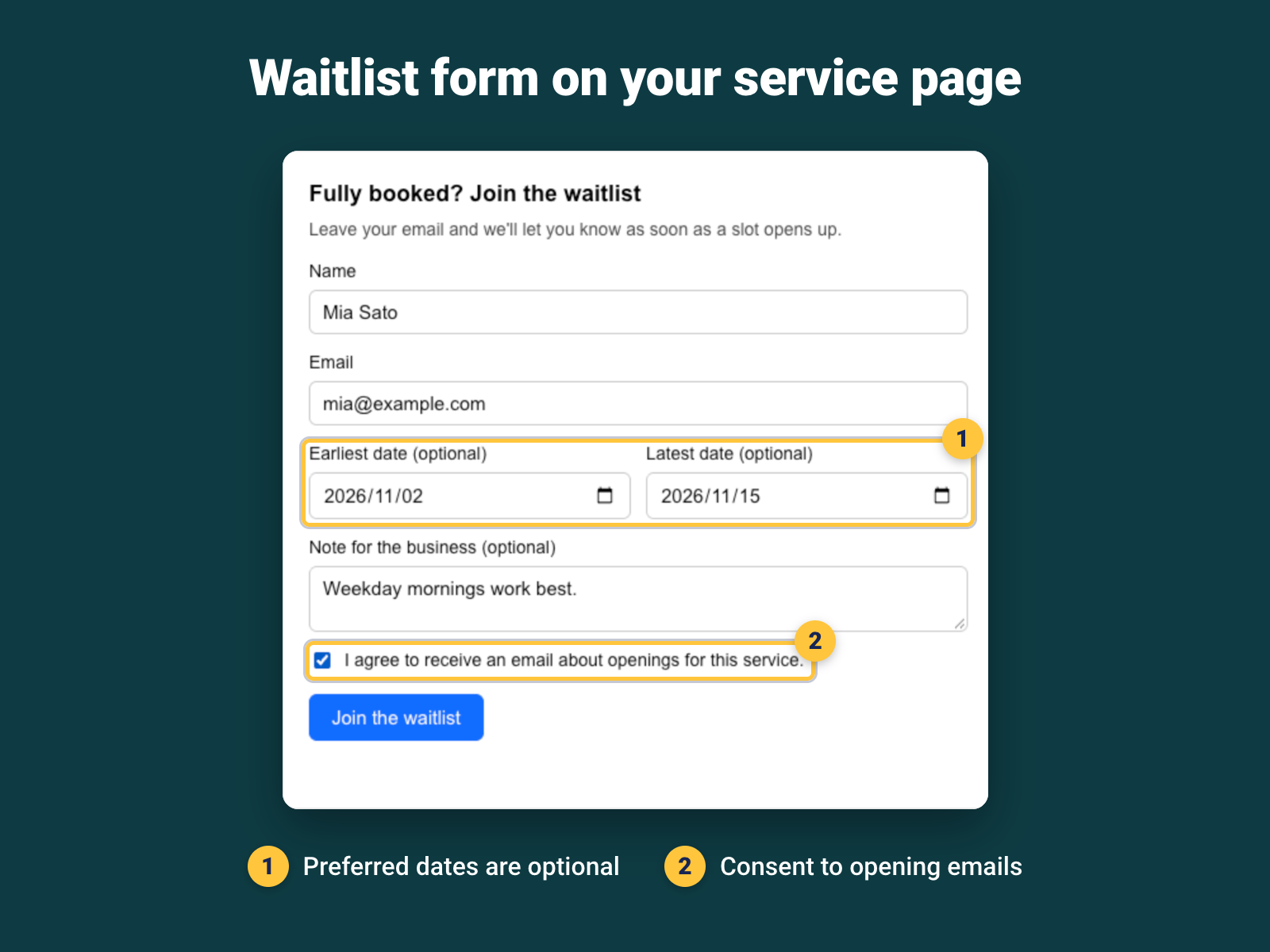
- Add a waitlist form to your service page for fully booked services
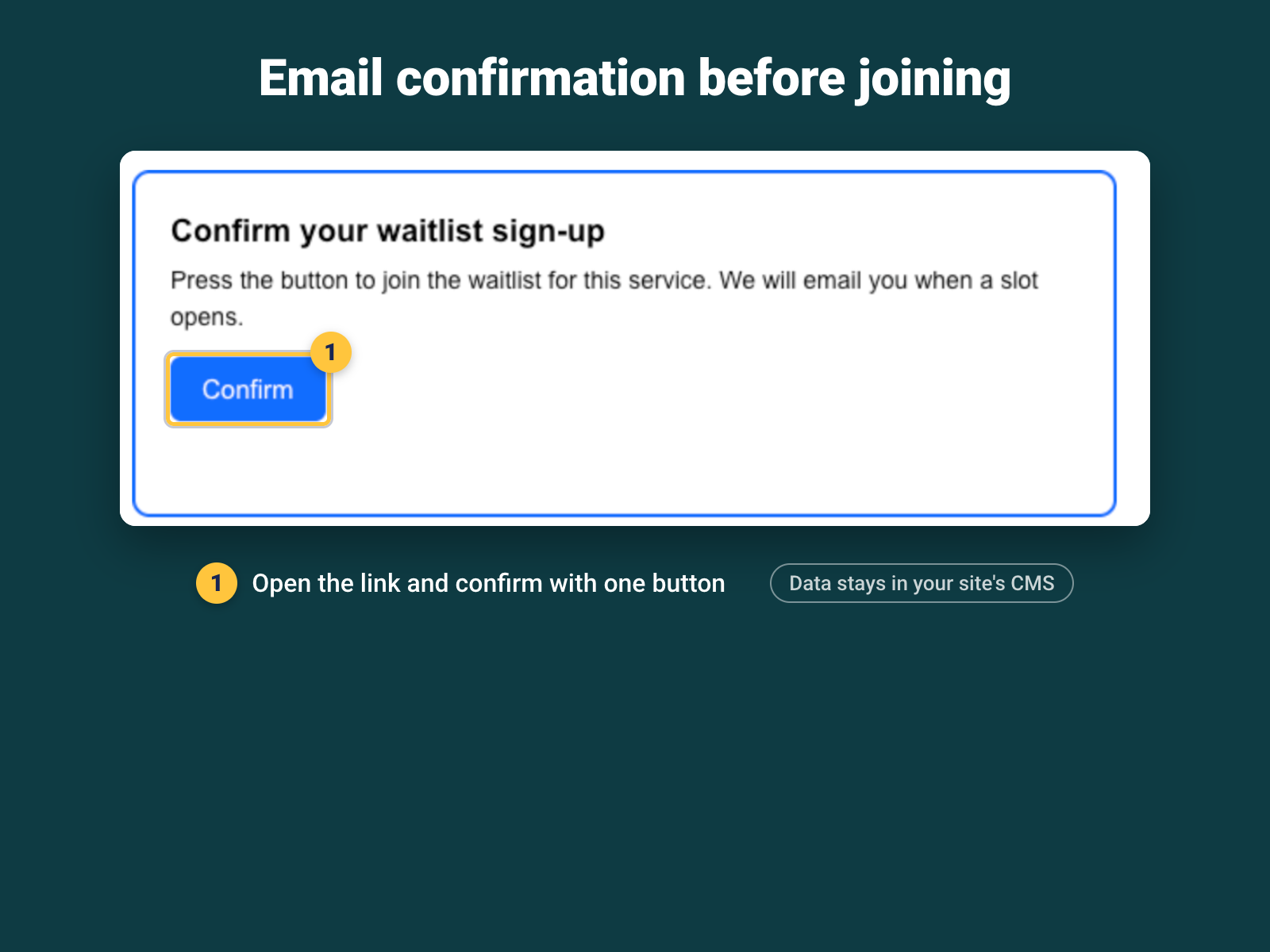
- Customers confirm by email before they are added to the waitlist
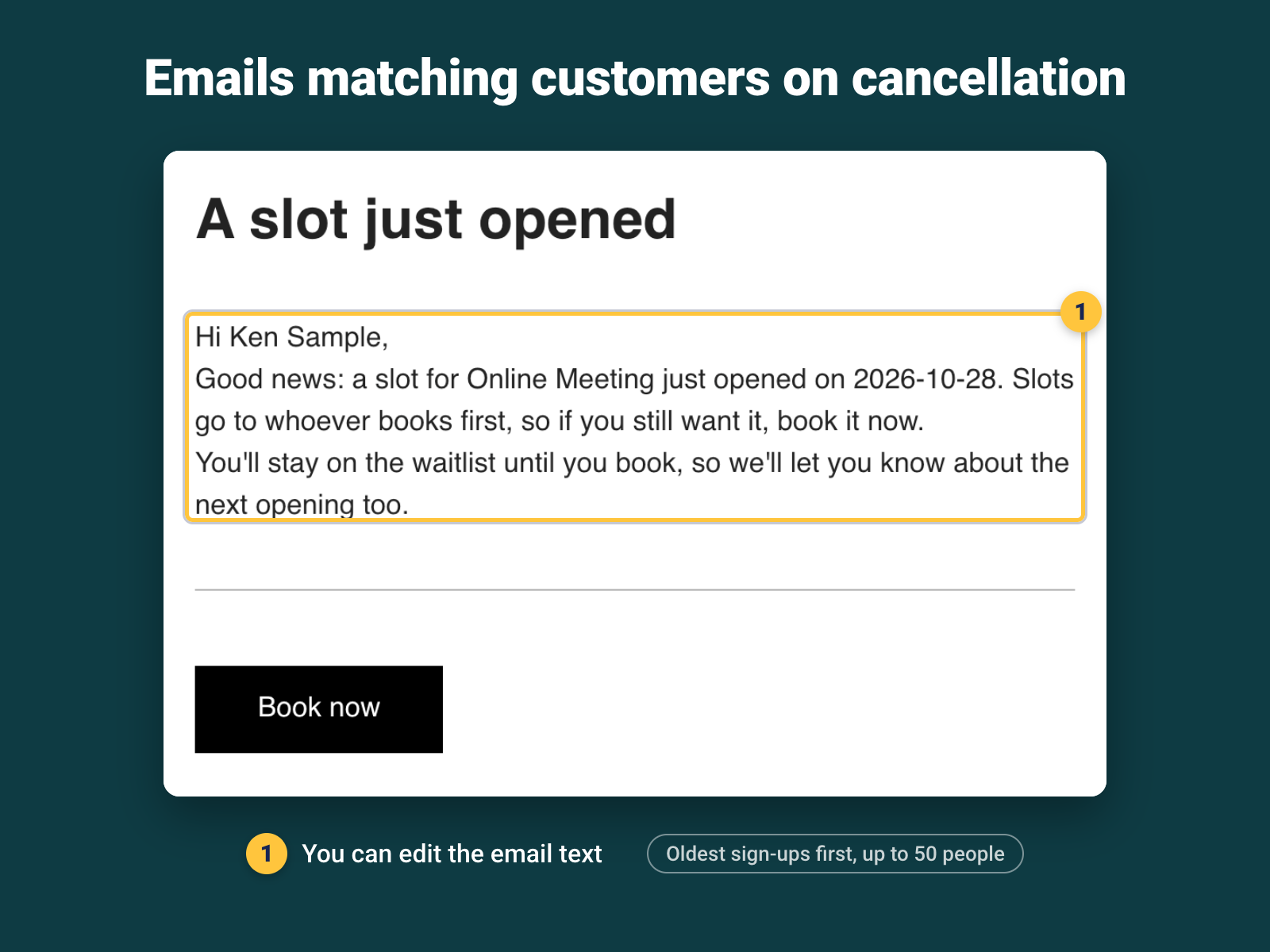
- When a booking is canceled, matching customers get an email
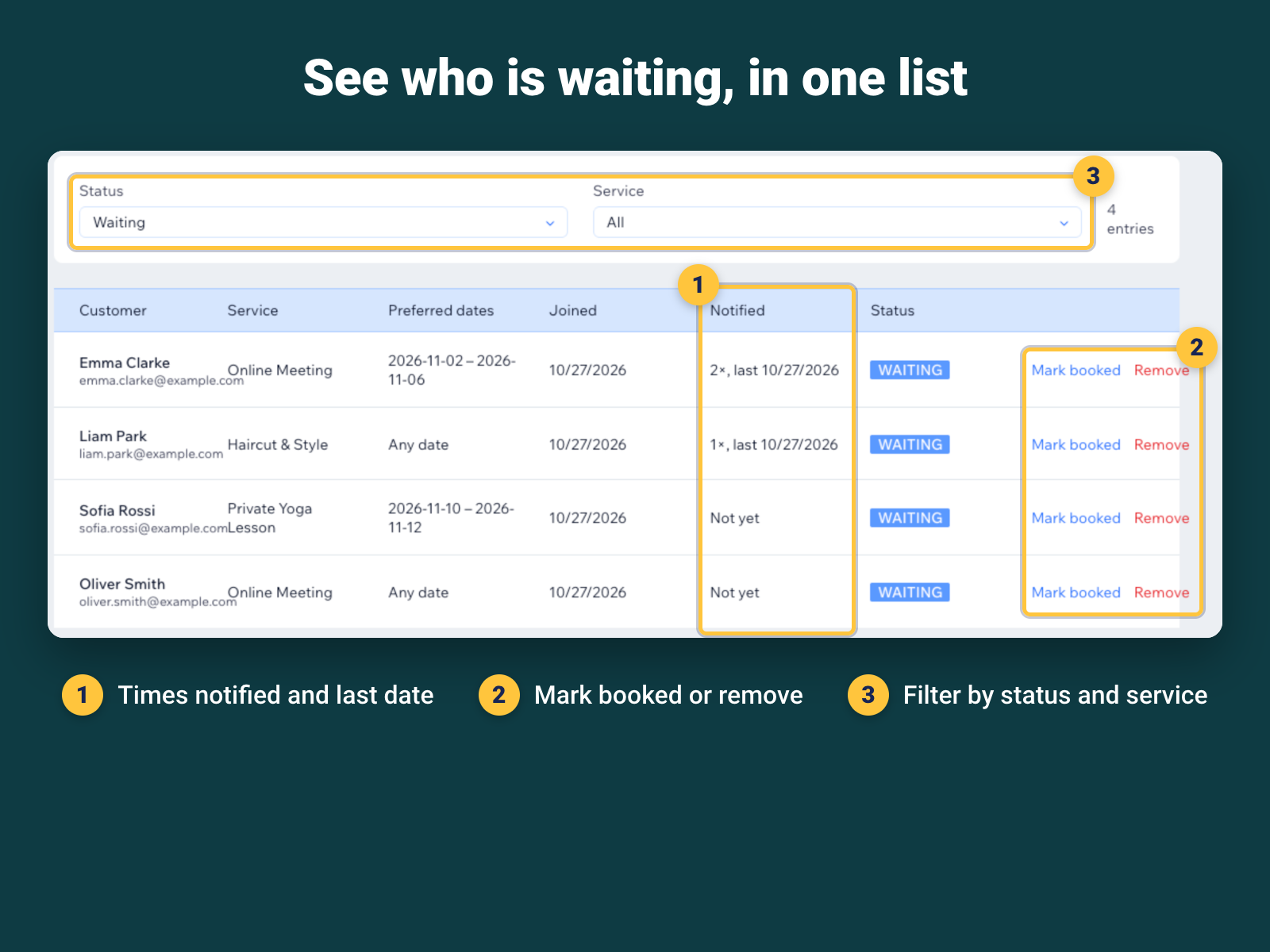
- See who is waiting, filter by status or service, mark as booked
Hodnocení & Recenze
Tato aplikace zatím nemá žádná hodnocení, buďte první, kdo ji ohodnotí.Ceny a plány
Tato aplikace nabízí 7denní zkušební verzi zdarma.Plán Pro
$
7
99
/měsíc
Waitlist form on service pages
Email confirmation for sign-ups
Auto email when a slot opens
Waitlist dashboard
* Cena je v USD.