

e‑shop
rezervace
Události
vyskakovat

- 40%
Right Click Protect Disable
od
Covers all the features you want
Zatím žádné hodnocení
7denní zkušební verze zdarma

Přehled – Right Click Protect Disable
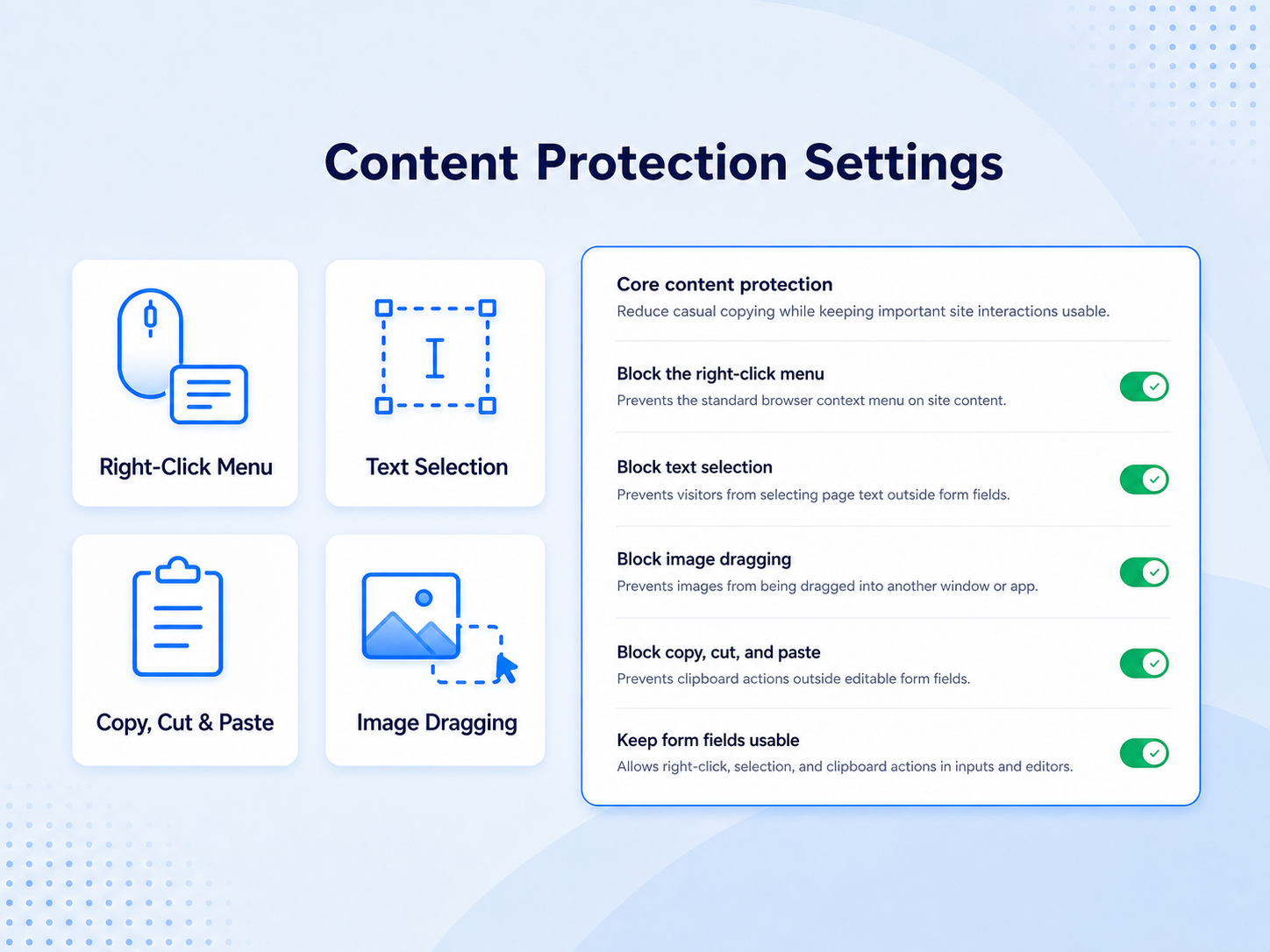
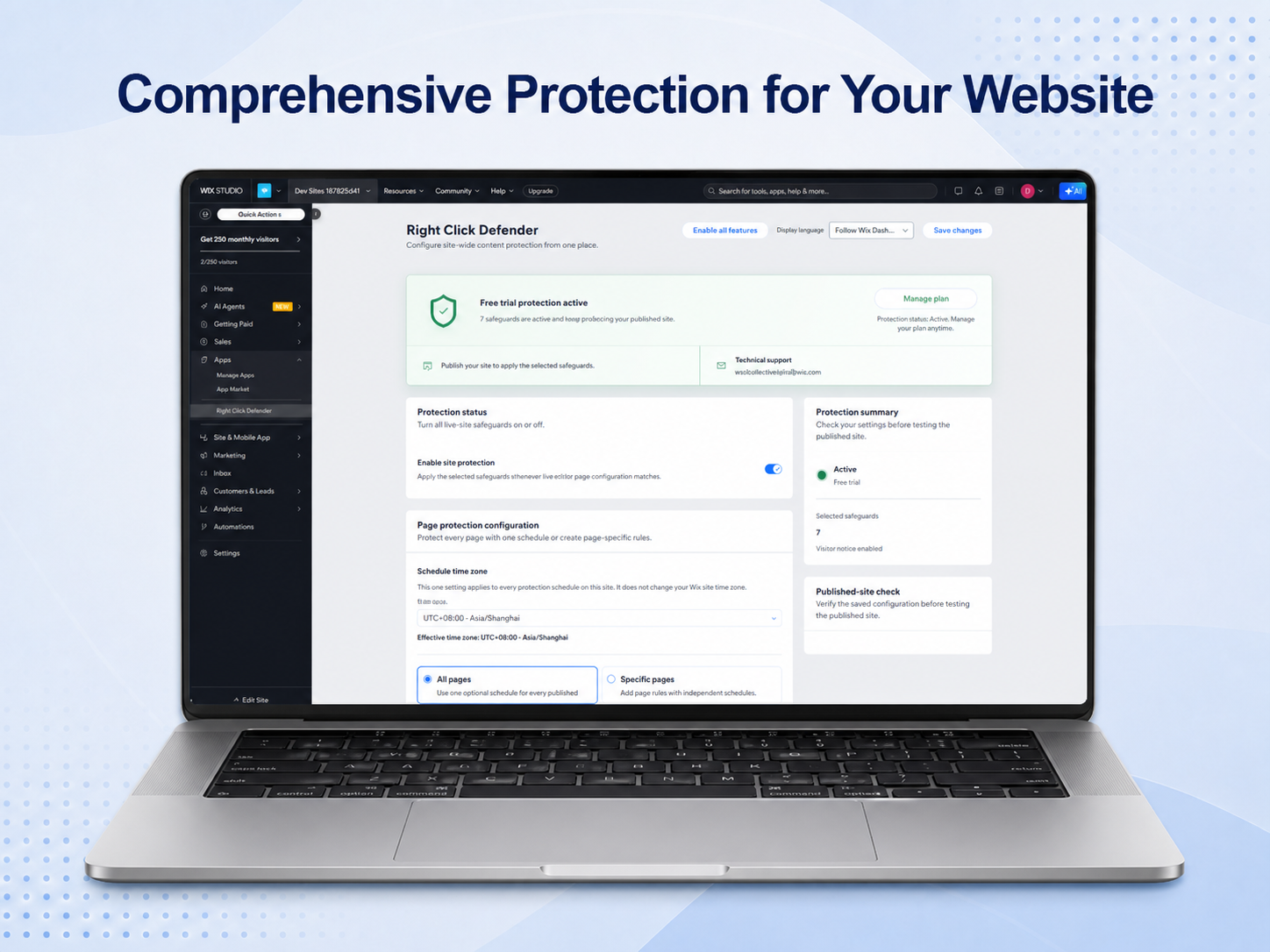
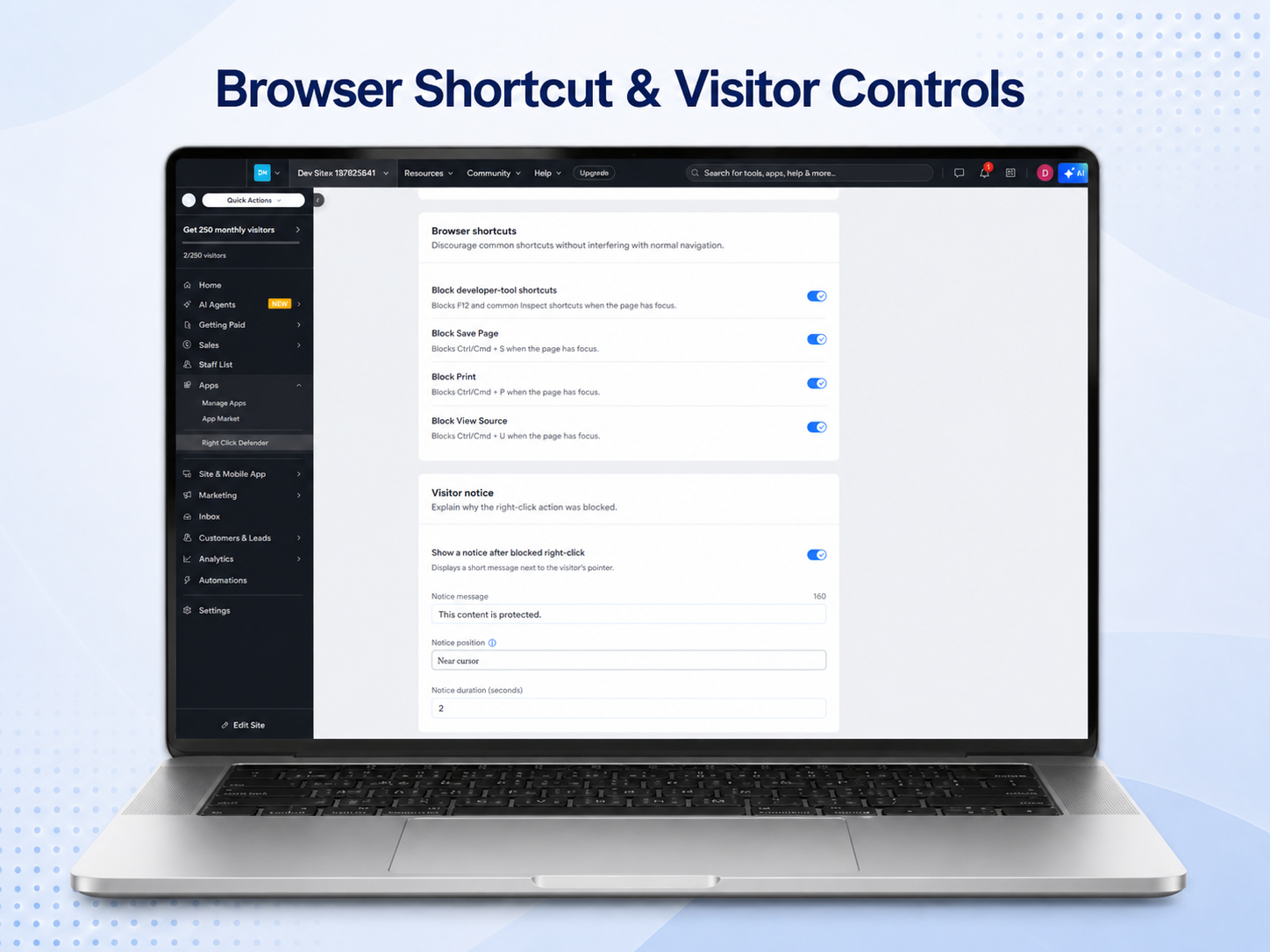
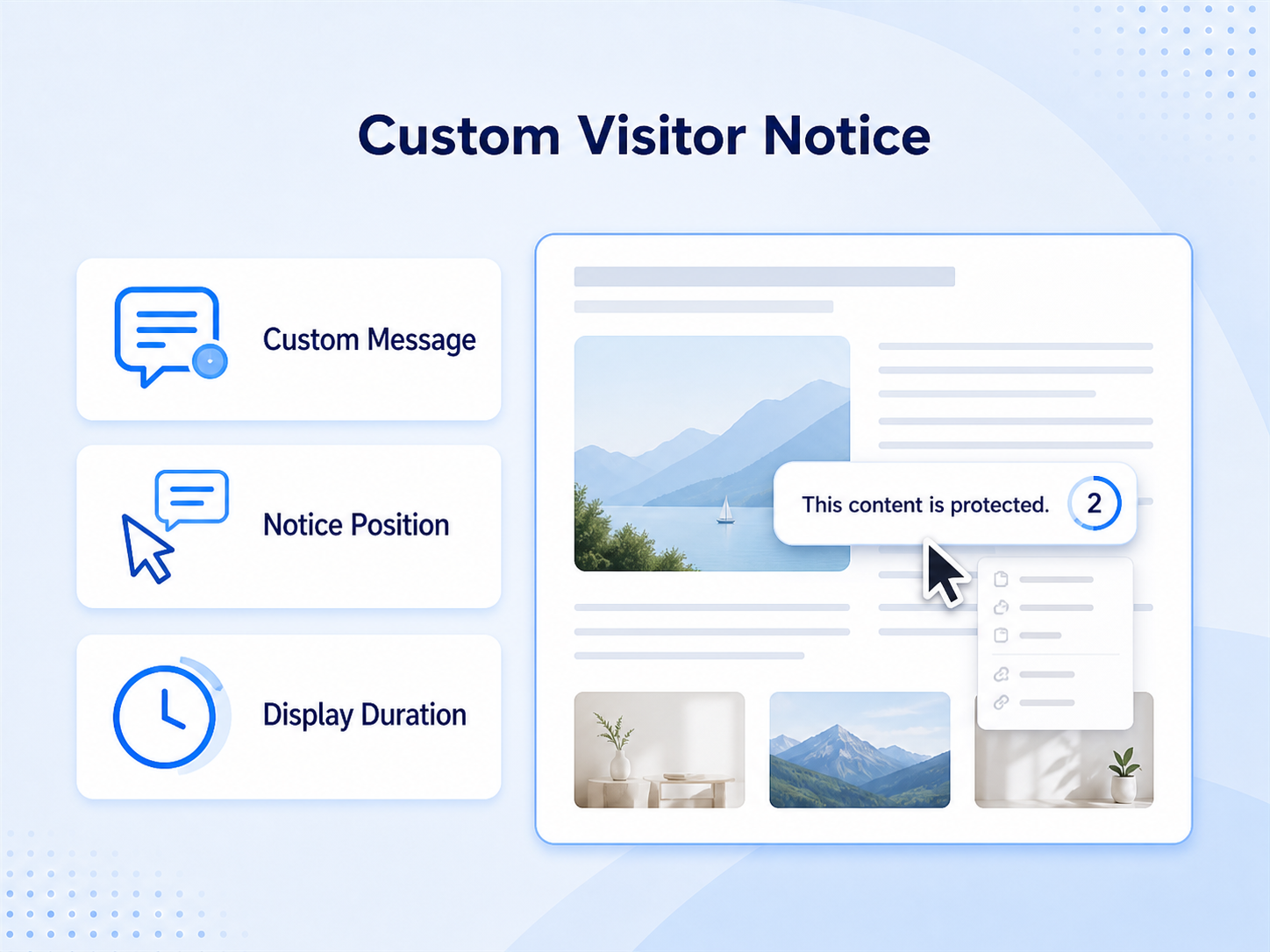
- Block right-click menus and show a custom visitor notice
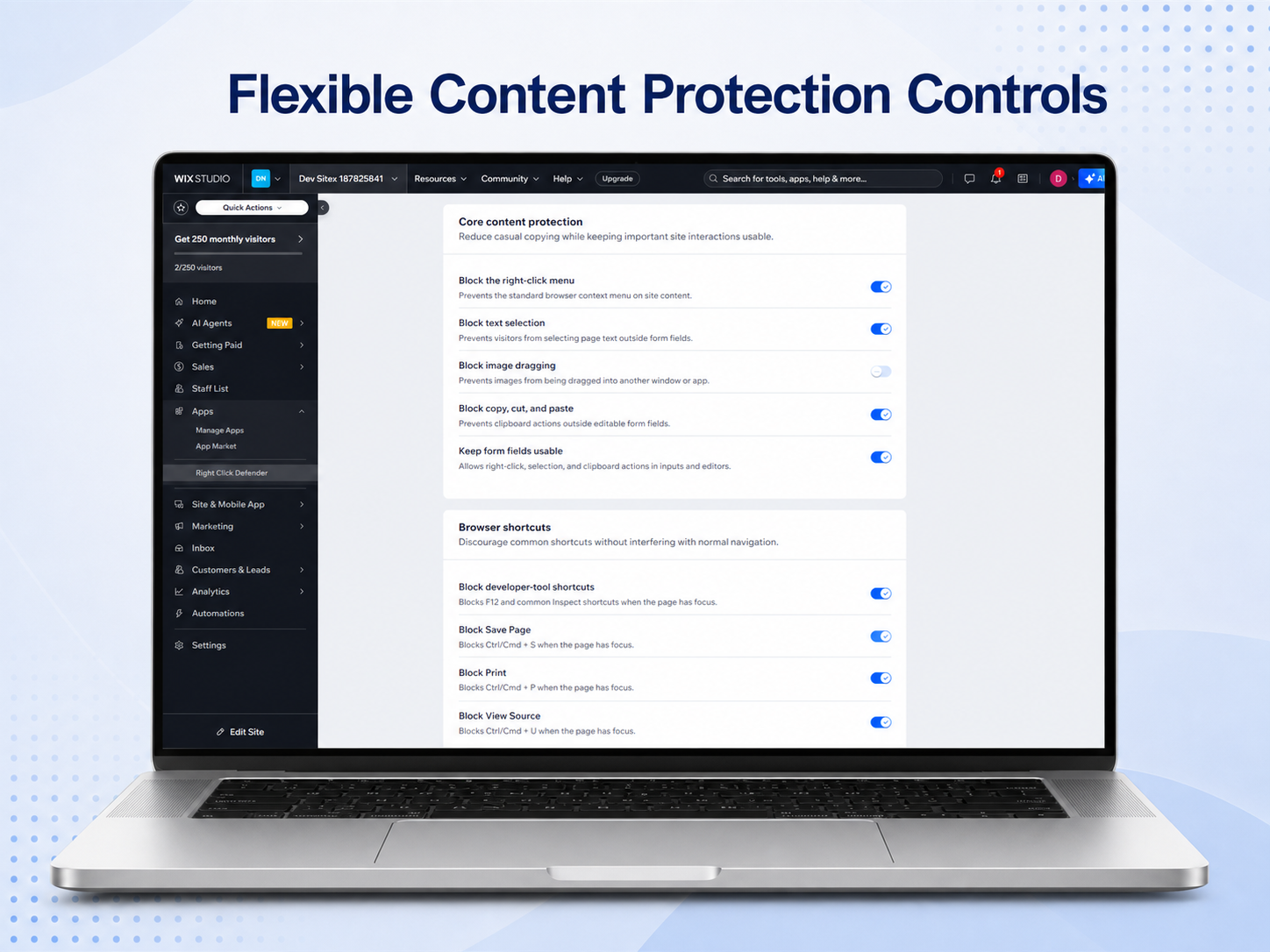
- Prevent text selection, image dragging, and clipboard actions
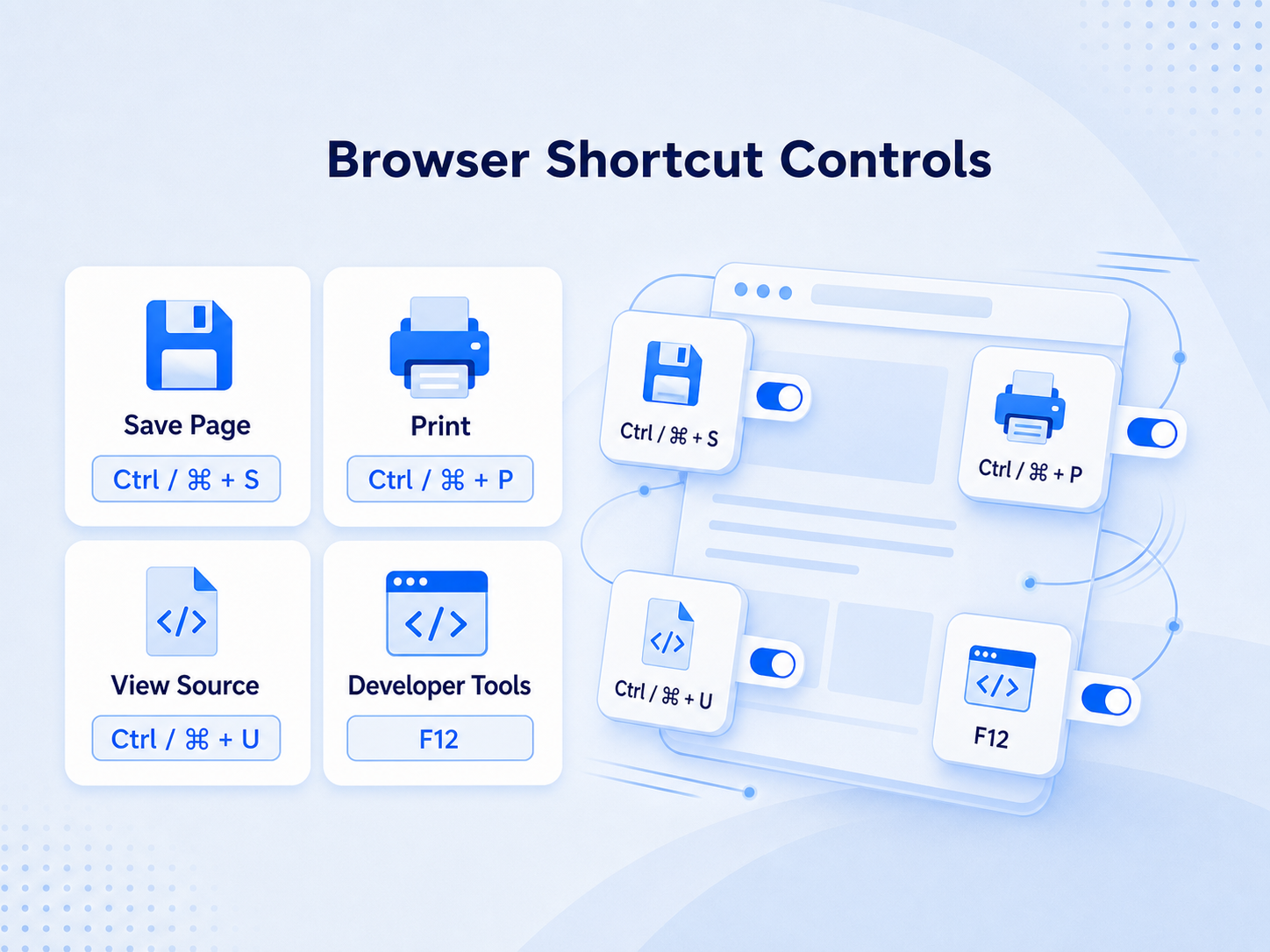
- Discourage common save, print, view-source, and developer shortcuts
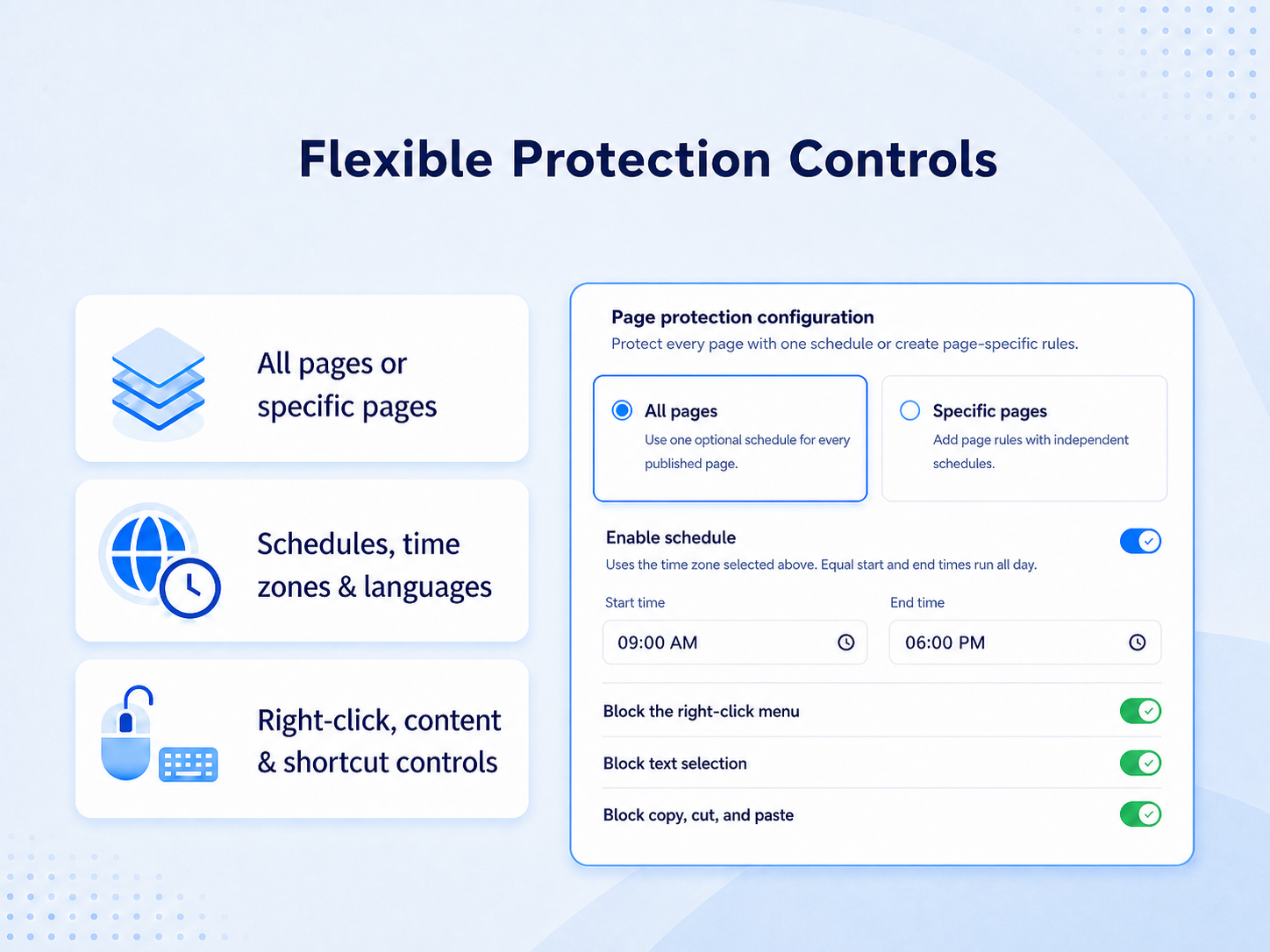
- Protect all pages or selected paths with optional schedules
Kategorie
Dostupnost:
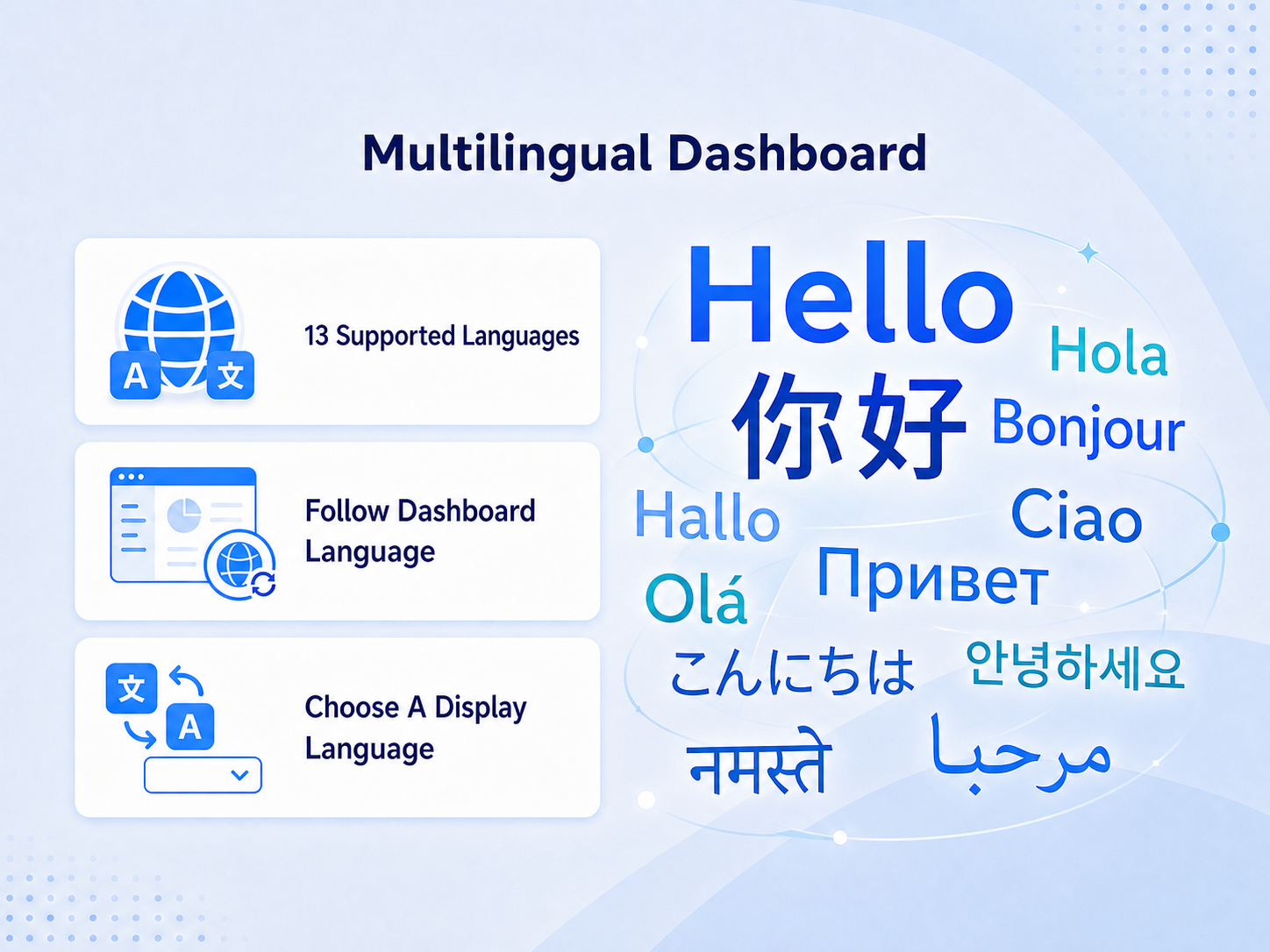
Tato aplikace je dostupná po celém světě.Jazyky aplikace:
Angličtina,
Arabština,
Čínština,
Francouzština,
Hindština,
Italština,
Japonština,
Korejština,
Němčina,
Portugaltšina,
Ruština,
Španělština
Doporučeno v
NT
Aplikaci vyvinulNext Dawn Technologies
Hodnocení & Recenze
Tato aplikace zatím nemá žádná hodnocení, buďte první, kdo ji ohodnotí.Ceny a plány
Tato aplikace nabízí 7denní zkušební verzi zdarma.Plán
- 40%
$
0
83
/měsíc
$139
Image Protection
Console protection
Text protection
Custom Activation Page
* Cena je v USD.
* Tato sleva platí do 14. října 2026 23:59 UTC. Vývojář aplikace si vyhrazuje právo kdykoli prodej ukončit a prodejní podmínky mohou podléhat změnám.