

e‑shop
rezervace
Události
vyskakovat

Cookie Banner: GDPR Consent
od
Cookie consent banner: accept, reject, customize
Zatím žádné hodnocení
Dostupné zdarma

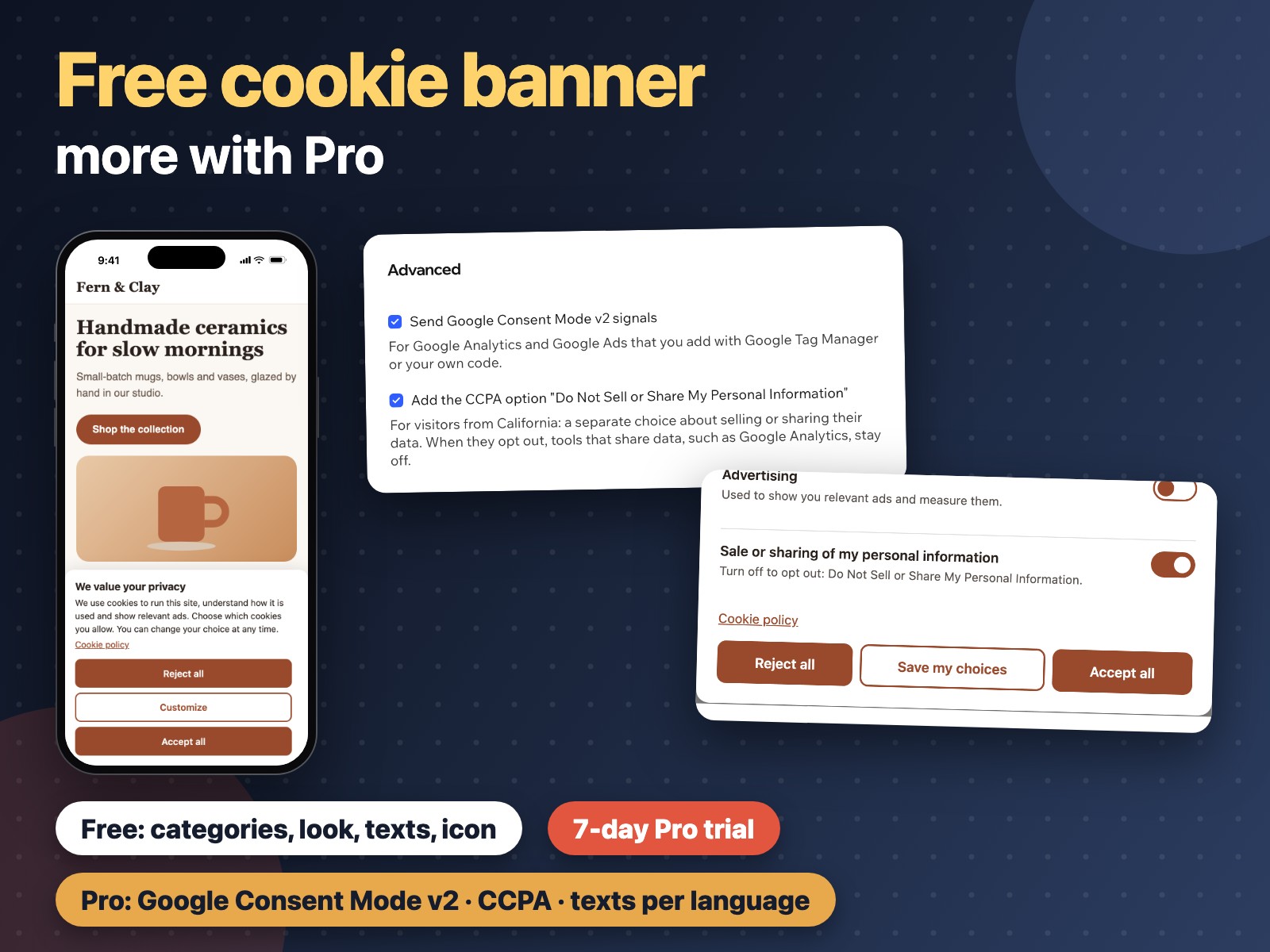
Přehled – Cookie Banner: GDPR Consent
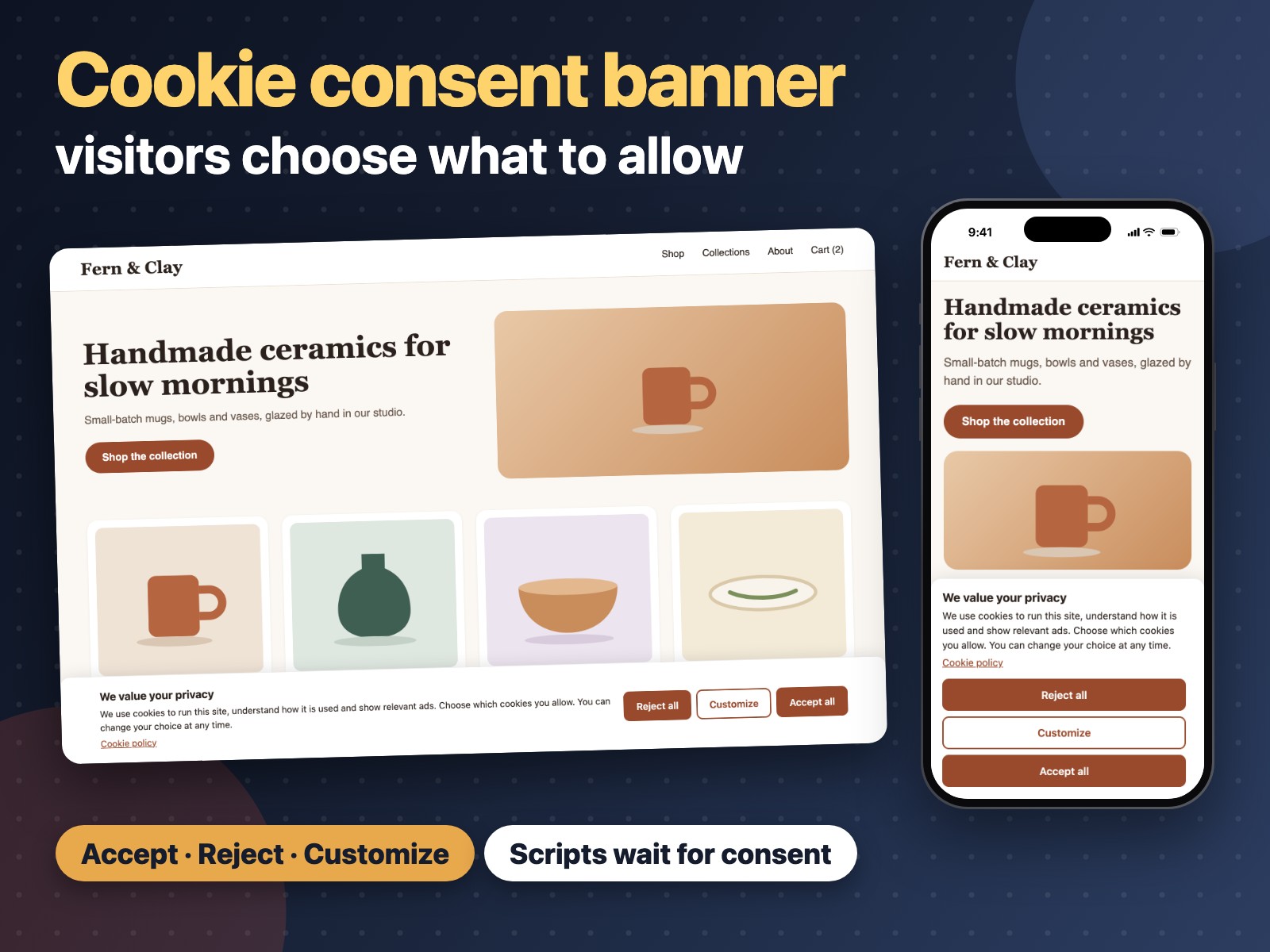
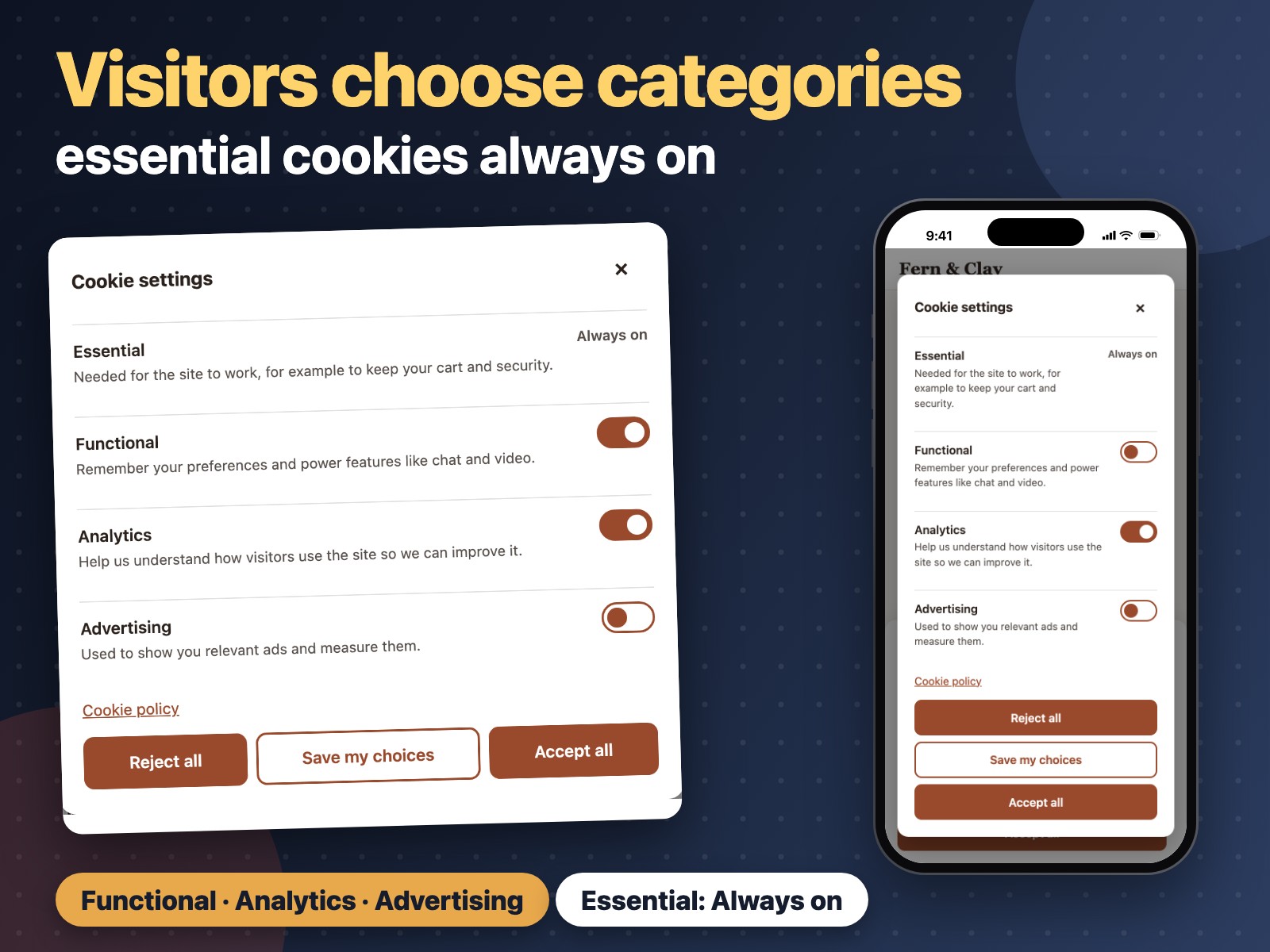
- Visitors accept, reject or choose cookie categories in one clear banner
- Analytics and ad tools on your site stay off until visitors agree
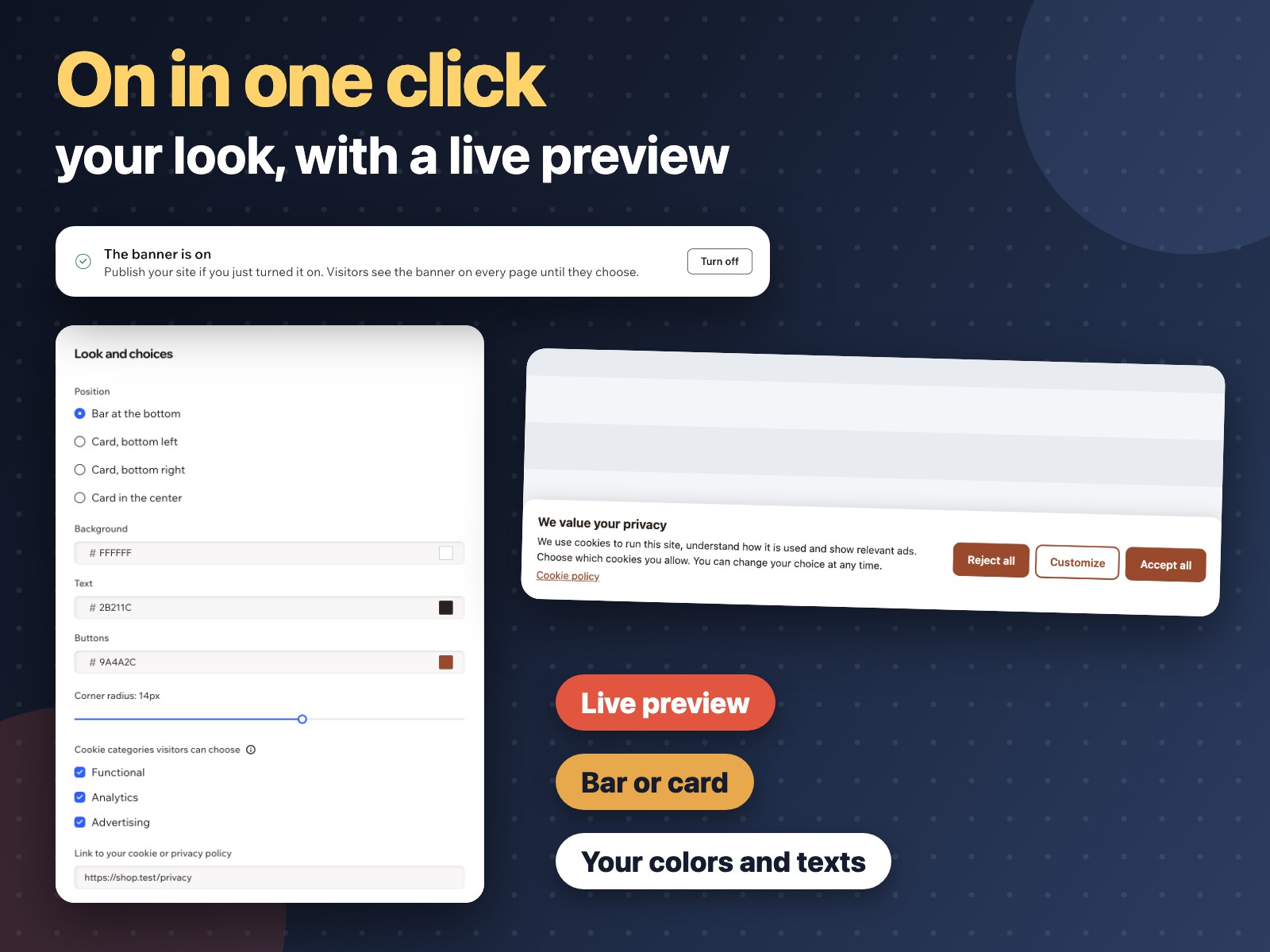
- Your position, colors, corners, texts and policy link, with a live preview
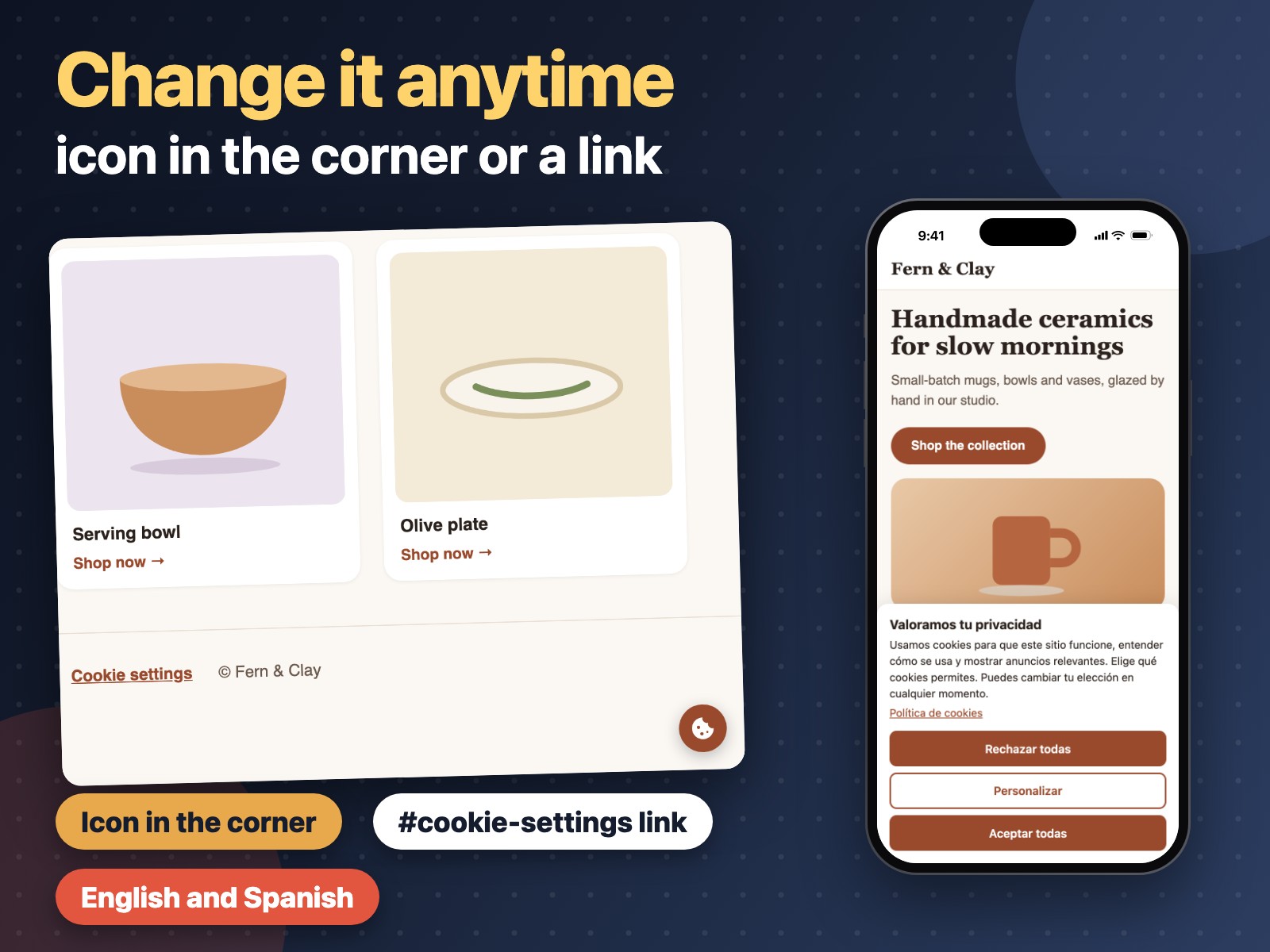
- Visitors change their choice later from a small icon or a link on your site
Hodnocení & Recenze
Tato aplikace zatím nemá žádná hodnocení, buďte první, kdo ji ohodnotí.Ceny a plány
Plán Free
Zdarma
Banner with cookie categories
Your colors, position and texts
Change-choice icon and link
Plán Pro
$
3
99
/měsíc
Google Consent Mode v2
CCPA Do Not Sell or Share option
Your texts for each language
Everything in the free plan
* Cena je v USD.